
TL;DR:
- The right projector app consolidates casting, remote control, and settings, improving user experience.
- Brand-specific apps like Epson iProjection offer reliable, low-latency control, ideal for home theaters.
- Universal apps are suitable for multi-brand setups but may face compatibility and lag issues.
Juggling three remotes just to watch a movie is nobody's idea of a relaxing night in. If you've ever missed the opening scene because your phone wouldn't cast to the projector, or lost a gaming match because of lag from a clunky screen mirror app, you already know the pain. The right projector app changes everything. It puts casting, remote control, and display settings into one place on your phone. This guide walks you through how to choose the best app, reviews the top options available in Malaysia, compares them side by side, and helps you find the perfect match for your home theater or gaming setup.
Table of Contents
- How to choose a projector app for your home
- Best projector apps for home use in Malaysia
- Universal projector remote and screen mirroring apps: All-in-one control
- Comparing projector apps: Which is right for your home?
- A smarter approach to projector apps for Malaysian homes
- Ready to level up your home projector? Explore top screens, accessories, and guides
- Frequently asked questions
Key Takeaways
| Point | Details |
|---|---|
| App choice matters | Selecting the right projector app transforms movie nights and gaming by making control and casting effortless. |
| Brand apps integrate best | Manufacturer-specific apps offer smoother performance but are limited to their respective projectors. |
| Universal apps fit mixed setups | Universal remotes and screen mirroring apps work well for multi-brand or older devices but may include ads. |
| User scenario determines best pick | Match your app to how you use your projector, whether it's family movies, solo gaming, or streaming with friends. |
How to choose a projector app for your home
Picking a projector app is not just about downloading the first result on Google Play. Your home setup has specific needs, and the wrong app will frustrate you more than the remote it was supposed to replace.
Start by identifying what you actually need the app to do. Most home users want at least one of these core functions:
- Wireless casting or screen mirroring from phone to projector
- Remote control for adjusting settings, switching inputs, or navigating menus
- Brand compatibility with your specific projector model
- Low-latency performance for action movies and gaming
- Easy setup without complex network configurations
Low latency matters more than most people realize. When you're watching a fast-paced action film or playing a competitive game, even a 200ms delay between your device and the projected image feels off. For mini projector screen mirroring, latency is often the deciding factor between a smooth experience and a frustrating one.
Brand-specific apps are almost always the smoothest option if you own a projector from a major manufacturer. The Epson iProjection app is a great example: it offers reliable, brand-specific control and mirroring with minimal latency via Wi-Fi, QR code pairing, and Bluetooth. The trade-off is that it only works with Epson projectors. If you own multiple brands or have an older unit, you'll need to look elsewhere.
Universal apps fill that gap, but with caveats. Universal remote apps have mixed reviews due to ads and compatibility issues, and non-smart projectors require a phone with an IR blaster to work at all. Many newer smartphones have dropped the IR blaster entirely, which makes these apps useless for older projectors unless you use Wi-Fi-based control.
For Malaysians specifically, a few practical filters help narrow the choice:
- Check that the app has been updated within the last six months
- Look for a rating of 4.0 or higher on Google Play or the App Store
- Confirm English language support and Android/iOS version compatibility
- Read recent reviews for mentions of bugs or connection drops
Pro Tip: Before committing to any app, check your projector's manual for officially recommended apps. Manufacturers often list compatible software that works out of the box with your exact model, saving you hours of troubleshooting.
For a deeper look at wireless options, the wireless screen mirroring guide covers network setup and device pairing in detail.
Best projector apps for home use in Malaysia
With your criteria in mind, here are the top projector apps Malaysians rely on for home theaters.
Brand-specific apps consistently outperform generic alternatives in real-world testing. Three stand out for Malaysian home users:
| App | Platform | Rating | Key feature |
|---|---|---|---|
| Epson iProjection | Android/iOS | 3.8/5 | Mirror up to 4 screens simultaneously |
| Panasonic Smart Projector Control | Android | 3.5/5 | Wi-Fi and USB control, Android 9+ |
| BenQ SmartRemote | Android/iOS | 3.6/5 | Bluetooth streaming and input control |
The Epson iProjection app enables wireless screen mirroring, PDF and photo projection, and full projector remote control, supporting up to 50 connected devices. That last feature is genuinely useful for family movie nights where everyone wants to share content from their own phone.
The Panasonic Smart Projector Control app lets you control compatible projectors via Wi-Fi or USB and requires Android 9 or higher. It's straightforward, reliable, and ideal if you already own a Panasonic unit.
The BenQ SmartRemote app ties into BenQ projectors via Bluetooth and focuses on streaming control and input switching. It's a solid companion for BenQ users who want quick access without navigating on-screen menus.
Here's a quick breakdown of each for movies versus gaming:
- Epson iProjection: Great for movies (multi-screen sharing), decent for gaming if latency is optimized on your network
- Panasonic Smart Projector Control: Better for movies and presentations; less optimized for fast gaming
- BenQ SmartRemote: Good for both, especially with BenQ's gaming-focused projector models
Pro Tip: Connect your phone and projector to the same 5GHz Wi-Fi band rather than 2.4GHz. The 5GHz band handles more data with less interference, which noticeably reduces casting lag during intense gaming sessions.
If you're exploring the wireless capabilities of Epson models specifically, Epson wireless projector features breaks down exactly what each model supports.
Universal projector remote and screen mirroring apps: All-in-one control
If your setup involves multiple brands or older gear, universal apps and screen mirroring might be your best bet.
Universal remote apps like FFTools and Universal Projector Remote support IR and Wi-Fi for multiple brands, though ads and compatibility vary widely between devices. They work best when your phone has a built-in IR blaster and your projector is a recognized model in the app's database.
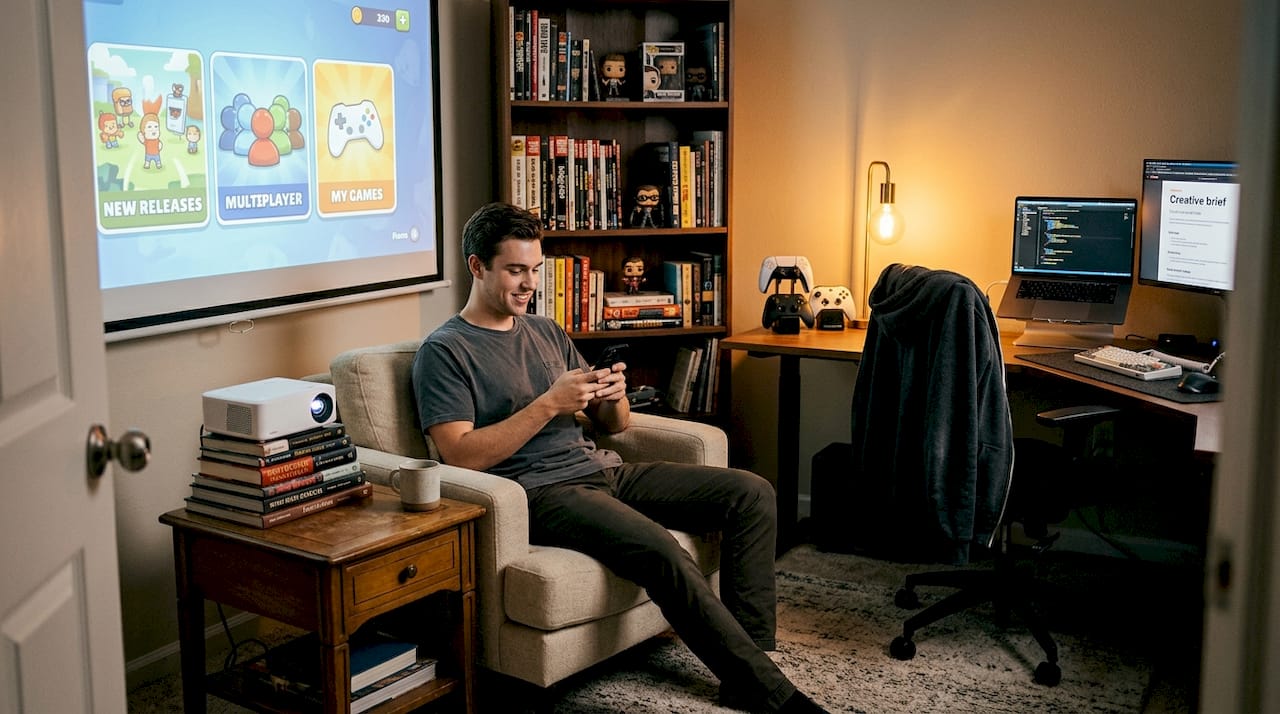
ApowerMirror takes a different approach. Instead of acting as a remote, it focuses on casting your phone screen to any display, including projectors, via Wi-Fi or USB. It's particularly useful for renters, families with mixed devices, and anyone who just wants a simple plug-and-play casting solution.
Scenarios where universal or mirroring apps genuinely shine:
- Travel setups: Portable projectors paired with a mirroring app need no extra hardware
- Multi-brand homes: One app controls projectors from different manufacturers
- Gaming nights with friends: Quick screen share from any guest's phone without app installs
- Older projectors: Wi-Fi-based mirroring bypasses the need for smart features
Warning: Universal apps often struggle with older or non-smart projectors that lack Wi-Fi. If your projector only has HDMI and VGA inputs, no app will connect wirelessly without an external adapter. Always verify your projector's connectivity before downloading.
For a practical walkthrough of connecting your phone to any projector model, the guide on how to mirror phone to projector covers both wired and wireless methods.
Pro Tip: If your phone lacks an IR blaster and your projector isn't Wi-Fi enabled, a small HDMI wireless adapter (like a Chromecast or similar dongle) plugged into your projector's HDMI port turns it into a smart display instantly. Then any casting app works without limitations.
For more on wireless casting options, the wireless mirroring projector guide is worth bookmarking.
Comparing projector apps: Which is right for your home?
With several strong options, here's a side-by-side look at which projector apps excel in real Malaysian homes.
| App | Integration | Latency | Ad-free | Update frequency | Best for |
|---|---|---|---|---|---|
| Epson iProjection | Brand-specific | Low | Yes | Regular | Family movie nights |
| Panasonic Smart Projector Control | Brand-specific | Low | Yes | Regular | Movie/presentation |
| BenQ SmartRemote | Brand-specific | Low | Yes | Regular | Gaming + streaming |
| FFTools Universal Remote | Multi-brand | Medium | No | Occasional | Multi-brand homes |
| ApowerMirror | Universal | Medium | Freemium | Regular | Casual casting |
| Projectivy Launcher | Smart projectors | Low | Yes | Active | Custom home screen |
Projectivy Launcher deserves special mention. It offers ad-free home screen customization and display calibration specifically tuned for gaming and movies. It's not a remote app but a full launcher replacement for Android-based projectors, giving you a cleaner, faster interface than most factory defaults.
Here's how we'd rank apps for three common Malaysian home scenarios:
- Solo movie watcher: Epson iProjection (if you own Epson) or ApowerMirror for brand-agnostic casting
- Competitive gamer: BenQ SmartRemote or Projectivy Launcher for low-latency, optimized display control
- Family streaming hub: Epson iProjection, which supports up to 4 simultaneous screens, making it ideal for everyone sharing content at once
App update frequency matters more than most buyers consider. An app that hasn't been updated in over a year is likely to break with new Android or iOS versions, leaving you stranded mid-movie. Stick with apps that show active development and responsive support.
For Malaysians living in apartments or condos, best apartment projector choices pairs well with this app comparison to help you match software to the right hardware for your space.
A smarter approach to projector apps for Malaysian homes
Here's something most setup guides won't tell you: the majority of projector owners never move past the basic remote function. They download the manufacturer app, use it to turn the projector on and off, and call it done. That's leaving a lot of value on the table.
The real power of these apps comes from calibration and casting. Spending 10 minutes adjusting color temperature, keystone correction, and input settings through the app produces a noticeably better picture than factory defaults. Most people assume that only expensive setups support these smart features, but even mid-range projectors from Epson or BenQ include app-accessible calibration tools that rival what you'd find on premium displays.
Network hiccups are the most common frustration we hear about. Nine times out of ten, a dropped connection or laggy cast traces back to the projector and phone being on different network bands or a crowded 2.4GHz channel. Fixing that one setting resolves most issues without any app reinstalls.
Don't be afraid to experiment with free versions of launchers and mirroring apps before committing to a paid tier. The projector accessories guide also shows how the right screen surface and audio setup amplify everything the app delivers.
Ready to level up your home projector? Explore top screens, accessories, and guides
You've seen how apps unlock new experiences, but the right hardware and know-how make them shine.

The best projector app in the world still needs a quality screen to deliver the image it promises. At ProjectorDisplay.com, we carry a full range of projection screen types designed for Malaysian homes, from compact pull-down screens to fixed-frame options built for serious home theaters. Pair that with the right cables, mounts, and accessories from our must-have projector accessories guide, and your setup goes from decent to genuinely impressive. Browse our current projector deals for the latest offers on projectors and screens shipped fast across Peninsular Malaysia.
Frequently asked questions
What features should I look for in a home projector app?
Prioritize wireless casting, remote control, brand compatibility, and low-latency performance. Manufacturer apps excel in seamless integration and are the safest starting point for smooth movies and gaming.
Are universal projector remote apps reliable with all brands?
They cover many brands but often come with ad interruptions and inconsistent support for older or non-smart models. Universal remote apps work best when your phone has an IR blaster and your projector is in the app's database.
Which app is best for gaming on a projector?
Apps with low-latency mirroring or brand-specific solutions perform best for gaming. ApowerMirror supports smooth casting that keeps input lag minimal during fast-paced gameplay.
Can I use these apps on any smartphone in Malaysia?
Most apps support both Android and iOS, but always check version requirements before installing. Panasonic's app requires Android 9 or higher, and similar restrictions apply across other manufacturer apps.
Is it safe to connect my projector and phone via these apps?
Yes, as long as you download from official sources and use a secure home Wi-Fi network. Official apps like Epson iProjection follow standard security practices and do not require unusual device permissions.
Recommended
- 7 Best Home Theater Projector Tips for Ultimate Viewing – Projector Display
- Level up your gaming: how projectors transform your experience – Projector Display
- 7 Top Home Theater Projectors for Immersive Viewing – Projector Display
- Home Theater Projector Setup: Achieve the Ultimate Viewing Experience – Projector Display