

{
“@type”: “Article”,
“author”: {
“url”: “https://projectordisplay.com”,
“name”: “Projector Display”,
“@type”: “Organization”
},
“@context”: “https://schema.org”,
“headline”: “Best Wireless Screen Mirroring Projector Guide 2025”,
“publisher”: {
“url”: “https://projectordisplay.com”,
“name”: “Projector Display”,
“@type”: “Organization”
},
“inLanguage”: “en”,
“articleBody”: “Discover the top wireless screen mirroring projector choices for homes, offices, and schools in Malaysia. Learn features, setup tips, and buying advice.”,
“description”: “Discover the top wireless screen mirroring projector choices for homes, offices, and schools in Malaysia. Learn features, setup tips, and buying advice.”,
“datePublished”: “2025-07-20T07:43:31.502Z”,
“mainEntityOfPage”: “https://projectordisplay.com/wireless-screen-mirroring-projector-guide-2025”
}
Wireless screen mirroring projectors are changing how we connect our screens and share content, wiping out the old mess of tangled cables. It sounds simple, right? Actually, some projectors can now beam crisp 4K and even 8K video over Wi-Fi, no wires required. This is not just about convenience anymore—these new projectors come packed with machine learning and smart features that predict your needs and make setup feel almost automatic, taking wireless sharing to a whole new level.
Table of Contents
- Understanding Wireless Screen Mirroring Projectors
- Key Features And Top Brands For 2025
- Setup Tips For Home, Office, And Classroom
- Choosing The Right Projector For Your Needs
Quick Summary
| Takeaway | Explanation |
|---|---|
| Wireless Screen Mirroring Simplifies Connectivity | Wireless screen mirroring projectors eliminate the need for traditional cables, allowing users to project content directly from their devices using technologies like Miracast and various streaming protocols. |
| Key Features to Consider When Selecting a Projector | Focus on resolution capabilities, latency performance, connection range, and security protocols to ensure optimal projector selection for your needs. |
| Network Preparation is Crucial for Performance | Establish a stable 5 GHz Wi-Fi connection and minimize network congestion to enhance wireless screen mirroring success, especially in business or educational settings. |
| Smart Technology Enhances User Experience | Latest projectors offer smart features such as built-in operating systems and enhanced security, positively impacting user convenience and future compatibility. |
| Tailor Your Selection to Specific Use Cases | Consider performance metrics like brightness, resolution, and connectivity options based on the projector's intended environment, whether for home, office, or educational settings. |
Understanding Wireless Screen Mirroring Projectors
Wireless screen mirroring projectors represent a transformative technology that eliminates the complexity of traditional cable connections. These advanced devices allow users to seamlessly project content from smartphones, tablets, laptops, and other compatible devices without the hassle of physical wiring.
How Wireless Screen Mirroring Works
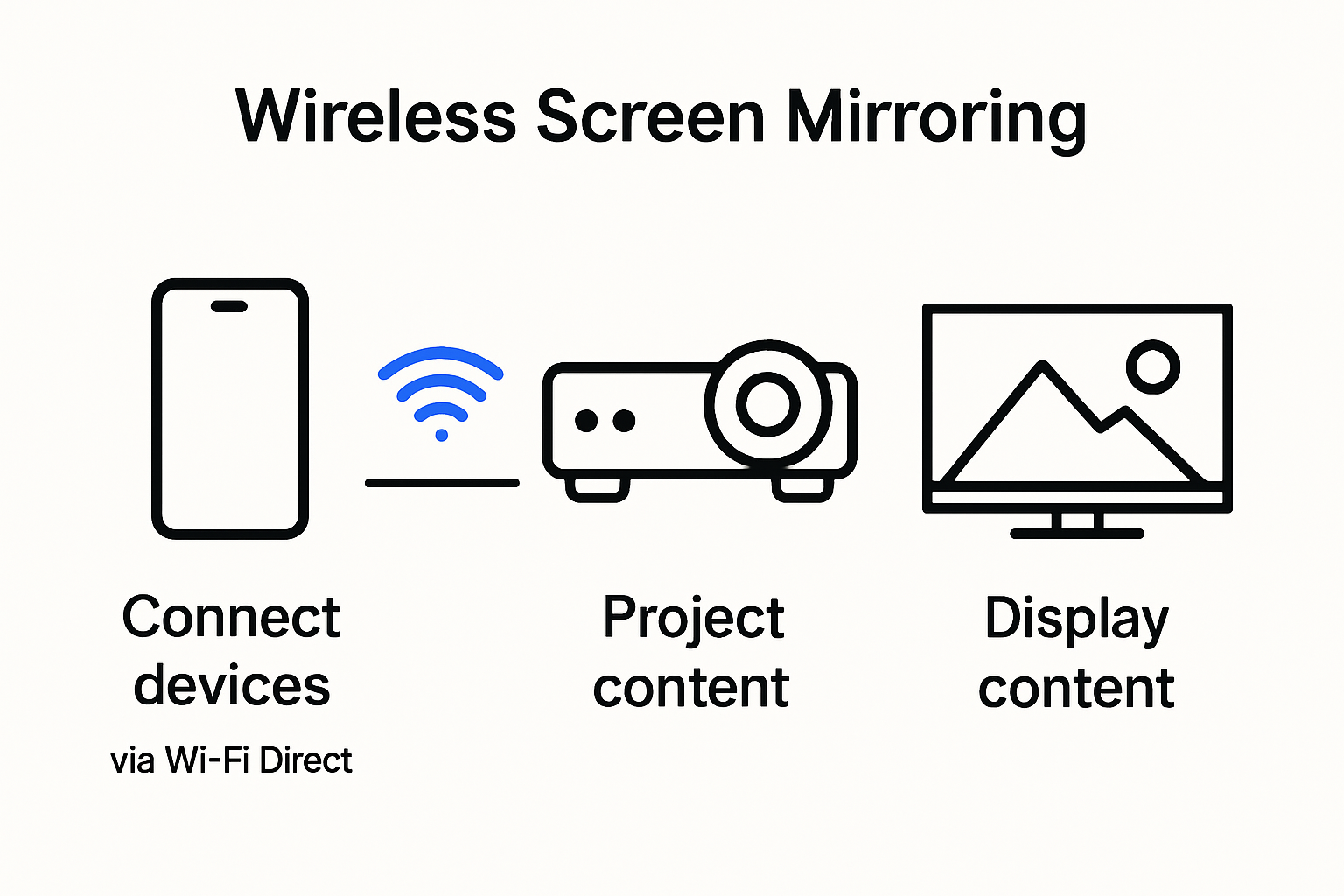
At its core, wireless screen mirroring relies on sophisticated wireless communication protocols that transmit visual and audio signals between devices. Miracast technology enables direct peer-to-peer connections using Wi-Fi Direct, creating a secure transmission pathway that supports high-definition video and audio streaming. According to Microsoft's wireless projection guidelines, successful wireless mirroring requires sophisticated hardware and software integration involving graphics processors, media encoders, and robust wireless networking components.
The transmission process involves several critical steps. First, the source device establishes a wireless connection with the projector, typically through Wi-Fi Direct or network-based protocols. Then, the device's screen content is compressed and transmitted in real-time, allowing instantaneous display on the larger projection surface. This technology supports various resolutions, with many modern wireless screen mirroring projectors capable of handling full HD (1080p) and even 4K content.
Practical Applications and Benefits
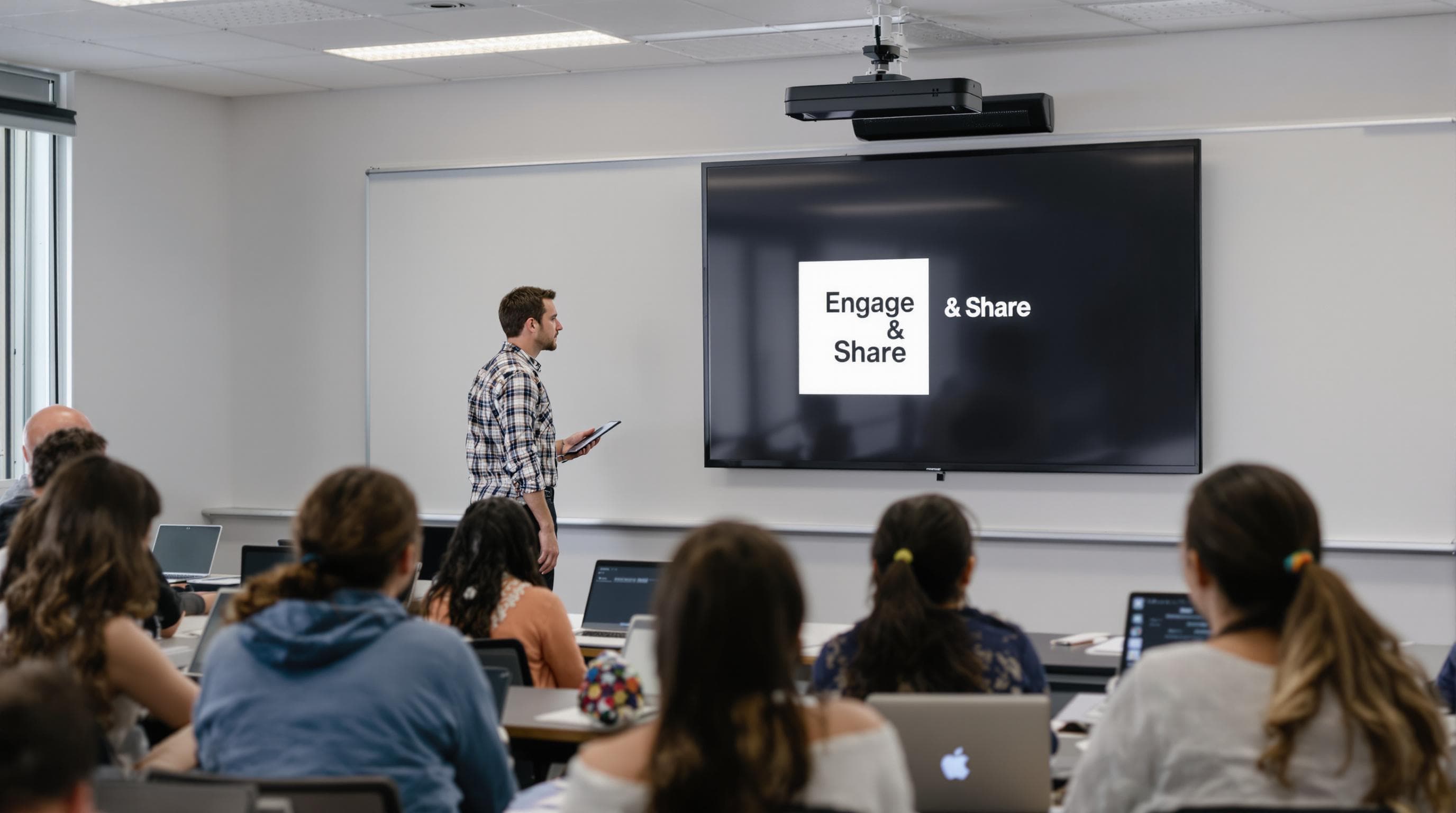
Wireless screen mirroring projectors have revolutionized presentation and entertainment experiences across multiple domains. In educational settings, as explored by the University of Miami's Academic Technologies department, these devices enable dynamic, flexible classroom interactions. Educators can effortlessly share content from their devices, promoting more interactive and engaging learning environments.
Business professionals benefit from the technology's simplicity and efficiency. During meetings, presenters can quickly switch between multiple devices without complicated cable swapping. Home entertainment enthusiasts appreciate the convenience of streaming content directly from smartphones or tablets to a large projection screen, creating immersive viewing experiences.
Key advantages include reduced cable clutter, increased mobility, and simplified connectivity. Users can move freely around the room while maintaining a stable connection, a significant improvement over traditional wired projection systems. Moreover, most modern wireless screen mirroring projectors support multiple device platforms, including Windows, macOS, Android, and iOS, ensuring broad compatibility.
For those interested in exploring wireless projection solutions, check out our guide on wireless screen casting options to find the perfect device for your specific needs.
The technology continues to evolve, with manufacturers consistently improving transmission speeds, reducing latency, and expanding compatibility. As wireless communication protocols become more sophisticated, wireless screen mirroring projectors are set to become an increasingly integral part of how we share and consume visual content across personal, professional, and educational contexts.
Key Features and Top Brands for 2025
The wireless screen mirroring projector market is rapidly evolving, with cutting-edge technologies and innovative features reshaping how users interact with visual display systems. As we enter 2025, several key trends and technological advancements are defining the landscape of wireless projection solutions.
Advanced Connectivity and Performance Standards
According to IEEE research, wireless screen mirroring devices are experiencing significant technological transformations. High-bandwidth efficiency has become a critical benchmark, with Wi-Fi 6 and Wi-Fi 6E protocols enabling faster, more stable wireless connections. These advanced networking standards support seamless content transmission with minimal signal interference.
Modern wireless screen mirroring projectors now feature multi-protocol support, accommodating various streaming technologies like Miracast, AirPlay, and Google Cast. This versatility ensures compatibility across different device ecosystems, allowing users to connect smartphones, tablets, laptops, and other smart devices without complex configuration processes.
Critical Feature Considerations
When evaluating wireless screen mirroring projectors in 2025, users should focus on several pivotal features:
- Resolution Capabilities: Look for devices supporting 4K and even 8K content transmission
- Latency Performance: Minimal delay between source device and projected display
- Connection Range: Extended wireless transmission distances
- Security Protocols: Advanced encryption and secure connection mechanisms
The most advanced models incorporate intelligent adaptive streaming technologies that automatically adjust resolution and bandwidth based on network conditions. This dynamic optimization ensures consistent visual quality across varying connectivity environments.
Emerging Technological Innovations
Emergent wireless screen mirroring projectors are integrating artificial intelligence and machine learning algorithms to enhance user experiences. These smart systems can predict user preferences, automatically adjust display settings, and provide personalized configuration recommendations.
For tech enthusiasts seeking comprehensive wireless projection solutions, explore our curated wireless screen casting options to discover the latest innovations in projection technology.
While specific brand recommendations require careful consideration of individual user needs, the market is witnessing significant innovations from established manufacturers. Companies are focusing on creating more compact, energy-efficient devices with enhanced wireless capabilities, signaling a transformative period in projection technology.
As wireless communication protocols continue advancing, consumers can anticipate increasingly sophisticated, user-friendly wireless screen mirroring projectors that seamlessly integrate with diverse digital ecosystems. The future of visual display technology lies in creating more intuitive, flexible, and high-performance wireless projection solutions.
To help you quickly compare the essential features to look for in 2025 wireless screen mirroring projectors, here's a summary table for reference:
| Feature | Importance | What to Look for in 2025 |
|---|---|---|
| Resolution Capabilities | High – Ensures image clarity | 4K, 8K support |
| Latency Performance | High – Reduces delay | < 50ms for smooth mirroring |
| Connection Range | High – Flexible room placement | 30+ feet (9+ meters) |
| Security Protocols | High – Protects data | WPA3, encryption, secure authentication |
| Multi-Protocol Support | Medium – Device compatibility | Miracast, AirPlay, Google Cast |
| Adaptive Streaming Tech | Medium – Consistent quality | Auto bandwidth/resolution adjustment |
| Smart Features | Medium – Ease of use | AI, machine learning, user profiles |
Setup Tips for Home, Office, and Classroom
Successful wireless screen mirroring requires strategic planning and understanding of device compatibility, network requirements, and environmental considerations. Whether you are setting up a projection system for home entertainment, professional presentations, or educational environments, several critical steps ensure optimal performance.
Network and Connectivity Preparation
According to the University of Miami's Academic Technologies department, establishing a stable network connection is fundamental to wireless screen mirroring success. Users must first verify their wireless network meets minimum bandwidth requirements. Recommended steps include:
- Ensuring 5 GHz Wi-Fi network availability
- Checking router compatibility with wireless projection protocols
- Minimizing network congestion by limiting simultaneous device connections
- Positioning wireless access points to provide consistent signal coverage
For enterprise and educational settings, network administrators should configure dedicated wireless networks supporting high-bandwidth, low-latency transmission. This approach prevents interference and ensures reliable wireless screen mirroring performance across multiple devices.
Device-Specific Connection Strategies
University of Hawaii guidelines highlight the importance of understanding device-specific connection methods. Different operating systems and manufacturers require unique approaches:
- Apple Devices: Utilize AirPlay for seamless wireless mirroring
- Android Devices: Support Miracast and Google Cast protocols
- Windows Laptops: Leverage built-in wireless display capabilities
Rutgers University's Digital Classroom Services recommends having appropriate adapters and understanding device-specific compatibility before attempting wireless projection. Users should verify their device supports wireless mirroring and has the necessary firmware updates.
To clarify the connection strategies for different device types, see the table below:
| Device Type | Main Protocol(s) Used | Connection Strategy |
|---|---|---|
| Apple Devices | AirPlay | Use AirPlay from Control Center or menu bar |
| Android Devices | Miracast, Google Cast | Use built-in Cast/Mirroring options in settings |
| Windows Laptops | Miracast | Use "Connect" or "Project" feature in Windows |
| macOS Laptops | AirPlay | Use AirPlay icon in menu bar |
| Others/Tablets | Varies | Check device manual & supported protocols |
Best Practices for Optimal Performance
To maximize wireless screen mirroring effectiveness, consider these strategic recommendations:
- Maintain updated device firmware and projection system software
- Select projection modes matching your specific use case (presentation, entertainment, collaborative)
- Test wireless connections before critical meetings or presentations
- Have backup wired connection options
For professionals and educators seeking comprehensive wireless projection solutions, explore our wireless screen casting options to find equipment tailored to your specific requirements.
Successful wireless screen mirroring transcends technical configuration. It involves creating flexible, intuitive environments that support seamless content sharing across diverse devices and user scenarios. By understanding protocol compatibility, network requirements, and device-specific nuances, users can transform wireless projection from a potential challenge into a powerful communication tool.
Choosing the Right Projector for Your Needs
Selecting the ideal wireless screen mirroring projector requires careful consideration of multiple factors tailored to specific use cases and environments. The right device can transform your visual communication and entertainment experiences across home, office, and educational settings.
Understanding Key Performance Characteristics
ViewSonic's professional guide emphasizes critical aspects when evaluating wireless screen mirroring projectors. Portability, light source technology, resolution, and device compatibility emerge as fundamental selection criteria. Users must assess their primary usage scenarios to make informed decisions.
Key performance metrics include:
- Brightness Levels: Measured in lumens, determining visibility in different lighting conditions
- Native Resolution: Impact on image clarity and detail reproduction
- Throw Distance: Space requirements for optimal projection
- Connectivity Options: Wireless protocol support and additional input methods
Application-Specific Considerations
BenQ's educational technology insights highlight specialized projector features for different environments. Educational institutions require robust wireless presentation systems with advanced video conferencing capabilities, while home entertainment enthusiasts prioritize high-resolution immersive experiences.
For professionals seeking versatile projection solutions, explore our advanced projector recommendations to find equipment matching your specific requirements.
Smart Technology and Future-Proofing
BenQ's wireless presentation guidelines recommend evaluating smart technology integration. Modern wireless screen mirroring projectors offer sophisticated features like:
- Built-in operating systems
- Direct streaming capabilities
- Enhanced security protocols
- Seamless device synchronization
Investors should consider long-term compatibility and upgrade potential. Projectors with firmware update capabilities and expandable connectivity options provide greater flexibility and extended utility.
Beyond technical specifications, users must align projector selection with budgetary constraints and specific use case requirements. Whether supporting collaborative work environments, creating immersive home entertainment spaces, or facilitating interactive educational experiences, the right wireless screen mirroring projector can significantly enhance visual communication and content sharing capabilities.
As technology continues evolving, wireless screen mirroring projectors represent more than display devices. They are sophisticated communication tools bridging digital ecosystems, enabling seamless information exchange across diverse personal and professional contexts.
Frequently Asked Questions
How do wireless screen mirroring projectors work?
Wireless screen mirroring projectors use Wi-Fi Direct and other streaming protocols to establish a connection between devices. This allows users to project content from smartphones, tablets, or laptops without cables by compressing and transmitting audio and video signals in real-time.
What are the key features to consider when choosing a wireless screen mirroring projector?
When selecting a wireless screen mirroring projector, consider resolution capabilities (look for 4K or 8K support), latency performance (ideally less than 50ms), connection range (30 feet or more), and robust security protocols to protect data during transmission.
What are the benefits of using a wireless screen mirroring projector in a classroom setting?
Wireless screen mirroring projectors promote interactive learning by allowing educators to share content easily and switch between devices. They reduce cable clutter and enable mobility, fostering a flexible teaching environment that adapts to various educational activities.
How can I optimize my network for better performance with a wireless screen mirroring projector?
To enhance performance, ensure you use a stable 5 GHz Wi-Fi network, minimize congestion by limiting connected devices, and position the wireless access point to provide consistent signal coverage. Regular firmware updates for devices also contribute to smoother connectivity.
Ready to Experience Seamless Wireless Projection?
Struggling with tangled cables, complicated setup, or limited device compatibility in your home, office, or classroom? You are not alone. Today's demand for wireless screen mirroring means you need technology that connects quickly and delivers sharp, lag-free visuals anywhere you work or relax. The guide above highlights how the right projector can simplify your workflow and deliver those stunning displays you crave. Now is your chance to bring those solutions home.

Take the first step toward a smarter, cleaner projection setup by exploring our trusted Projector collection featuring advanced models with built-in wireless mirroring and top performance standards. Discover a wide selection of screens and accessories for a complete visual setup at ProjectorDisplay.com. Do not let connectivity frustrations slow you down. Visit us now and find the perfect wireless projector to upgrade your presentations, teaching, or home entertainment.
Recommended
- ViewSonic WPD-700 Wireless Screen Casting Kit – Projector Display
- Projector Display – The top projector seller in Malaysia
- Anycast M2 Plus 128M Ezcast Miracast Any Cast Wireless DLNA AirPlay Mirror HDMI TV Stick WiFi Display Dongle Receiver for IOS Android – Projector Display
- ViviFocus VS7-4G Mini Portable Built in Wireless/WIFI, Bluetooth, Android 4G Smart Pico Projector (With Built-In Battery) – Projector Display
- IPTV Smart TV Philips: Easy Setup Guide for 2025
- Video Wall Rentals | Professional Display Solutions
- https://projector.my/wireless-projectors