
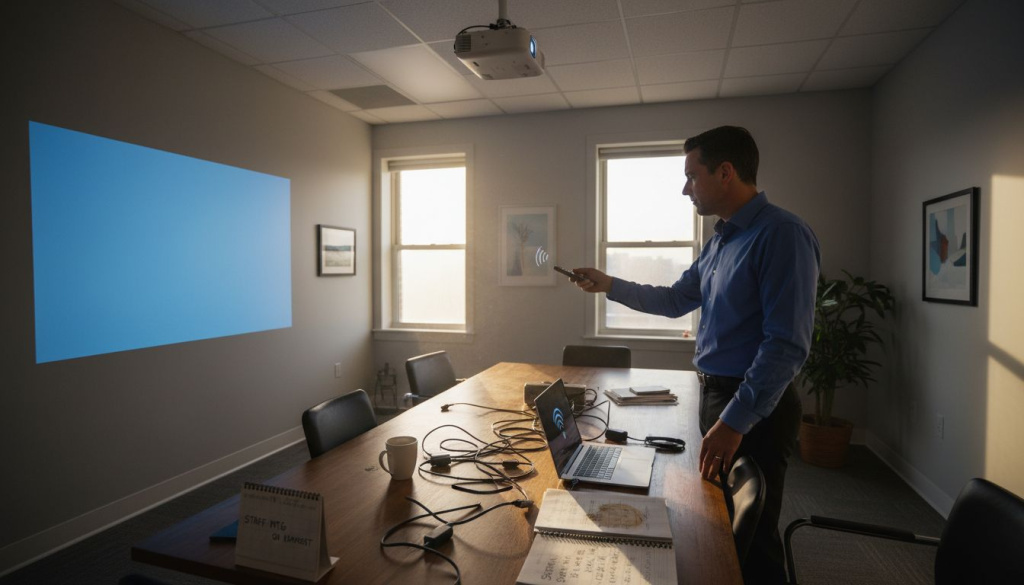
Struggling with tangled cables or limited movement during important presentations is a common headache for many Malaysian small business owners and educators. The rise of wireless projector connections offers a simple solution, making it easier to share content smoothly across classrooms and meeting spaces. By understanding the convenience and flexibility of wireless connections like Wi-Fi and Bluetooth, you can choose the best setup to fit your needs and ensure every presentation runs without interruption.
Table of Contents
- Projector Wireless Connection Basics Explained
- Popular Wireless Connection Methods Compared
- Step-By-Step Setup And Configuration Guide
- Security Considerations For Wireless Projection
- Common Problems And Troubleshooting Tips
Key Takeaways
| Point | Details |
|---|---|
| Wireless Connections Enhance Flexibility | Wireless projectors eliminate cable constraints, enabling smoother presentations with greater mobility. |
| Understand Connection Methods | Key wireless methods include Wi-Fi Direct, Bluetooth, Miracast, and AirPlay, each suited for specific needs and environments. |
| Prioritize Security Measures | Implement strong encryption and access controls to safeguard sensitive information during wireless presentations. |
| Systematic Troubleshooting is Essential | Establish a checklist for diagnosing connectivity issues to ensure reliable performance during critical presentations. |
Projector Wireless Connection Basics Explained
Wireless projector connections represent a transformative technology enabling seamless multimedia presentations without traditional cable constraints. Wireless transmission technologies utilize radio waves through multiple protocols including Wi-Fi, Bluetooth, and Miracast to transmit audio and video signals efficiently.
The primary wireless connection methods for projectors include:
- Wi-Fi Direct: Allows direct device-to-projector connection
- Bluetooth: Supports short-range wireless streaming
- Miracast: Enables screen mirroring for compatible devices
- AirPlay: Supports Apple device wireless projection
When selecting a wireless projection method, professionals should consider factors like signal range, device compatibility, and transmission quality. Wireless connections provide significant advantages over traditional wired setups, including:
- Enhanced mobility during presentations
- Reduced cable management complexity
- Faster setup and connection times
- Support for multiple device types
Wireless projector technologies continue evolving, offering increasingly sophisticated connectivity options for modern professionals.
Pro tip: Always verify your projector and device wireless compatibility before important presentations to prevent unexpected technical complications.
Popular Wireless Connection Methods Compared
Modern projector wireless technologies offer diverse connectivity options tailored to different professional and personal needs. Wired and wireless projector connections present unique advantages, with wireless methods providing unprecedented flexibility for multimedia presentations.
The most prominent wireless connection methods include:
- Wi-Fi Direct: High-bandwidth, long-range transmission
- Bluetooth: Compact, short-range wireless streaming
- Miracast: Direct screen mirroring for compatible devices
- AirPlay: Apple ecosystem wireless projection
Each wireless connection method offers distinct performance characteristics. Wi-Fi connections typically provide the most robust transmission, supporting multiple devices simultaneously with broader range and higher data transfer rates. Bluetooth remains ideal for compact, personal setups requiring minimal signal distance.
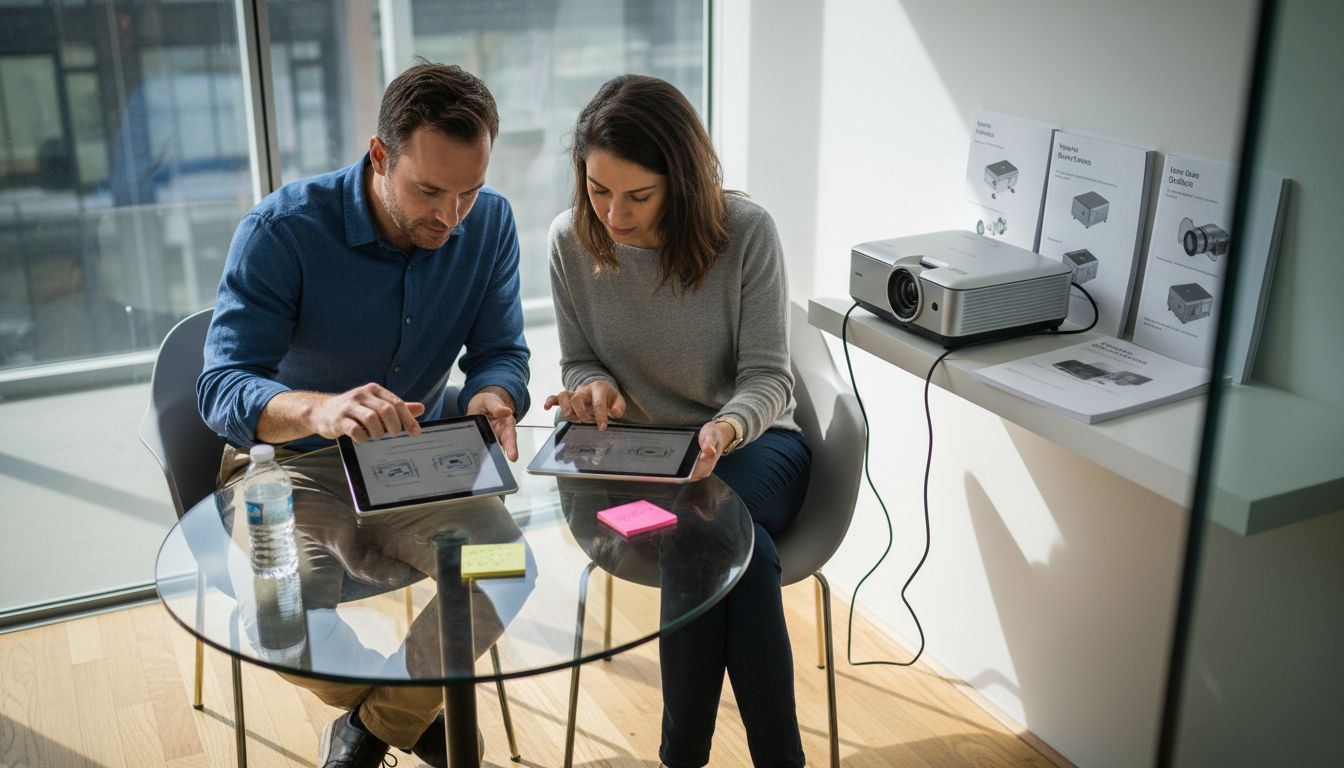
Here's a quick reference summarizing the benefits and challenges of each wireless connection method:
| Method | Key Advantage | Main Limitation | Best Use Scenario |
|---|---|---|---|
| Wi-Fi Direct | High bandwidth, long range | Needs compatible hardware | Business presentations |
| Bluetooth | Simple pairing process | Short transmission distance | Personal streaming |
| Miracast | Direct screen mirroring | Device compatibility limits | Classroom sharing |
| AirPlay | Seamless Apple integration | Ecosystem restriction | Apple-centric workplaces |
Wireless projection technologies continue transforming how professionals share visual information, eliminating traditional cable constraints.
Comparative Performance Metrics:
- Wi-Fi Direct: Maximum range (30-50 feet), highest bandwidth
- Bluetooth: Limited range (10-15 feet), lower bandwidth
- Miracast: Moderate range, device-specific compatibility
- AirPlay: Apple device optimization, seamless ecosystem integration
Pro tip: Always test your wireless projection setup before critical presentations to ensure smooth, uninterrupted connectivity.
Step-by-Step Setup and Configuration Guide
Wireless projector connectivity requires careful preparation and systematic configuration to ensure seamless multimedia presentations. Wireless projector connection process involves several critical steps that professionals and educators must follow precisely.
Pre-Connection Preparation Checklist:
- Confirm projector has wireless capabilities
- Ensure device and projector are compatible
- Check available wireless connection methods
- Verify network bandwidth and stability
Wireless Connection Setup Steps:
- Power on the projector and access network settings
- Enable wireless connectivity mode
- Select appropriate wireless network
- Enter network password
- Confirm successful network connection
Network Configuration Requirements:
- Both projector and source device must connect to same Wi-Fi network
- Verify network signal strength
- Check projector firmware is current
- Confirm device display settings match projector specifications
Successful wireless projector setup depends on meticulous network configuration and device compatibility.
Troubleshooting strategies involve systematically verifying network credentials, checking device drivers, and ensuring firmware updates are installed. Wireless connections can be temperamental, requiring patience and methodical problem-solving approach.
Pro tip: Keep projector manufacturer's technical support contact information readily available for complex connectivity challenges.
Security Considerations for Wireless Projection
Wireless projection technologies introduce significant security challenges that organizations must carefully address to protect sensitive information and maintain network integrity. Security practices for wireless presentations require a comprehensive and multilayered approach to prevent unauthorized access and data breaches.
Key Security Vulnerabilities:
- Unauthorized network access
- Potential data interception
- Uncontrolled screen sharing
- Compliance and privacy risks
Effective security strategies involve implementing multiple defensive mechanisms to protect wireless projection environments. Network segmentation plays a critical role in isolating projection systems from core network infrastructure, limiting potential attack surfaces and preventing unauthorized system penetration.
Advanced Security Controls:
- Implement strong encryption protocols
- Enable PIN-based connection verification
- Use moderator access controls
- Configure strict firewall rules
- Regularly update projection system firmware
Comprehensive wireless projection security requires balancing user convenience with robust protective measures.
Organizations must develop clear policies governing wireless projection usage, including device registration, access management, and periodic security audits. Technical teams should continuously monitor network activities and implement adaptive security frameworks that can respond quickly to emerging threats.
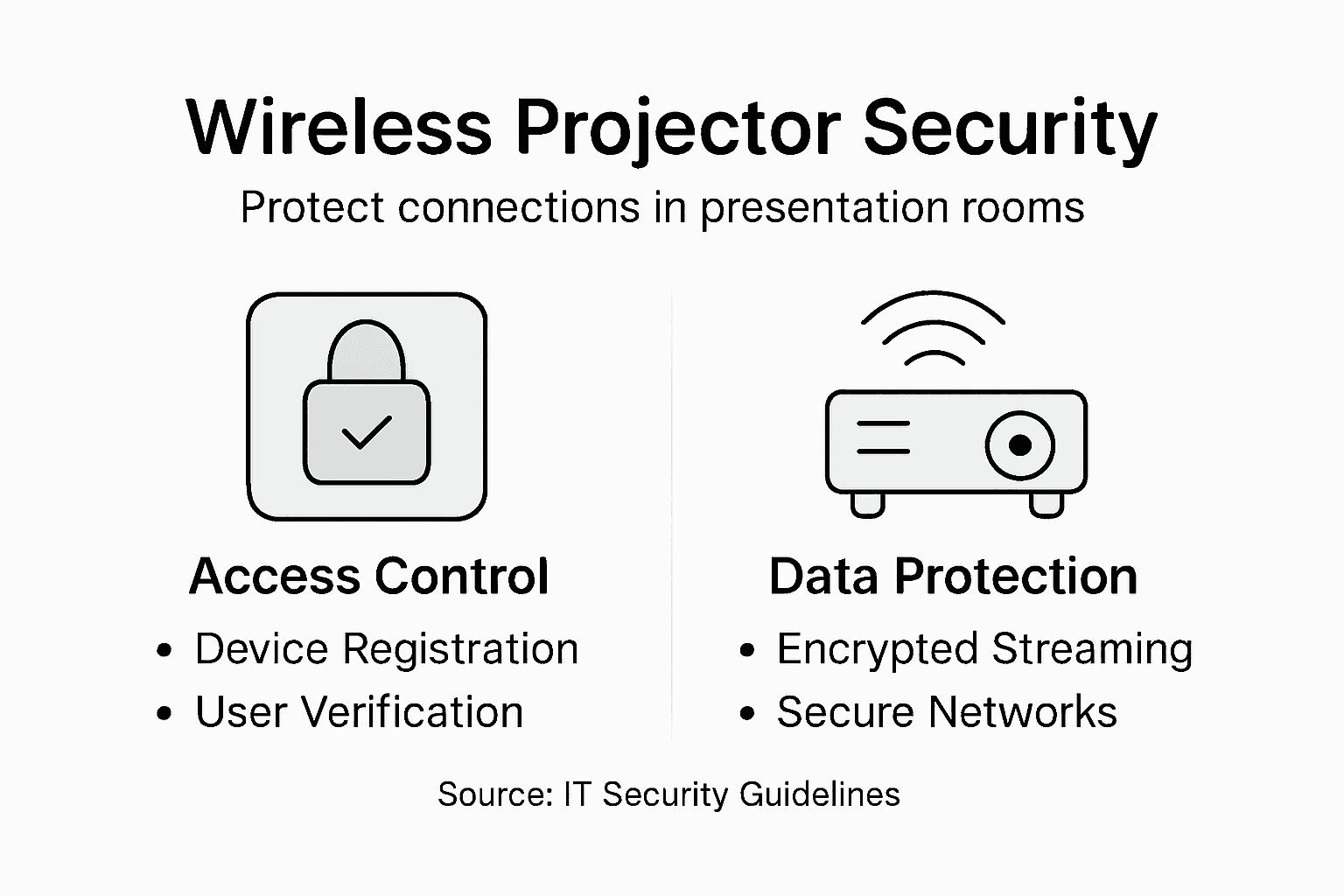
This summary contrasts essential security actions and their protective benefits for wireless projectors:
| Security Action | Protective Benefit | Implementation Priority |
|---|---|---|
| Strong encryption protocols | Blocks unauthorized interception | High |
| PIN-based connection checks | Prevents unauthorized access | High |
| Moderator access control | Limits screen sharing | Medium |
| Firewall configuration | Reduces external threats | High |
| Regular firmware updates | Patches security vulnerabilities | High |
Pro tip: Conduct periodic security assessments and employee training to maintain an effective wireless projection security posture.
Common Problems and Troubleshooting Tips
Wireless projector connections can encounter various technical challenges that interrupt presentations and frustrate users. Wireless connection troubleshooting strategies require systematic diagnostic approaches to quickly resolve connectivity issues.
Common Wireless Projection Problems:
- Intermittent network connectivity
- No image display
- Poor signal strength
- Incorrect network configuration
- Firmware compatibility issues
Troubleshooting requires a methodical approach to isolate and resolve technical obstacles. Network diagnostics play a crucial role in identifying the root causes of wireless projection interruptions, helping users restore seamless presentation capabilities.
Systematic Troubleshooting Steps:
- Verify network credentials and SSID
- Restart projector and wireless router
- Update firmware and device drivers
- Check Wi-Fi signal interference sources
- Test alternate wireless channels
Professional troubleshooters understand that most wireless projection issues stem from configuration and compatibility challenges.
Maintaining optimal wireless projection performance requires ongoing monitoring, regular firmware updates, and proactive network management. Technical teams should develop comprehensive diagnostic protocols that address potential connectivity disruptions before they impact critical presentations.
Pro tip: Create a standardized troubleshooting checklist to rapidly diagnose and resolve wireless projection connectivity problems.
Elevate Your Wireless Presentations with Expert Projection Solutions
Many professionals struggle with unreliable wireless projector connections that disrupt the flow of their presentations. Challenges like network compatibility, signal interruptions, and device pairing delays can cause frustration and lost engagement. This article has highlighted essential concepts such as Wi-Fi Direct, Miracast, and Bluetooth connectivity along with practical setup and security tips aimed at ensuring smooth and secure wireless projection.
At ProjectorDisplay.com, you can find a wide selection of cutting-edge projectors designed with seamless wireless connectivity to eliminate these common pain points. Explore our range of projectors featuring high lumens and full HD resolution that empower you to deliver stunning visuals without cable clutter. Complement your setup with premium Projector Screen Archives – Projector Display for crisp image display and enhance audio quality through our Sound Systems Archives – Projector Display to captivate your audience fully.

Ready to transform your presentation experience with reliable wireless projection technology Enter ProjectorDisplay.com today to browse expert-curated equipment tailored to your needs Benefit from secure transactions fast shipping across Peninsular Malaysia and responsive support through WhatsApp Take decisive action now to upgrade your wireless setup and never face connectivity setbacks again
Frequently Asked Questions
What are the main wireless connection methods for projectors?
The primary wireless connection methods for projectors include Wi-Fi Direct, Bluetooth, Miracast, and AirPlay, each offering distinct advantages based on the specific needs of users.
How do I set up a wireless projector connection?
To set up a wireless projector connection, ensure the projector has wireless capabilities, confirm device compatibility, select the appropriate wireless network, and enter the necessary network credentials to establish the connection.
What common problems might I encounter with wireless projector connections?
Common issues include intermittent network connectivity, no image display, poor signal strength, incorrect network configurations, and firmware compatibility problems. It's essential to systematically troubleshoot these problems to restore functionality.
How can I enhance the security of my wireless projector connection?
To enhance security, consider implementing strong encryption protocols, enabling PIN-based connection verification, and configuring strict firewall rules. Regular firmware updates and network segmentation are also effective in protecting sensitive information.
Recommended
- Mirror Phone to Projector: Easy Ways for Malaysians 2025 – Projector Display
- Wireless Screen Mirroring in Malaysia: 2025 Guide for Entertainment, Education, and Business – Projector Display
- Understanding Epson Projector Wireless Technology – Projector Display
- Best Wireless Screen Mirroring Projector Guide 2025 – Projector Display
- 7 effektiva tips för säkra nätverk med Ubiquiti Unifi