

Collaboration is the backbone of any high-performing team, yet many Malaysian offices still rely on outdated presentation tools that slow down meetings. Research indicates that teams using modern projector technology see a 35 percent uptick in productivity compared to traditional setups favored by some American companies. For corporate team leaders in Malaysia, upgrading visual communication strategies can significantly enhance both engagement and results during office presentations. Discover proven methods to create dynamic, collaborative workspaces that drive teamwork and innovation.
Table of Contents
- Step 1: Prepare Collaborative Spaces With Projector Technology
- Step 2: Set Clear Team Goals For Visual Presentations
- Step 3: Engage Team Using Interactive Display Features
- Step 4: Facilitate Real-Time Feedback And Discussion
- Step 5: Verify Team Alignment With Collaborative Review
Quick Summary
| Key Insight | Explanation |
|---|---|
| 1. Optimize workspace layout | Evaluate and position projectors for maximum visibility and minimal glare to enhance collaboration in meetings. |
| 2. Set clear presentation goals | Define specific, measurable goals to guide your visual presentations, aligning them with organizational objectives. |
| 3. Leverage interactive features | Use multi-touch and real-time annotation tools to engage team members actively during presentations. |
| 4. Implement real-time feedback | Employ tools for instant feedback to enhance team interactions and refine ideas throughout the presentation. |
| 5. Maintain team alignment | Use visual displays for collaborative reviews to ensure clarity in project goals and responsibilities among team members. |
Step 1: Prepare collaborative spaces with projector technology
Creating an effective collaborative workspace requires strategic integration of flexible learning technologies. Modern offices need visual display solutions that transform how teams communicate and share information. By thoughtfully positioning projectors and designing interactive display areas, you can dramatically enhance team productivity and engagement.
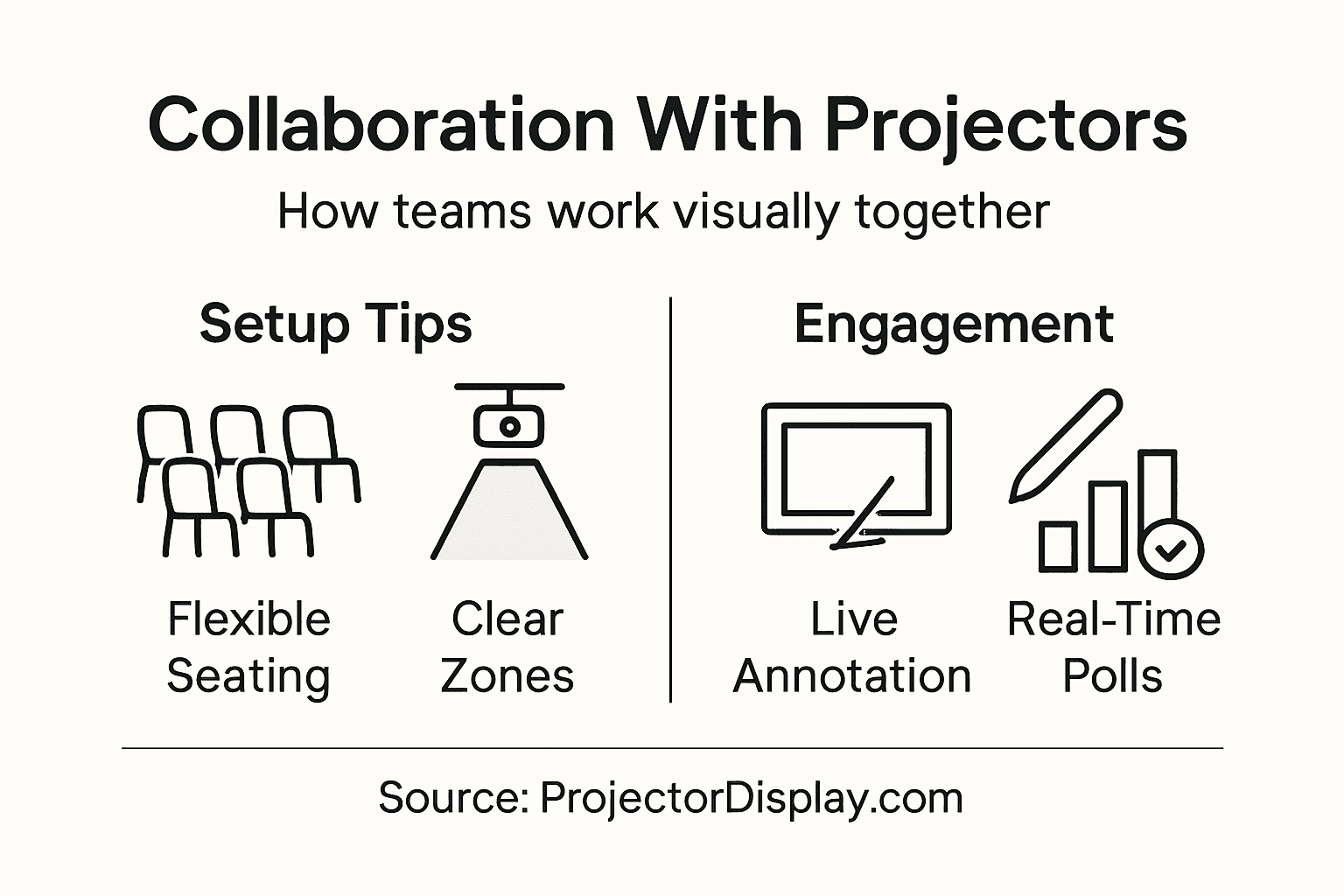
Start by evaluating your workspace layout and identifying optimal projection zones. Select locations with minimal glare and maximum visibility for all team members. Consider mounting ceiling projectors for consistent, unobstructed views or using portable smart projectors that can be easily repositioned. The goal is creating a flexible environment where visual content becomes a seamless part of collaboration. Interactive projection screens can help teams brainstorm, analyze data, and develop shared understanding more effectively.
When setting up your collaborative space, prioritize equipment that supports multiple display modes and connectivity options. Modern projectors with wireless capabilities allow team members to share screens from laptops, tablets, and smartphones instantly. This technological flexibility supports hybrid work environments and enables smooth information exchange across different devices and workstyles.
Pro tip: Invest in adjustable projection screens and mountable projectors to maximize your workspace's adaptability and create a future-proof collaborative environment.
Here is a comparison of projector technologies commonly used in collaborative workspaces:
| Technology Type | Key Feature | Ideal Use Case |
|---|---|---|
| Ceiling-Mounted | Unobstructed, stable image | Dedicated meeting rooms |
| Portable Smart | Flexible, easy to reposition | Ad-hoc team sessions |
| Interactive Screens | Touch interaction, annotation | Brainstorming and workshops |
| Wireless Projectors | Quick device connectivity | Hybrid and remote collaboration |
Step 2: Set clear team goals for visual presentations
Successful team presentations start with strategic goal setting. Your primary objective is to transform complex information into clear, compelling visual narratives that drive understanding and inspire action across your team. This means developing presentation goals that are specific, measurable, and aligned with your broader organizational objectives.
Begin by defining the precise outcomes you want to achieve. Will you be persuading stakeholders, sharing quarterly results, or brainstorming new strategies? Visual goal articulation helps transform abstract concepts into tangible visual representations. Create a preliminary outline that maps your presentation's key messages, identifying specific data points, graphics, and narratives that will most effectively communicate your team's insights. Consider your audience's perspective and design your visual presentation to answer their primary questions and address potential concerns.
Utilize projector technology to enhance goal clarity by incorporating interactive elements like live data visualizations, dynamic charts, and collaborative annotation tools. This approach not only makes your presentation more engaging but also allows real time feedback and adjustment. Ensure your visual goals are structured to facilitate meaningful dialogue and collaborative problem solving.
Pro tip: Develop a presentation storyboard before creating slides to ensure your visual goals are coherent, impactful, and strategically aligned with your team's objectives.
Step 3: Engage team using interactive display features
Transforming team collaboration requires leveraging interactive display technologies that enable real time communication and shared visual exploration. Interactive projector features can revolutionize how teams communicate, brainstorm, and solve complex problems by creating dynamic shared workspaces that encourage active participation and collective thinking.
To maximize engagement, select projector systems with multi touch capabilities and collaborative annotation tools. Implement strategies that allow team members to simultaneously interact with visual content. Position large interactive displays centrally in meeting spaces, enabling team members to manipulate data, add annotations, and contribute ideas directly on screen. This approach supports shared digital collaboration by breaking down traditional presentation barriers and transforming passive viewing into active collective problem solving.

Encourage team members to take turns controlling the interactive display, ensuring everyone has opportunities to contribute and interact. Use features like screen mirroring, real time editing, and collaborative drawing tools to make presentations more dynamic. Integrate interactive elements such as live polling, digital whiteboards, and instant feedback mechanisms to maintain high engagement levels and create a more inclusive collaborative environment.
Pro tip: Practice using interactive display features before important meetings to ensure smooth technical execution and maximize your team's collaborative potential.
The following table summarizes collaborative display features and their business impact:
| Display Feature | How It Engages Teams | Business Impact |
|---|---|---|
| Multi-Touch Support | Enables simultaneous input | Boosts creative collaboration |
| Real-Time Annotation | Allows instant feedback | Improves decision-making speed |
| Live Data Visualization | Presents information dynamically | Enhances clarity for teams |
| Digital Whiteboards | Supports group brainstorming | Fosters innovation |
Step 4: Facilitate real-time feedback and discussion
Mastering team collaboration requires implementing effective feedback mechanisms that transform passive presentations into dynamic conversations. Real-time feedback systems enable teams to communicate instantaneously, share insights, and collectively refine ideas during presentations, creating a more interactive and engaging collaborative environment.
Utilize projector technologies with integrated communication tools that support immediate interaction. Configure your display systems to enable features like live polling, instant messaging, and collaborative annotation. These tools allow team members to provide immediate reactions, ask questions, and contribute insights directly through the shared display. Synchronous communication platforms help break down traditional communication barriers, ensuring every team member can participate regardless of their physical location or communication style.
Establish clear guidelines for providing constructive feedback during presentations. Encourage team members to use digital tools to share thoughts respectfully and productively. Implement a round robin approach where each participant gets an opportunity to comment, ask questions, or provide suggestions. Leverage digital whiteboards and shared screens to capture feedback in real time, creating a visual record of the discussion that can be reviewed and referenced later.
Pro tip: Designate a neutral facilitator to manage digital feedback channels and ensure balanced participation from all team members.
Step 5: Verify team alignment with collaborative review
Successful team collaboration requires implementing strategic communication practices that ensure everyone remains focused and aligned toward shared objectives. Collaborative reviews using projector technologies provide a powerful mechanism for maintaining team coherence and preventing potential misunderstandings or divergent interpretations of project goals.
Design collaborative review sessions that leverage visual projection technologies to create transparent communication channels. Use interactive displays to map out project timelines, individual responsibilities, and key performance indicators where all team members can simultaneously view and discuss progress. Structured collaborative reviews help teams maintain clarity by providing opportunities for real time feedback, clarification, and mutual understanding. Encourage team members to annotate shared screens, ask questions, and propose adjustments directly on the projected display.
Implement a systematic approach to collaborative reviews by scheduling regular check in sessions and using projector technologies to create visual progress tracking. Develop standardized templates and visual frameworks that allow teams to quickly assess collective achievements, identify potential roadblocks, and realign strategies. These visual alignment sessions transform traditional meetings into dynamic collaborative experiences that promote transparency, accountability, and shared commitment to project success.
Pro tip: Create a digital team alignment dashboard visible during every meeting to provide instant context and maintain ongoing project transparency.
Elevate Your Team Collaboration with Advanced Projector Solutions
The challenge of making team collaboration seamless and engaging calls for more than just ideas. It demands the right projection technology to unlock interactive brainstorming, clear visual presentations, and real-time feedback. This article highlights pain points like lack of flexible display setups, difficulties in engaging all team members, and the need for real-time collaboration tools. By integrating projectors with multi-touch support, wireless connectivity, and interactive features, you can transform your meeting spaces into powerful hubs of creativity and productivity.
Discover how ProjectorDisplay.com offers a wide selection of projectors and interactive displays tailored to meet these exact needs. Whether you require portable smart projectors for impromptu team sessions or ceiling-mounted models for stable presentations, our products deliver high lumens and full HD resolution to ensure your visuals captivate every attendee. Equipped with wireless options and easy connectivity, our solutions help you overcome common collaboration barriers and foster an inclusive, dynamic environment.

Ready to revolutionize your team collaboration? Visit ProjectorDisplay.com now to explore our premium projector range that supports flexible, interactive workspaces. Take advantage of fast shipping within Peninsular Malaysia and dedicated customer support to quickly enhance your office or educational setting. Don't let outdated display technology hold your team back – upgrade today with reliable solutions designed to amplify engagement and clarity in every meeting.
Frequently Asked Questions
How can I prepare my workspace for using projectors effectively?
To prepare your workspace for effective projector use, evaluate your layout to identify optimal projection zones with good visibility. Position projectors to minimize glare and ensure all team members can see the display clearly. Consider using adjustable screens for flexibility in presentations.
What are some specific goals I should set for team presentations using projectors?
Start by defining clear outcomes for your presentations, such as persuading stakeholders or brainstorming strategies. Outline key messages, data points, and visuals that address your audience's questions to create more impactful presentations. This approach can enhance understanding and inspire action during your meetings.
How can I engage my team using interactive projector features?
Engage your team by selecting projectors with multi-touch capabilities and collaborative annotation tools. Encourage team members to interact with the display simultaneously, which fosters active participation and supports collaborative problem-solving during discussions.
What feedback mechanisms should I implement during presentations?
Implement real-time feedback systems, such as live polling and collaborative annotation, to encourage team interaction. Establish guidelines for constructive feedback and allow all participants to share their insights during the presentation, enhancing overall engagement and communication.
How can I ensure team alignment during collaborative reviews with projectors?
To maintain alignment, schedule regular collaborative reviews where you visualize project timelines and responsibilities on the projector. Encourage team members to annotate shared screens to clarify goals and track progress, promoting transparency and accountability in your projects.
What features should I look for in projectors to enhance team collaboration?
Look for projectors that offer wireless connectivity, multi-touch support, and interactive display capabilities. These features enable seamless information sharing and foster engagement, making it easier for teams to collaborate effectively within a hybrid work environment.
Recommended
- 7 Aplikasi Projektor di Pejabat untuk Tingkat Produktiviti – Projector Display
- Team Productivity Tools: Boosting Collaboration Success – Projector Display
- Time Management Strategies: Boost Presentation Impact – Projector Display
- Improving Student Engagement: Strategies for Modern Classrooms – Projector Display
- INUSUAL | Cómo impulsar colaboración en equipos y lograr resultados efectivos