

Connecting with clients across Kuala Lumpur or presenting quarterly updates from a home office means digital security risks are never far from mind. As remote work becomes standard for professionals throughout Malaysia, the need for advanced cybersecurity strategies grows urgent. This resource offers actionable guidance for remote business professionals who rely on projector technology, combining up-to-date protection practices with real-world steps to secure sensitive data during every virtual presentation.
Table of Contents
- Defining Cybersecurity for Remote Professionals
- Types of Cyber Threats in Remote Work
- Securing Virtual Presentations and Projector Devices
- Essential Practices for Data Protection
- Common Pitfalls and How to Avoid Them
Key Takeaways
| Point | Details |
|---|---|
| Importance of Cybersecurity for Remote Work | Organizations must adapt cybersecurity frameworks to address unique risks associated with remote environments. |
| Types of Cyber Threats | Remote professionals face various threats, including phishing, ransomware, and social engineering attacks that exploit digital vulnerabilities. |
| Data Protection Strategies | Implementing multi-factor authentication, encryption, and continuous employee training is essential for safeguarding sensitive information. |
| Common Pitfalls | To enhance security, avoid weak authentication, unsecured networks, and insufficient training through proactive measures and audits. |
Defining Cybersecurity for Remote Professionals
Cybersecurity for remote professionals represents a critical defense strategy against evolving digital threats in decentralized work environments. As more businesses transition to flexible work models, understanding comprehensive protection mechanisms becomes essential. Comprehensive cybersecurity frameworks now recognize remote work introduces unique technological vulnerabilities that traditional office security models cannot adequately address.
Remote cybersecurity encompasses multiple strategic dimensions protecting digital assets, communication channels, and professional infrastructure. Key components include:
- Device Protection: Securing personal and professional hardware against unauthorized access
- Network Security: Implementing robust virtual private networks (VPNs) and encrypted communication channels
- Authentication Protocols: Utilizing multi-factor authentication to verify user identities
- Data Encryption: Protecting sensitive information during transmission and storage
Information security strategies highlight the critical need for comprehensive employee training programs that educate professionals about emerging cyber risks. Organizations must develop adaptive security frameworks that respond dynamically to technological shifts and potential threat landscapes.
Here is a comparison of traditional office cybersecurity versus remote work cybersecurity needs:
| Aspect | Traditional Office Security | Remote Work Security Needs |
|---|---|---|
| Device Management | Centralized protection, company-owned | Diverse personal/professional hardware |
| Network Security | Secure office LAN | VPNs and secure home Wi-Fi |
| User Authentication | Single sign-on, badge access | Multi-factor authentication |
| Threat Exposure | Physical and digital threats | Expanded threat landscape |
Pro tip: Conduct quarterly personal cybersecurity audits to identify and address potential vulnerabilities in your remote work setup.
Types of Cyber Threats in Remote Work
Remote work environments face an increasingly complex landscape of cyber threats that target vulnerable digital infrastructures. Comprehensive threat analysis reveals multiple attack vectors that exploit the decentralized nature of remote professional ecosystems. These threats range from sophisticated technical intrusions to more nuanced human-focused manipulation strategies.
The primary categories of cyber threats in remote work settings include:
- Phishing Attacks: Deceptive communications designed to steal sensitive credentials
- Social Engineering: Psychological manipulation techniques targeting human vulnerabilities
- Ransomware: Malicious software encrypting critical data and demanding payment
- Device Vulnerabilities: Exploiting unprotected personal and professional hardware
- Network Infiltration: Unauthorized access through unsecured Wi-Fi and communication channels
Cyber threat research highlights that remote workers are particularly susceptible to man-in-the-middle attacks and denial-of-service disruptions. These sophisticated techniques can compromise entire organizational communication infrastructures, potentially exposing sensitive business information and creating significant operational risks.

Pro tip: Implement robust endpoint protection software and conduct regular security awareness training to proactively identify and mitigate potential cyber threat vectors.
Securing Virtual Presentations and Projector Devices
Virtual presentations have become a critical communication tool for remote professionals, but they also introduce significant cybersecurity vulnerabilities. Presentation device security requires a comprehensive approach that addresses both technical and human factors to prevent unauthorized access and potential data breaches.
Key strategies for securing virtual presentation environments include:
- Network Isolation: Utilize dedicated virtual networks for presentation streaming
- Authentication Protocols: Implement multi-factor authentication for device access
- Encryption: Enable end-to-end encryption for screen sharing and presentation content
- Access Controls: Restrict presentation access to authorized participants only
- Device Management: Regularly update firmware and security settings on projectors and display devices
Remote working technology risks emphasize the importance of developing robust configuration protocols for projection devices. Organizations must create comprehensive security frameworks that address potential vulnerabilities in screen sharing technologies, wireless connectivity, and presentation management systems. This includes implementing strict access controls, monitoring connection logs, and establishing clear guidelines for secure presentation practices.
Pro tip: Create a dedicated secure network profile specifically for virtual presentations, separating them from standard workplace communication channels.
Essential Practices for Data Protection
Data protection in remote work environments demands a comprehensive and strategic approach that addresses technological, procedural, and human factors. Remote workforce cybersecurity practices require organizations to develop multi-layered defense mechanisms that protect sensitive information across distributed professional networks.
Critical strategies for robust data protection include:
- Secure Authentication: Implement multi-factor authentication protocols
- Network Protection: Use enterprise-grade virtual private networks (VPNs)
- Data Encryption: Apply end-to-end encryption for all sensitive communications
- Regular Updates: Maintain continuous software and security patch management
- Access Control: Establish granular permissions and role-based access systems
Comprehensive data protection strategies emphasize the importance of integrating technological solutions with human-centered cybersecurity awareness. Organizations must develop comprehensive training programs that educate remote workers about potential security risks, teaching them to recognize and respond to potential threats proactively. This holistic approach combines technological safeguards with continuous employee education to create a resilient security ecosystem.
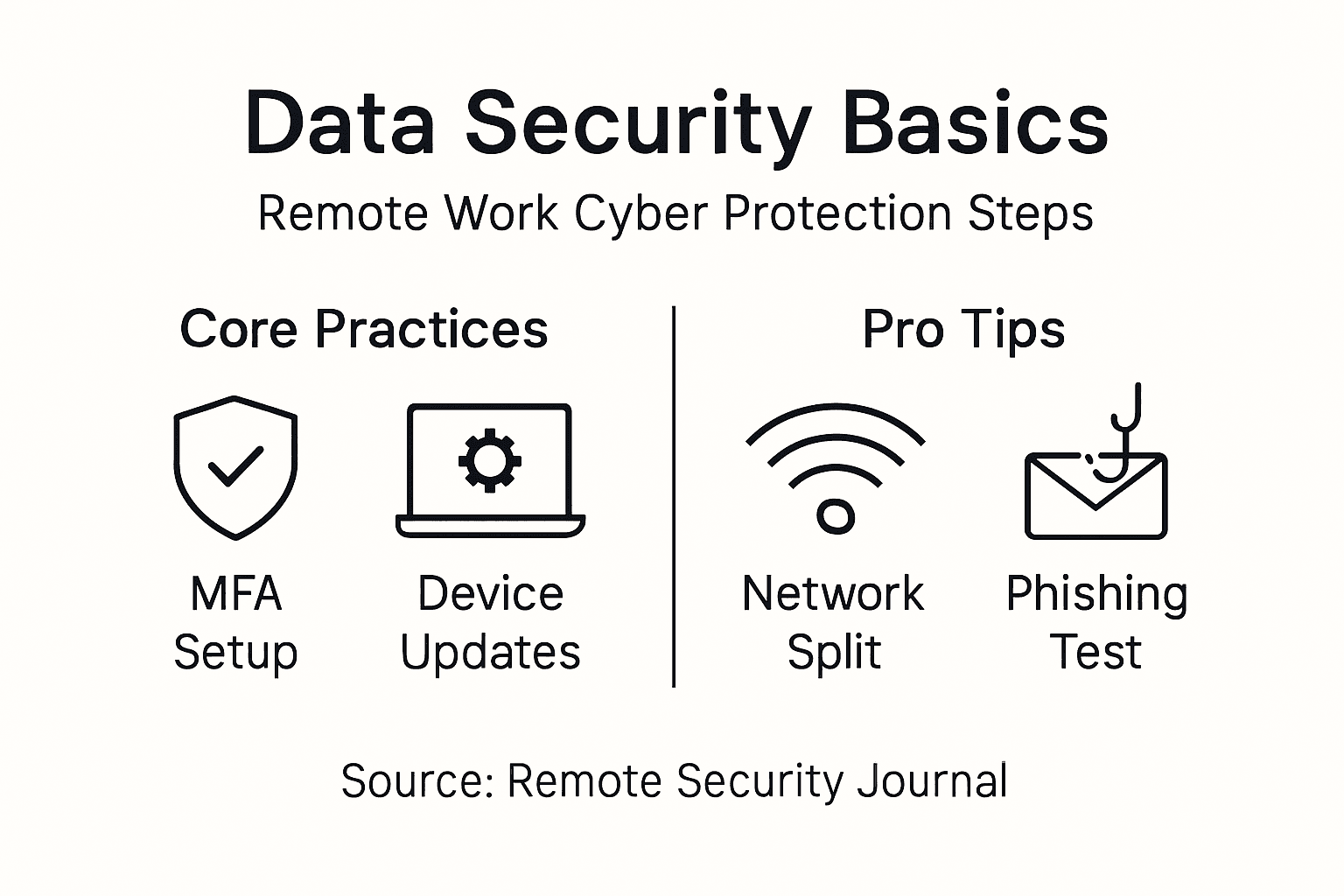
Pro tip: Conduct quarterly comprehensive security audits and simulated phishing tests to identify and address potential vulnerabilities in your remote work infrastructure.
Common Pitfalls and How to Avoid Them
Remote work cybersecurity demands vigilance and proactive strategies to mitigate potential vulnerabilities. Remote workforce security challenges reveal numerous critical pitfalls that can compromise organizational digital infrastructure and expose sensitive information to significant risks.
Key cybersecurity pitfalls remote professionals must address include:
- Weak Authentication: Using simple passwords or avoiding multi-factor authentication
- Unsecured Networks: Working from public Wi-Fi without proper protection
- Outdated Software: Neglecting critical security patch updates
- Personal Device Usage: Mixing professional and personal technology without boundaries
- Insufficient Training: Lacking awareness about emerging cyber threats
International cybersecurity best practices emphasize the importance of comprehensive employee education and robust technological safeguards. Organizations must develop holistic approaches that combine technological solutions with continuous learning programs, enabling remote workers to recognize and respond to potential security threats effectively. This integrated strategy transforms potential vulnerabilities into opportunities for strengthening organizational cyber resilience.
The table below summarizes key approaches to avoid common cybersecurity pitfalls in remote work:
| Pitfall | Solution | Business Benefit |
|---|---|---|
| Weak authentication | Enforce multi-factor protocols | Reduces risk of data breaches |
| Unsecured networks | Mandate VPN usage | Protects sensitive information |
| Outdated software | Automate updates and patches | Minimizes vulnerability window |
| Insufficient training | Provide regular awareness sessions | Enhances cyber threat response |
Pro tip: Implement a quarterly cybersecurity health check that includes personal device audits, security training refreshers, and simulated phishing exercises.
Enhance Your Remote Work Security with Trusted Projection Solutions
The challenge of securing virtual presentations and projector devices is crucial for any remote professional striving to protect sensitive information and maintain seamless communication. The article highlights key concerns such as network isolation, multi-factor authentication, and encryption to prevent unauthorized access during presentations. At ProjectorDisplay.com, we understand these needs and offer a wide range of high-quality projectors equipped with advanced wireless connectivity and security features tailored for secure business presentations and remote collaboration.

Secure your virtual presentations today by choosing from our selection of portable, laser, and smart projectors designed to integrate with secure networks and enhance your cybersecurity posture. Don't compromise on safety or performance when sharing your ideas. Explore the latest projectors and display equipment now and take control of your remote work environment with trusted technology solutions. Protect your data, impress your audience, and maintain your peace of mind.
Frequently Asked Questions
How can I secure my virtual presentations against cyber threats?
To secure your virtual presentations, utilize dedicated virtual networks, implement multi-factor authentication, enable end-to-end encryption, restrict access to authorized participants, and regularly update the firmware and security settings of your presentation devices.
What are some common vulnerabilities in virtual presentation environments?
Common vulnerabilities in virtual presentation environments include unauthorized access to presentation devices, cyber attacks during screen sharing, and the exploitation of unsecured Wi-Fi networks used for streaming presentations.
Why is multi-factor authentication important for virtual presentations?
Multi-factor authentication is crucial for virtual presentations as it adds an extra layer of security by requiring multiple forms of verification before granting access to presentation tools, significantly reducing the risk of unauthorized access.
What steps should I take to regularly update my presentation devices' security?
To regularly update your presentation devices' security, schedule consistent firmware updates, apply security patches as they become available, and review your device settings periodically to ensure they follow best security practices.
Recommended
- Cybersecurity in Education – Protecting Digital Classrooms – Projector Display
- Work From Home Essentials for Better Productivity – Projector Display
- Remote Onboarding Best Practices for HR Success – Projector Display
- Creating Engaging Presentations for Impactful Results – Projector Display
- Hébergement de données | Yelido