
Over thirty percent of American professionals now work remotely, reshaping how people approach daily routines and office life. As home offices become the new normal, understanding what truly counts as work from home essentials has never been more important. From comfortable furniture to advanced technology setups, this guide uncovers the critical components that help Americans achieve professional success and comfort right from their living rooms.
Table of Contents
- Defining Work From Home Essentials
- Choosing The Right Technology And Tools
- Workspace Setup For Focus And Comfort
- Integrating Audio Visual Solutions At Home
- Avoiding Common Work From Home Pitfalls
Key Takeaways
| Point | Details |
|---|---|
| Dedicated Workspace | Establishing a focused and organized workspace is essential for productivity and comfort in a remote work environment. |
| Appropriate Technology | Selecting the right tools, including high-speed internet and reliable software, significantly enhances work performance and communication. |
| Ergonomic Setup | Investing in ergonomic furniture and proper equipment can improve comfort and reduce physical strain during long working hours. |
| Awareness of Challenges | Recognizing potential work-from-home pitfalls like isolation and poor time management helps in developing effective strategies for sustained productivity. |
Defining Work From Home Essentials
The landscape of professional work has transformed dramatically, with remote work becoming an increasingly prevalent mode of employment. Understanding work from home essentials is crucial for maintaining productivity, comfort, and professional effectiveness. Remote work fundamentals are now more important than ever, requiring strategic planning and intentional setup.
Successful work from home environments depend on several critical components. These include a dedicated workspace, reliable technology, appropriate ergonomic equipment, and robust digital communication tools. Professionals must consider both physical infrastructure and digital capabilities to create a seamless remote working experience. Comprehensive home working strategies emphasize the importance of creating a structured yet flexible environment that supports individual work styles.
Key work from home essentials can be categorized into several fundamental areas:
-
Physical Workspace
- Ergonomic chair with proper back support
- Adjustable desk or standing desk option
- Adequate lighting with minimal eye strain
- Noise-canceling headphones
- Organized desk with minimal clutter
-
Technology Requirements
- High-speed internet connection
- Reliable laptop or desktop computer
- External monitor for extended display
- Webcam for video conferencing
- Secure VPN for data protection
-
Productivity Tools
- Project management software
- Time tracking applications
- Cloud storage solutions
- Communication platforms
- Digital note-taking tools
By systematically addressing these essential elements, professionals can transform their home environment into an efficient, comfortable, and productive workspace that rivals traditional office settings.
Choosing the Right Technology and Tools
Selecting appropriate technology and tools is fundamental to creating an effective work from home environment. The right digital infrastructure can significantly enhance productivity, communication, and overall work performance. Understanding technological selection strategies requires careful evaluation of individual professional needs and organizational requirements.
Remote work technology encompasses a wide range of digital solutions designed to bridge communication gaps, streamline workflows, and maintain professional connectivity. Essential remote work tools include communication platforms, project management software, collaboration applications, and cloud computing solutions. These technologies enable seamless interaction, document sharing, and real-time collaboration across different geographic locations.
Critical technology categories for effective remote work include:
-
Communication Platforms
- Video conferencing software
- Instant messaging applications
- Team chat channels
- Voice over IP services
- Screen sharing tools
-
Productivity Software
- Cloud-based document editors
- Time tracking applications
- Task management platforms
- Digital note-taking systems
- Collaborative spreadsheet tools
-
Security and Infrastructure
- Virtual Private Network (VPN)
- Two-factor authentication systems
- Encrypted file sharing services
- Password management software
- Cloud backup solutions
By strategically selecting and integrating these technological tools, professionals can create a robust digital ecosystem that supports efficient, secure, and collaborative remote work experiences. The key is to choose flexible, user-friendly solutions that align with specific workflow requirements and individual working styles.
Workspace Setup for Focus and Comfort
Creating an optimal home workspace requires strategic planning and thoughtful investment in both physical environment and professional equipment. Selecting the right remote work equipment goes beyond simply choosing a desk and chair – it involves designing an environment that promotes productivity, minimizes physical strain, and supports mental well-being.
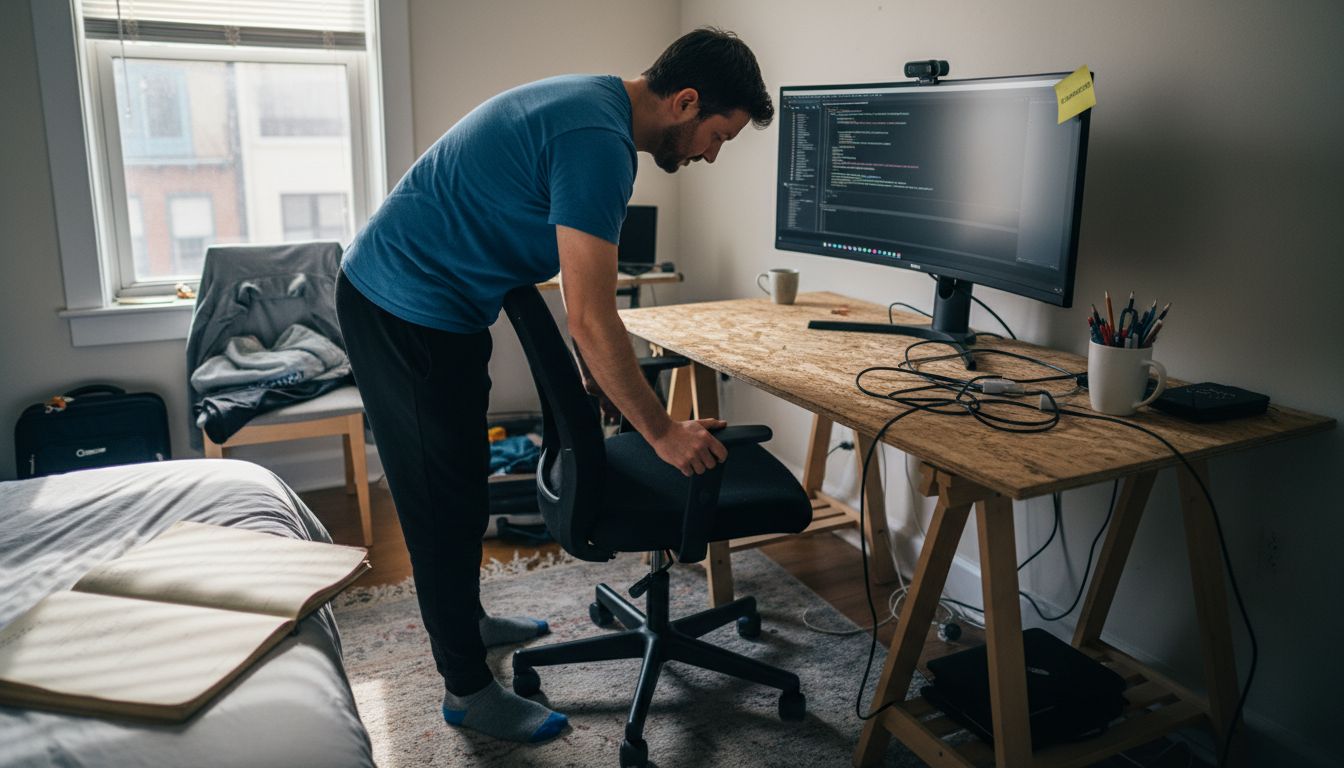
Ergonomic considerations play a crucial role in workspace design. Professional hardware selections can dramatically impact comfort and performance, transforming a basic home area into a high-functioning work zone. The goal is to create a space that reduces physical fatigue, prevents repetitive strain injuries, and maintains professional efficiency throughout long working hours.
Key workspace elements for optimal performance include:
-
Ergonomic Furniture
- Adjustable height desk
- Lumbar support chair
- Footrest for proper leg positioning
- Keyboard and mouse wrist supports
- Standing desk converter option
-
Lighting and Environment
- Natural light source
- Adjustable desk lamp
- Glare-reducing monitor positioning
- Soft, indirect lighting
- Background noise reduction
-
Technology Placement
- Monitor at eye level
- External keyboard and mouse
- Secondary monitor for extended display
- Cable management system
- Dedicated charging station
By intentionally designing a workspace that balances comfort, functionality, and personal style, professionals can create an environment that not only supports productivity but also enhances overall work satisfaction and well-being.
Integrating Audio Visual Solutions at Home
Transforming a home workspace into a professional-grade audio visual environment requires strategic planning and thoughtful technology integration. Remote work communication dynamics highlight the critical importance of creating seamless audio and visual systems that support professional interactions and productivity. Modern professionals need comprehensive solutions that blend functionality, aesthetics, and technological efficiency.
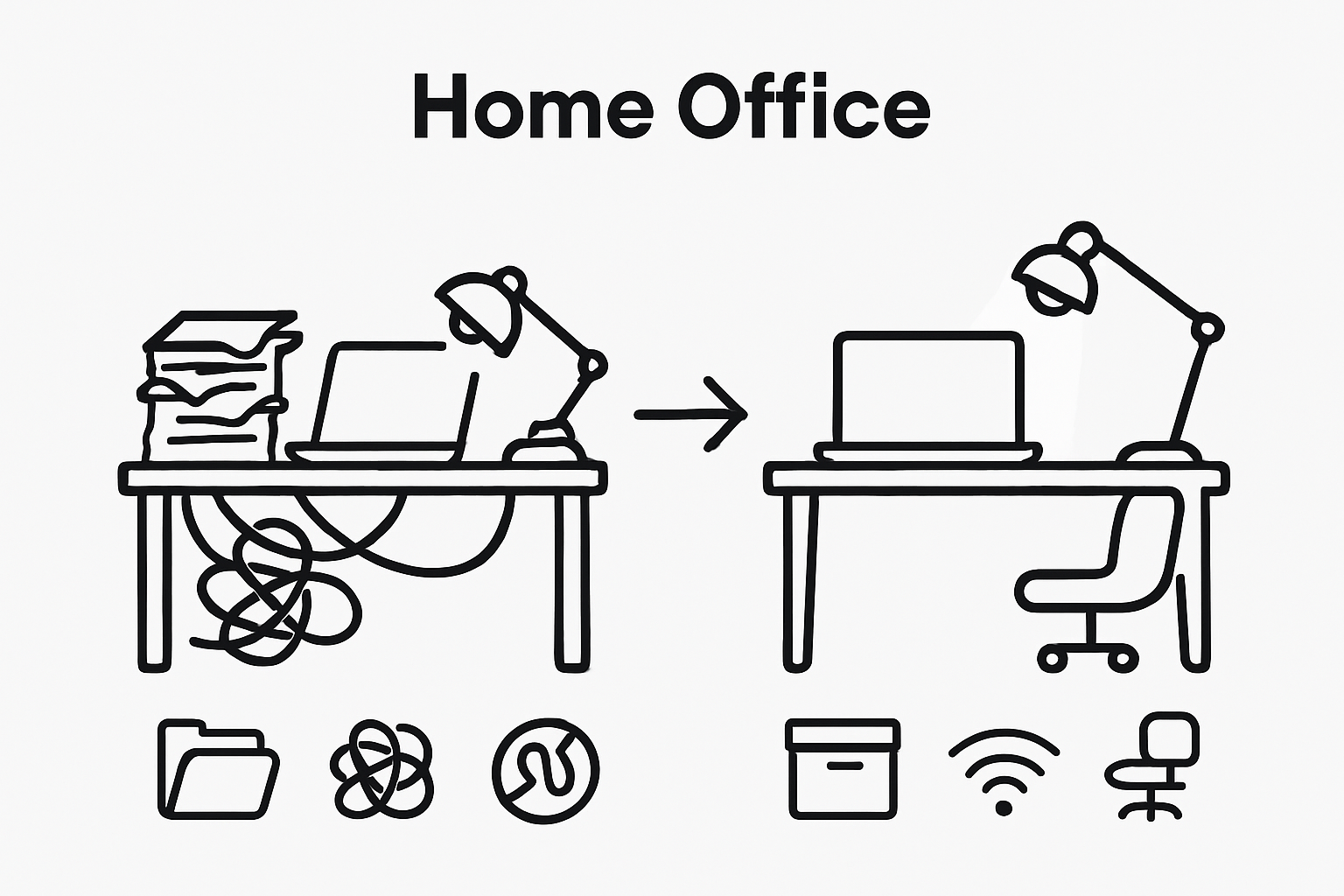
Home audio visual integration involves more than simply connecting devices. It requires a holistic approach that considers sound quality, visual clarity, connectivity, and ergonomic placement. The goal is to create an immersive workspace that supports multiple communication channels, enables smooth presentations, and maintains a professional atmosphere regardless of physical location.
Key components for effective audio visual solutions include:
-
Audio Equipment
- High-quality noise-canceling microphone
- Professional-grade wireless headphones
- External speakers with clear sound reproduction
- Audio interface for enhanced sound management
- Acoustic room treatment panels
-
Visual Technologies
- High-resolution webcam
- Adjustable monitor or dual-screen setup
- Portable projector for presentations
- Green screen for virtual backgrounds
- Lighting ring for consistent video quality
-
Connectivity Solutions
- Robust wireless network
- Signal boosters and mesh network systems
- External wireless adapters
- Ethernet backup connection
- Multiple device synchronization tools
Multi Room Audio Setup Guide can provide additional insights into creating comprehensive audio environments that adapt to changing professional needs. By carefully selecting and integrating these technologies, remote workers can build a flexible, high-performance audio visual ecosystem that supports diverse communication requirements and enhances overall work productivity.
Avoiding Common Work From Home Pitfalls
Pandemic-driven remote work transformations have revealed numerous challenges that professionals must strategically navigate to maintain productivity and personal well-being. Understanding and proactively addressing potential work-from-home obstacles can mean the difference between professional success and burnout. The transition to remote work requires intentional strategies that go beyond simply relocating your office to a home environment.
Productivity challenges in remote work settings are complex and multifaceted. Knowledge worker productivity research indicates that successful home-based professionals develop robust systems for managing distractions, maintaining boundaries, and creating structured work experiences. The key is developing personalized approaches that recognize individual work styles while implementing universal best practices.
Common work-from-home pitfalls to avoid include:
-
Psychological Challenges
- Social isolation
- Blurred work-life boundaries
- Reduced professional motivation
- Increased anxiety
- Diminished team connection
-
Operational Obstacles
- Inconsistent work schedule
- Poor time management
- Insufficient communication
- Technology infrastructure gaps
- Reduced accountability
-
Physical Health Risks
- Sedentary lifestyle
- Improper ergonomic setup
- Irregular sleep patterns
- Poor nutrition habits
- Limited physical movement
By recognizing these potential pitfalls and implementing targeted mitigation strategies, remote workers can create sustainable, productive home work environments that support both professional performance and personal well-being. Continuous adaptation and self-awareness remain crucial in successfully navigating the evolving landscape of remote professional work.
Elevate Your Work From Home Productivity With the Right Visual Display Solutions
Navigating the challenges of remote work means creating a workspace that combines comfort, technology, and seamless communication. This article highlights the importance of ergonomic setups, robust technology, and effective audio visual tools to boost productivity and avoid common pitfalls like distractions and poor engagement. One crucial element often overlooked is having reliable projection and display equipment that enhances presentations, collaboration, and virtual meetings.

Discover how top-quality projectors and display accessories from ProjectorDisplay.com can transform your home office into a professional hub. Choose from a wide range of projectors including portable and short-throw models designed to fit any workspace and presentation style. Enjoy crystal-clear visuals with full HD resolution and wireless connectivity that complements your existing remote work tools. Act now to create the ultimate work from home setup that supports focus and clear communication. Explore our full selection and find the perfect audiovisual solution to power your productivity today at ProjectorDisplay.com.
Frequently Asked Questions
What are the essential components of a productive home workspace?
Essential components include ergonomic furniture, reliable technology, adequate lighting, and organizational tools. Creating a clutter-free environment with comfort in mind promotes better focus and productivity.
How important is technology for remote work productivity?
Technology is crucial as it enables efficient communication, project management, and collaboration. Reliable tools like high-speed internet, video conferencing software, and productivity applications can significantly enhance work performance.
What ergonomic furniture should I consider for my home office?
Consider items like an adjustable height desk, a supportive chair with lumbar support, wrist supports for keyboard and mouse, and footrests to promote better posture and reduce physical strain during long work hours.
How can I avoid common pitfalls of working from home?
To avoid pitfalls, establish clear work-life boundaries, create a consistent schedule, maintain good communication with colleagues, and invest time in ergonomic setup and regular physical activity to promote overall well-being.
Recommended
- 7 Creative Workspace Ideas to Boost Productivity and Focus – Projector Display
- Complete Guide to Ergonomic Office Furniture – Projector Display
- 7 Essential Productivity Apps for Businesses to Boost Efficiency – Projector Display
- 7 Smart Ways to Boost Office Design Inspiration Today – Projector Display