
Most home theater enthusiasts in Malaysia find themselves puzzled by keystone correction, yet over 60 percent of projector owners rely on digital adjustments rather than fine-tuning the physical setup. While many assume american projectors set the gold standard for image quality, misconceptions about keystone correction can still undermine even the most advanced systems. This guide clarifies the truth about keystone correction, revealing practical strategies to achieve sharper, more vibrant images for your home cinema.
Table of Contents
- Keystone Correction Defined And Common Misconceptions
- Digital Vs. Optical Keystone Correction Methods
- How Keystone Correction Improves Projections
- Potential Limitations And Visual Trade-Offs
- Manual Adjustment And Effective Use Strategies
Key Takeaways
| Point | Details |
|---|---|
| Keystone Correction Mechanism | Keystone correction adjusts trapezoidal images to rectangular ones, but compromises image quality. |
| Preference for Optical Correction | Optical keystone correction maintains image quality better than digital methods. |
| Trade-offs with Digital Adjustment | Excessive digital correction reduces resolution and can introduce visual artifacts. |
| Physical Positioning Importance | Optimal projector positioning minimizes the need for digital correction, ensuring clearer images. |
Keystone Correction Defined and Common Misconceptions
Keystone correction represents a critical digital image adjustment technique used in projector technology to resolve visual distortion. When a projector isn't positioned perfectly perpendicular to a projection screen, images naturally appear trapezoidal instead of rectangular. Digital image manipulation allows the projector to electronically reshape the projected image, transforming that skewed trapezoid back into a clean, rectangular display.
Most home theater enthusiasts misunderstand keystone correction as a perfect solution, but the technique involves technical compromises. While the digital adjustment can restore rectangular image shape, it simultaneously reduces overall image resolution and sharpness. Lower-end projectors particularly suffer from significant quality degradation when extensive keystone correction is applied. Professional projector users understand that minimizing physical angle positioning is always preferable to heavy digital image manipulation.
The fundamental mechanics of keystone correction involve pixel compression or expansion. When the projector detects an angular misalignment, its internal processor stretches or shrinks specific image sections to reconstruct a rectangular shape. This process inherently reduces pixel density, which translates to potential loss of image clarity, color uniformity, and fine detail reproduction. Advanced projectors offer more sophisticated correction algorithms that minimize these quality trade offs, but no digital correction is completely lossless.
Pro tip: Position your projector as close to perpendicular with the screen as possible to minimize the need for digital keystone correction and preserve maximum image quality.
Digital vs. Optical Keystone Correction Methods
Projector technology offers two primary methods for addressing image distortion: digital and optical keystone correction. Technical approaches to image alignment differ significantly in their mechanisms and outcomes, with each method presenting unique advantages and limitations for home theater enthusiasts and professional users.
Digital keystone correction operates through software algorithms that electronically manipulate projected images. This method involves digitally stretching, compressing, and reshaping pixels to transform a trapezoidal image into a rectangular one. While seemingly straightforward, digital correction introduces significant image quality compromises. The pixel manipulation inherently reduces resolution, sharpness, and overall visual clarity. Lower-end projectors particularly struggle with digital correction, often producing noticeably degraded images with reduced color accuracy and fine detail.
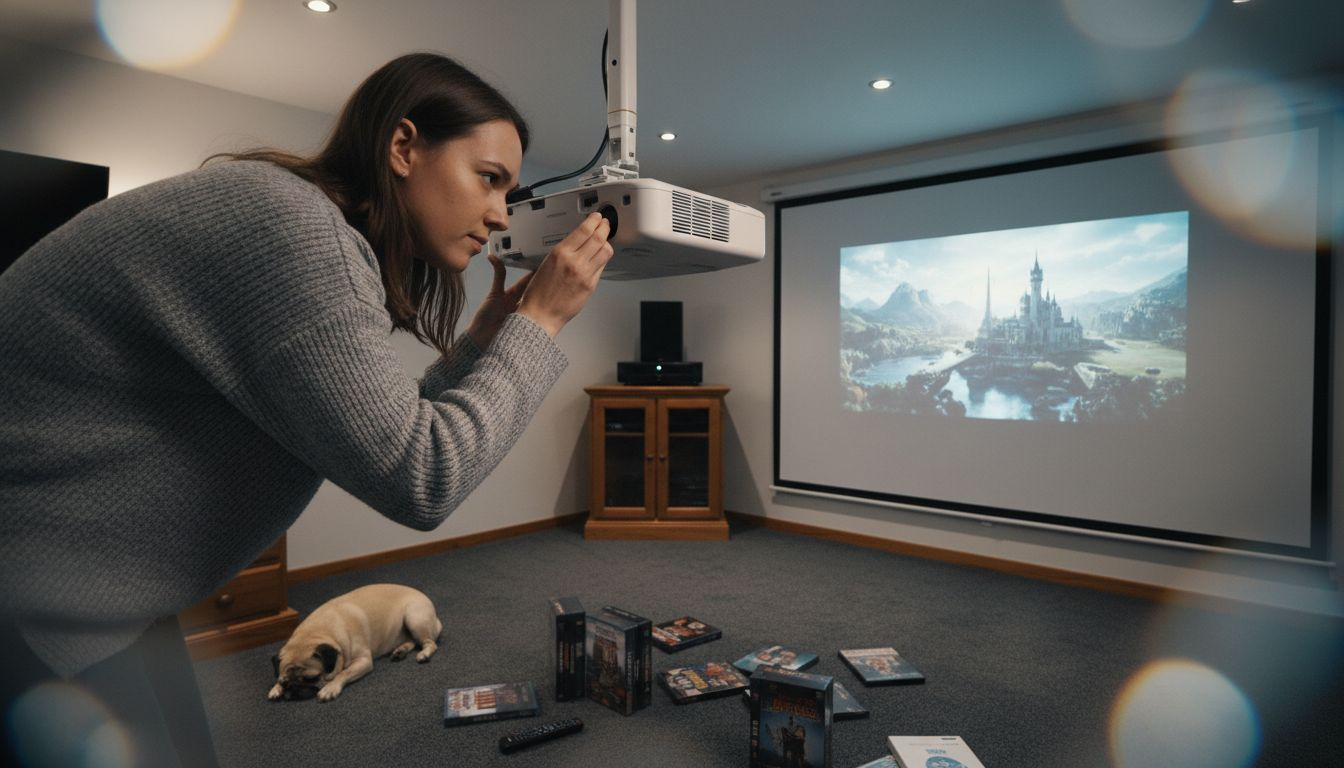
Optical keystone correction, alternatively known as lens shift, represents a more sophisticated approach. This method physically adjusts the projector's lens positioning, allowing for precise image alignment without digital pixel manipulation. Professional-grade projectors utilize precision lens mechanisms that can tilt, rotate, or shift the entire optical system to correct angular misalignments. By maintaining the original pixel configuration, optical correction preserves image quality, color integrity, and resolution. High-end home theater and professional presentation environments overwhelmingly prefer optical correction for its superior visual performance.
Pro tip: When purchasing a projector, prioritize models with optical keystone correction capabilities to ensure maximum image quality and flexibility in installation positioning.
Here's a comparison of digital and optical keystone correction methods:
| Method | Mechanism | Impact on Image Quality | Ideal Use Case |
|---|---|---|---|
| Digital Keystone | Electronically manipulates pixels | Reduces sharpness, resolution | Budget home setups |
| Optical Keystone (Lens Shift) | Adjusts physical lens elements | Preserves clarity, minimal loss | High-end or professional installs |
How Keystone Correction Improves Projections
Projection technologies face significant challenges when displaying images at non-perpendicular angles, but keystone correction mechanisms provide an innovative solution to maintain visual integrity. When projectors are positioned off-center or at unusual angles, images naturally become distorted, appearing trapezoid-shaped instead of rectangular. This distortion can dramatically reduce the clarity and professionalism of presentations, home theater experiences, and digital displays.
The primary improvement offered by keystone correction involves transforming skewed visual perspectives into geometrically precise rectangular images. By digitally or optically manipulating the projection, these technologies realign image boundaries, ensuring that text remains readable, graphics maintain their intended proportions, and visual content appears crisp and professional. Such corrections are particularly crucial in environments with limited mounting options, such as conference rooms, classrooms, and home entertainment spaces where precise projector positioning might be challenging.
Beyond geometric restoration, keystone correction significantly enhances viewing experiences by preserving image quality across various projection scenarios. Advanced correction technologies minimize resolution loss, color distortion, and pixel compression that traditionally accompanied image realignment. Professional-grade projectors now integrate sophisticated algorithms that can correct substantial angular deviations while maintaining near-original image fidelity, ensuring that viewers receive a consistent, high-quality visual experience regardless of installation constraints.
Pro tip: When setting up your projector, aim to position it as close to perpendicular with the screen as possible to minimize the extent of keystone correction required and maintain optimal image quality.
Potential Limitations and Visual Trade-Offs
Keystone correction, while innovative, introduces significant visual compromises that projection users must carefully consider. Digital image manipulation techniques inherently involve pixel rescaling, which can dramatically reduce image quality and overall visual fidelity. When projectors digitally adjust images to compensate for angular positioning, they must stretch, compress, or interpolate pixels, resulting in potential loss of sharpness, color accuracy, and fine detail.
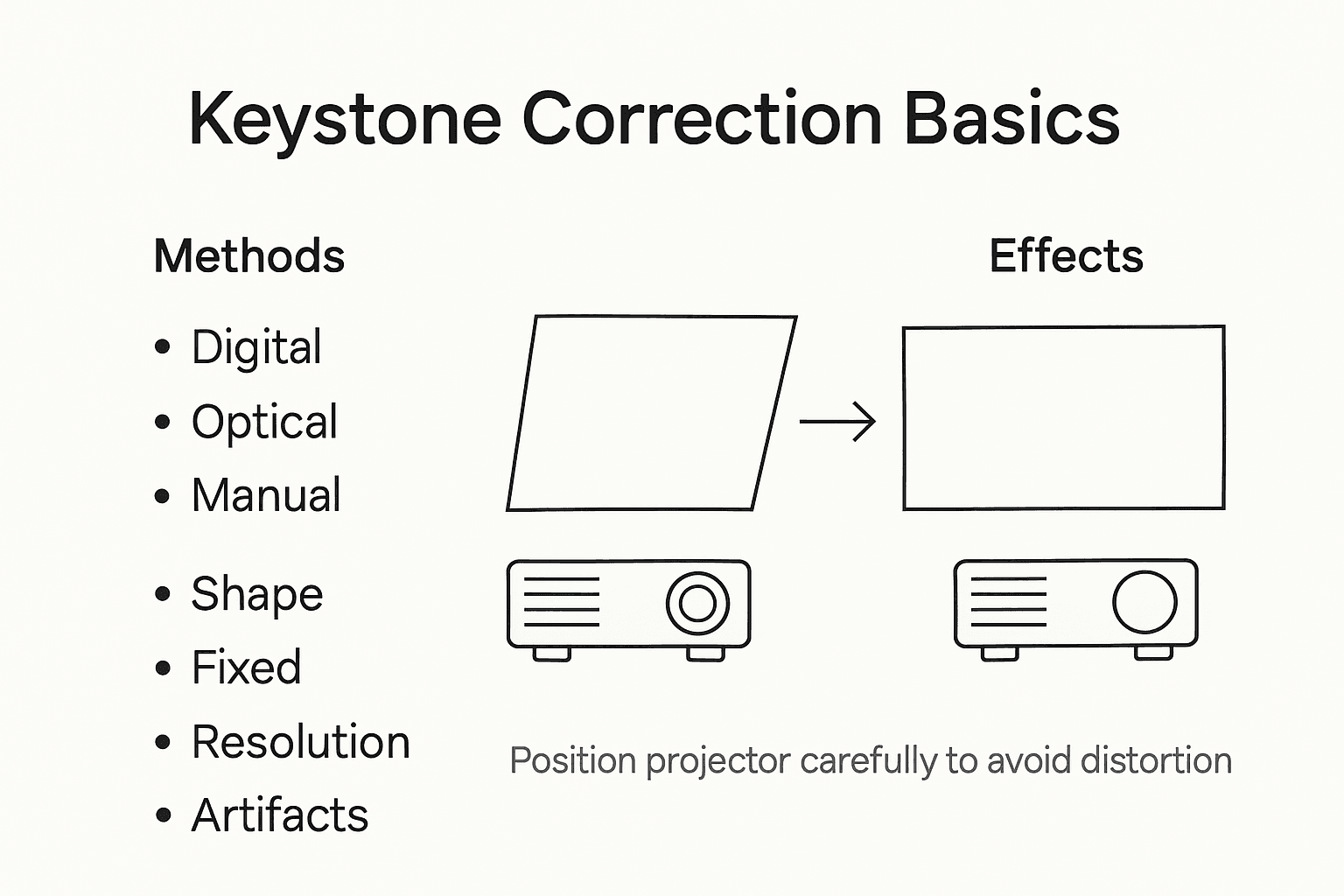
The most critical trade-offs emerge in digital keystone correction, where extensive image manipulation can cause noticeable visual degradation. Pixel compression and interpolation lead to reduced resolution, creating a softer, less defined image. Professional users and home theater enthusiasts might observe subtle but significant changes in image clarity, particularly when displaying text, technical graphics, or content requiring precise visual reproduction. Lower-end projectors experience more pronounced quality loss, with some corrections causing up to 20% reduction in perceived image sharpness.
Beyond resolution challenges, keystone correction can introduce additional visual artifacts that compromise viewing experience. Color accuracy may diminish as pixels are digitally manipulated, leading to slight variations in color temperature and saturation. Brightness levels can also decrease, creating a less vibrant and dynamic visual presentation. Professional environments like conference rooms, educational institutions, and home theaters demand high-quality displays, making these subtle degradations potentially unacceptable for critical visual communications.
Pro tip: Whenever possible, physically position your projector to minimize the need for extensive keystone correction, preserving maximum image quality and visual integrity.
This summary highlights typical visual trade-offs when using keystone correction:
| Trade-Off | Cause | Visible Effect |
|---|---|---|
| Lower image sharpness | Pixel compression | Softer, blurrier image |
| Reduced color accuracy | Pixel interpolation | Faded or shifted tones |
| Decreased brightness | Digital manipulation | Less vibrant display |
Manual Adjustment and Effective Use Strategies
Manual keystone correction techniques require a systematic approach to achieving optimal image alignment while preserving visual quality. Most projectors offer dedicated buttons or menu settings that allow users to incrementally adjust horizontal and vertical keystone parameters. The fundamental strategy involves making minimal corrections, understanding that each digital adjustment potentially compromises image resolution and clarity.
Successful keystone correction begins with physical positioning, which remains the most critical factor in maintaining image integrity. Users should first attempt to position their projector as close to perpendicular with the projection surface as possible, minimizing the need for digital correction. When physical repositioning isn't completely achievable, professional users recommend making small, incremental adjustments. Start with subtle corrections, carefully observing how each adjustment impacts overall image sharpness, color consistency, and pixel integrity.
Advanced users employ a strategic approach to keystone adjustment, treating it as a precise calibration process rather than a simple fix. This involves carefully monitoring visual feedback during correction, paying attention to text legibility, graphic precision, and overall image uniformity. Some high-end projectors offer split-screen preview modes that allow users to compare corrected and uncorrected images simultaneously, enabling more informed adjustment decisions. Understanding your specific projector's correction limitations and capabilities becomes crucial in maintaining optimal visual performance across different projection scenarios.
Pro tip: Always start with minimal keystone correction and incrementally adjust, prioritizing physical projector positioning over extensive digital manipulation.
Discover the Perfect Projector Setup with Keystone Correction in Mind
If you have struggled with distorted images due to projector placement or want to avoid the loss of sharpness and color accuracy from heavy digital keystone correction, you are not alone. Achieving that crisp, rectangular display means understanding the balance between projector positioning and correction technology. At ProjectorDisplay.com, we offer a wide range of projectors with advanced optical keystone correction and lens shift features designed to preserve image quality even when perfect alignment is not possible.

Take control over your projection experience by choosing projectors built to deliver full HD resolution and vibrant colors without compromise. Explore our selection of portable, laser, and smart projectors ideal for home theaters, classrooms, and business presentations. Act now to find the ideal unit that requires minimal digital adjustment, ensuring your visuals stay sharp and professional. Visit ProjectorDisplay.com to browse products, get expert advice, and secure fast shipping across Peninsular Malaysia today.
Frequently Asked Questions
What is keystone correction?
Keystone correction is a digital adjustment technique used in projectors to fix image distortion caused when the projector is not aligned perpendicularly to the screen. It reshapes the image from a trapezoid back to a rectangle, maintaining visual integrity.
How does keystone correction affect image quality?
While keystone correction helps in restoring proper image shape, it can reduce overall image resolution and sharpness. Digital keystone correction, in particular, can lead to quality degradation, especially in lower-end projectors.
What are the differences between digital and optical keystone correction?
Digital keystone correction manipulates pixels electronically, which can lower image quality. Optical keystone correction, also known as lens shift, adjusts the projector's lens physically and maintains original pixel integrity, resulting in superior image quality.
How can I minimize the need for keystone correction?
To minimize the necessity for keystone correction, it's essential to position the projector as close to perpendicular to the screen as possible. This approach will help preserve maximum image quality and reduce reliance on digital adjustments.