
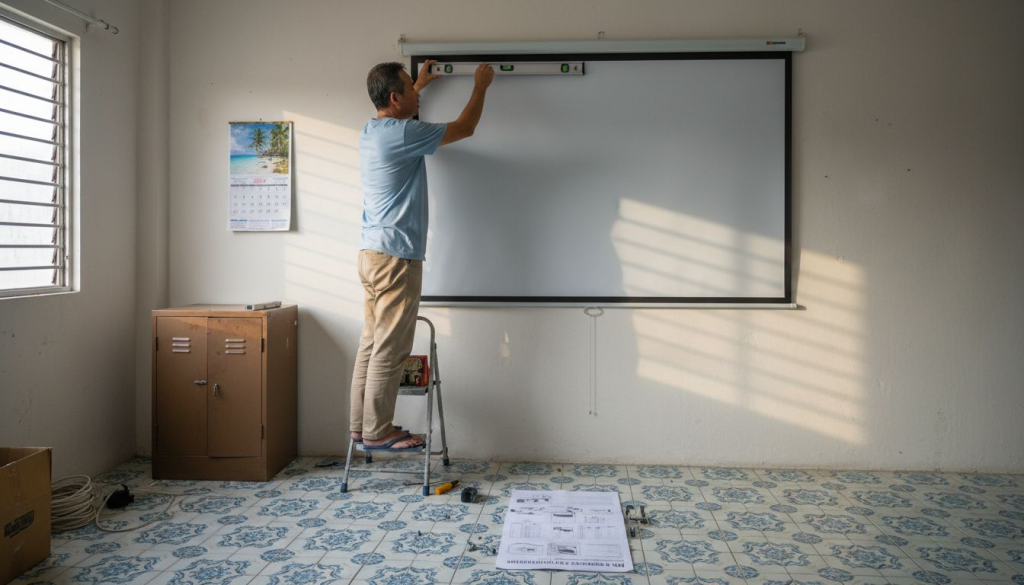
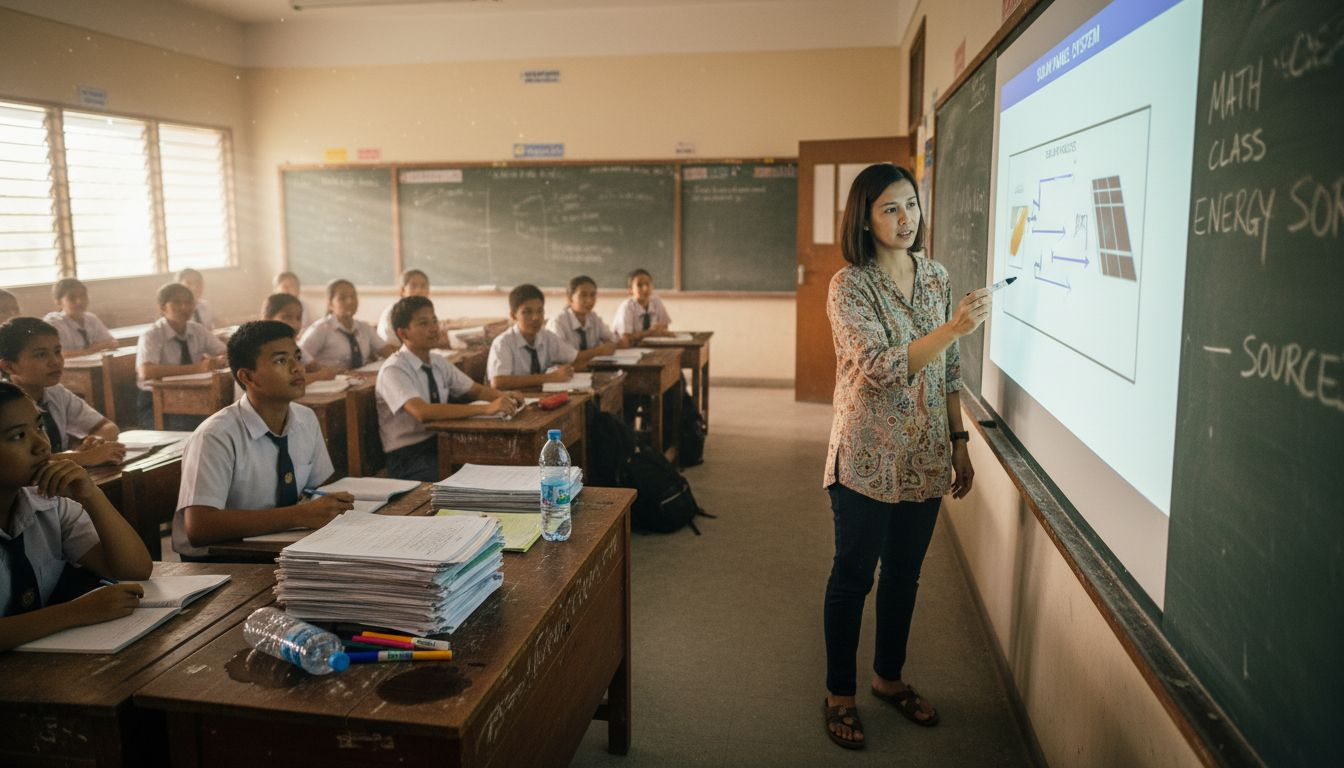
Classrooms across Malaysia are experiencing a visual revolution. High-gain screens improve visibility by 35% in bright learning environments, transforming how students engage with projected content. Whether you're setting up a home theater or enhancing your teaching space, understanding light projector screens ensures you get crisp, vibrant images even when ambient light threatens to wash out your display. This guide explores screen materials, gain specifications, and practical choices for Malaysian environments.
Table of Contents
- Introduction To Light Projector Screens
- How Ambient Light Influences Projector Screen Performance
- Understanding Projector Screen Materials And Types
- Comparing Screen Specifications: Gain, Viewing Angle, And Image Quality
- Best Projector Screen Choices For Malaysian Home And Educational Settings
- Common Misconceptions About Light Projector Screens
- Installation, Maintenance, And Longevity Tips For Projector Screens
- Explore Top Projector Screens And Accessories At Projector Display Malaysia
- Frequently Asked Questions About Light Projector Screens In Malaysia
Key Takeaways
| Point | Details |
|---|---|
| Ambient light impact | High ambient light reduces contrast by over 50% on projector screens. |
| Gain and viewing angle balance | High gain screens boost brightness but narrow viewing angles and risk hotspotting by 20 to 30%. |
| Material types matter | Matte white offers wide angles and accurate color; glass bead provides higher gain with color shifts; woven screens balance both. |
| Installation for longevity | Mildew resistant coatings and proper tensioning extend screen lifespan in Malaysia's humid climate. |
| Malaysian classroom benefits | Implementing high gain woven screens increases classroom visibility by 35% in typical lighting. |
Introduction to Light Projector Screens
Light projector screens serve as the canvas for projected images, directly influencing brightness, color accuracy, and viewing comfort. Unlike plain walls, dedicated screens use engineered surfaces to optimize light reflection and distribution. The screen's gain value measures how much light it reflects compared to a standard reference surface. A gain of 1.0 reflects light equally in all directions, while higher values concentrate light toward the center viewing area.
Viewing angle defines how far off center an audience member can sit before image quality degrades noticeably. Screens with wide viewing angles maintain consistent brightness and color across the entire seating area. Narrow viewing angles concentrate brightness but create dark zones at the sides. These two properties interact constantly, forcing you to balance brightness needs against audience spread.
Screen attributes directly impact your viewing experience in several ways:
- Brightness levels determine visibility in rooms with windows or overhead lighting
- Color accuracy affects how true to life images appear during presentations or movie watching
- Viewing consistency ensures everyone in the room sees quality images regardless of seating position
- Surface uniformity prevents distracting bright spots or darker patches across the display area
Understanding these fundamentals helps you match screen specifications to your actual viewing environment rather than chasing impressive numbers that might not suit your space.
How Ambient Light Influences Projector Screen Performance
Ambient light reduces contrast by over 50% in typical classroom settings, turning vibrant presentations into washed out displays. Malaysian classrooms and living rooms often contend with bright tropical sunlight streaming through windows or overhead fluorescent fixtures running throughout the day. This environmental light adds a gray layer to projected images, reducing the difference between dark and bright areas that creates visual depth.
High gain screens combat ambient light by directing more reflected light toward viewers. A screen with 2.0 gain appears twice as bright as a standard surface when viewed from the center position. However, this brightness boost comes with trade offs. The concentrated reflection can create hotspots, circular bright areas in the image center that distract viewers and reduce perceived quality.
"The relationship between ambient light and screen performance determines whether your projector investment delivers professional results or disappointing images that struggle against environmental conditions."
Malaysian environments present unique challenges for screen placement. Equatorial sunlight intensity peaks during midday hours when many presentations occur. Humidity affects screen materials over time, potentially degrading surface coatings. Room layouts often include large windows designed for natural ventilation, making complete light control difficult.
Pro Tip: Position your screen perpendicular to windows rather than opposite them. This angle minimizes direct sunlight hitting the screen surface while still allowing natural room lighting. Combine this placement with light colored curtains that diffuse rather than block light completely for the best balance between visibility and room comfort.
Practical optimization starts with measuring your room's ambient light levels during typical usage times. Use your projector's brightest mode initially, then adjust screen gain requirements based on actual viewing conditions rather than theoretical specifications.
Understanding Projector Screen Materials and Types
Matte white screens represent the most common projector surface, using a diffuse coating that scatters light evenly across wide viewing angles. These screens typically maintain gain values around 1.0, providing consistent brightness from virtually any seating position. Color accuracy remains excellent because the white surface reflects all wavelengths equally without introducing shifts. You'll find matte white ideal for home theaters with controlled lighting where accurate color reproduction matters more than fighting ambient light.
Glass bead screens embed tiny reflective spheres in the surface coating, creating gain values from 1.5 to 2.0. These spheres bounce light back toward the projection source, increasing brightness for viewers seated near the projector axis. The technology works brilliantly in conference rooms where audiences cluster in front of the screen. However, viewers sitting at wide angles experience significant brightness drop off. Color accuracy suffers slightly as different wavelengths reflect at varying intensities, introducing minor tinting.
Woven and tensioned screens offer middle ground solutions:
- Acoustic transparent weaves allow sound to pass through for speakers mounted behind the screen
- Tensioned frames eliminate wrinkles and waves that distort images, especially critical in permanent installations
- Gain values typically range from 1.1 to 1.3, balancing brightness boost with viewing angle preservation
- Durable construction withstands Malaysia's humidity better than vinyl alternatives
- Premium woven materials resist mildew growth in tropical climates
Material selection depends heavily on your specific usage scenario. Classrooms benefit from higher gain materials that combat overhead lighting, accepting narrower viewing angles since students typically face forward. Home theaters prioritize wide angles and color accuracy for movie watching from various couch positions. Portable users might sacrifice some performance for convenience, though fixed installations always outperform temporary setups.
Comparing Screen Specifications: Gain, Viewing Angle, and Image Quality
Quantifying screen performance helps you make informed comparisons between products. The table below shows typical specification ranges for common screen types:
| Screen Type | Gain Range | Viewing Angle | Color Accuracy | Best Use Case |
|---|---|---|---|---|
| Matte White | 1.0 | 160° | Excellent | Home theater, controlled light |
| Glass Bead | 1.5 to 2.0 | 90° to 110° | Good | Conference rooms, front seating |
| Woven Standard | 1.1 to 1.3 | 140° to 150° | Very Good | Classrooms, multipurpose spaces |
| High Gain Woven | 1.8 to 2.2 | 100° to 120° | Good | Bright classrooms, large venues |
Gain numbers tell only part of the story. A screen advertising 2.0 gain might deliver impressive center brightness but create a viewing experience where students seated at room edges see significantly dimmer images. Understanding screen gain helps you evaluate whether higher numbers actually benefit your viewing arrangement.
Viewing angle specifications indicate the total cone within which brightness remains above 50% of peak center values. A 120° viewing angle means you can sit 60° to either side of center before brightness drops noticeably. Narrower angles concentrate light but limit usable seating positions. Wider angles accommodate larger audiences at the cost of peak brightness.
Hotspotting risks increase 20 to 30% when using screens above 1.8 gain, creating circular bright zones that distract from content. This artifact occurs because high gain surfaces reflect light most intensely along the axis between projector and viewer. The effect intensifies when projector distance decreases or screen size increases.
Pro Tip: Calculate your room's maximum viewing angle by measuring the distance from screen center to the farthest seat, then comparing screen width. If your widest seats exceed the screen's specified viewing angle, choose a lower gain screen with wider dispersion to ensure everyone sees quality images.
The impact of screen gain extends beyond simple brightness multiplication. Higher gain concentrates available light, helping projectors with lower lumen output compete in brighter rooms. However, this concentration creates uneven brightness distribution that can fatigue viewers during long presentations or movie sessions.
Best Projector Screen Choices for Malaysian Home and Educational Settings
Malaysian classrooms demand screens that handle bright overhead lighting while accommodating students seated across wide classroom layouts. High gain woven screens increase visibility by 35% compared to standard white walls, transforming marginal projections into clear, readable displays. These screens typically feature gains between 1.8 and 2.0, providing brightness boost without excessive hotspotting when paired with appropriate projectors for teachers.
Home theater environments benefit from different priorities. Matte white screens deliver superior color accuracy for movie watching, especially important when streaming services provide HDR content with wide color gamuts. The wide 160° viewing angles accommodate family members spread across sofas and floor cushions without brightness variations. You control lighting more easily at home than in classrooms, making the lower 1.0 gain acceptable.
Comparison of recommended screens for typical Malaysian settings:
| Setting Type | Recommended Screen | Key Advantage | Typical Size | Installation |
|---|---|---|---|---|
| Bright Classroom | High gain woven (1.8 to 2.0) | Combats overhead lights | 100 to 120 inches | Fixed frame, mildew resistant |
| Home Theater | Matte white (1.0) | Accurate colors, wide angles | 100 to 150 inches | Fixed or motorized |
| Multipurpose Hall | Woven standard (1.3) | Balances brightness and angle | 120 to 200 inches | Fixed tensioned |
| Portable Teaching | Tripod matte (1.0) | Easy transport | 80 to 100 inches | Freestanding |
Portable screens offer convenience for teachers moving between classrooms or presenters traveling to client sites. However, these solutions compromise image quality through several mechanisms:
- Tripod bases create screen wobble from air conditioning or movement nearby
- Rolled storage introduces creases that never fully disappear, creating visible lines
- Lower cost materials typically provide gains below 1.0, reducing brightness
- Smaller sizes limit audience visibility in larger rooms
Malaysia's tropical humidity requires specific material considerations. Mildew resistant coatings prevent the black spots that ruin untreated screens within months of installation. Woven materials breathe better than solid vinyl, reducing moisture trapped between screen and wall. Fixed tensioned frames maintain surface flatness despite humidity fluctuations that would warp loose hanging materials.
Environmental factors influence installation decisions significantly. Coastal areas experience higher humidity and salt air that degrades standard coatings faster. Urban classrooms contend with higher ambient light from surrounding buildings. Proper screen placement accounts for these variables, positioning screens away from direct airflow and sunlight exposure.
Common Misconceptions About Light Projector Screens
Many buyers assume higher gain always delivers better images, ignoring the trade offs that accompany concentrated light reflection. Marketing materials often emphasize gain numbers without explaining viewing angle restrictions or hotspotting risks. A 2.5 gain screen might sound impressive until you realize viewers sitting 30° off center see images 40% dimmer than those in front.
The belief that projector brightness alone determines image quality overlooks how ambient light affects projection. Even a 5000 lumen projector struggles against direct sunlight on a low gain screen. The screen's ability to preserve contrast ratios matters as much as raw projector output. Pairing bright projectors with appropriate gain screens maximizes your investment.
Portable screens often disappoint users expecting fixed screen performance:
- Wrinkles from rolling and storage create visible texture in projected images
- Lightweight frames flex and vibrate, causing image movement
- Lower material quality reduces gain and color accuracy compared to permanent installations
- Setup and takedown time adds friction to frequent use scenarios
Another persistent myth suggests any white wall performs as well as dedicated screens. While walls can display projected images, their rough texture scatters light unevenly, reducing sharpness. Paint reflects different wavelengths inconsistently, shifting colors. Walls lack the engineered coatings that optimize brightness and viewing angles.
"Screen technology represents decades of optical engineering refinement. Dismissing these advances by projecting on painted walls sacrifices image quality that audiences notice immediately, even if they cannot articulate the technical reasons."
The misconception that expensive screens always outperform budget options ignores use case matching. A premium high gain screen excels in bright conference rooms but delivers worse results than a basic matte white screen in a dark home theater. Price indicates build quality and materials, not universal superiority across all viewing environments.
Installation, Maintenance, and Longevity Tips for Projector Screens
Proper installation begins with wall preparation and precise measurements. Follow these steps for optimal results:
- Locate wall studs or solid mounting points that support screen weight plus 50% safety margin
- Position the screen center at seated eye level, typically 36 to 42 inches from floor to screen bottom edge
- Ensure the mounting surface is perfectly level using a quality spirit level across multiple points
- Leave minimum 6 inch clearance on all sides for air circulation and frame expansion
- Route cables through walls or use cable channels before mounting to maintain clean appearance
- Apply mildew resistant coating to wall areas behind screen in high humidity environments
Malaysia's humid climate demands specific maintenance approaches. Mildew resistant screen coatings require annual inspection for degradation. Small spots appearing on screen edges indicate moisture penetration. Address these immediately by improving room ventilation or applying additional protective treatments. Dehumidifiers in dedicated theater rooms extend screen lifespan significantly.
Tension maintenance prevents the wrinkles and sags that degrade image quality over time. Fixed frame screens use springs or elastic cords that relax gradually. Check tension every six months by pressing gently on screen center. The surface should feel drum tight with minimal give. Adjust corner tensioners following manufacturer specifications to restore flatness.
Cleaning recommendations vary by screen material:
- Matte white screens tolerate gentle vacuuming with soft brush attachments monthly
- Glass bead surfaces require microfiber cloths dampened with distilled water only
- Woven screens benefit from compressed air blown across the surface to remove dust
- Never use alcohol, ammonia, or chemical cleaners that damage optical coatings
Pro Tip: Install fixed tensioned screens rather than motorized retractable models in permanent spaces. The constant tension maintains perfect flatness while eliminating mechanical failure points. Motorized screens develop wrinkles where material rolls around the storage tube, and motors eventually fail in humid environments.
Optimal installation height accounts for audience seating positions. Calculate the vertical center of your seating area, then position screen center at that height. This ensures viewers look straight ahead rather than craning necks up or down. Proper screen placement considers both horizontal and vertical sight lines for maximum comfort during extended viewing sessions.
Explore Top Projector Screens and Accessories at Projector Display Malaysia
You've learned how screen materials, gain specifications, and viewing angles transform projected images in Malaysian environments. Now it's time to implement these insights with quality equipment designed for tropical conditions. High quality projector screens at Projector Display Malaysia feature mildew resistant coatings and tensioned frames that maintain performance despite humidity challenges.

Our selection includes matte white screens for home theaters, high gain woven options for bright classrooms, and portable solutions for traveling presenters. Each product listing provides detailed specifications including gain values, viewing angles, and material compositions so you can match screens to your exact requirements. The projector screen buying guide walks you through selection criteria tailored to Malaysian usage scenarios.
Complete your setup with projector accessories including mounting brackets engineered for Malaysian wall construction, cleaning kits formulated for tropical climates, and replacement parts that extend equipment lifespan. Fast shipping throughout Peninsular Malaysia ensures your classroom or home theater upgrades arrive quickly.
Frequently Asked Questions About Light Projector Screens in Malaysia
What is screen gain and why does it matter?
Screen gain measures how much light a screen reflects compared to a standard reference surface, with 1.0 representing equal reflection in all directions. Higher gain concentrates light toward center viewers, boosting brightness but narrowing viewing angles and potentially creating hotspots.
How do I choose a projector screen for a bright classroom?
Select high gain woven screens (1.8 to 2.0 gain) with mildew resistant coatings for Malaysian classrooms. These screens combat overhead lighting while maintaining reasonable viewing angles for students seated across the room, improving visibility by up to 35% compared to standard surfaces.
Can I use a portable screen for permanent home setups?
Portable screens work temporarily but compromise image quality through wrinkles, lower gain materials, and frame instability. Fixed tensioned screens provide superior flatness, better optical coatings, and eliminate setup time, making them worthwhile investments for permanent installations.
How often should I clean and maintain my projector screen?
Dust screens monthly using appropriate methods for your material type, and inspect tension quarterly in humid environments. Check for mildew spots every six months and adjust frame tensioners as needed to maintain drum tight surface flatness that prevents image distortion.
Does screen material affect color accuracy?
Yes significantly. Matte white screens reflect all wavelengths equally for excellent color accuracy, while glass bead screens introduce minor color shifts due to uneven wavelength reflection. Woven screens typically maintain very good accuracy, balancing color fidelity with modest brightness gains.
What viewing angle should I target for my room layout?
Measure the angle from screen center to your widest seats, then choose screens with viewing angle specifications exceeding that measurement by 20 degrees. This margin ensures edge viewers see adequate brightness and color without requiring perfect center positioning.