
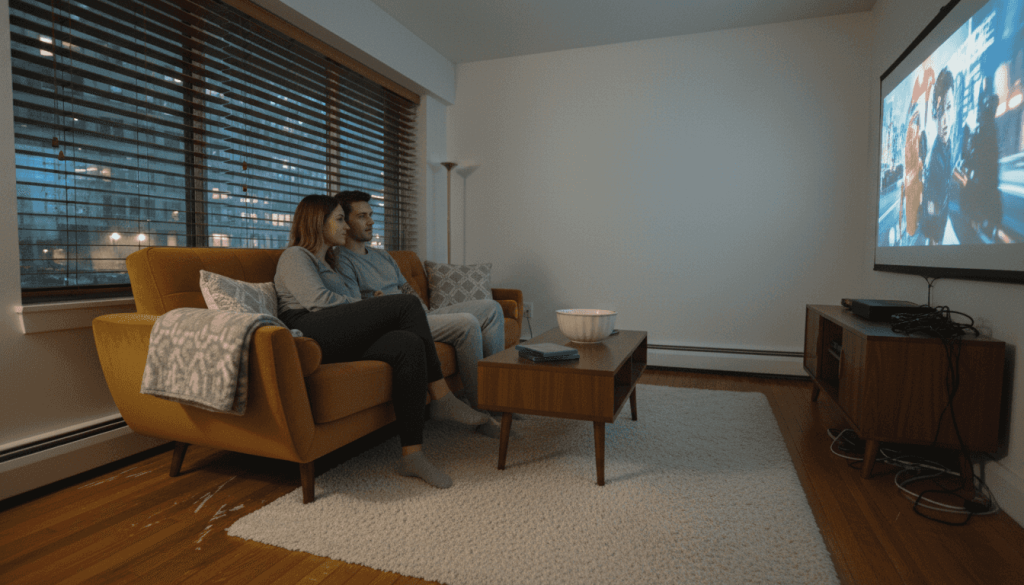
Trying to enjoy movie nights or deliver impressive presentations in Malaysia often leads to the same struggle—walls and bedsheets just do not deliver the sharp visuals you expect. Both home theater enthusiasts and small business owners quickly notice that only a real projector screen can guarantee clear images and accurate colors. A well-chosen screen offers easy setup, consistency, and visible quality whether you are hosting a family gathering or pitching to clients.
Table of Contents
- What Makes A Projector Screen Essential
- Exploring Projector Screen Types And Uses
- Choosing Size, Aspect Ratio, And Setup
- Comparing Costs, Common Pitfalls, And Alternatives
Key Takeaways
| Point | Details |
|---|---|
| Importance of a Projector Screen | A dedicated projector screen enhances image quality by optimizing light reflection, ensuring brightness and color accuracy for impressive visuals. |
| Costs of Skipping a Screen | Using an alternative surface can result in significant brightness and color loss, impacting the overall viewing experience across different settings. |
| Choosing the Right Screen Type | Selecting the appropriate type of screen for your environment, whether fixed frame, pull-down, or portable, is essential to maximizing your projector's potential. |
| Material and Setup Considerations | The screen material affects image quality and should match your room's lighting conditions; proper size and aspect ratio are crucial for an optimal viewing experience. |
What Makes a Projector Screen Essential
A projector screen transforms a basic projection setup into a professional visual experience. Without it, you're relying on walls, bedsheets, or whatever surface happens to be available—and that compromises image quality significantly.
Projector screens serve a specific purpose: they optimize how light reflects back to your eyes. Regular walls absorb light unevenly, creating dull, washed-out images. A proper screen maintains brightness and color accuracy across the entire viewing area.
Historically, projection technology shifted to screens as the essential element for displaying moving images to larger audiences, transforming viewing from individual experiences to communal events. This evolution underscores how screens remain fundamental to achieving clear, shared visual experiences today.
Why Screens Matter More Than You Think
You might assume any white surface works. It doesn't. Here's what a quality projector screen provides that random surfaces cannot:
- Consistent reflection across the entire surface for uniform brightness
- Controlled light distribution so viewers see the same quality from different angles
- Color accuracy that preserves the content creator's original intent
- Reduced glare and hot spots that plague unprepared wall projections
- Better contrast between light and dark areas of your image
In educational and business settings, projectors combined with screens create optimal visual delivery that enhances engagement and teaching efficiency. The screen becomes the bridge between your projector's capabilities and your audience's experience.
The Real Cost of Skipping a Screen
You might think about saving money by projecting onto your living room wall or using a white bedsheet. Consider what you'll actually lose:
- 30-50% brightness loss compared to a dedicated screen
- Poor viewing angles that make side viewers see a darker, degraded image
- Color distortion that makes colors appear dull or inaccurate
- Wrinkles and imperfections that create visible distractions
- Permanent damage if you're projecting onto painted surfaces
For home theater, business presentations, and classroom environments—whether you're in Malaysia or elsewhere—a dedicated screen is non-negotiable.
Where Screens Become Critical
Certain situations demand a screen immediately:
- Home theater setups where image quality directly affects your viewing pleasure
- Business presentations where first impressions matter to clients
- Educational classrooms where student engagement depends on clear visuals
- Conference rooms requiring professional-grade presentations
- Gaming setups where detail and color accuracy impact gameplay
If you're using a projector for anything beyond casual viewing, you need a screen. The investment pays for itself through better image quality and professional appearance.
A projector without a screen is like buying a high-end camera and printing photos at a convenience store—you're wasting the equipment's potential.
Pro tip: If you're unsure whether to invest in a screen, rent one first for an event or presentation. You'll immediately see the difference compared to wall projection, and that clarity will justify the purchase.
Exploring Projector Screen Types and Uses
Not all projector screens are created equal. Different environments demand different screen types, and choosing the wrong one wastes money and compromises your visual experience.
The type of screen you select depends on your space, budget, and how you plan to use it. A classroom needs something different from a home theater, and a conference room has different requirements than a gaming setup.
Fixed Frame Screens
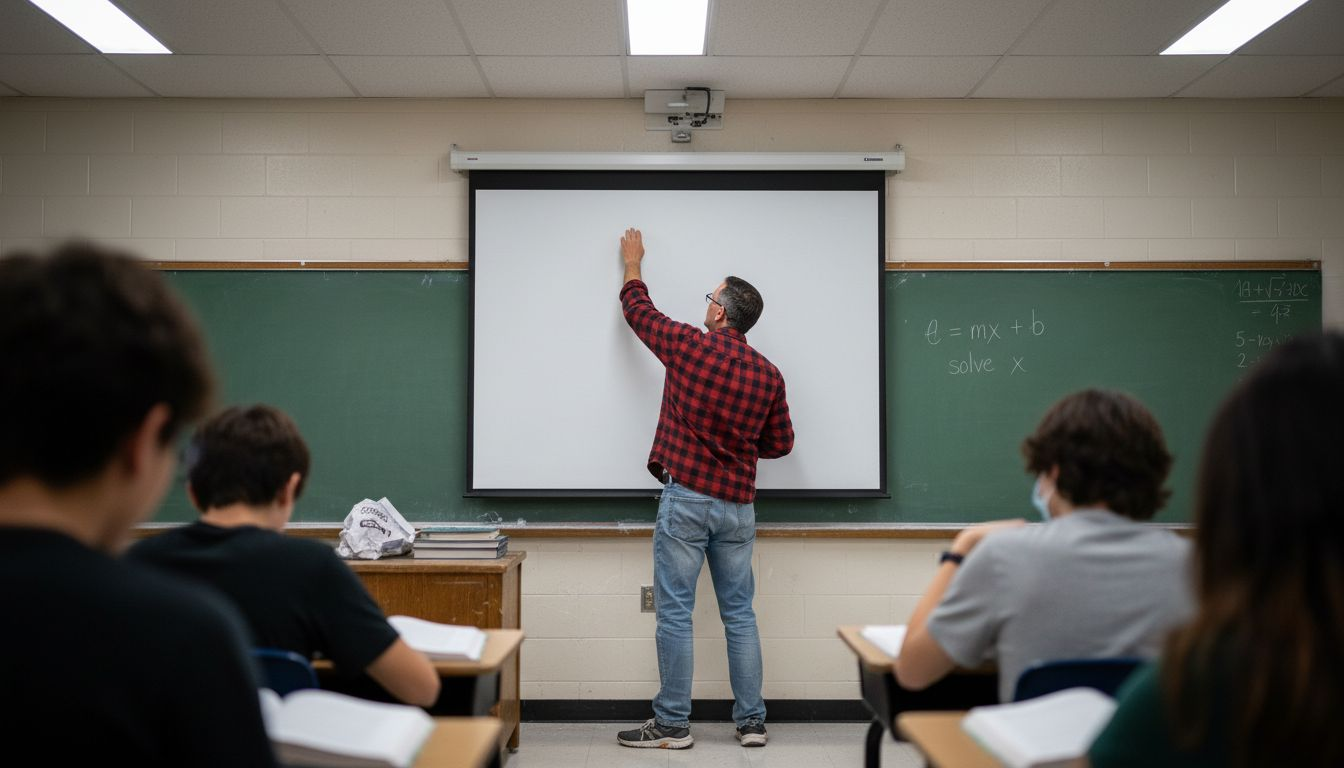
Fixed frame screens mount permanently to a wall or ceiling. Once installed, they stay put. These screens offer excellent image quality because they maintain perfectly flat surfaces without wrinkles or sagging.
Use fixed frame screens when:
- You have a dedicated projection space that won't change
- Image quality is your top priority
- You want the cleanest, most professional appearance
- You're setting up a permanent home theater or boardroom
Fixed frames work best in best classroom projector setups and dedicated home theaters. The investment pays off through superior, consistent image quality every single time you project.
Pull-Down and Motorized Screens
Pull-down screens offer flexibility. You mount them above your projection area and pull them down when needed. They hide away when not in use, keeping your space looking clean and uncluttered.
Motorized screens take convenience further. A remote control or automated trigger lowers and raises the screen automatically, perfect for presentations or multi-purpose rooms.
Choose pull-down or motorized screens for:
- Multi-purpose rooms that serve different functions
- Spaces where you want the screen hidden between uses
- Professional presentations requiring quick setup
- Situations where multiple screen adjustments happen daily
Both types work great for best office projector environments and best classroom projector settings in Malaysia where space efficiency matters.
Portable Screens
Portable screens prioritize mobility. They fold up, pack down, and travel with you. Some models stand on tripods; others mount to portable frames.
Portable screens solve problems when:
- You present in different locations regularly
- You lack permanent installation space
- You need quick setup and teardown
- You're operating a mobile presentation service
These screens are ideal for projector seller malaysia professionals and business owners who travel between client sites.
Here's a comparison of projector screen types and their ideal environments:
| Screen Type | Best Environment | Installation Method | Unique Advantage |
|---|---|---|---|
| Fixed Frame | Home theater, boardroom | Permanent wall mount | Flawless flatness, top image |
| Pull-Down/Motorized | Multi-use, offices | Retractable or motorized | Easy hideaway, fast setup |
| Portable | Events, mobile business | Tripod or portable frame | Travel-ready, quick assembly |
| Interactive | Modern classrooms | Wall or floor mount | Touch interaction, annotation |
Screen Materials and Lighting
Screen classification by material and functionality includes matte white, glass bead, and ambient light rejecting options. Your choice depends on room lighting conditions and projector brightness.
Matte white screens work in controlled lighting and cost less. Glass bead screens increase brightness for brighter rooms. Ambient light rejecting screens combat bright windows and overhead lights, maintaining contrast even in daylight.
Different screen types serve different purposes:
This reference table helps match screen material to lighting needs:
| Material Type | Lighting Condition | Recommended Use | Key Benefit |
|---|---|---|---|
| Matte White | Controlled, dim room | Home theater, classrooms | Affordable, accurate colors |
| Glass Bead | Moderate light | Offices, training rooms | Boosts brightness, clarity |
| Ambient Light Rejecting | Bright, sunlit space | Conference rooms, offices | Maintains contrast, sharpness |
- Matte white: home theaters, dark classrooms, budget-conscious buyers
- Glass bead: offices with standard lighting, training rooms
- Ambient light rejecting: bright offices, conference rooms with windows
Interactive and Specialized Screens
Various projector screen types support different classroom environments, including interactive screens for modern teaching. These screens let you touch them, annotate directly on the surface, and respond to input devices.
Interactive screens enable:
- Student collaboration and engagement
- Direct annotation during lessons
- Integration with educational software
- Dynamic, responsive teaching methods
They cost more than standard screens but transform how educators teach. For best classroom projector applications in Malaysia's schools, interactive screens represent the future of visual learning.
Your screen type should match your space and use case, not the other way around. Forcing the wrong screen into a situation creates frustration and wastes your projector investment.
Pro tip: Before buying any screen, identify whether your space has controlled lighting or bright windows—this single factor often determines which material type delivers the best results for your specific environment.
Screen Materials and Image Enhancement
The material your screen is made from directly impacts image quality. Not all materials perform the same way, and choosing wisely transforms your projection experience.
Screen material science focuses on how light bounces off the surface. Materials science plays a critical role in developing projector screen technologies with optimal light reflectivity and diffusion properties. This engineering determines whether your image appears bright, crisp, and accurate or dull and washed out.
Think of screen material as the final piece of your visual puzzle. Your projector can be excellent, but poor material wastes that capability.
Understanding Light Reflectivity
Reflectivity measures how much light bounces back to your eyes versus being absorbed by the screen. Higher reflectivity means brighter images, which matters in rooms with ambient light or less powerful projectors.
Different materials reflect light at different rates:
- Vinyl-based materials: Good reflectivity, affordable, durable
- Woven fabrics: Balanced reflectivity, professional appearance
- Glass bead coatings: Maximum reflectivity, specialized applications
- Specialty coatings: Optimized for specific lighting conditions
The right material maximizes the light your projector produces without losing brightness in the reflection process.
How Diffusion Affects Your Image
Diffusion controls how the reflected light spreads across the room. Perfect diffusion means viewers at any angle see quality images. Poor diffusion creates bright spots near the center and dark areas on the sides.
Standard reference materials improve projector screen quality through consistent optical properties including reflectance and diffusion characteristics. This uniformity ensures durability and reliable image quality across diverse environments.
Materials with excellent diffusion:
- Distribute light evenly to all viewing angles
- Prevent hot spots and glare
- Accommodate multiple viewers simultaneously
- Maintain color accuracy regardless of viewing position
For best home projector Malaysia setups or business presentations where people sit at different angles, diffusion quality becomes critical.
Image Enhancement Through Material Selection
Modern screen materials actively enhance image quality through engineered coatings. These aren't simple white fabrics—they're precision-engineered surfaces designed to improve brightness, contrast, and color accuracy.
Material enhancements include:
- Anti-reflective backing that prevents light bounce-back
- Color-correcting coatings that neutralize unwanted tints
- Ambient light rejecting properties for brighter room conditions
- Contrast-enhancing surfaces that deepen blacks
These technologies directly impact what you see on screen, making material selection as important as projector choice.
Matching Material to Your Environment
Your room's lighting determines which material performs best. Controlled, dark spaces allow standard vinyl or fabric screens. Bright rooms with windows demand specialized ambient light rejecting materials.
Consider these factors:
- Room lighting conditions throughout the day
- Projector brightness level (measured in lumens)
- Typical viewing distance and angles
- Content type (movies, presentations, gaming)
- Budget constraints
A best projector screen for your situation matches room conditions perfectly.
The best projector screen material maximizes brightness, maintains even color across viewing angles, and resists environmental wear over time. This combination requires engineered materials, not commodity white fabric.
Pro tip: Visit a projector retailer and compare the same content projected onto different screen materials side-by-side. You'll instantly see which material delivers superior brightness, contrast, and color accuracy for your specific room conditions.
Choosing Size, Aspect Ratio, and Setup
Getting screen size wrong ruins everything. A screen that's too small disappears into your space; one that's too large dominates and becomes uncomfortable to watch.
Screen size isn't just about dimensions—it's about creating the right viewing experience for your specific room and distance. The distance between your projector and screen, combined with your seating distance, determines what size actually works.
Understanding Aspect Ratio
Aspect ratio describes the proportions of your image: width to height. Different content works best with different ratios, and mismatching creates problems.
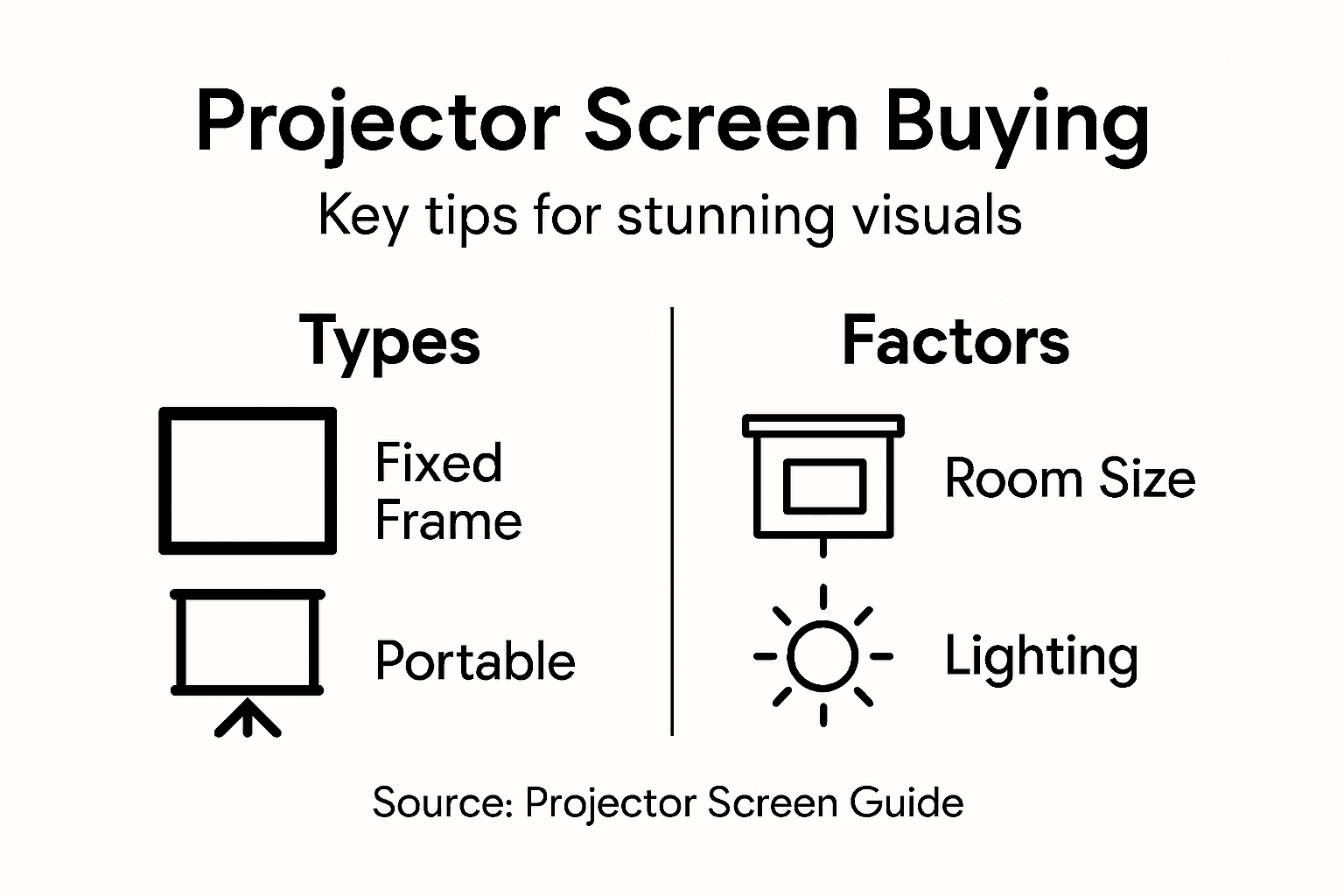
Choosing the right projector screen aspect ratio is vital for ensuring image clarity and display format based on your content type. Common ratios include:
- 4:3 for traditional presentations, older video content
- 16:9 for modern movies, streaming content, most business use
- 16:10 for computer presentations with toolbars visible
- 2.35:1 for cinema-style widescreen content
Choosing the wrong aspect ratio creates black bars on your screen or forces you to crop content. Match your aspect ratio to what you'll actually project.
Calculating the Right Screen Size
Screen size depends on three factors: viewing distance, room size, and content type. Here's the practical approach:
- Measure the distance from your typical seating to where the screen will mount
- Divide that distance by 1.5 to find diagonal screen size in inches
- Confirm this size fits your wall or mounting space
- Verify your projector can fill this size without distortion
For example, if viewers sit 10 feet away, divide by 1.5 to get 80 inches. That's your target screen size.
Room Geometry and Installation
Effective projector screen setup involves selecting appropriate dimensions that align with room constraints and maximize visibility. Installation location matters as much as size selection.
Consider these installation factors:
- Wall availability: Do you have an unobstructed wall or ceiling space?
- Mounting hardware: Can your walls support the screen weight?
- Projector placement: Where will the projector mount relative to the screen?
- Viewing angles: Will all viewers see the screen without twisting?
- Ambient light: Does sunlight hit the planned screen location?
Poor installation compromises even excellent screens. Plan the physical space before buying.
Matching Size to Room Type
Different applications demand different screen sizes:
- Home theater: 100-150 inches for immersive viewing
- Conference rooms: 60-100 inches for professional presentations
- Classrooms: 80-120 inches for full-class visibility
- Small offices: 50-75 inches for tight spaces
- Gaming: 90-130 inches for competitive advantage
A best office projector in Malaysia might work with a 75-inch screen, while a home theater demands substantially larger for impact.
Getting the math right before ordering saves frustration and money. Measure twice, calculate once, and order with confidence.
Pro tip: Create a cardboard mockup of your planned screen size using painter's tape on your wall. Live with it for a day—sit at normal viewing distance and watch content. This reveals whether the size truly works before you commit financially.
Comparing Costs, Common Pitfalls, and Alternatives
Projector screens vary wildly in price. A basic portable screen costs $200, while a motorized 120-inch professional installation runs $5,000 or more. Understanding what you're actually paying for prevents buyer's remorse.
Total cost extends beyond the screen itself. Installation, brackets, cables, maintenance, and replacement parts add up quickly. Many buyers focus only on the initial purchase price and overlook hidden expenses.
Breaking Down the True Cost
Total cost of implementing projector screens includes direct costs like materials and installation, plus indirect costs such as maintenance and potential productivity losses. This comprehensive view prevents financial surprises later.
Real expenses include:
- Screen purchase price
- Installation labor and hardware
- Cables and connectors
- Wall or ceiling repairs
- Annual maintenance and cleaning
- Replacement parts (if motorized)
- Unexpected repairs
A $1,000 screen becomes a $1,500 investment once you factor in everything. Budget accordingly.
Common Pitfalls to Avoid
Most screen buyers make the same mistakes. Knowing them saves time and money.
Underestimating setup complexity: You think installation takes an afternoon. It takes a full day. Plan accordingly or hire professionals.
Ignoring ceiling height: That perfect 120-inch screen doesn't fit if your ceiling is only 8 feet high. Measure before ordering.
Wrong aspect ratio: Buying 4:3 for modern 16:9 content creates permanent black bars. This frustrates you every time you project.
Cheap materials compromise image: Budget screens in bright rooms disappoint immediately. The money saved gets wasted wishing you'd bought better.
Forgetting ventilation: Some projectors need airflow above the screen. Mounting a screen blocks that ventilation and overheats the projector.
Evaluating Alternatives
Cost estimating guides recommend considering alternatives to traditional projector screens, such as interactive whiteboards and large displays. Sometimes alternatives actually serve you better.
Consider these options:
- Interactive whiteboards: Higher cost but enable touch interaction and annotation
- Large LED displays: No projection needed, but consume more electricity
- Portable projectors without screens: Works on any white surface, maximum flexibility
- Projection onto walls: Free but compromises image quality significantly
- Rental equipment: For one-time events, renting beats buying
Each alternative has trade-offs. Interactive whiteboards cost more but add functionality. Large displays eliminate projection issues but consume power. For regular projector malaysia users seeking permanent installations, dedicated screens remain the best value.
When Budget Screens Actually Make Sense
Cheaper screens work fine for specific situations. Recognize when you can save without regretting it.
Budget screens work for:
- Temporary setups you'll replace soon
- Backup screens in secondary rooms
- Testing before investing in quality
- Bright rooms with ambient light where cheap screens still perform acceptably
Budget screens fail for:
- Dark home theaters demanding quality
- Professional business presentations
- Permanent installations in important spaces
- Situations where image quality drives decisions
Cheap screens often cost more in the end. You upgrade sooner, creating double expense. Smart buyers invest once in quality.
Pro tip: Request equipment quotes that list every component and service separately. This transparency reveals hidden costs upfront and lets you negotiate specific line items rather than bundled prices that mask what you're actually purchasing.
Elevate Your Visual Experience with the Perfect Projector Screen
Struggling with dull images or frustrating glare from projecting onto your walls or bedsheets The article highlights how choosing the right projector screen and material is essential for crisp colors, consistent brightness, and immersive viewing Whether you need a fixed frame for your home theater, a motorized screen for your office, or a portable option for presentations in Malaysia, the right screen transforms your projection setup from ordinary to stunning

Discover a comprehensive range of premium projector screens, interactive displays, and accessories designed to meet your exact needs at ProjectorDisplay.com Our expert selection ensures you get high lumens brightness, ideal aspect ratios, and materials that enhance image quality with reliable shipping across Peninsular Malaysia Take the next step now for flawless presentations and unforgettable home theater nights Explore our collection and request a quote to experience the difference a quality screen makes. Visit ProjectorDisplay.com today and upgrade your projector setup with confidence.
Frequently Asked Questions
What are the benefits of using a projector screen instead of projecting onto a wall?
Using a projector screen optimizes light reflection, maintaining brightness and color accuracy while reducing glare and hot spots that can occur on uneven surfaces like walls.
How do I choose the right size projector screen for my room?
To find the right size, measure the distance from your seating area to where the screen will be mounted, and divide that distance by 1.5 to determine the ideal screen size in inches.
What types of projector screens are available, and what are their uses?
Common types include fixed frame screens for permanent setups, pull-down or motorized screens for flexibility, and portable screens for mobility. The choice depends on your space, usage needs, and whether you require a permanent or temporary solution.
What material should I choose for my projector screen based on my room lighting?
For controlled lighting, a matte white screen is ideal. In moderately lit rooms, glass bead screens can enhance brightness. For bright environments, an ambient light rejecting screen maintains contrast even in daylight conditions.
Recommended
- Projector Screen Instead of TV: Bigger Home Cinema – Projector Display
- Home Theater Projector Setup: Achieve the Ultimate Viewing Experience – Projector Display
- Projector Screen Size Chart: Achieve Ideal Viewing – Projector Display
- DIY Projector Screen Ideas: Transform Your Space Easily – Projector Display