
TL;DR:
- Most Malaysian educators focus solely on lumens when choosing projectors, often leading to washed-out images in bright classrooms. Proper setup, screen selection, and light control are essential to maximize projector effectiveness, with ambient light management often being more impactful than higher lumens. Long-term reliability depends on correct placement, maintenance, and understanding the interplay between environment and technology, not just raw specifications.
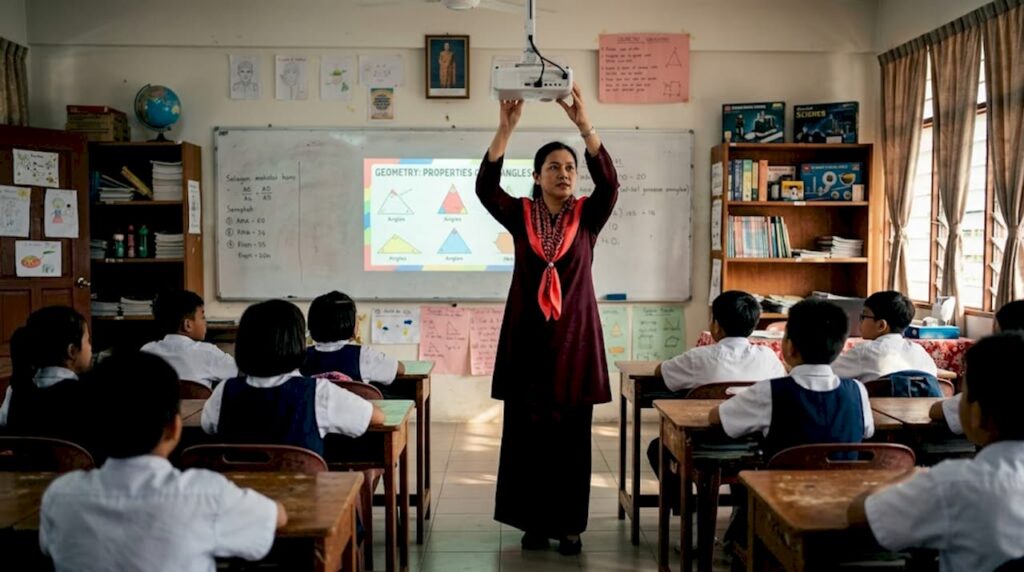
Most Malaysian educators shopping for a classroom projector spend the most time debating lumens, and then stop there. The brightness number goes up, they hit "add to cart," and wonder later why the image still looks washed out by 10am when sunlight pours through the windows. These classroom projector tips exist for exactly that situation, because the projector is only one piece of a much larger puzzle. Room setup, screen selection, throw distance, and even how you design your slides all determine whether students can actually read what's on the wall.
Table of Contents
- Understanding projector brightness and ambient light
- Choosing the right projector technology and features for classrooms
- Optimizing projector placement and screen selection to enhance image quality
- Managing ambient light and room environment for clear projection
- Maintenance and longevity: keeping your classroom projector reliable
- Why many Malaysian classrooms miss out on projector potential — and how you can change that
- Explore top projector solutions for Malaysian classrooms
- Frequently asked questions
Understanding projector brightness and ambient light
Brightness matters, but it rarely works the way you expect it to. A projector that looks brilliant in a dim demo room can disappoint in a bright Malaysian classroom with fluorescent overhead lights and open windows facing east. The variable you actually need to think about is brightness density, measured in lumens per square meter, which tells you how much light lands on the screen surface relative to its size.
Here is the practical breakdown:
- Small classrooms (up to 40 students, roughly 60 sqm): 2,500 to 3,500 lumens is the effective range
- Medium classrooms (40 to 80 students, 60 to 100 sqm): 3,500 to 4,500 lumens maintains readability with lights on
- Large halls and lecture theaters: 4,500 lumens and above to cut through strong ambient light
- Standard 85-inch screens with moderate ambient light: 3,800 to 5,000 ANSI lumens to deliver roughly 2,000 to 2,500 lumens per square meter for consistent visibility
You also need to understand where that ambient light comes from. Fluorescent tube lighting reflects off white walls and reduces perceived contrast. Windows on the side wall scatter light at angles that create uneven brightness across the screen surface. Both are common in Malaysian government and private school buildings.
Knowing your ideal projector brightness for your room size is more valuable than chasing the highest lumen spec. A properly bright image in a controlled environment will always outperform a higher-lumen projector in a poorly managed room.
The fix is not always buying a brighter projector. Controlling where the light goes in your classroom is faster, cheaper, and often more effective.
Choosing the right projector technology and features for classrooms
With brightness and ambient light understood, next is choosing the right projector type and features to fit your classroom environment. This is where the spec sheet actually starts to matter.
Lamp vs. laser light sources is the first decision that shapes your long-term costs. Lamp-based projectors cost less upfront but require bulb replacements every 2,000 to 5,000 hours of use. In a busy Malaysian school running back-to-back classes from 7am to 5pm, that means a lamp replacement roughly once every 12 to 18 months per unit. Laser projectors, by contrast, last 20,000 or more hours, which translates to a decade of classroom use before the light source needs attention.
LCD vs. DLP matters for image character:
- LCD projectors deliver stronger color saturation, making them a good choice for subjects with detailed charts, maps, or biology images
- DLP projectors offer sharper contrast and are more resistant to the "screen door effect" (the faint pixel grid visible at close range)
- Laser DLP combines both advantages and is increasingly the standard for choosing classroom projectors in well-funded schools
Throw distance is something Malaysian teachers rarely discuss but constantly suffer from. A standard long-throw projector mounted at the back of the room puts the teacher between the lens and the screen, casting shadows every time they walk to the board. Short-throw and ultra-short-throw models sit just below or above the screen, which eliminates that problem entirely.
Key features worth checking before purchase:
- HDMI and USB-C connectivity for modern laptops and tablets
- Wireless screen mirroring for presenting without a cable run across the floor
- Full HD (1920×1080) minimum resolution for sharp text at the back of the room
- Built-in speaker as a backup when the classroom PA is unavailable
Pro Tip: When evaluating projector brightness explained specifications, always check the "economy mode" lumen rating, not just the maximum. Economy mode is what teachers actually use daily to preserve lamp life, and it can be 20 to 30% dimmer than the advertised figure.
Optimizing projector placement and screen selection to enhance image quality
Let's now explore the practical steps to optimize placement and screen selection for the best classroom viewing experience.
Start with physical alignment, not digital correction. Many installers skip the manual positioning step and go straight to keystone correction (the software that straightens a trapezoidal image). That is a shortcut that costs you sharpness. Physical alignment before keystone preserves full native resolution, while digital keystone correction crops pixels and effectively reduces your image quality. Think of it like zooming a photo to straighten a horizon — the image fills the frame, but detail is lost.
Follow this placement sequence:
- Set the projector at the correct height so the lens center aligns with the top third of the screen
- Adjust horizontal position until the image fills the screen without tilt
- Use lens shift (a physical lens adjustment available on most ceiling-mounted models) before touching keystone settings
- Use digital keystone correction only as a last resort for minor adjustments
Screen surface selection changes everything. A white-painted wall is not a projection screen, regardless of how smooth it looks. The paint absorbs some light and scatters the rest unpredictably.
- Matte white screens balance brightness and viewing angle, ideal for wide classrooms
- Grey screens improve contrast in rooms that cannot fully control ambient light
- Ambient light rejecting (ALR) screens reflect projector light toward the audience while absorbing overhead light, a strong choice for Malaysian classrooms that cannot install blackout curtains
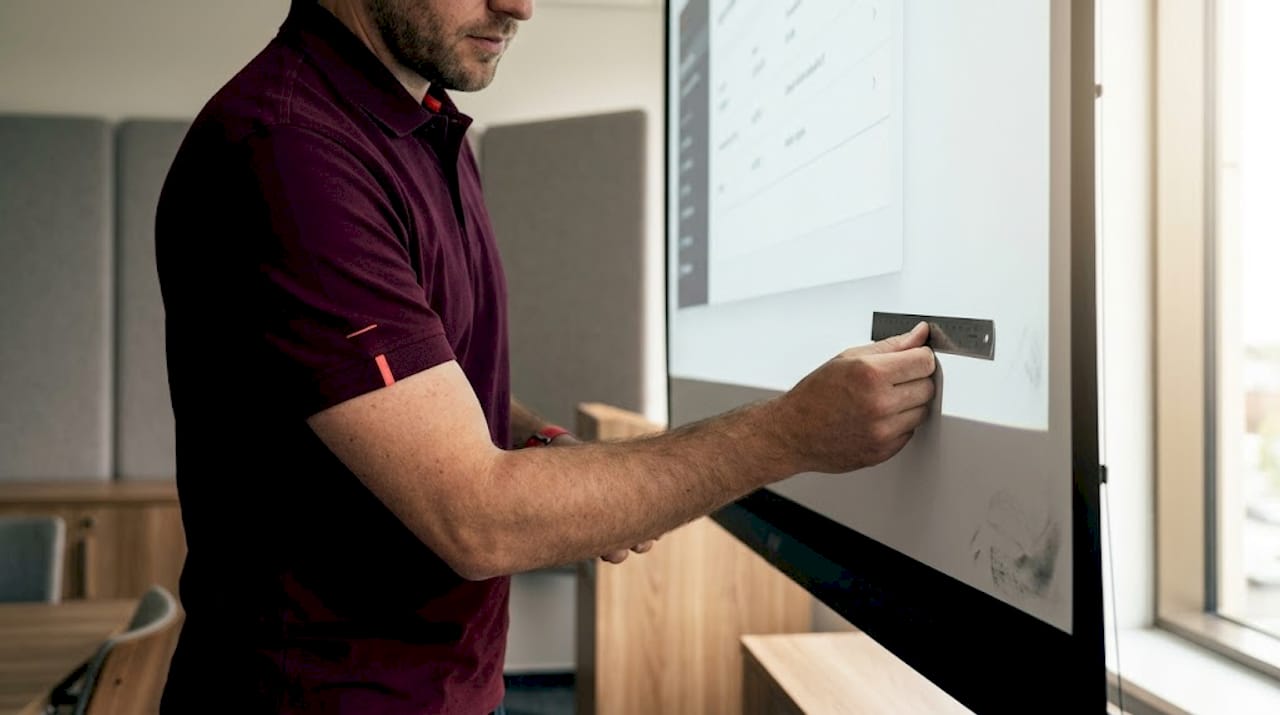
For ultra-short-throw models, screen flatness is not optional. Non-flat whiteboards cause distortion and hot spots with ultra-short-throw lenses because those lenses project at extreme angles, and any surface irregularity creates geometric errors. Use a vitreous enamel board or a dedicated flat projection screen.
Pro Tip: Before finalizing mounting position, project a full-white image in normal lighting and walk the room. Check brightness consistency from left to right and from front row to back row. Uneven brightness usually points to either ambient light contamination or a lens alignment problem, not projector output. Read more on this in our projector installation tips and projector calibration guide.
Managing ambient light and room environment for clear projection
Understanding projector placement leads naturally to managing ambient light and environment for a clear, comfortable image. This is an area where Malaysian schools face a specific challenge: classrooms are often designed for ventilation and natural light, which is great for students and rough on projector visibility.
Key environmental factors to address:
- Side windows are the biggest threat. Light coming from the side hits the screen at an angle and creates a bright patch that obscures content. Directional blinds that allow airflow while blocking direct glare are a practical fix
- Overhead fluorescent lighting directly above or in front of the screen washes out the image. Switching those specific fixtures off while keeping the rest of the room lit is usually enough
- Grey or ALR screens perform noticeably better in rooms where light control is partial, not complete
- Projector brightness is not a substitute for light control. Increasing lumens raises the brightness of everything including the washed-out areas, but it does not improve contrast
Direct sunlight washes out projection completely — no projector at any price point can compete with full sun hitting the screen surface. Managing where sunlight falls is always the first step, not the last resort.
The most underrated fix in Malaysian classrooms is repositioning the screen rather than replacing the projector. If the current screen faces a window, moving it to a wall that receives indirect light can produce a bigger improvement than upgrading from 3,500 to 5,000 lumens. Learn which types of projection screens handle different light conditions before committing to a screen purchase.
Maintenance and longevity: keeping your classroom projector reliable
Having set up and optimized projector use, let's look at how to maintain your investment for long-term success. Projectors fail quietly. Image quality degrades over months, and most teachers assume the problem is the slide design or the student seats, not a dusty filter or a lamp nearing its rated hours.
Follow this maintenance routine for consistent reliability:
- Clean the air filter every 3 months. Malaysian classroom environments are dusty, and a clogged filter causes thermal shutdown. Most projector filters slide out without tools and can be blown clean with compressed air
- Wipe the lens with a microfiber cloth monthly. Never use paper towels or clothing fabric, which scratch the coating
- Check the lamp or laser hour counter at the start of each school term. Order a replacement lamp before the current one hits 80% of its rated life, not after it fails mid-lesson
- Update firmware annually. Most major projector brands push firmware updates that fix color drift, improve HDMI handshake reliability, and resolve wireless connectivity bugs
- Keep a maintenance log that records the model, serial number, purchase date, lamp replacements, and service history for each unit in the school
Professional cleaning and maintenance schedules consistently extend projector and screen lifespan while keeping image quality at its original standard. Schools that follow structured maintenance routines avoid the embarrassing mid-class shutdown that sends students to their phones.
Pro Tip: Train at least two teachers in the school on basic projector troubleshooting, including how to reset a blank signal, force the correct input source, and perform a test pattern check. This prevents the IT coordinator from being called away from other tasks for issues that take 30 seconds to fix. Start with our classroom projector setup guide for a walkthrough any teacher can follow.
Why many Malaysian classrooms miss out on projector potential — and how you can change that
Here is something worth saying plainly: most projector problems in Malaysian schools are not hardware problems. They are setup and usage problems. The projector works fine. The environment around it does not.
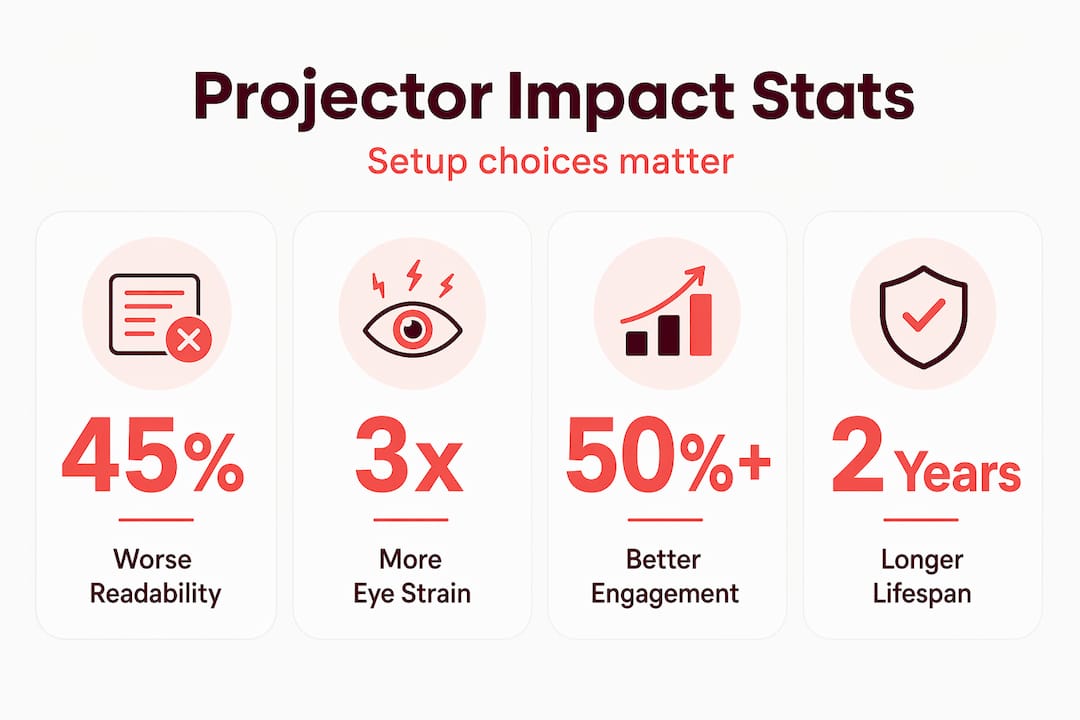
Misjudging brightness without considering screen size and ambient light leads to up to 45% worse readability compared to a correctly calibrated setup. That is not a minor inconvenience. It means students at the back of the room cannot reliably read text during lessons, every day, for the entire lifespan of that projector.
The pattern we see repeatedly is this: a school procures projectors based on price and lumen spec, installs them without professional alignment, skips the screen entirely in favor of painting the wall white, and then wonders why teachers keep dimming the lights during lessons, which raises CO2 levels and reduces student alertness. Every one of those decisions compounds the problem.
Laser projectors are worth the higher upfront cost for schools with multiple classrooms, not because they are technically superior in every scenario, but because they remove the maintenance cycle that interrupts teaching. A lamp failure at 8am on a Monday means a teacher without a functional teaching tool, often for days. A laser projector running at year seven of its 20,000-hour life does not present that risk.
Slide design matters more than most educators realize. A white background with small text will look poor on even a perfectly calibrated projector because the entire screen is at maximum brightness, reducing perceived contrast. Dark backgrounds with large, high-contrast text outperform white slides in almost every classroom lighting condition. That is a five-minute slide template change that makes every lesson clearer.
The schools getting the most from their projection setup treat it as a system: projector, screen, room lighting, content design, and teacher habits all working together. Learn more about the full case for projectors in education Malaysia and why the approach matters as much as the equipment.
Explore top projector solutions for Malaysian classrooms
Now that you know how to optimize classroom projectors, the next step is finding the right equipment to match your classroom's specific needs, and getting it from a source that understands the Malaysian school environment.

At ProjectorDisplay.com, we carry a wide selection of classroom-ready projectors from trusted brands including Epson and ViewSonic, covering everything from compact short-throw models to high-lumen laser projectors for lecture halls. We also stock a full range of projection screens suited to Malaysian classroom conditions, including ALR options for bright rooms. Browse our projector accessories guide for mounts, cables, and add-ons that complete a proper classroom setup. Fast shipping within Peninsular Malaysia, WhatsApp support, and expert product guidance are included. Reach out before you buy — the right advice at the start saves weeks of troubleshooting after installation.
Frequently asked questions
How many lumens does a classroom projector need in Malaysia?
Classroom projectors generally need between 2,500 and 5,000 lumens depending on room size and ambient light conditions, with smaller rooms requiring less and large halls requiring more to maintain clear visibility with lights on.
What is the best way to avoid image distortion with ultra-short-throw projectors?
Use a flat, matte projection surface such as a vitreous enamel board, since non-flat whiteboards cause distortion and hot spots due to the extreme projection angles used by ultra-short-throw lenses.
Why is physical alignment preferred over digital keystone correction?
Physical alignment preserves resolution and sharpness, while digital keystone correction crops pixels and can reduce effective image quality by around 20%, making text harder to read from the back of the room.
How often should projector lamps be replaced in a busy classroom?
Lamp-based projectors typically need replacement every 2,000 to 5,000 hours, which in a busy Malaysian school can mean annually. Laser projectors last 20,000 or more hours, effectively eliminating mid-term replacement disruptions.
Can projector placement affect teacher comfort during lessons?
Yes. Improper placement creates glare and shadows during teaching. Short-throw and ultra-short-throw projectors mount close to the screen, reducing the chance of the teacher casting shadows on the projected image during normal movement around the board.
Recommended
- 7 Essential Tips for Choosing a Projector for Classroom Use – Projector Display
- Classroom Projector Setup Guide: Easy Steps for Success – Projector Display
- Why use projectors in education: boost learning outcomes – Projector Display
- Projector installation tips for perfect images in any room – Projector Display