
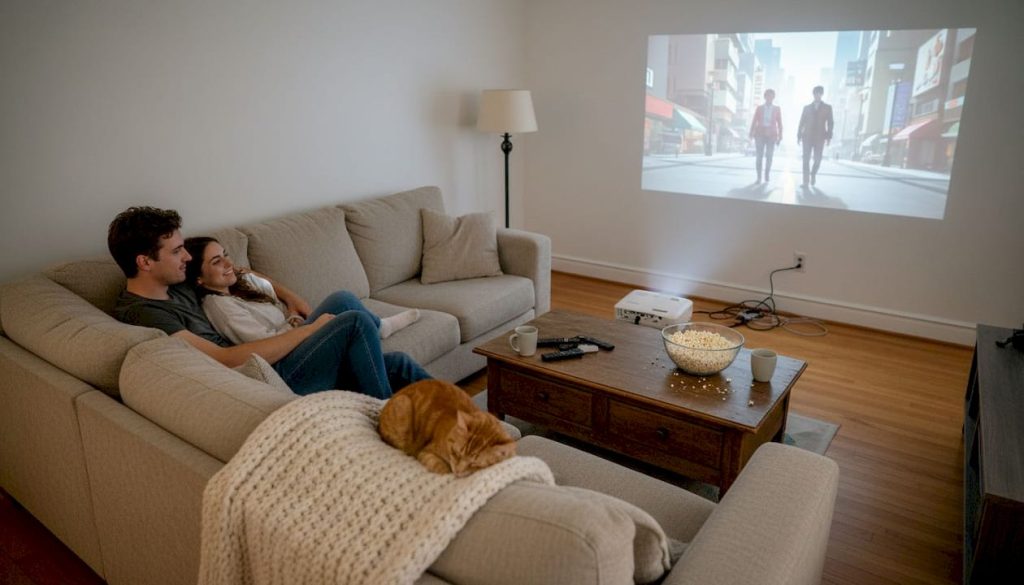
Many still believe all projectors deliver similar performance, but modern smart projectors integrate features that redefine how we watch, teach, and interact with visual content. Whether you're setting up a home theater in Kuala Lumpur or equipping a classroom in Penang, understanding these capabilities helps you choose the right device. This guide explores the must-have smart projector features for an enhanced visual experience at home or in educational settings. We'll clarify what sets smart projectors apart from standard models and help you make informed decisions for your specific needs.
Table of Contents
- What makes a projector 'smart'?
- Essential features every smart projector should have
- Display quality: Resolution, brightness, and contrast explained
- Connectivity and integration: Plug, play, and go
- Safety, security, and energy efficiency
- Future trends in smart projector technology
- Find your perfect smart projector in Malaysia
- Frequently asked questions
Key Takeaways
| Point | Details |
|---|---|
| Smart projectors integrate modern features | They combine wireless connectivity, built-in apps, and automation for easier use in homes and classrooms. |
| Display specs impact real-world results | Choosing the right resolution and brightness matters for large, bright environments common in Malaysia. |
| Connectivity offers ultimate flexibility | Smart projectors support both wired and wireless connections, accommodating all devices and user needs. |
| Safety and efficiency are evolving | Modern models prioritize privacy, eye safety, and energy savings—key for families and schools alike. |
| Future-proofing is possible | AI, cloud integration, and interactive features will keep smart projectors relevant and powerful for years to come. |
What makes a projector 'smart'?
Traditional projectors simply display whatever signal you feed them through HDMI or VGA cables. Smart projectors offer integrated connectivity options and operating systems unlike traditional models, transforming them into standalone entertainment or teaching hubs. The core difference lies in built-in operating systems like Android TV or proprietary platforms that run apps directly on the device.
Smart projectors eliminate the need for external streaming boxes or laptops. You can launch Netflix, YouTube, or educational platforms without connecting additional hardware. Wireless connectivity through Wi-Fi and Bluetooth lets you cast content from smartphones, tablets, or computers seamlessly. App support means you access content libraries, productivity tools, and interactive features right from the projector interface.
Key distinctions between traditional and smart projectors:
| Feature | Traditional Projector | Smart Projector |
|---|---|---|
| Operating System | None | Android TV, proprietary OS |
| App Support | Requires external device | Built-in app marketplace |
| Wireless Connectivity | Limited or none | Wi-Fi, Bluetooth, screen mirroring |
| Setup Complexity | Multiple cables and devices | Minimal cables, quick setup |
| Voice Control | Not available | Google Assistant, Alexa support |
For Malaysian homes and education spaces, these distinctions matter significantly. Tropical humidity and space constraints make cable management challenging. Smart projectors reduce clutter while offering flexibility for multipurpose rooms that serve as living areas by day and home theaters by night. Schools benefit from quick setup between classes and the ability to access cloud-based learning materials without juggling multiple devices.
The what is a smart projector concept centers on convenience and integration. Instead of managing separate components, you control everything through one interface. This streamlined approach saves time and reduces technical troubleshooting, particularly valuable in educational settings where teachers need to focus on instruction rather than equipment.
Essential features every smart projector should have
Essential features include wireless connectivity, voice control, streaming apps, and automatic keystone correction for optimal performance. These capabilities separate basic models from truly functional smart projectors that enhance daily use.
Wireless Wi-Fi and Bluetooth connectivity eliminates cable clutter and enables instant content sharing. A WiFi Bluetooth projector lets you stream directly from your phone during family movie nights or share student presentations without hunting for adapters. This flexibility proves essential in Malaysian homes where living spaces often serve multiple purposes.
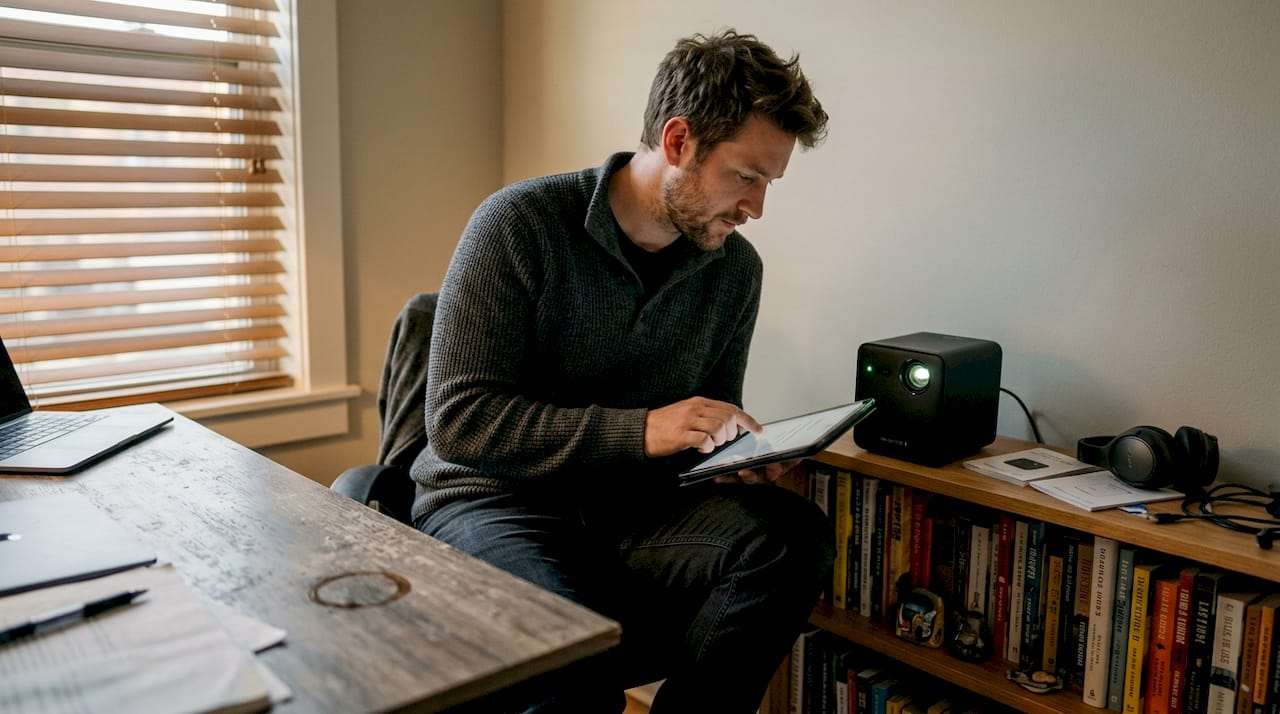
Voice assistant compatibility with Google Assistant or Alexa adds hands-free control. You can adjust volume, switch inputs, or search content using voice commands. This feature particularly helps educators who need to manage classroom technology while engaging with students.
App marketplaces provide access to streaming platforms like Netflix, YouTube, Disney+, and local Malaysian services. Built-in apps mean you're not dependent on external devices or subscription boxes. Check that your preferred platforms are available before purchasing, as regional restrictions sometimes apply.
Port variety ensures compatibility with older and newer devices. Look for HDMI ports, USB-C inputs, USB-A ports for flash drives, and SD card slots. This versatility matters when connecting gaming consoles, laptops, document cameras, or legacy equipment still common in Malaysian schools.
Image automation features like auto-focus, auto-keystone correction, and smart calibration save setup time. Traditional projectors require manual adjustments every time you move them. Smart projectors detect their position and automatically correct image distortion, maintaining perfect rectangular images even when placed at angles.
Interactive features transform classrooms into engaging learning environments. Touch-enabled projectors let students interact directly with projected content, annotate lessons, and collaborate on digital whiteboards. These capabilities align with modern teaching methods that emphasize active participation.
Pro Tip: Before committing to a smart projector, test its interface responsiveness. Laggy menus or slow app loading frustrate users and diminish the smart features' value. Check projector deals for models with proven performance records and read user reviews focusing on interface speed.
The benefits for modern homes extend beyond entertainment. Smart projectors serve as presentation tools for remote work, educational aids for children's homework, and gaming displays for family recreation. Investing in comprehensive features ensures your device adapts to evolving needs rather than becoming obsolete.
Display quality: Resolution, brightness, and contrast explained
Display specifications determine whether your projector delivers stunning visuals or disappointing images. Understanding resolution, brightness, and contrast helps you match technical specs to real-world conditions in Malaysian homes and classrooms.
Resolution defines image sharpness through pixel count. HD (1280×720) works for basic presentations and casual viewing. Full HD (1920×1080) suits most home entertainment and educational needs, delivering crisp text and detailed images. 4K (3840×2160) provides cinema-quality visuals but costs significantly more and requires 4K content sources to show benefits.
Brightness, measured in lumens, determines visibility in various lighting conditions. Higher resolutions and brightness levels make a tangible difference in large rooms and well-lit spaces, common in Malaysian homes and schools. Tropical daylight streaming through windows demands higher lumen counts than evening viewing in darkened rooms.
| Room Type | Recommended Brightness | Typical Use Case |
|---|---|---|
| Small bedroom (dark) | 1000-1500 lumens | Evening movies, gaming |
| Living room (moderate light) | 2000-3000 lumens | Family entertainment, daytime viewing |
| Classroom (bright) | 3000-4000+ lumens | Daytime lessons, presentations |
| Large hall | 4000-6000+ lumens | Assemblies, conferences |
Contrast ratio measures the difference between the darkest blacks and brightest whites. Higher ratios (3000:1 or above) produce more vibrant images with better depth perception. This specification matters most for movie enthusiasts who want cinematic experiences at home.
Malaysian usage scenarios illustrate these principles practically. A home movie night in an air-conditioned bedroom with blackout curtains thrives with 1500 lumens and Full HD resolution. The same projector struggles in a school classroom with fluorescent lights and large windows, where 3500 lumens becomes the minimum for readable text.
School assembly halls present unique challenges. Large projection distances and ambient light from multiple sources require 5000+ lumens and high contrast ratios. Undersized projectors force teachers to dim lights excessively, creating uncomfortable viewing conditions and reducing student engagement.
Pro Tip: When choosing a projection screen, consider gain ratings that amplify brightness. High-gain screens help moderate-brightness projectors perform better in challenging lighting conditions, offering a cost-effective alternative to purchasing higher-lumen models.
The LED vs laser projectors debate also affects brightness and longevity. Laser projectors maintain consistent brightness over 20,000+ hours, while LED models may dim gradually. For schools planning long-term investments, laser technology offers better total cost of ownership despite higher upfront prices.
Connectivity and integration: Plug, play, and go
Modern connectivity options determine how easily you integrate projectors into existing technology ecosystems. Smart projectors increasingly support both wireless casting and versatile port options for maximum compatibility across devices and platforms.
Common connectivity choices include HDMI for gaming consoles and Blu-ray players, USB ports for flash drives and external storage, screen mirroring via Miracast or AirPlay, Bluetooth for wireless audio, and Wi-Fi for streaming and cloud access. Each serves specific purposes in home and educational settings.
How to wirelessly cast from your devices:
- Ensure your projector and source device connect to the same Wi-Fi network
- Enable screen mirroring on your smartphone, tablet, or laptop
- Select your projector from the available devices list
- Confirm the connection and adjust display settings if needed
- Begin streaming content or sharing your screen
This process works seamlessly with most modern devices, but compatibility issues occasionally arise. Some Malaysian internet service providers use network configurations that block device-to-device communication. If wireless casting fails, check your router settings or create a dedicated network for your projector and casting devices.
Local network compatibility challenges include app restrictions in Malaysia. Certain streaming services limit content based on geographic location, and VPN usage may violate terms of service. Before purchasing, verify that your preferred apps and services function properly on the projector's operating system within Malaysia.
Pro Tip: Combine physical ports with wireless connectivity for maximum flexibility. Keep an HDMI cable handy for situations where wireless casting fails or latency matters, such as competitive gaming or time-sensitive presentations. The WiFi vs HDMI projector connections comparison shows each method's strengths for different scenarios.
Best practices for reliable connectivity:
- Position your projector within strong Wi-Fi signal range or use ethernet adapters for wired internet
- Update projector firmware regularly to maintain compatibility with newer devices and apps
- Label and organize cables for quick troubleshooting when wireless options fail
- Test all connection methods before important presentations or events
- Keep backup adapters (USB-C to HDMI, Lightning to HDMI) for unexpected device compatibility needs
The projector accessories guide covers additional connectivity tools like wireless HDMI transmitters, USB hubs, and audio extractors that expand your projector's capabilities. These accessories prove particularly valuable in schools where diverse device types require accommodation.
Safety, security, and energy efficiency
Smart projectors must protect users and data while minimizing environmental impact. Smart projectors now include security updates, parental controls, and eco-modes for safer, greener use in homes and educational institutions.
Latest safety features address physical and visual health concerns. Eye protection modes reduce blue light emission during extended viewing sessions, particularly important for children using projectors for online learning. Cool-touch housing prevents burns when curious hands touch the device during operation. Automatic shutoff features prevent overheating and extend component lifespan.
Data privacy and security become critical when projectors connect to networks and store user information. Secure access controls limit who can modify settings or access connected accounts. Automatic security updates patch vulnerabilities that hackers might exploit. For schools handling student data, these protections help maintain compliance with privacy regulations.
School-specific safety considerations include child lock modes that prevent unauthorized setting changes, tamper-resistant mounting brackets that keep projectors secure, and content filtering options that restrict access to inappropriate material. These features give educators and administrators peace of mind while maintaining device functionality.
Energy efficiency through LED and laser technology reduces operating costs significantly compared to traditional lamp-based projectors. Modern smart projectors consume 50 to 70 watts during normal operation, while older models often exceeded 200 watts. Standby modes drop consumption to under 5 watts when not actively projecting.
"Smart projectors now include security updates, parental controls, and eco-modes for safer, greener use, addressing both cybersecurity and environmental concerns in Malaysian homes and schools."
Malaysian electricity costs make energy efficiency financially meaningful. A projector running 4 hours daily at 200 watts costs approximately RM 35 monthly at current rates. An efficient 60-watt model reduces that to RM 10 monthly, saving RM 300 annually. Over a projector's 5 to 10 year lifespan, these savings offset higher initial purchase prices for premium models.
The digital privacy for smart projector users extends beyond the device itself. Connected projectors may collect viewing habits, app usage data, and network information. Review privacy policies and disable unnecessary data collection features. Use strong, unique passwords for projector accounts and change default administrator credentials immediately after setup.
Future trends in smart projector technology
Projector technology evolves rapidly, with innovations that promise even more intuitive and powerful experiences. EdTech and digital transformation trends indicate rising interactivity and cloud integration in Malaysian classrooms and homes.
AI-powered auto-setup and scene detection will eliminate manual configuration entirely. Future projectors will analyze room dimensions, lighting conditions, and surface colors to optimize image quality automatically. Scene detection will adjust brightness and color profiles based on content type, switching between movie mode for films and presentation mode for slides without user intervention.
Remote management via apps and cloud platforms enables IT administrators to monitor, update, and troubleshoot multiple projectors across school campuses from central locations. Teachers will schedule content, adjust settings, and diagnose issues through smartphone apps rather than climbing ladders to access physical controls. Cloud integration allows seamless content sharing and collaborative lesson planning.
Enhanced interactivity through touch and gesture controls transforms passive viewing into active engagement. Students will manipulate 3D models, annotate documents, and solve problems collaboratively on projected surfaces. Gesture recognition lets presenters advance slides or highlight content with hand movements, eliminating the need for remote controls.
Integration with learning platforms and smart home devices creates unified ecosystems. Projectors will communicate with learning management systems to automatically display scheduled lessons, track attendance through connected cameras, and assess student engagement through interaction analytics. Smart home integration allows voice commands to dim lights, close curtains, and start movie playback simultaneously.
These digital transformation display solutions reflect broader technology shifts toward seamless, intelligent systems. Malaysian educators and homeowners who understand these trends can make future-proof purchasing decisions that accommodate upcoming innovations.
The EdTech projector trends specifically highlight augmented reality integration, where projectors overlay digital information onto physical objects for immersive learning experiences. Imagine biology students examining projected 3D organs that rotate and respond to touch, or history classes exploring virtual archaeological sites projected onto classroom walls.
For projector innovations for educators, artificial intelligence will personalize content delivery based on student performance data, automatically adjusting difficulty levels and presentation styles. These adaptive systems help teachers differentiate instruction without creating multiple lesson versions manually.
Find your perfect smart projector in Malaysia
Now that you understand which features matter and why, finding the right smart projector becomes straightforward. Malaysia's top projector seller offers comprehensive selections across price ranges, from budget-friendly home entertainment models to professional-grade educational systems.

Whether you need a portable projector for weekend camping trips or a high-brightness laser model for your school auditorium, expert guidance helps match specifications to your specific requirements. Browse latest projector deals to find quality devices at competitive prices, with detailed specifications and customer reviews guiding your decision.
Professional installation ensures optimal performance from day one. The installation guide for homes and businesses covers mounting positions, cable management, screen placement, and calibration procedures. For complex setups involving multiple projectors or integrated audio systems, professional installers save time and prevent costly mistakes.
ProjectorDisplay.com provides after-sales support through WhatsApp, helping troubleshoot connectivity issues, optimize settings, and answer questions as you explore your projector's capabilities. Fast shipping within Peninsular Malaysia means you'll enjoy your new smart projector within days, not weeks. Secure online transactions and comprehensive product warranties protect your investment.
Frequently asked questions
What is the difference between a smart projector and a regular projector?
A smart projector offers integrated connectivity options and operating systems unlike traditional models, eliminating the need for external streaming devices. Regular projectors only provide basic video input and output without built-in apps or wireless features.
Can smart projectors work with both Android and iOS devices?
Yes, most smart projectors support both wireless casting and versatile port options for maximum compatibility with Android and iOS devices. Feature access and casting protocols may vary by model, so verify compatibility before purchasing.
What features should educators prioritize in a smart projector?
Educators should prioritize interactive tools, high brightness for well-lit classrooms, easy connectivity, and robust security features. EdTech and digital transformation trends indicate rising interactivity and cloud integration in Malaysian classrooms, making these capabilities essential.
How do smart projectors ensure privacy and cybersecurity?
Modern smart projectors include security updates, parental controls, and eco-modes for safer use, along with password protection and privacy settings. Regular firmware updates patch vulnerabilities and maintain secure operation.
Does a higher resolution always mean better picture quality for projectors?
While higher resolutions and brightness levels make a tangible difference in large rooms and well-lit spaces, brightness and contrast ratios also significantly impact picture quality. Balance all three specifications based on your viewing environment.