
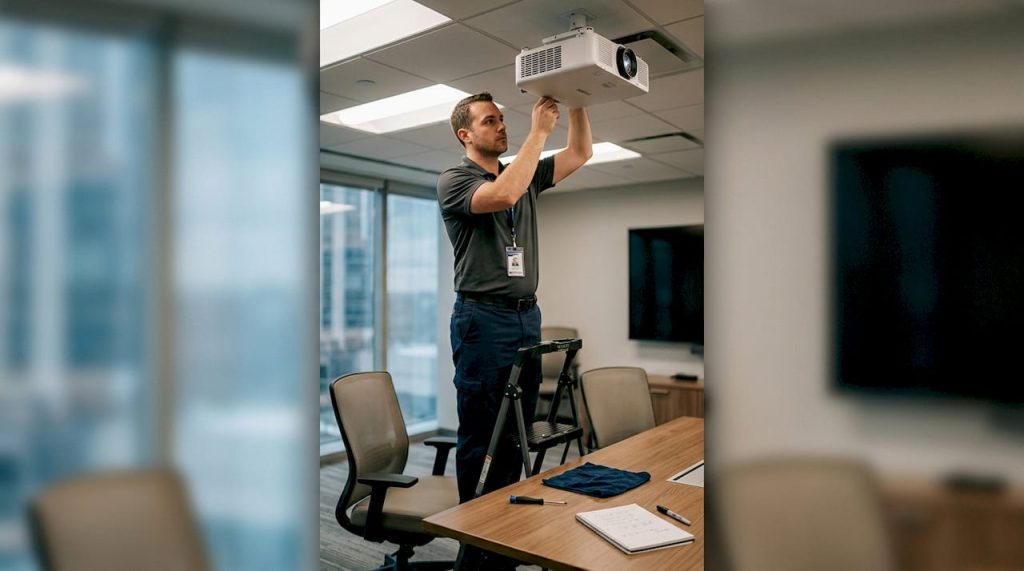
Projectors deliver stunning visuals for home entertainment, business presentations, and educational environments, but only when properly maintained. Many users in Malaysia overlook routine upkeep, leading to dim images, overheating, and unexpected breakdowns that disrupt productivity and viewing pleasure. Without a clear maintenance plan, dust accumulation, worn lamps, and clogged filters gradually degrade performance and shorten device lifespan. This comprehensive checklist provides individuals and businesses with actionable steps to protect their projector investment, maintain optimal image quality, and avoid costly repairs through simple, regular care routines.
Table of Contents
- Key takeaways
- Understanding projector maintenance basics
- Step-by-step projector maintenance checklist
- Comparing maintenance for different projector types
- Troubleshooting common projector issues during maintenance
- Enhance your projector experience with Projector Display Malaysia
- FAQ
Key Takeaways
| Point | Details |
|---|---|
| Filter upkeep | Regular cleaning and replacement of air filters prevents dust buildup and cooling blockages that degrade image quality and shorten lamp life. |
| Airflow maintenance | Keep ventilation paths clear and remove dust so the projector stays within safe operating temperatures and delivers consistent performance. |
| Lamp replacement timing | Replace lamps at the manufacturer recommended hours to preserve brightness and color accuracy during use. |
| Lens and firmware care | Clean the lens with appropriate cleaning materials and monitor firmware updates to maintain image sharpness and benefit from performance improvements. |
Understanding projector maintenance basics
Heat buildup and dust accumulation are the primary enemies of projector longevity and image quality. When dust clogs air filters and cooling vents, internal temperatures rise beyond safe operating levels, forcing components to work harder and fail sooner. Filters, lenses, cooling fans, and lamps represent the core components requiring consistent attention to keep your projector functioning at peak performance.
Common issues stemming from neglected maintenance include progressively dimmer images, unexpected thermal shutdowns during presentations, color distortion, and excessive fan noise that disrupts viewing experiences. Regular cleaning of projector components prevents overheating and image degradation, protecting your investment from premature failure. Routine checks prevent downtime during critical business presentations or family movie nights while significantly reducing long term maintenance expenses.
Proper cleaning reduces maintenance costs by catching small problems before they escalate into expensive repairs or full component replacements. Understanding which parts need attention and how often creates a sustainable maintenance rhythm that becomes second nature.
Pro Tip: Set calendar reminders every three months for filter inspections and every six months for comprehensive maintenance sessions to establish consistent care habits without relying on memory alone.
Key maintenance priorities include:
- Preventing dust infiltration through regular filter cleaning and replacement
- Maintaining optimal operating temperatures via clear ventilation pathways
- Preserving image brightness through timely lamp replacement
- Protecting lens clarity with gentle, appropriate cleaning methods
- Monitoring firmware updates for performance improvements and bug fixes
Addressing common projector issues early through preventive maintenance saves money and extends the useful life of your equipment significantly. Following proper procedures to clean projector clear display ensures you maintain professional image quality throughout your device's operational lifetime.
Step-by-step projector maintenance checklist
A systematic approach to projector care eliminates guesswork and ensures comprehensive coverage of all critical components. Following these numbered steps during each maintenance session protects your equipment and maintains optimal performance.
-
Power down completely and unplug the projector from electrical outlets, allowing at least 30 minutes for internal components to cool before handling any parts.
-
Remove and inspect air filters for dust accumulation, washing reusable filters with mild soap and water or replacing disposable filters according to manufacturer specifications.
-
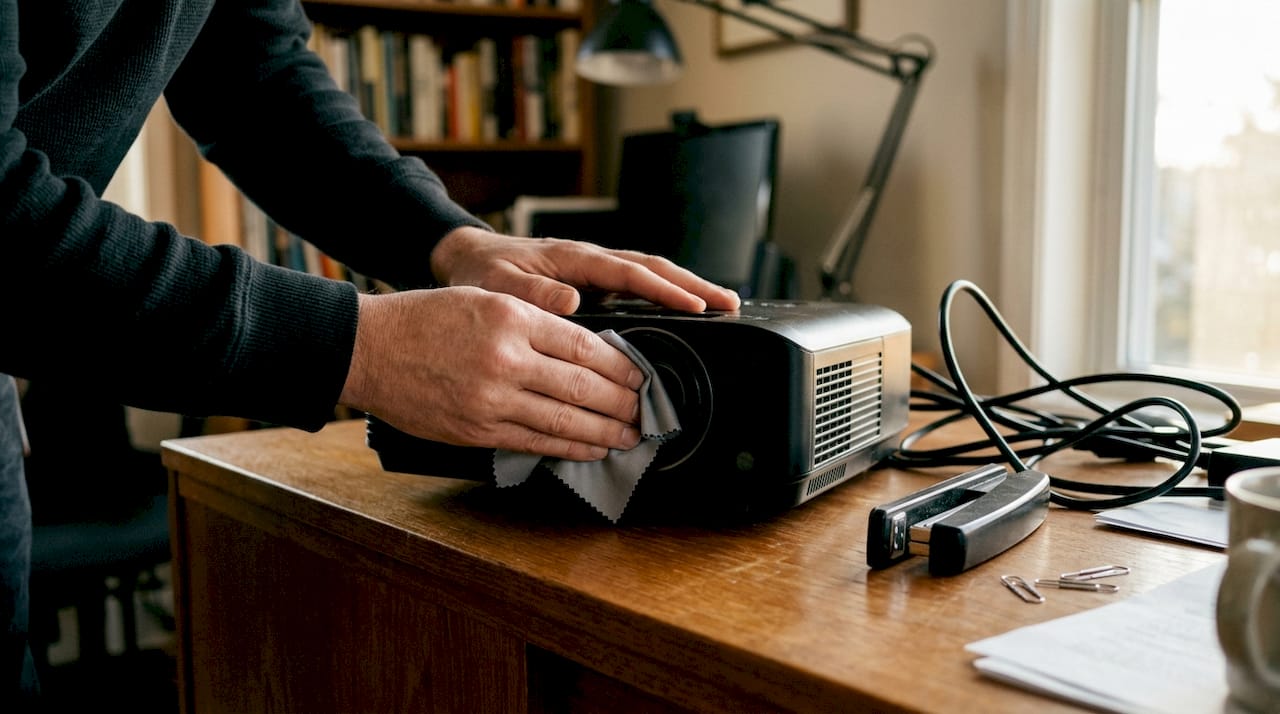
Clean the projector lens using microfiber cloths and lens cleaning solution specifically designed for optical surfaces, avoiding household cleaners that can damage coatings. Cleaning the projector lens regularly improves image clarity significantly, removing fingerprints, dust, and film buildup that degrades picture sharpness.
-
Inspect cooling fans and ventilation grilles, using compressed air to blow out accumulated dust while holding fans stationary to prevent bearing damage from overspeeding.
-
Check lamp operating hours through the projector menu system, planning replacement when approaching manufacturer recommended limits or when brightness drops noticeably below initial levels.
-
Verify firmware version and apply available updates through manufacturer websites to gain performance improvements, bug fixes, and new feature support.
-
Wipe exterior surfaces with slightly damp microfiber cloths to remove dust and fingerprints without introducing moisture into ventilation openings.
-
Store the projector in a protective case or dust cover within a climate controlled, low humidity environment when not in regular use to minimize dust exposure.
Pro Tip: Keep a maintenance log documenting filter cleanings, lamp replacements, and operating hours to track service history and identify patterns that might indicate developing issues requiring professional attention.
Following proper techniques to clean projector lens prevents scratches and coating damage that permanently impair image quality. Consulting a comprehensive projector lamp replacement guide ensures safe handling of high pressure lamps and proper installation procedures that maximize replacement lamp lifespan.
Comparing maintenance for different projector types
Projector technology significantly influences maintenance requirements, frequency, and complexity. Understanding your specific projector type helps you allocate appropriate time and resources for optimal care.
| Projector type | Lamp lifespan | Filter maintenance | Primary advantages | Maintenance complexity |
|---|---|---|---|---|
| LCD | 2,000-5,000 hours | Every 3-6 months | Affordable, bright colors | Moderate, frequent lamp changes |
| LED | 20,000-30,000 hours | Every 6-12 months | Long lamp life, lower heat | Low, minimal lamp replacement |
| Laser | 20,000-30,000 hours | Every 6-12 months | Highest brightness, instant on | Low, premium initial cost |
LCD projectors require the most frequent lamp replacement and consistent dust filter attention due to higher operating temperatures and traditional lamp technology. These models benefit from monthly visual inspections and quarterly deep cleaning sessions to maintain image quality throughout their shorter lamp lifecycles. LED and laser projectors generally require less frequent lamp replacement than traditional lamp-based projectors, offering significant maintenance time savings over their operational lifetime.
LED projectors generate less heat and feature solid state light sources lasting five to six times longer than traditional lamps, dramatically reducing replacement frequency and associated costs. While initial purchase prices run higher than LCD models, reduced maintenance demands and longer component lifespans often result in lower total cost of ownership for users prioritizing convenience and reliability.
Laser projectors deliver the brightest images with minimal maintenance requirements, making them ideal for business environments and large venue installations where downtime carries significant costs. Their higher initial investment pays dividends through extended service intervals and superior performance consistency across tens of thousands of operating hours.
Maintenance considerations by projector type:
- LCD models need vigilant dust control and prompt lamp replacement to prevent color shift and dimming
- LED projectors benefit from standard cleaning but rarely require lamp service during typical ownership periods
- Laser units focus maintenance on filter cleaning and firmware updates rather than light source replacement
- Portable projectors require more frequent cleaning due to varied environmental exposure during transport
Comparing led vs laser projector technologies helps you select models matching your maintenance capacity and performance requirements. Learning to replace projector lamp safely protects both equipment and users from high pressure lamp hazards during service procedures.
Troubleshooting common projector issues during maintenance
Maintenance sessions provide ideal opportunities to identify and resolve developing problems before they cause complete failures or emergency repairs. Recognizing warning signs during routine care enables proactive intervention that saves time and money.
Typical issues discovered during maintenance include image flickering indicating unstable lamp connections or power supply problems, excessive heat buildup suggesting blocked ventilation or failing cooling fans, color distortion revealing misaligned optical elements or aging lamps, and abnormal fan noise signaling bearing wear or obstruction requiring immediate attention. Early detection of common issues during maintenance avoids costly repairs and extends projector life, transforming routine care into diagnostic opportunities that catch problems in early stages.
Quick troubleshooting steps during maintenance:
-
Test image quality immediately after cleaning to verify improvements and identify persistent problems requiring deeper investigation or professional service.
-
Listen for unusual sounds during power up and operation, noting changes in fan speed, pitch, or vibration that might indicate mechanical wear.
-
Monitor temperature by feeling air exhaust during operation, comparing heat output to previous sessions to detect cooling efficiency changes.
-
Check all cable connections for looseness or damage that could cause intermittent signal loss or power interruptions during use.
-
Verify menu settings remain correct after firmware updates, as some updates reset user preferences requiring reconfiguration.
Knowing when to attempt DIY fixes versus seeking professional repair prevents well intentioned efforts from causing additional damage. Simple tasks like filter cleaning, lens wiping, and cable reconnection fall within user capabilities, while optical alignment, lamp ballast repair, and internal component replacement require specialized tools and training best left to qualified technicians.
Maintaining detailed logs of maintenance activities, operating hours, and observed issues creates valuable documentation supporting warranty claims and helping service technicians diagnose recurring problems more efficiently. Recording filter replacement dates, lamp installation times, and firmware versions provides reference points for troubleshooting and helps identify patterns suggesting underlying systemic issues.
Regular checklist completion naturally reveals developing faults through systematic inspection of all critical components rather than waiting for catastrophic failures that interrupt important presentations or entertainment. Addressing common projector issues proactively maintains reliability and user confidence in equipment performance. Proper techniques to clean projector lens prevent damage while troubleshooting image quality concerns during maintenance sessions.
Enhance your projector experience with Projector Display Malaysia
Maintaining your projector properly ensures years of reliable service, but having access to quality replacement parts, expert guidance, and upgrade options makes ownership even more rewarding. Projector Display serves as Malaysia's comprehensive resource for projection equipment, accessories, and professional support tailored to local users' needs.

As the top projector seller in Malaysia, we offer extensive product selections spanning portable models for mobile presenters, high brightness laser projectors for large venues, and smart projectors integrating wireless connectivity for modern workplaces. Our platform provides detailed specifications, customer reviews, and comparison tools helping you make informed decisions whether purchasing your first projector or upgrading existing equipment.
Expert resources including our comprehensive projector installation guide 2026 complement your maintenance knowledge with professional setup techniques ensuring optimal performance from day one. Browse current sale products to find quality projectors and accessories at exceptional values, backed by fast shipping throughout Peninsular Malaysia and responsive customer support via WhatsApp for technical questions and product guidance.
FAQ
What is the best frequency for cleaning projector filters?
Clean filters every three to six months under normal conditions, increasing frequency to monthly intervals in dusty environments like construction sites or industrial settings. Regular cleaning prevents airflow restriction that causes overheating and premature component failure. Establishing consistent schedules based on your specific operating environment maintains optimal cooling efficiency throughout your projector's lifespan.
How do I know when to replace my projector lamp?
Replace lamps when reaching manufacturer recommended operating hours, typically displayed in projector menus, or when image brightness decreases noticeably compared to initial performance levels. Most projectors display lamp hour counters and warning messages approaching replacement intervals. Monitoring these indicators helps you plan replacements before complete failure disrupts important presentations or viewing sessions.
Can I perform projector maintenance myself safely?
Routine cleaning tasks like filter washing, lens wiping, and exterior dusting are safe for users following proper precautions including complete power disconnection and adequate cooling time before handling components. Avoid opening sealed enclosures or attempting lamp replacement without consulting manufacturer instructions and safety guidelines. When uncertain about any procedure, consult professional technicians to prevent accidental damage or personal injury from high pressure lamps and electrical components.
What are the signs of a projector overheating?
Overheating symptoms include unexpected automatic shutdowns during operation, dramatically increased fan noise as cooling systems work harder, visible image distortion or color shifts, and unusually hot exhaust air. Regular filter cleaning and ensuring adequate ventilation clearance around all vents prevents most overheating issues. Persistent overheating despite proper maintenance indicates failing cooling fans or internal blockages requiring professional service to prevent permanent damage to optical and electronic components.
Recommended
- Projector maintenance tips for better performance 2026 – Projector Display
- 7 Essential Tips for Choosing Projector Replacement Parts – Projector Display
- Tips Penjagaan Projektor: Panduan Lengkap untuk Prestasi Optimum – Projector Display
- How to Clean Projector for Clearer Display Results – Projector Display