
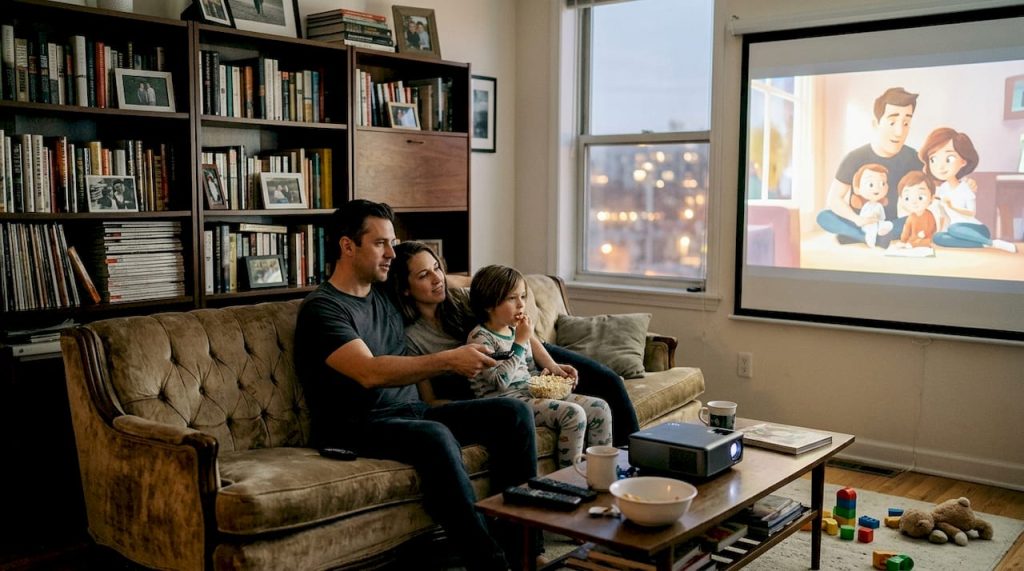
A projector without the right accessories is like a sports car running on flat tires. The hardware might be impressive, but you will never get the performance you paid for. Malaysian homes, offices, and classrooms face real challenges: bright ambient light streaming through windows, dust and humidity that clog optics, and the constant need to move equipment between rooms. The right accessories transform a mediocre setup into a sharp, immersive, and reliable experience. This guide covers the seven accessories that actually matter, whether you are setting up a home theater in Kuala Lumpur, running presentations in Penang, or teaching in a classroom in Johor Bahru.
Table of Contents
- How to choose projector accessories for Malaysian environments
- 1. Projector screens: Crisp visuals in any light
- 2. Mounts and brackets: Secure, stable positioning
- 3. Audio upgrades: From weak projector speakers to cinematic sound
- 4. Cleaning kits and dust filters: Protecting your investment
- 5. Carrying bags and cases: Portability and protection
- Side-by-side comparison: Which accessories matter most?
- Upgrade your projector setup with trusted accessories
- Frequently asked questions
Key Takeaways
| Point | Details |
|---|---|
| Screen quality matters | A projector screen designed for your lighting conditions increases brightness and clarity. |
| Stable mounting prevents errors | A secure mount ensures focused images and reduces the need for keystone correction adjustments. |
| Audio upgrades enhance experience | External sound systems are essential for immersive, clear sound in all settings. |
| Maintenance extends projector life | Regularly cleaning lenses and replacing filters protects against dust and overheating. |
| Protection for mobility | Padded carrying cases shield projectors from daily bumps and Malaysia's humidity. |
How to choose projector accessories for Malaysian environments
Before spending a single ringgit, you need to understand your environment. Malaysian setups vary wildly, from bright open-plan offices to dark home theaters to dusty school halls. Getting the right accessories starts with answering three questions: How much ambient light is in the room? Is the projector fixed or portable? And how often will it be used in a dusty or humid space?
These factors shape every purchase decision. Use this accessory selection guide as your starting framework before buying anything. Here are the main categories to consider:
- Image quality: Screens, lens filters, and keystone correction tools
- Audio: External speakers, soundbars, and wireless microphones
- Mounting: Ceiling brackets, wall mounts, and portable tripods
- Maintenance: Cleaning kits, dust filters, and lens solutions
- Portability: Carrying bags and protective cases
For screen selection specifically, ALR screens outperform standard white screens by 30% in brightness retention in bright rooms, which is a critical advantage in most Malaysian spaces. Matching your screen type to your room lighting is not optional; it is the single biggest factor in image quality.
Pro Tip: In Malaysia's tropical climate, always prioritize maintenance accessories first. Dust and humidity are the top two causes of premature projector failure, and a RM50 cleaning kit can save you thousands in repairs.
1. Projector screens: Crisp visuals in any light
The screen is the foundation of your entire setup. No matter how powerful your projector is, projecting onto a plain wall costs you sharpness, color accuracy, and brightness. A proper screen is the most essential accessory for optimal image quality, especially in the ambient light conditions common in Malaysian homes and offices.
There are three main screen types to know:
- Matte white screens: Best for dark or controlled-light rooms. Affordable and widely available.
- ALR (Ambient Light Rejecting) screens: Designed for bright rooms. These outperform standard screens by 30% in brightness retention, making them ideal for Malaysian living rooms and offices.
- High-gain screens: Concentrate light toward the viewer. Great for narrow rooms but can create hot spots at wide viewing angles.
For room sizing, a 70 to 100-inch screen suits most living rooms and classrooms, while boardrooms and home theaters benefit from 100 to 120 inches. Explore the full range of projector screen types to find the right fit for your space.
Fixed frame screens work best for permanent installations like dedicated home theaters. Tripod and portable screens are the smarter choice for businesses that need to move between meeting rooms or venues.
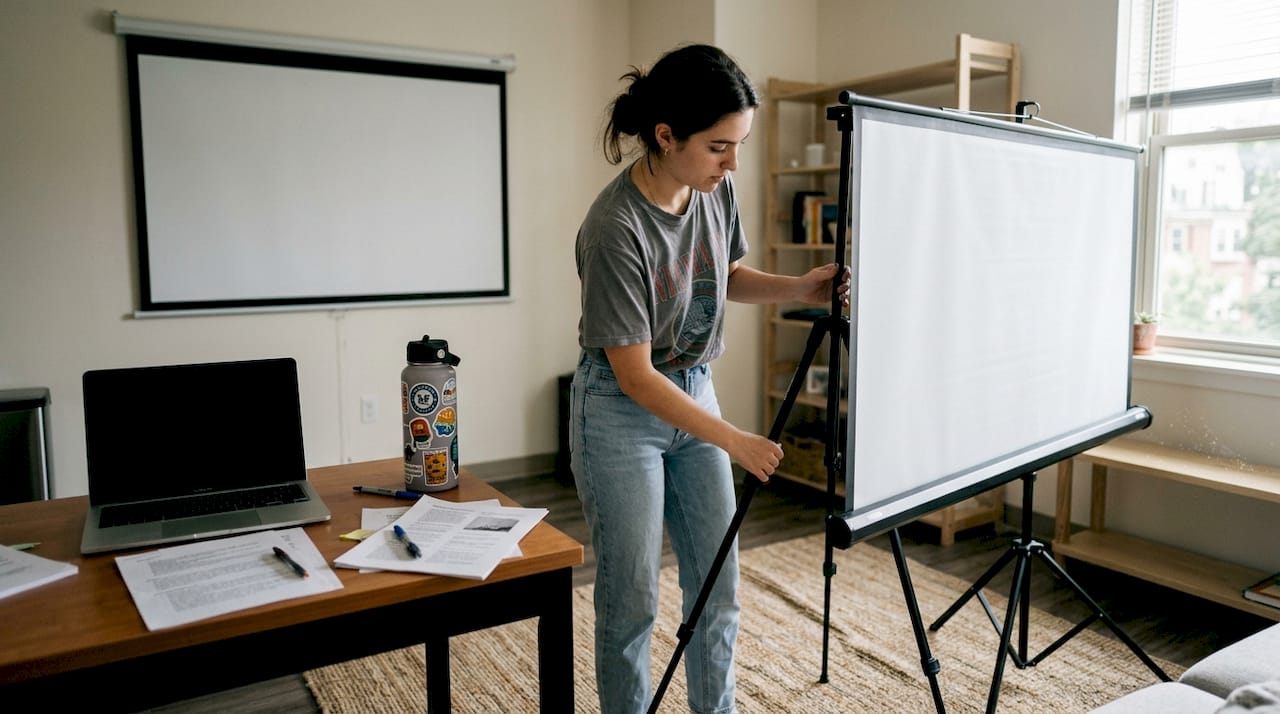
Pro Tip: Screen gain (a measure of reflectivity) above 1.3 is ideal for bright rooms, while gain between 1.0 and 1.1 suits dark home theaters. Check the gain rating before you buy when shopping for screens.
2. Mounts and brackets: Secure, stable positioning
A shaky or poorly positioned projector creates a distorted, trapezoidal image that no amount of digital correction can fully fix. Stable mounting is not just about convenience; it directly affects image quality. Ceiling or wall mounts prevent image distortion and keystone issues, which is critical for permanent setups in education and business environments.
Here is how to choose and install a mount correctly:
- Select the right mount type. Ceiling mounts are best for home theaters and classrooms. Wall mounts work well for smaller rooms. Portable tripods suit mobile business setups.
- Check load capacity. Most quality mounts support 25 to 30kg. Always verify your projector's weight before purchasing.
- Use a spirit level. A level image from the start eliminates the need for digital keystone correction, which can reduce resolution.
- Calculate throw distance. Measure the distance from the lens to the screen before drilling any holes. Use your projector's throw ratio specification to get this right.
- Secure cables properly. Route and clip cables along the mount arm to keep the setup clean and safe.
For detailed ceiling mounting tips, always follow manufacturer torque specifications for ceiling anchors. Schools and offices should consider lockable brackets to prevent unauthorized adjustment or theft.
"Mounting best practices, including using spirit levels and calculating throw distance, are essential. Ceiling mounts are preferred for home theater, while wall or tripod setups suit portable business use to avoid keystone correction losses."
Pro Tip: When following projector mounting steps, always install mounts into ceiling joists or use rated wall anchors. Drywall alone cannot safely support a projector over time.
3. Audio upgrades: From weak projector speakers to cinematic sound
Here is a truth most projector buyers discover too late: built-in projector speakers are almost always disappointing. They are small, underpowered, and lack the bass response needed for movies or music. Even in a meeting room, weak audio makes presentations feel unprofessional.
External audio systems like soundbars or Bluetooth speakers directly address poor built-in projector audio, and they are essential for immersive home theater or clear business audio. Here are the best options by use case:
- Home theater: A Dolby Atmos soundbar or a 5.1 surround sound system delivers the cinematic experience your projector deserves.
- Business presentations: A compact Bluetooth speaker or a wired desktop speaker provides clear, room-filling audio without complex wiring.
- Classrooms: Wireless microphones paired with a PA system ensure every student hears clearly, even in large halls.
Some premium projectors, like certain ViewSonic models, include built-in Harman Kardon 40W soundbars, which is genuinely impressive for a built-in solution. But for most projectors, audio enhancement is non-negotiable. Pairing a soundbar for home use versus wireless mics for education makes a measurable difference in engagement and clarity.
Learn more about understanding projector audio to match the right system to your room size and acoustic needs.
Pro Tip: For rooms larger than 30 square meters, a soundbar alone may not fill the space evenly. Consider a 2.1 system with a subwoofer for deeper bass and wider sound coverage.
4. Cleaning kits and dust filters: Protecting your investment
Malaysia's climate is tough on electronics. High humidity encourages dust to stick to surfaces, and fine particles work their way into projector vents and onto lenses faster than you might expect. A lens cleaning kit and dust filters are vital in dusty Malaysian climates to prevent overheating and image degradation.
Here is a simple maintenance routine to follow:
- Unplug and cool down. Always allow the projector to cool for at least 30 minutes before cleaning.
- Blow out the vents. Use a can of compressed air to clear dust from intake and exhaust vents.
- Clean the lens. Apply a small amount of lens cleaning solution to a microfiber cloth. Never spray directly onto the lens.
- Check and clean the dust filter. Remove the filter panel, tap it gently to dislodge dust, or rinse it if the manufacturer allows.
- Wipe down the exterior. Use a dry microfiber cloth to remove surface dust from the body.
In high-humidity environments like Malaysia, prioritizing sealed optics and dust filters can extend projector lifespan by 20 to 30%. That is a significant return on a very small investment. Follow the full lens cleaning tutorial for step-by-step guidance, and check the dust filter cleaning process for your specific model.
Pro Tip: Set a monthly calendar reminder to check your projector's filter. A clogged filter raises internal temperatures, which shortens lamp life and can trigger automatic shutdowns during use.
5. Carrying bags and cases: Portability and protection
If your projector moves at all, a quality carrying case is not optional. Accidental drops, bumps during transit, and exposure to dust or rain are all real risks for portable projectors in Malaysia. A carrying bag or case protects portable projectors for mobile business and education use, and the cost of a good case is a fraction of a repair bill.
Here are the main case types and who they suit best:
- Padded soft cases: Lightweight and easy to carry. Best for short trips between offices or classrooms.
- Hard shell cases: Maximum protection for frequent travelers or outdoor events. Ideal for sales teams and event organizers.
- Custom-fit cases: Molded foam interiors that hold the projector and accessories snugly. Great for high-value equipment.
For educators moving between classrooms, a padded case with a shoulder strap is the most practical choice. For sales teams traveling between cities, a hard shell case with wheels makes more sense. Budget-conscious buyers can find solid options in the RM80 to RM200 range that offer real protection without premium pricing.
Pro Tip: Before buying, measure your projector and check that the case also fits your remote, power cable, and lens cleaning kit. A case that only fits the projector body forces you to carry accessories separately, which defeats the purpose.
Side-by-side comparison: Which accessories matter most?
Not every accessory is equally important for every user. This table helps you prioritize based on your primary use case.
| Accessory | Home theater | Business | Classroom |
|---|---|---|---|
| Projector screen (ALR) | Essential | Essential | Essential |
| Ceiling or wall mount | Essential | Recommended | Essential |
| External audio system | Essential | Recommended | Recommended |
| Lens cleaning kit | Essential | Essential | Essential |
| Dust filter | Essential | Essential | Essential |
| Carrying bag or case | Optional | Essential | Essential |
| Portable tripod stand | Optional | Recommended | Recommended |
The pattern is clear. Screens, cleaning kits, and dust filters are non-negotiable for everyone. Audio and mounting priorities shift depending on whether your setup is fixed or mobile. Carrying cases matter most for users who move their equipment regularly.
Upgrade your projector setup with trusted accessories
You now have a clear picture of what your setup actually needs. The difference between a frustrating projection experience and a genuinely impressive one often comes down to a few well-chosen accessories rather than a more expensive projector.

At ProjectorDisplay.com, we stock the full range of accessories covered in this guide, from ALR screens to cleaning kits, mounts, and carrying cases, all selected for Malaysian homes, offices, and classrooms. Browse our complete accessory guide to find the right combination for your setup. Check our special offers for current deals on top-rated accessories, or go straight to our projector screens collection to start with the most impactful upgrade. Fast shipping across Peninsular Malaysia and WhatsApp support make it easy to get expert advice before you buy.
Frequently asked questions
What projector screen type is best for bright Malaysian rooms?
ALR (Ambient Light Rejecting) screens perform best in bright rooms, as they retain up to 30% more brightness than standard white screens, making them the top choice for most Malaysian living rooms and offices.
How often should I clean my projector lens and filter?
In Malaysia's dusty and humid climate, check and clean your projector lens and dust filter monthly. Regular cleaning extends lamp life and keeps images sharp and bright.
Can I just use my projector on a white wall instead of a screen?
A white wall works in a pinch, but a proper screen delivers significantly better brightness, sharpness, and color accuracy. The screen is the most essential accessory for image quality, especially in larger or brighter rooms.
Why invest in a separate audio system for my projector?
Built-in projector speakers are typically underpowered and lack bass. External soundbars or speakers deliver clearer, fuller audio that matches the visual quality of a good projection setup.
Are carrying cases worth it for portable projectors?
Absolutely. Carrying bags and cases protect your projector from bumps, dust, and humidity during transit, which is especially important for educators and business professionals who move their equipment regularly.