
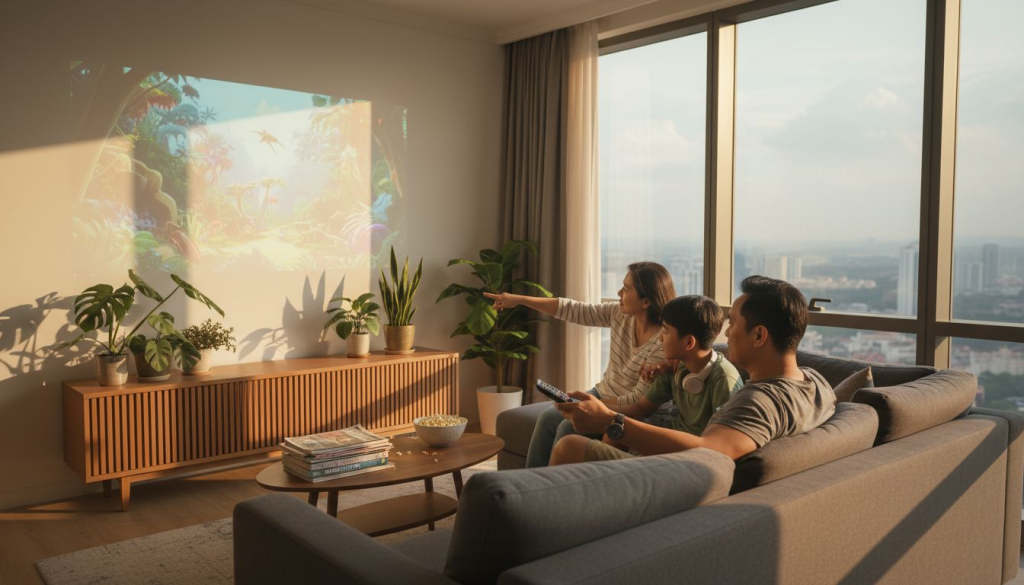
Choosing a projector screen seems simple until you realize the screen itself can make or break your viewing experience. Many Malaysians invest heavily in high-quality projectors only to pair them with mismatched screens that wash out colors, narrow viewing angles, or fail in ambient light. The truth is screen material, gain, size, and type dramatically impact image brightness, color accuracy, and overall immersion whether you're watching movies at home or delivering business presentations. This guide walks you through the essential factors to confidently select the perfect projector screen for your specific environment and projector setup in Malaysia.
Table of Contents
- Understanding Projector Screen Basics
- Comparing Projector Screen Types And Their Ideal Uses
- Optimizing Screen Size And Placement For Best Viewing Experience
- Adjusting For Ambient Light And Projector Compatibility
- Enhance Your Viewing With The Right Projector Screen From Projector Display
- Frequently Asked Questions
Key takeaways
| Point | Details |
|---|---|
| Screen choice impacts quality | Material, gain, and size directly affect brightness, color accuracy, and viewing angles. |
| Room lighting matters most | Ambient light conditions determine whether you need matte white, high gain, or ALR screens. |
| Size and distance work together | Proper viewing distance based on screen size optimizes comfort and prevents eye strain. |
| Projector compatibility is critical | Match screen gain and aspect ratio to your projector type for best performance. |
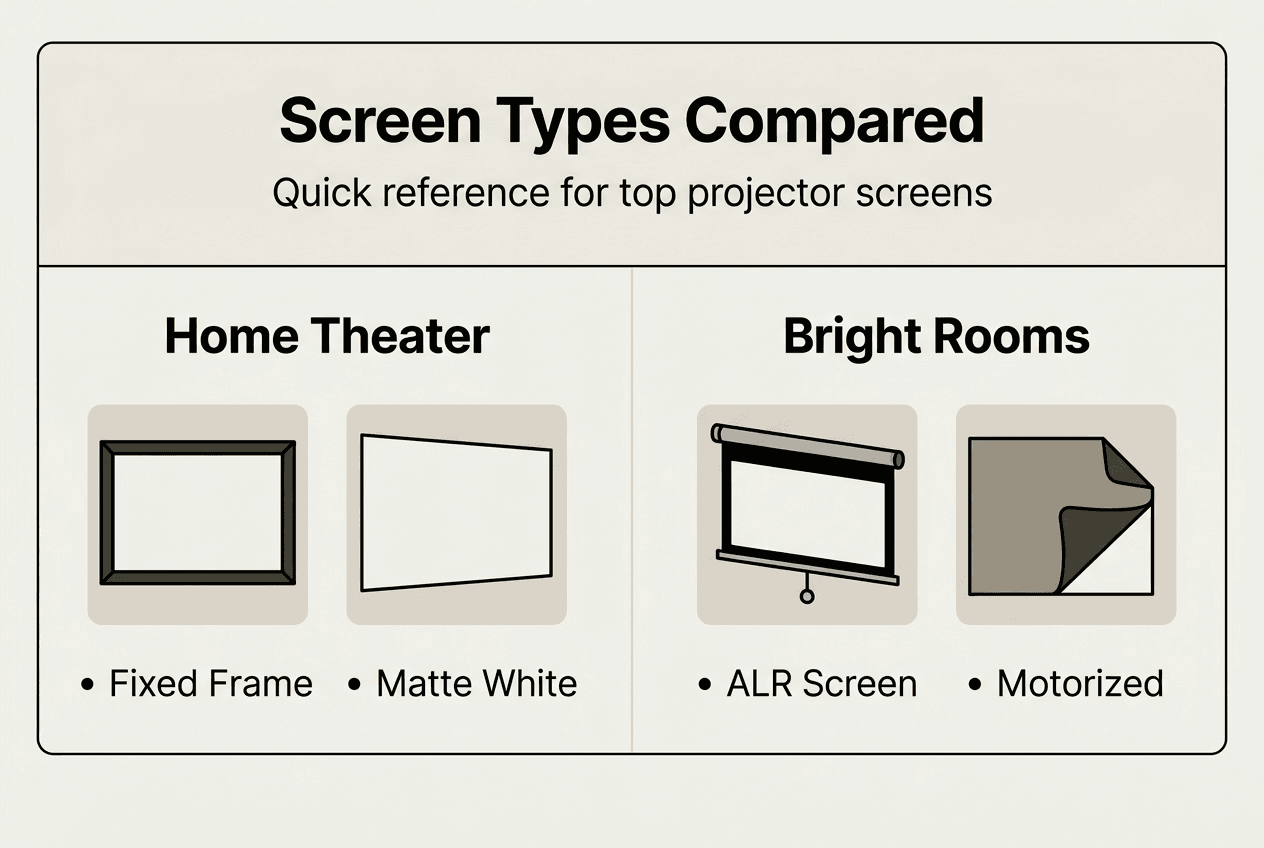
| Different screens suit different uses | Fixed frame excels in home theaters while ALR handles bright rooms effectively. |
Understanding projector screen basics
Before comparing screen types, you need to understand the core characteristics that define screen performance. Screen material determines how light reflects back to viewers, affecting brightness, color reproduction, and viewing angles. Matte white screens offer neutral color accuracy with wide viewing angles, while high gain materials boost brightness but narrow the sweet spot for optimal viewing.
Gain measures a screen's reflectivity compared to a standard white surface. A gain of 1.0 reflects light evenly in all directions, while higher gain screens like 1.3 or 1.5 direct more light toward the center viewing area. Selecting the appropriate gain is especially important in environments with varying ambient light conditions to optimize image quality. The trade off is simple: higher gain increases center brightness but reduces image quality for viewers sitting off axis.
Aspect ratio defines the screen's width to height proportion and must match your projector's output format. Common ratios include 16:9 for HD content and movies, 16:10 for business presentations, and 4:3 for older formats. Mismatched aspect ratios result in black bars or distorted images that waste screen real estate and diminish visual impact.
The projector throw ratio determines how far your projector must sit from the screen to produce a specific image size. Short throw projectors work close to the screen, ideal for smaller Malaysian homes, while standard throw models need more distance. Understanding throw ratio helps you select a compatible screen size that fits your available space.
Choosing the right projector screen involves balancing several factors, including screen material, size, aspect ratio, and ambient light conditions. Consider the room's lighting and the type of content being displayed. Here are critical screen features to evaluate:
- Material composition affecting reflection properties
- Gain level balancing brightness and viewing angle
- Aspect ratio matching projector and content format
- Frame type determining installation flexibility
- Ambient light rejection capabilities for bright environments
Comparing projector screen types and their ideal uses
Understanding the main types of projection screens helps you match features to your specific viewing environment. Each type offers distinct advantages depending on room conditions, installation permanence, and image quality priorities.
| Screen Type | Pros | Cons | Best For |
|---|---|---|---|
| Fixed Frame | Superior flatness, excellent image quality, permanent installation | No retraction, always visible, requires dedicated space | Home theaters with controlled lighting |
| Motorized | Conceals when not in use, clean aesthetic, remote control | Higher cost, requires power, potential mechanical issues | Multi purpose rooms needing flexibility |
| Portable | Easy transport, quick setup, affordable | Less flat surface, lower image quality, manual setup | Presentations, outdoor events, temporary installations |
| ALR (Ambient Light Rejecting) | Maintains brightness in lit rooms, rejects overhead light | Higher cost, narrower viewing angles, specific installation needs | Bright living rooms, business environments |
Fixed frame screens excel in controlled lighting environments, delivering superior image uniformity and sharpness. The tensioned material stays perfectly flat, eliminating waves or wrinkles that distort images. These screens work best for dedicated home theaters where the screen remains a permanent fixture.
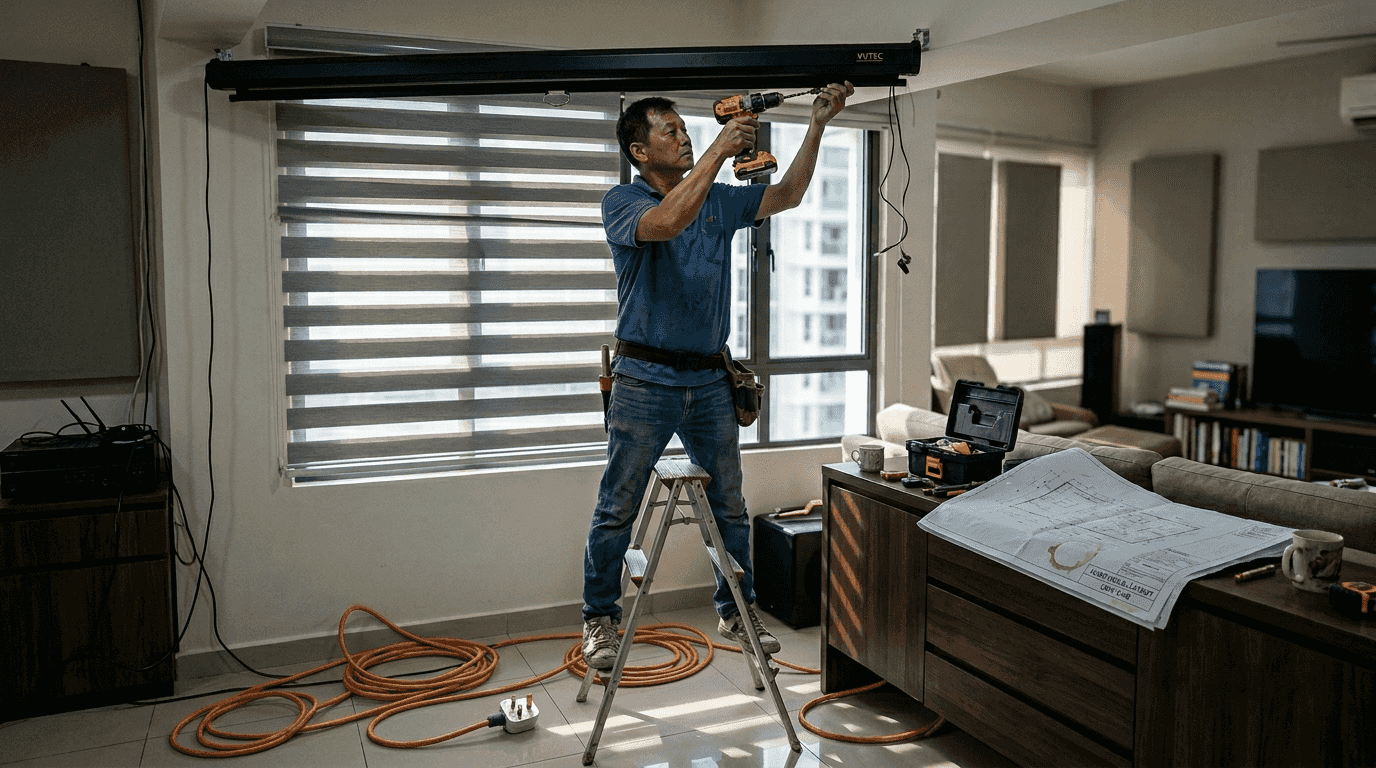
Motorized screens offer installation flexibility by retracting into a ceiling or wall mounted case when not in use. You preserve your room's aesthetic while maintaining screen quality when deployed. The convenience comes at a premium price and requires electrical installation, but the clean look appeals to homeowners who want multi purpose spaces.
Portable screens sacrifice some image quality for mobility and quick setup. The fabric typically lacks the tension of fixed frames, resulting in minor surface irregularities. However, they excel for business presentations, educational settings, or outdoor movie nights where permanent installation isn't practical.
ALR screens use specialized coatings to reject ambient light from above while reflecting projected light from the front. This technology maintains image brightness and contrast even in well lit Malaysian living rooms or conference rooms with windows. The coating works by filtering out specific light angles, making these screens essential for spaces where you can't fully control lighting.
Pro Tip: Choose fixed frame screens for dedicated home theaters with blackout curtains, but invest in ALR technology if your viewing room has windows or overhead lighting you can't eliminate. The brightness advantage in ambient light justifies the higher cost for most Malaysian homes.
Optimizing screen size and placement for best viewing experience
Selecting the right screen size requires balancing room dimensions, seating distance, and projector capabilities. Screen size and viewing distance are crucial for optimal viewing experience. The Society of Motion Picture and Television Engineers (SMPTE) recommends a viewing angle of 30 to 40 degrees for comfortable viewing. This standard prevents eye strain while maximizing immersion.
| Screen Size (Diagonal) | Optimal Viewing Distance | Minimum Distance | Maximum Distance |
|---|---|---|---|
| 100 inches | 10 to 13 feet | 8 feet | 16 feet |
| 120 inches | 12 to 16 feet | 10 feet | 20 feet |
| 150 inches | 15 to 20 feet | 12 feet | 25 feet |
| 200 inches | 20 to 26 feet | 16 feet | 33 feet |
Calculating optimal projector distance ensures your screen size works with your projector's throw ratio and room layout. Follow these steps:
- Measure the distance from your projector mounting location to the wall where the screen will hang
- Check your projector's throw ratio specification in the manual or manufacturer website
- Use a throw distance calculator to determine maximum screen size for your distance
- Verify the calculated screen size fits your wall space with adequate borders
- Confirm your primary seating position falls within the optimal viewing distance range
- Account for screen height so the center sits at or slightly below eye level when seated
Oversized screens force viewers to turn their heads to follow action, causing fatigue during long viewing sessions. Undersized screens diminish immersion and make details harder to see from optimal seating distances. The sweet spot balances screen presence with comfortable viewing that doesn't strain eyes or neck.
Screen aspect ratio must match your projector's native output and primary content type. A 16:9 screen works perfectly for HD movies and streaming content, while 16:10 suits business presentations with more vertical space for slides. Mismatched ratios waste screen area with black bars or force you to crop content.
Pro Tip: Before purchasing, test your planned viewing distance by sitting at that spot and visualizing the screen size using painter's tape on the wall. This physical mockup reveals whether the size feels comfortable or overwhelming in your actual space. Consider your typical seating arrangement, not just the primary seat, to ensure everyone enjoys good viewing angles.
Adjusting for ambient light and projector compatibility
Ambient light presents the biggest challenge to projector image quality, washing out brightness and reducing contrast. Malaysian homes and businesses often feature large windows and bright overhead lighting that compete with projected images. Understanding how screen materials interact with ambient light helps you select the right solution.
Matte white screens work beautifully in dark rooms where you control all light sources. They offer neutral color reproduction and wide viewing angles, making them ideal for dedicated home theaters with blackout curtains. However, even modest ambient light severely degrades image quality on standard matte white surfaces.
For home theater, a matte white screen offers a wide viewing angle and good color accuracy. For rooms with ambient light, an ALR screen is recommended. ALR technology uses angular selective coatings that reject light coming from above, typically overhead fixtures and windows, while accepting light from the projector positioned in front. This selective reflection maintains image brightness and contrast even with lights on.
Gain levels create important trade offs between brightness and viewing angle. Higher gain screens produce a brighter image at the center, but this increased brightness often comes at the cost of a narrower viewing angle, meaning viewers seated off to the side may see a dimmer image. A 1.0 gain screen distributes light evenly, while 1.3 to 1.5 gain screens concentrate brightness toward center viewers.
Match your screen choice to these common scenarios:
- Dark dedicated theater rooms: Matte white screen with 1.0 to 1.1 gain for accurate colors and wide angles
- Rooms with some ambient light: Gray screens or modest gain (1.3) to improve contrast
- Bright living rooms or offices: ALR screens with specialized coatings to reject overhead light
- High lumen projectors: Lower gain screens (0.8 to 1.0) prevent over brightness and hot spotting
- Lower lumen projectors: Moderate gain (1.3 to 1.5) to boost perceived brightness without excessive narrowing
Color accuracy suffers when screen materials add tint or uneven reflection. Matte white and neutral gray screens preserve color fidelity best, while some high gain materials introduce slight color shifts. For color critical work like photo editing or design presentations, prioritize neutral materials over maximum brightness.
Viewing angle considerations matter more in Malaysian homes where families and guests watch together. A screen with 1.5 gain might look spectacular from the center seat but disappoint viewers on the sofa's ends. Balance your need for brightness against how many viewing positions need quality images.
Pro Tip: If your Malaysian home has unavoidable ambient light from windows or open floor plans, invest in ALR screen technology rather than fighting a losing battle with blackout solutions. The performance improvement in real world lighting conditions justifies the higher cost and transforms unusable bright rooms into viable viewing spaces.
Enhance your viewing with the right projector screen from Projector Display
Now that you understand the critical factors in screen selection, it's time to explore quality options tailored for Malaysian viewing conditions. Projector Display offers an extensive selection of projector screens designed to match your specific home theater or business presentation needs.

Whether you need a fixed frame screen for your dedicated theater room or an ALR solution for a bright living space, our range covers all projection screen types and sizes. Each screen is selected for quality construction and optimal performance with the projectors we carry. Take advantage of our 2026 projector installation guide for expert setup advice that ensures your screen and projector work together flawlessly. Contact our team for personalized recommendations based on your room dimensions, lighting conditions, and viewing preferences.
Frequently asked questions
Which type of projector screen is best for a home theater in Malaysia?
Fixed frame screens with matte white material deliver the best image quality for dedicated home theaters with controlled lighting. The tensioned surface stays perfectly flat, ensuring uniform image quality without waves or hotspots. For rooms where you can't eliminate ambient light, ALR screens maintain brightness and contrast even with some overhead lighting or window light present.
How does ambient light affect my choice of projector screen?
Ambient light washes out projected images, making them appear dim, washed out, and low contrast. Standard matte white screens perform poorly in lit environments, requiring complete darkness for acceptable image quality. Screens with ambient light rejecting coatings solve this problem by filtering overhead light while reflecting projected light, maintaining image brightness in typical Malaysian living room conditions.
What is the ideal viewing distance for a 120 inch projector screen?
Optimal viewing distance for a 120 inch screen is approximately 12 to 16 feet for a comfortable 30 to 40 degree viewing angle. Sitting closer than 10 feet forces you to turn your head to follow action, causing fatigue. Sitting beyond 20 feet diminishes immersion and makes details harder to see, reducing the impact of the large screen.
How do I match my projector's throw ratio with screen size?
Throw ratio determines how far your projector must sit from the screen to produce a specific image size. Check your projector's specifications for its throw ratio, then multiply that number by your desired screen width to find required distance. A throw ratio guide helps you calculate compatible screen sizes based on your available installation distance, ensuring your projector can properly fill the screen from your mounting location.
Recommended
- Projector Screen Types: Guide for Malaysia in 2025 – Projector Display
- Projector Screen Size Guide 2025: Perfect Fit for Malaysian Needs – Projector Display
- Best Projector and Screen for Home Theater in Malaysia 2025 – Projector Display
- Projector Screen Placement Guide for Malaysia Users 2025 – Projector Display