
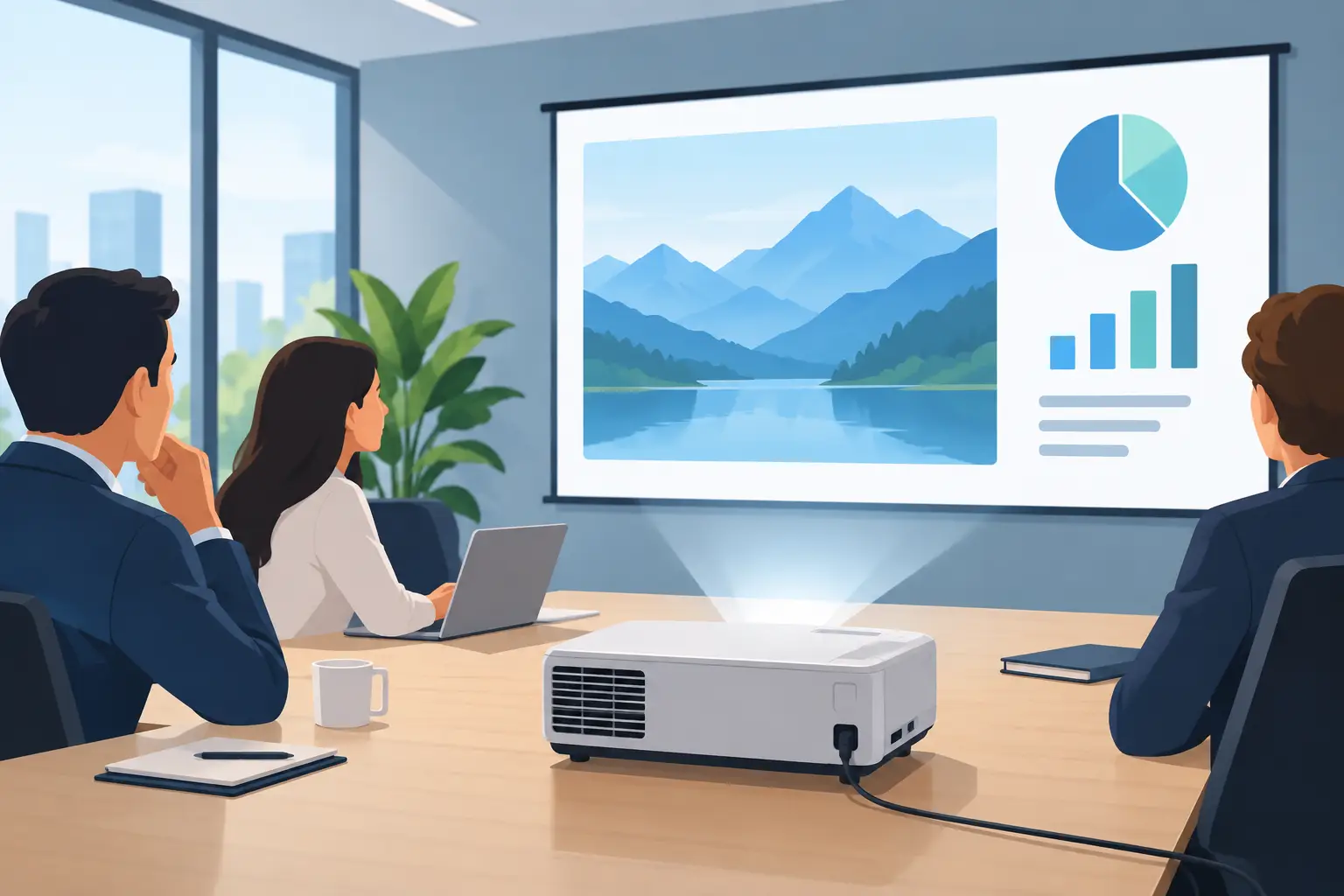
A washed-out presentation can derail a client meeting before the first slide is discussed. A 4000 ANSI lumen office projector is a strong starting point for businesses, training centers, and classrooms that need a bright, professional image without turning every room into a blackout space. It is bright enough for many real-world meeting environments, but lumens alone do not guarantee a good result.
The right choice also depends on room lighting, screen size, resolution, installation position, and the devices your team uses every day. For a boardroom, shared training room, or flexible presentation space, understanding these details helps you spend on the features that improve visibility rather than specifications you may never use.
When a 4000 ANSI Lumen Office Projector Fits
ANSI lumens measure projector brightness using a recognized testing method. This matters because some projectors use vague brightness claims that can make comparison difficult. A genuine 4000 ANSI lumen model delivers enough output for offices with overhead lighting, windows with blinds, and audiences larger than a small huddle room.
In practical terms, this brightness level suits a screen around 80 to 120 inches in a typical meeting room. Spreadsheets, slide decks, training videos, dashboards, and product demonstrations can remain readable with moderate ambient light. It also gives presenters more flexibility: lights near note-taking areas can stay on instead of forcing everyone to sit in a dark room.
That said, 4000 ANSI lumens is not a universal answer. A large seminar room with full daylight, uncovered glass walls, or a screen larger than 130 inches may need more brightness. Conversely, a compact room that can be dimmed may work very well with fewer lumens, particularly if image quality and quieter operation are the bigger priorities.
Brightness Must Match the Room
Before selecting an office projector, assess the room rather than simply choosing the highest lumen number available. Direct sunlight is the most difficult condition for any projector. Blinds, curtains, and thoughtful screen placement can improve image contrast far more effectively than a small brightness increase.
Screen gain and color also affect the perceived image. A quality matte-white projection screen provides a neutral surface for presentations and video. Projecting onto a painted wall may appear convenient, but wall texture, uneven color, and reflected light can reduce sharpness and make fine text harder to read. For teams that present frequently, a proper screen is a worthwhile part of the installation.
Consider viewing distance as well. In a room where the back row is far from the screen, a brighter image is helpful, but resolution becomes equally important. A large, bright image will not solve unreadable 10-point text or poorly designed slides.
A Quick Room-Use Test
Think about how the room is used at 10 a.m. or 2 p.m., not only after hours. Are ceiling lights on? Does daylight enter from one side? Will users show detailed Excel sheets, engineering drawings, or mostly video and presentation slides? These answers are more useful than choosing based on brightness alone.
Choose Resolution for the Content You Present
For standard presentation material, XGA resolution can still serve basic needs, especially when budgets are tight and screen sizes are modest. However, modern laptops, video conferencing platforms, and web-based dashboards are designed for widescreen displays. For many offices, WXGA or Full HD is the more comfortable choice.
Full HD resolution gives clearer text, more detailed charts, and better video playback. It is particularly useful when several people share information from laptops, when presenters display spreadsheets with multiple columns, or when the projector is also used for virtual meetings. A 4000 ANSI lumen projector with Full HD resolution is often a balanced choice for multipurpose meeting rooms.
Higher resolution can be valuable for design, medical, architectural, and data-heavy work, but it should match the source material. If your organization mostly uses simple slide presentations, paying significantly more for ultra-high resolution may not produce a noticeable benefit. The goal is clear communication, not a specification sheet with the biggest numbers.
Check Throw Distance Before You Buy
A projector can have ideal brightness and resolution yet still be wrong for the room if the lens cannot create the desired image size from the available mounting point. Throw distance is the distance between the projector lens and the screen. Each model has a throw ratio that determines how large the image will be at that distance.
Measure the wall or screen area, then measure the possible ceiling-mount or tabletop location. Also allow space for cables, ventilation, and access for maintenance. A projector mounted too close may create an image that is too small; one mounted too far away may overshoot the screen.
Short-throw models are useful where the projector must sit close to the display surface. They can reduce shadows when someone stands near the screen and work well in tight classrooms or collaborative spaces. Standard-throw models are often more cost-effective for conventional meeting rooms with a suitable ceiling-mount position.
Lens shift, zoom, and keystone correction deserve attention. Optical zoom helps fine-tune image size without moving the mount. Lens shift can reposition the image while preserving geometry. Keystone correction is useful for small adjustments, but relying heavily on digital keystone can reduce image detail. A well-planned installation is always better than correcting a poor angle electronically.
Connectivity Keeps Meetings Moving
An office projector should connect easily to the equipment people already bring into the room. HDMI remains essential for laptops, media players, and conferencing hardware. Multiple HDMI inputs are useful when a room has a fixed computer plus visiting presenters.
Wireless presentation capability can make a meeting more efficient, particularly for teams that switch presenters often. Depending on the projector and setup, wireless display options may support screen sharing from laptops and mobile devices. Confirm compatibility with your company devices and network rules before making wireless connectivity a key buying decision.
USB power, audio output, and network management can also matter. USB power can support a wireless display dongle without another power adapter. Audio output lets the projector work with external speakers for training videos. Network control gives IT teams a practical way to monitor, configure, or power-manage projectors across multiple rooms.
For rooms used for Microsoft Teams, Zoom, or other video meetings, remember that the projector is only one part of the experience. A camera, microphone, speaker system, and reliable computer connection may be needed to make remote participants feel included.
Lamp or Laser: Consider Total Ownership Cost
Traditional lamp projectors can offer attractive upfront pricing and remain a practical option for occasional presentation rooms. They do require lamp replacement after a rated number of hours, and brightness gradually declines as the lamp ages. Organizations should plan for replacement lamps and routine maintenance.
Laser projectors usually cost more at purchase, but they offer long operating life, fast startup, consistent brightness, and lower maintenance. For offices, schools, and training centers that run presentations for many hours each week, laser technology can make financial sense over time. It also removes the disruption of a lamp failure before an important session.
The decision depends on usage. A projector used a few times each month may not justify the laser premium. A unit used daily in a shared room often benefits from laser reliability and reduced maintenance planning.
Build a Complete Presentation Setup
A dependable meeting-room installation includes more than the projector. Select a screen sized for the room, a secure ceiling or wall mount, and HDMI cables rated for the required distance and resolution. If the projector is installed overhead, proper cable routing and a suitable power point help keep the room professional and safe.
Do not overlook sound. Built-in projector speakers are convenient for short clips in a small room, but they are rarely enough for larger training sessions. External speakers or a room audio system provide clearer speech and better playback for video content.
ProjectorDisplay.com can help buyers compare brightness, resolution, throw distance, mounts, screens, and accessories as one complete display solution. For multi-room rollouts or specialized installations, requesting a quotation can prevent costly compatibility issues later.
A 4000 ANSI lumen office projector is a practical choice when it is matched to the room, the audience, and the way your team actually presents. Start with the light in the room and the size of the screen, then choose the resolution and connectivity that remove friction from every meeting.