
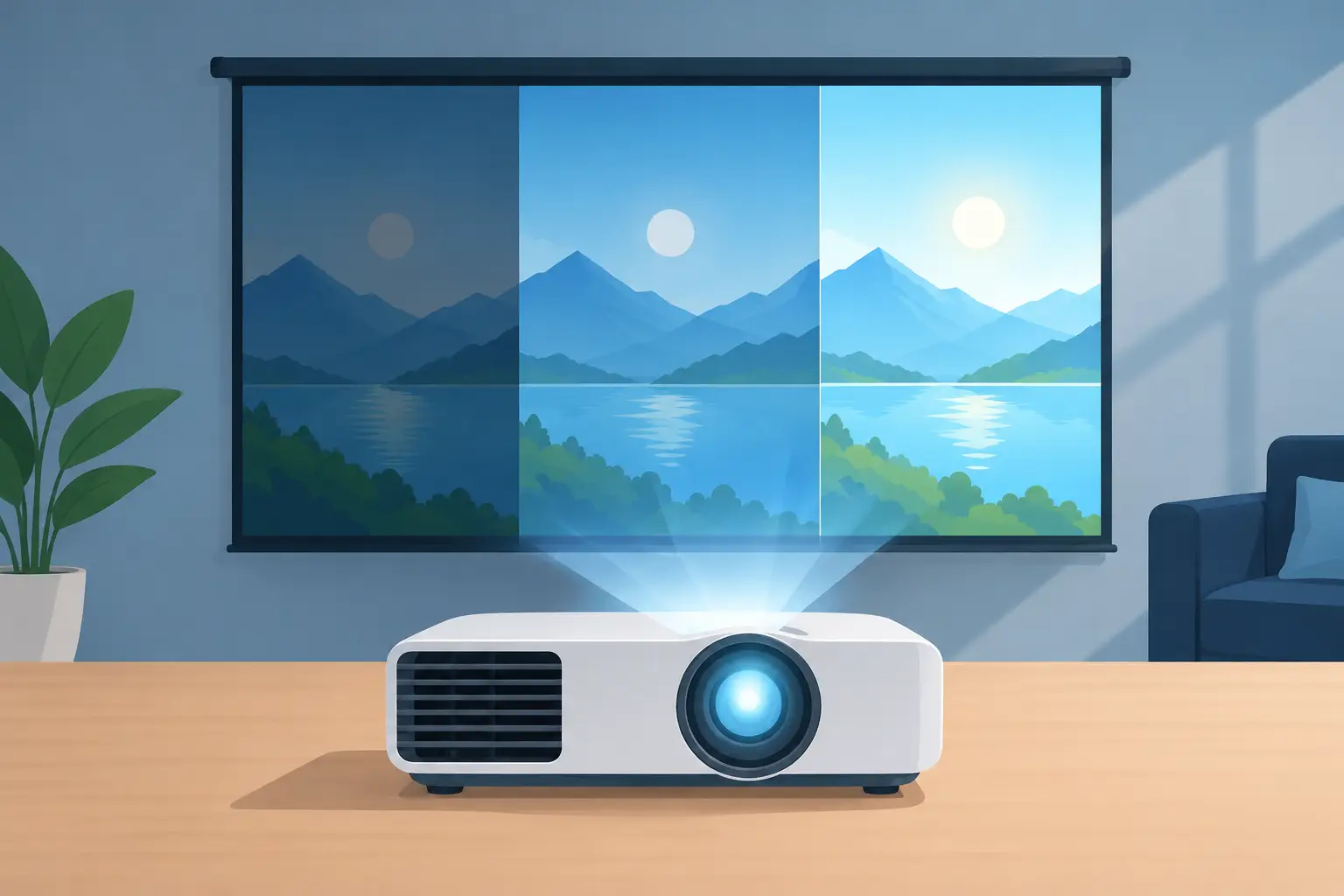
A projector that looks brilliant in a dim showroom can look faded in a sunlit meeting room. That is why the question, "what projector lumen rating needed," should never be answered with one number alone. The right brightness depends on the light in your room, the image size, the screen surface, and whether people are watching a movie, reading spreadsheets, or following a lesson.
Projector brightness is measured in lumens, but the most useful specification is ANSI lumens. This standardized measurement gives you a more dependable comparison between established projector brands and models. Choose the right brightness from the start, and your image will have better color, clearer text, and enough punch to hold attention.
What projector lumen rating is needed by room type?
For most buyers, ambient light is the deciding factor. Ambient light means every source of light already in the room: windows, ceiling fixtures, lamps, hallway spill, and even reflected sunlight from pale walls. More ambient light requires more ANSI lumens.
A home theater used mainly at night can perform beautifully with 1,500 to 2,500 ANSI lumens. This range is especially suitable for movies, streaming, and gaming in a room where curtains can be closed and lights can be dimmed. At this brightness, many Full HD and 4K home projectors can produce rich blacks and cinematic color without overpowering the screen.
For a family living room with some lights on or daylight entering through windows, aim for around 2,500 to 3,500 ANSI lumens. This is a practical range for sports, casual streaming, gaming, and weekend movie sessions when total light control is unrealistic. A brighter projector helps, but closing blinds still makes a major difference.
Office meeting rooms and training spaces typically need 3,000 to 4,500 ANSI lumens. Presentations often happen during business hours, with lights on so attendees can take notes and interact. The goal is not only a bright image. Small text, spreadsheet lines, charts, and video calls must remain readable from the back of the room.
Classrooms work well in a similar 3,000 to 4,500 ANSI-lumen range, depending on window light and screen size. Educators should prioritize clear text and dependable operation over headline brightness alone. A 3LCD or laser projector can be a strong option for frequent daily use, especially when paired with an appropriately sized screen or whiteboard surface.
Large venues, bright seminar rooms, houses of worship, and spaces with significant daylight may require 5,000 ANSI lumens or more. These installations need careful planning because screen size, throw distance, mounting position, and room lighting all affect the final result. Higher brightness is valuable here, but it should be specified as part of the entire display setup.
Use ANSI lumens, not vague brightness claims
Not every lumen figure means the same thing. ANSI lumens are measured using a recognized testing method, making them the best starting point when comparing projector specifications. If a portable or smart projector advertises an unusually high number without clearly stating ANSI lumens, treat that figure carefully.
This does not mean a compact projector is automatically a poor choice. Many portable models are designed for dark bedrooms, small apartments, camping trips, or occasional movie nights. Their lower brightness can be perfectly acceptable when the environment is controlled. The issue comes when buyers expect a low-brightness portable projector to overcome daylight in a large living room.
Brightness also involves more than white light. A projector with convincing color brightness often produces more enjoyable presentations and entertainment than one that appears bright only on white test slides. Compare resolution, contrast, color performance, and light source alongside ANSI lumens.
Screen size changes the lumen requirement
The larger the image, the more the available light is spread across the screen. A projector that looks excellent at 80 inches may appear noticeably less bright at 120 inches in the same room.
For a typical 80- to 100-inch image in a dim home theater, 1,500 to 2,500 ANSI lumens is often enough. If you want a 120-inch or larger image, choosing 2,500 ANSI lumens or more gives you more flexibility, particularly if you cannot fully darken the room.
In offices and classrooms, large screens are useful because they improve visibility for attendees seated farther away. However, increasing screen size without increasing brightness can make text difficult to read. If your audience is viewing detailed slides, training materials, or diagrams, choose a projector with enough brightness for the planned image size rather than simply buying the highest-resolution model.
The screen itself matters too. A quality projector screen can reflect light more evenly than a painted wall and can improve perceived brightness, sharpness, and color. Gray or ambient-light-rejecting screens may help in certain bright rooms, but they are not a substitute for adequate projector output. Screen selection should complement the projector and the room.
Match brightness to what people are watching
Movies and games can look good at lower brightness because they are commonly viewed in controlled lighting. In fact, excessive brightness in a fully dark room may make black levels look gray and reduce the cinematic feel. For home cinema, the best result is often a balanced projector paired with dimmable lighting and a proper screen.
Business content has different demands. Black text on a white slide, Excel sheets, architectural drawings, and training videos require a clean, high-contrast image. A 3,500-lumen projector in a meeting room may be more useful than a lower-lumen model with a higher resolution if daylight and overhead lights cannot be controlled.
For education, consider how lessons are delivered. A teacher may need lights on for writing, discussion, and student engagement. Brightness should support that workflow. Interactive displays, visualizers, and wireless presentation tools can also be part of the solution when the room needs more than basic projection.
Outdoor projection deserves special care. Projectors are designed for use after sunset, not under direct daylight. For a backyard movie night beginning at dusk, 3,000 ANSI lumens or more provides a stronger image as the sky darkens. Even a high-lumen projector will struggle in afternoon sun. Plan outdoor viewing around darkness, use a suitable screen, and protect equipment from moisture.
Do not buy more lumens than the room needs
Higher brightness usually costs more, may increase fan noise, and can be unnecessary in a dark room. It can also expose limitations in a poor screen or uneven wall. The smartest purchase is not automatically the projector with the largest lumen number. It is the model that matches your real viewing conditions.
There are exceptions. A brighter model gives a household more flexibility when a projector moves between a dark bedroom and a living room. A business may also choose extra brightness to account for changing room layouts, open blinds, or a larger audience. In these cases, paying for additional ANSI lumens can be a sensible investment.
Light source is another consideration. Traditional lamp projectors can offer strong value and may require lamp replacement after extended use. Laser projectors usually provide long operating life, stable brightness, and fast startup, making them attractive for classrooms, offices, and high-use entertainment spaces. Both can be excellent choices when the brightness rating fits the application.
A practical way to choose your projector
Start by assessing the room at the time you will actually use the projector. Turn on the lights that will normally be on, open or close the blinds as you expect to, and estimate the screen size you want. Then select a brightness range based on that reality, not on a perfect dark-room scenario.
Next, confirm the projector has the features your setup needs. Home users may want Full HD or 4K resolution, HDMI connectivity, low input lag, built-in smart functions, or wireless casting such as AirPlay. Offices and schools may need short-throw placement, ceiling mounts, multiple HDMI inputs, wireless presentation, or a quote for several rooms.
Finally, consider the full installation. The projector, screen, mount, cables, sound system, and room layout work together. A short-throw projector may solve shadows in a classroom. A ceiling mount can keep an office table clear. External speakers can make dialogue far easier to hear during movies and presentations.
If you are choosing between two brightness ratings, let the brighter option win when your room has unavoidable light or your screen will be large. If you can control the light, invest the difference in better resolution, a quality screen, or the right accessories. The best visual experience starts with matching the projector to the room where people will actually watch, learn, and present.