
Nearly 60 percent of american workplaces now encourage employees to use their own devices for work, a sharp change from strict technology controls of the past. With personal smartphones and laptops blending into the everyday office routine, the way businesses handle security, privacy, and productivity is evolving fast. Understanding how BYOD policies shape modern work can help both organizations and staff stay protected while enjoying more flexibility and convenience.
Table of Contents
- What BYOD Means in Modern Workplaces
- Common Types of BYOD Implementations
- Key Benefits and Typical Applications
- Security Risks and Legal Considerations
- Best Practices for BYOD Success
Key Takeaways
| Point | Details |
|---|---|
| BYOD Definition | BYOD (Bring Your Own Device) allows employees to use personal devices for work, enhancing flexibility and productivity in modern workplaces. |
| Implementation Strategies | BYOD can be structured in various ways, including Full, Managed, and Virtual BYOD, each balancing employee flexibility with security needs. |
| Key Benefits | Organizations benefit from reduced costs, increased employee satisfaction, and improved operational efficiency through BYOD-enabled environments. |
| Security Considerations | Companies must address cybersecurity risks and legal challenges related to data protection and device governance to ensure safe BYOD practices. |
What BYOD Means in Modern Workplaces
Bring Your Own Device (BYOD) represents a transformative workplace strategy where employees use personal technology for professional tasks. The National Institute of Standards and Technology defines BYOD as the practice enabling workers to access organizational resources through their personal smartphones, tablets, and laptops.
In modern workplaces, BYOD has become more than just a trend – it's a fundamental shift in how organizations approach technology and workforce mobility. Employees increasingly expect flexibility to use their own familiar devices, which can enhance productivity and job satisfaction. This approach allows workers to seamlessly transition between personal and professional tasks without switching hardware.
The BYOD model introduces several critical considerations for organizations:
- Device Compatibility: Ensuring personal devices can securely integrate with corporate networks
- Security Protocols: Implementing robust measures to protect sensitive organizational data
- Privacy Management: Balancing employee device usage with corporate information protection
- Technical Support: Providing guidance and troubleshooting for diverse personal technologies
While BYOD offers significant advantages in workplace flexibility and efficiency, it simultaneously demands sophisticated technological and policy frameworks to mitigate potential risks and maintain organizational cybersecurity standards.
Common Types of BYOD Implementations
Organizations worldwide have developed multiple BYOD implementation strategies, each designed to balance employee flexibility with organizational security requirements. These approaches range from highly permissive to strictly controlled models, addressing the diverse technological needs of modern workplaces.

Full BYOD represents the most open implementation strategy, where employees use personal devices with minimal corporate intervention. In this model, workers have significant autonomy in device selection and usage, though this approach simultaneously presents the most substantial cybersecurity challenges. Managed BYOD models represent a more structured alternative, integrating Mobile Device Management (MDM) solutions to create clear boundaries between personal and professional digital environments.
The primary BYOD implementation types include:
- Full BYOD: Maximum employee device freedom
- Minimal corporate restrictions
- High employee satisfaction
- Significant security risks
- Managed BYOD: Controlled corporate integration
- Mobile Device Management solutions
- Data segregation techniques
- Enhanced security protocols
- Virtual BYOD: Remote resource access
- Virtualization technologies
- No local data storage
- Reduced device-specific risks
The Laissez-Faire approach represents another implementation strategy, characterized by an almost completely unrestricted device usage policy. However, sophisticated organizations increasingly recognize the need for structured frameworks that protect sensitive information while maintaining employee technological convenience.
Key Benefits and Typical Applications
The British Computer Society highlights that BYOD strategies unlock significant organizational advantages, transforming how businesses approach technology and workforce productivity. By enabling employees to use personal devices for professional tasks, companies can create more flexible, efficient, and cost-effective work environments.
Productivity Enhancement emerges as a primary benefit of BYOD implementations. Research indicates that employees demonstrate higher engagement and performance when using familiar devices, resulting in smoother workflow integration and reduced technological friction. This approach allows workers to leverage their preferred technological ecosystems, ultimately driving individual and organizational efficiency.
Key benefits of BYOD span multiple organizational dimensions:
- Cost Reduction
- Decreased hardware procurement expenses
- Lower device maintenance costs
- Reduced technology upgrade investments
- Employee Satisfaction
- Personal device usage
- Increased workplace flexibility
- Enhanced technological autonomy
- Operational Efficiency
- Faster technology adoption
- Seamless work-personal integration
- Improved communication workflows
Typical BYOD applications extend across diverse professional sectors, including technology, healthcare, education, and corporate environments. From remote work scenarios to collaborative project management, the BYOD model provides organizations with unprecedented technological adaptability and employee empowerment.
Security Risks and Legal Considerations
The National Institute of Standards and Technology emphasizes that BYOD strategies introduce complex cybersecurity challenges that demand sophisticated organizational responses. Personal devices accessing corporate networks create multiple potential vulnerabilities, requiring comprehensive security frameworks to protect sensitive information and maintain technological integrity.
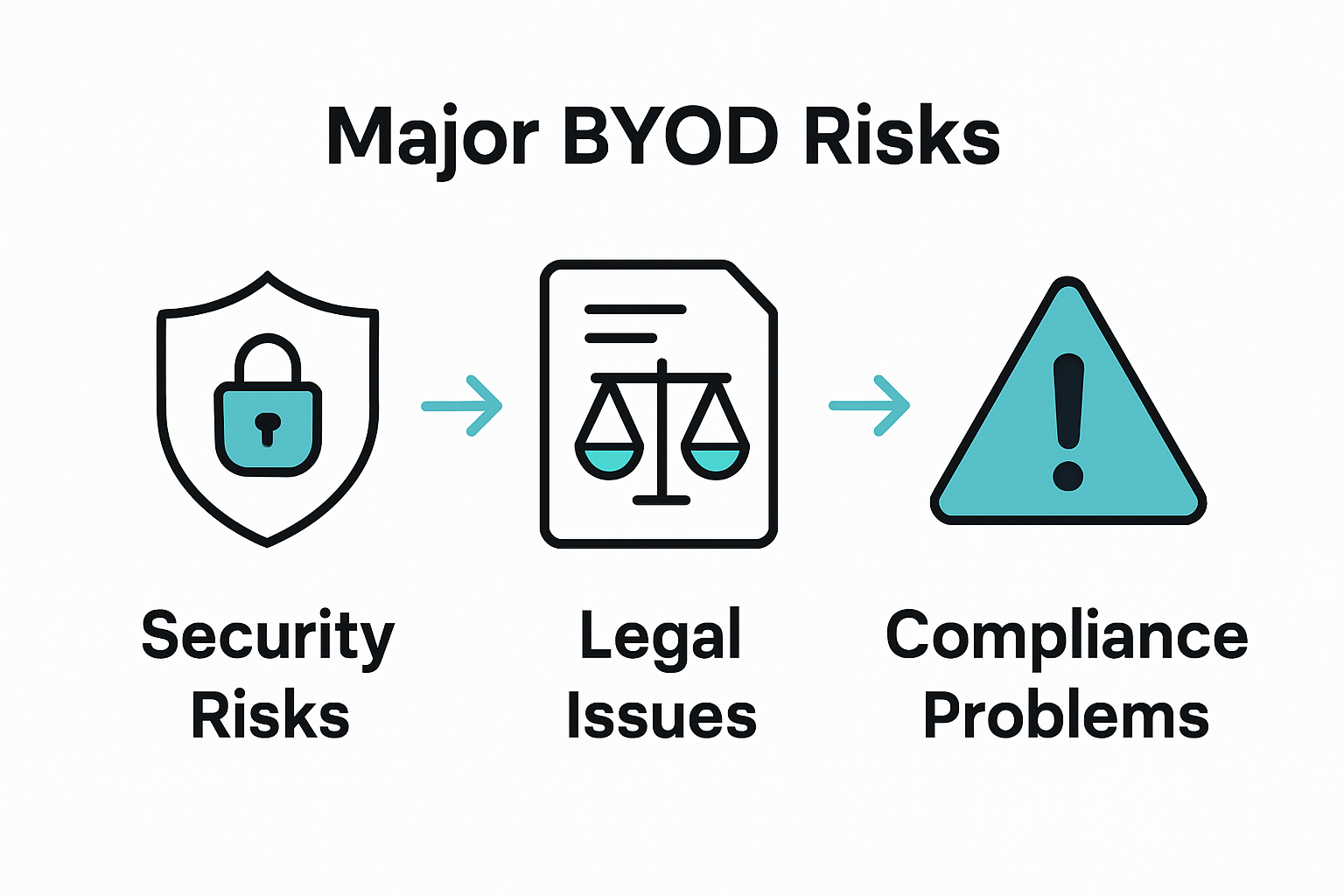
Data Breach Potential represents a critical concern in BYOD implementations. When employees use personal devices for work purposes, the risk of unauthorized data access, accidental information exposure, and potential cybersecurity incidents increases exponentially. Legal considerations surrounding BYOD extend beyond technical challenges, encompassing critical issues of data ownership, privacy protection, and potential litigation risks.
Key security risks and legal considerations include:
- Cybersecurity Vulnerabilities
- Unsecured device networks
- Potential malware infiltration
- Unprotected personal device configurations
- Legal and Compliance Challenges
- Data ownership disputes
- Privacy regulation compliance
- Potential employee monitoring conflicts
- Information Protection Strategies
- Mobile Device Management (MDM) implementations
- Comprehensive security policy development
- Regular security awareness training
Organizations must develop robust, proactive strategies that balance technological flexibility with rigorous security protocols. This approach requires continuous adaptation, employee education, and sophisticated technological safeguards to mitigate the inherent risks associated with personal device usage in professional environments.
Best Practices for BYOD Success
The National Institute of Standards and Technology emphasizes that successful BYOD implementation requires a strategic, comprehensive approach that balances technological flexibility with robust security protocols. Organizations must develop nuanced policies that protect sensitive information while empowering employees to leverage their personal devices effectively.
Policy Development stands as the cornerstone of effective BYOD management. Comprehensive security guidelines must address critical aspects of device usage, including data encryption, software update requirements, and clear boundaries between personal and professional technological environments. These policies serve as a critical framework for maintaining organizational security and employee technological autonomy.
Key best practices for BYOD success include:
- Security Foundational Elements
- Mandatory device encryption
- Regular security patch updates
- Multi-factor authentication implementation
- Technical Management Strategies
- Mobile Device Management (MDM) deployment
- Comprehensive employee training programs
- Clear device registration protocols
- Ongoing Risk Mitigation
- Continuous security assessments
- Periodic policy review and updates
- Incident response planning
Successful BYOD implementation requires a dynamic, adaptable approach that evolves with technological advancements and emerging security challenges. Organizations must view their BYOD strategy as a living framework, continuously refined through technological insights, employee feedback, and proactive security management.
Equip Your BYOD Strategy with Cutting-Edge Display Technology
The article highlights the challenges of integrating personal devices securely and efficiently in the workplace. One key pain point is achieving seamless compatibility and collaboration while maintaining productivity and security. This is where high-quality projection and interactive display solutions can transform your BYOD experience. Whether you need to share content wirelessly from personal smartphones and laptops or create an engaging space for presentations and meetings, using reliable display technology is essential.
Discover projectors that support wireless connectivity and full HD resolution to bridge personal devices and professional environments easily. Explore options like portable or smart projectors designed for dynamic workplaces and remote collaboration. Enhance your workflow with tools that complement your BYOD model by ensuring clear communication and crisp visuals without complicated setups or security risks.

Start maximizing your BYOD potential with the right projection solutions today. Visit ProjectorDisplay.com for a comprehensive range of projectors and interactive displays that empower employees while addressing your organizational needs. Don't wait to streamline your workspace experience. Learn more about our offerings and get expert support by checking out our secure online store and reach out via WhatsApp for personalized assistance.
Frequently Asked Questions
What does BYOD stand for?
Bring Your Own Device (BYOD) is a workplace strategy where employees use their personal devices such as smartphones, tablets, and laptops for professional tasks.
What are the benefits of a BYOD policy?
BYOD can enhance productivity, reduce costs, increase employee satisfaction, and improve operational efficiency by allowing employees to use familiar devices for work activities.
What types of BYOD implementations exist?
There are several types of BYOD implementations, including Full BYOD, Managed BYOD, and Virtual BYOD, each balancing employee flexibility with organizational security requirements in different ways.
What security risks are associated with BYOD?
BYOD introduces potential cybersecurity vulnerabilities, such as data breaches, unsecured devices, and legal issues surrounding data ownership and privacy. Organizations must implement comprehensive security policies to mitigate these risks.
Recommended
- Wireless Screen Mirroring in Malaysia: 2025 Guide for Entertainment, Education, and Business – Projector Display
- Mirror Phone to Projector: Easy Ways for Malaysians 2025 – Projector Display
- Mobile Learning Solutions: Everything You Need to Know – Projector Display
- What Is a Smart Projector? 2025 Guide for Malaysia – Projector Display