
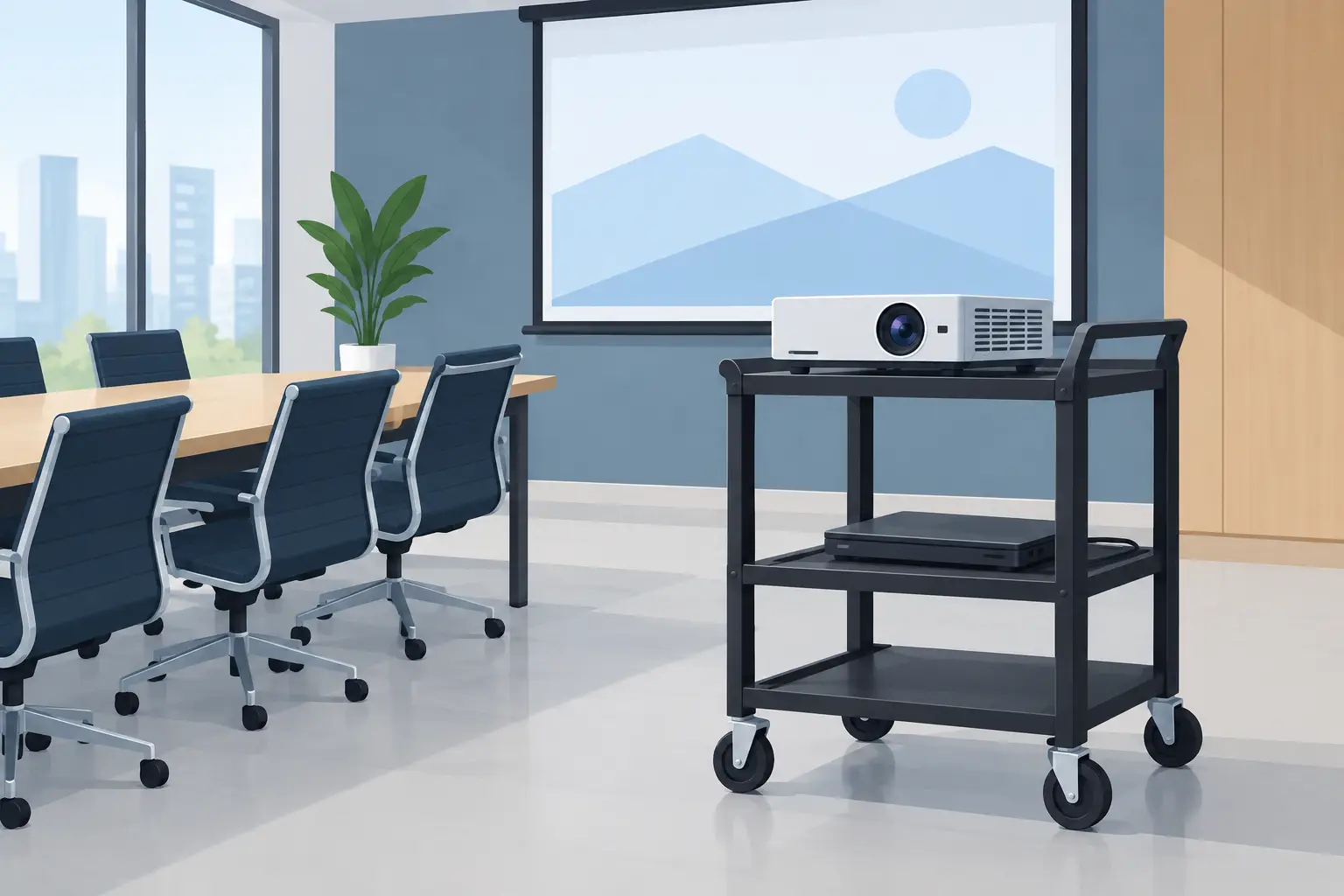
A meeting room projector should support the conversation, not dictate where people sit, where cables run, or how long setup takes. A projector trolley for meeting room use gives teams a practical alternative to permanent ceiling installation, especially when the room doubles as a training area, collaboration space, or client presentation room. The right trolley turns a projector, laptop, wireless display device, and power supply into a movable presentation station that is ready when the next meeting begins.
For office administrators, IT teams, and facilities managers, the value is not simply mobility. It is flexibility with control. A well-selected trolley protects the equipment, places the image at a usable height, keeps connections organized, and makes it easier to share one projector across several rooms.
Why a Projector Trolley Makes Sense in a Meeting Room
Not every meeting room needs a fixed projector installation. Ceiling mounts create a clean, permanent look, but they also require a suitable ceiling structure, electrical planning, cable routing, and a confirmed screen position. If the layout changes often, that fixed position can become a limitation.
A trolley is a strong option for rental offices, temporary project rooms, multipurpose training rooms, and organizations that need to move equipment between boardrooms. It also works well when a company is upgrading its AV setup in stages. You can begin with a portable or office projector, a screen, and a trolley, then decide later whether a permanent installation is justified.
There is a trade-off. A mobile setup needs to be positioned correctly every time. The presenter or support staff must allow for throw distance, projector alignment, focus, and cable access. For a room used daily by different teams, those details matter. The trolley should make them easier, not add another task to the meeting checklist.
Start With the Projector and Room Layout
The best trolley depends on the projector it will carry. Before comparing shelves, wheels, and height adjustment, confirm the projector’s dimensions, weight, ventilation requirements, and lens position. A compact LED smart projector may need little more than a stable top shelf. A higher-brightness office laser projector, however, can be larger, heavier, and more dependent on clear airflow.
Also look at how the meeting room is used. A small huddle room may only need a short-throw projector positioned close to the wall or screen. In this case, a compact trolley with a stable base can keep the setup neat without taking up valuable floor space. A larger conference room using a standard-throw Full HD projector may need more distance and a trolley that can sit behind the meeting table without blocking movement.
Projection geometry should guide the purchase. If the projector requires 8 to 10 feet of throw distance to fill the screen, the trolley must have a reliable place to stand at that distance. If people will walk behind it, leave enough clearance for chairs, doors, and emergency access. A trolley cannot solve a poor room layout, but it can make a workable layout easier to repeat.
Screen height affects trolley height
The projected image should be comfortable to view from the back of the room without forcing front-row attendees to look sharply upward. Check whether the projector has lens shift, keystone correction, or an adjustable front foot. These features help, but they are not substitutes for correct placement.
Too much keystone correction can reduce image quality, particularly when presenting spreadsheets, small text, and detailed charts. Choose a trolley with enough height range to place the lens near the preferred image level. That gives you a more rectangular image and a sharper result than relying heavily on digital correction.
What to Look for in a Projector Trolley for Meeting Room Setups
A basic cart can hold a projector, but purpose-built projector trolleys are designed around presentation equipment. The difference shows up during real use: how securely the projector sits, where the laptop goes, whether the cables snag, and whether the cart stays stable while someone connects HDMI.
Load capacity and shelf size
Always check the stated load capacity for each shelf, not only the overall trolley. Add the weight of the projector, laptop, power adapter, HDMI cable, wireless presentation dongle, and any audio equipment that will remain on the cart. Leave a reasonable safety margin rather than loading the shelf to its limit.
Shelf dimensions matter just as much. The projector should sit fully supported, with no overhang that could make it unstable. It also needs space around the intake and exhaust vents. Blocking ventilation can cause overheating, increased fan noise, and shortened lamp or laser-system performance.
A two-shelf design is often the most practical arrangement. Place the projector on the top shelf and the laptop or media player below. This keeps the lens unobstructed and reduces the chance of someone placing papers or a notebook over the projector. If the trolley includes an angled laptop platform, confirm that it is secure enough for active typing and has a retaining edge to prevent sliding.
Height adjustment and stability
Adjustable height is useful when one trolley supports several rooms, but stability is more important than maximum height. A tall, narrow trolley with a light base may wobble when moved or when a user plugs in cables. Look for a broad base, solid frame construction, and shelves that do not flex under load.
Lockable caster wheels are essential. Once the image is aligned, the trolley should remain in place. At least two locking wheels are helpful, while four locking casters provide greater confidence on smooth office floors. Test the floor surface as well. Thick carpet, uneven tiles, door thresholds, and cable covers can make a lightly built trolley frustrating to move.
Cable management and power access
A meeting room can look polished until a power cable runs across the walkway. Cable management is one of the clearest signs that a mobile presentation setup has been planned properly. Choose a trolley with cable clips, pass-through holes, or a frame that lets you route cables close to the structure.
Keep power, HDMI, USB, and network cables separated where possible. Label the common connections so users can quickly identify the laptop input, wireless display adapter, and power outlet. If the setup uses AirPlay, wireless casting, or a USB-C display connection, keep a backup HDMI cable on the trolley. Wireless presentation is convenient, but a wired option prevents a compatibility issue from delaying an important client meeting.
Do not coil excess cable tightly around the projector or place power adapters against ventilation grilles. Use appropriate cable lengths and secure them so they cannot catch on chair legs or wheels.
Security and daily handling
A trolley-mounted projector is easier to move, which also means it is easier to remove accidentally or without authorization. For shared offices, schools, and training centers, consider a trolley that supports a security cable or a lockable equipment compartment. This is particularly useful for portable projectors, laptops, wireless dongles, and remote controls.
Daily handling should be simple enough for nontechnical staff. The trolley should roll through doors easily, fit in storage when not in use, and have handles or a frame that can be pushed without touching the projector. If the unit will move between floors, measure elevators and check whether the trolley can be safely transported without placing stress on the equipment.
Build a Mobile Presentation Station, Not Just a Cart
The most effective trolley setup is designed as a complete system. A good office projector with suitable ANSI lumens for the room lighting is the starting point. Pair it with a screen or clean projection surface, a stable trolley, the right cable connections, and audio if the meeting includes video playback.
For rooms with moderate ambient light, brightness has a direct effect on whether slides remain readable. A dim projector can make a trolley setup seem inadequate when the real issue is insufficient ANSI lumens for the room. Likewise, a high-resolution Full HD projector may still deliver a soft image if it is positioned at an unsuitable distance or angled too aggressively.
Think about the setup process from the user’s perspective. Can someone wheel in the trolley, lock the wheels, connect a laptop, and begin within a few minutes? Can they use a wireless dongle when needed, then switch to HDMI if the connection fails? Is the remote stored in the same place every time? These small decisions reduce support requests and help meetings start on time.
ProjectorDisplay.com can help organizations match projector accessories with office, training, and education display requirements, including trolley-based setups where flexibility matters. For multi-room purchases or specific equipment needs, a quotation approach helps ensure that the trolley, projector, screen, and connectivity options work together.
When a Trolley Is Not the Best Choice
A projector trolley is not the right answer for every meeting room. If the room hosts executive presentations every day, has a fixed table layout, and needs a permanent professional appearance, a ceiling mount with concealed cabling may be the better investment. It removes floor equipment, preserves walkways, and provides consistent alignment.
Similarly, if the room is very small, an interactive LED smartboard or large-format display may offer a simpler experience than managing throw distance and projector placement. For frequent video conferencing, a fixed display can also make camera framing more predictable.
Still, mobility has real value where rooms change purpose, equipment must be shared, or installation work is not practical. The decision comes down to how often the room changes and how much consistency the organization needs.
Choose a trolley that feels like part of the presentation system rather than an afterthought. When the wheels lock firmly, the projector has room to breathe, the image aligns easily, and every cable has a place, the technology fades into the background – exactly where it should be when people have work to do.