
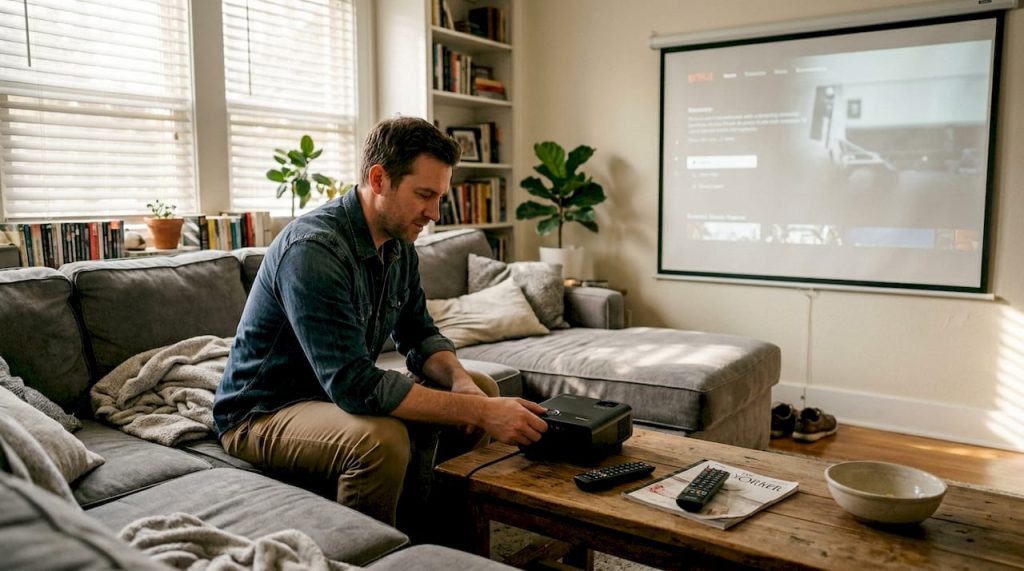
Many Malaysians spend more than they need to on projectors, or end up with washed-out images, simply because they misread a brightness spec. The number printed on the box rarely tells the whole story. ANSI lumens and ISO lumens are nearly equivalent, yet most buyers cannot tell them apart from the inflated figures that flood the market. This guide cuts through the noise so you can evaluate projector brightness with confidence, whether you are setting up a home theater, running business presentations, or equipping a classroom in Malaysia.
Table of Contents
- What is projector brightness? Understanding lumens, ANSI, and ISO
- How much brightness do you need? Matching lumens to your environment
- Real-world factors that affect perceived brightness
- Can you trust projector brightness claims? Testing, reviews, and what numbers really mean
- Expert insights: Common misconceptions and advanced considerations
- Find your perfect projector or screen: Next steps with Projector Display
- Frequently asked questions
Key Takeaways
| Point | Details |
|---|---|
| Rely on ANSI or ISO | Always prioritize ANSI or ISO lumens for accurate brightness, not marketing terms like 'LED lumens'. |
| Match lumens to environment | Select projector brightness based on your room size, screen type, and ambient light needs. |
| Beware of excess | Too much brightness in a dark room can reduce contrast and comfort—balance is key. |
| Independent reviews matter | Real-world tests and trusted reviews reveal the true brightness performance of projectors. |
| Plan for the future | Consider how projector age, screen upgrades, or potential room changes will impact long-term brightness needs. |
What is projector brightness? Understanding lumens, ANSI, and ISO
Projector brightness measures how much light a projector throws onto a screen, and it is expressed in lumens. But not all lumens are created equal. The two most reliable standards are ANSI lumens and ISO lumens, both of which use a controlled, multi-point measurement method across the projected image. ANSI lumens and ISO lumens are nearly equivalent, differing by less than 5%, which means either rating gives you a trustworthy baseline for comparison.
The problem starts when manufacturers use terms like "LED lumens" or "light source lumens." These figures measure brightness before the light passes through the projector's optics, so the number you see on the box can be two to three times higher than what actually hits your screen. It is a legal gray area that misleads buyers every day.
Here is a quick comparison of the main brightness standards:
| Standard | Measurement method | Reliability | Typical use |
|---|---|---|---|
| ANSI lumens | 9-point screen average | High | Business, home, education |
| ISO lumens | Similar to ANSI, standardized | High | International spec sheets |
| LED/light source lumens | Pre-optics measurement | Low | Budget/unbranded projectors |
| Peak lumens | Single brightest point | Very low | Marketing only |
When you shop, always look for ANSI lumens explained on the spec sheet. If a projector only lists "lumens" without a standard, treat that number with skepticism. Understanding the difference between ANSI and lumens is the single most important step before any purchase.
"If a spec sheet does not say ANSI or ISO, assume the real brightness is significantly lower than advertised."
How much brightness do you need? Matching lumens to your environment
With measurements defined, let's address the question that matters most: how bright should your projector actually be for your space and use?
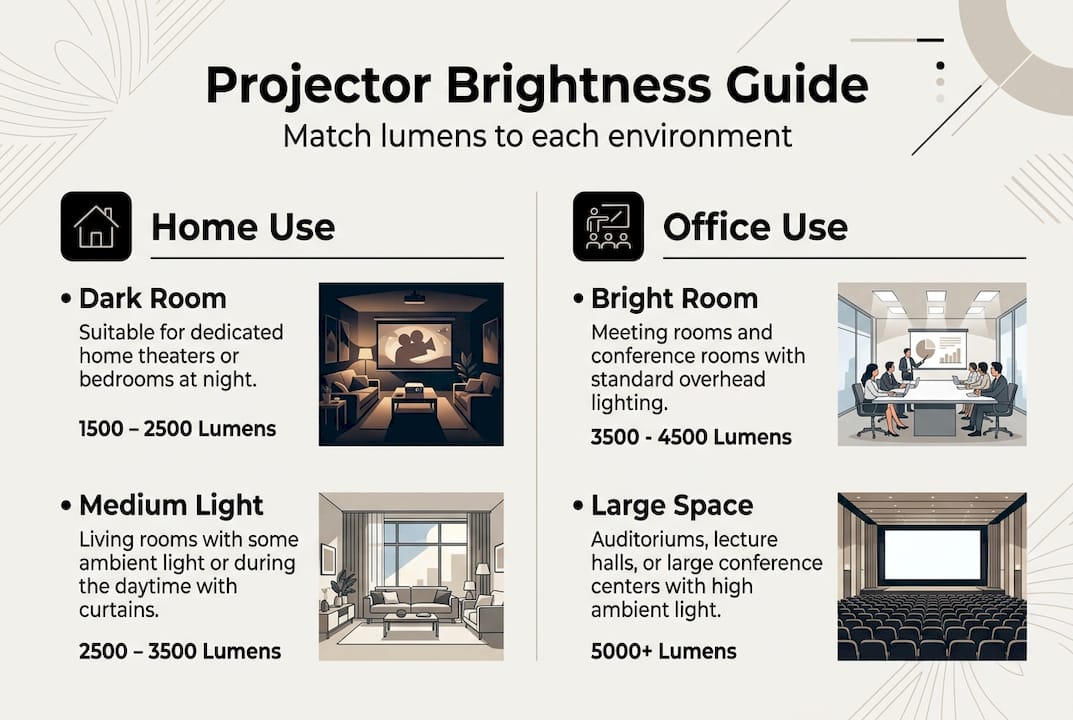
The answer depends heavily on your room conditions. A dark, blacked-out home theater needs far fewer lumens than a sunlit Malaysian boardroom. Brightness needs vary widely by setting: home entertainment in a dark room with a 100-inch screen needs 1500 to 2500 ANSI lumens, moderate ambient light pushes that to 2500 to 3500, and business or education in a lit room typically requires 3000 to 5000 or more lumens.
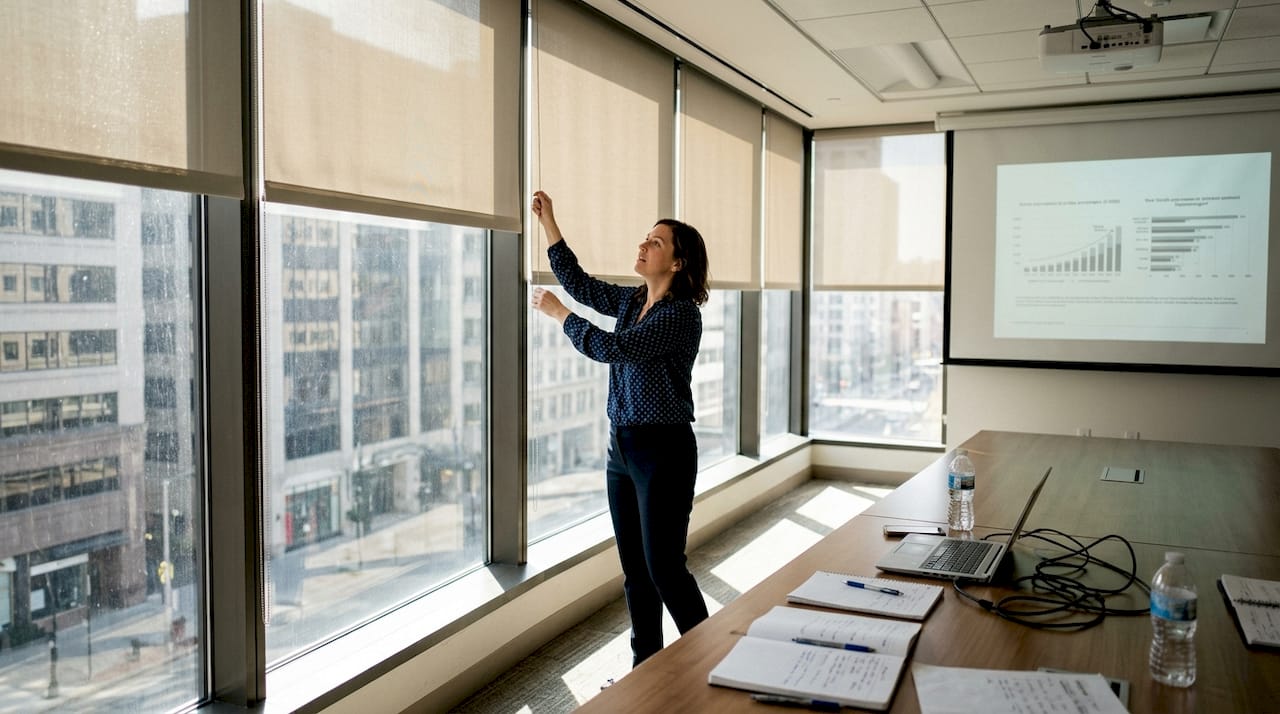
Malaysia's tropical climate adds a specific challenge. Large windows, open-plan offices, and bright fluorescent lighting in schools mean ambient light is almost always a factor. For those environments, 4000+ lumens for business is a practical starting point, not a luxury.
| Setting | Room condition | Screen size | Recommended lumens |
|---|---|---|---|
| Home theater | Dark/blackout | Up to 120" | 1500 to 2500 |
| Living room | Moderate light | 80" to 100" | 2500 to 3500 |
| Meeting room | Lit, some windows | 100" to 120" | 3000 to 4000 |
| Classroom/hall | Bright, fluorescent | 120"+ | 4000 to 5000+ |
| Outdoor event | Daylight/dusk | 150"+ | 5000+ |
For more tailored advice, our home projector buying tips and business projector guide break down specific model recommendations for each scenario.
Pro Tip: Do not over-buy lumens for a dedicated home theater. Excess brightness in a dark room can actually wash out colors and reduce perceived contrast, making your picture look flat rather than cinematic.
Real-world factors that affect perceived brightness
Choosing by the numbers is just the start. Plenty of real-world variables shape how bright your image actually appears, and two projectors with identical specs can look very different in practice.
The key factors affecting brightness include:
- Ambient light — The single biggest variable. Even a small amount of sunlight entering a room can overpower a 2000-lumen projector.
- Screen size — Spreading the same light over a larger surface reduces brightness per square inch. A 150-inch screen needs significantly more lumens than a 100-inch one.
- Screen gain — A high-gain screen reflects more light toward the viewer, effectively boosting perceived brightness without changing the projector spec.
- Throw distance — The farther the projector sits from the screen, the more the light spreads and dims.
- Projector age — Traditional lamp-based projectors lose brightness steadily over time, sometimes dropping 30 to 50% before the bulb fails.
- Contrast ratio — A high contrast ratio makes images look punchier and brighter even at lower lumen counts.
For Malaysian rooms with large windows or open layouts, always factor in your worst-case lighting scenario, not your best. Our screen placement guide and choosing projector screen resources can help you optimize both the hardware and the room setup. If you plan to use your projector during the day, the projector use in daylight guide is essential reading.
Pro Tip: Add a 20 to 30% brightness buffer when buying for challenging conditions. If your calculations say you need 3000 lumens, aim for 3500 to 4000 to account for aging, screen losses, and unpredictable ambient light.
"A projector that looks great in a demo room can disappoint in a bright Malaysian office. Always test or research under conditions that match your actual space."
Can you trust projector brightness claims? Testing, reviews, and what numbers really mean
Manufacturers' numbers do not always match reality. But the gap depends heavily on which standard they use. Reputable brands that publish ANSI or ISO ratings tend to be accurate, with measured values close to claimed figures in independent lab tests. Budget brands using non-standardized ratings can overstate brightness by 200% or more.
Here is how real-world measurements compare to claims for a well-known brand:
| Model | Claimed lumens | Measured lumens | Variance |
|---|---|---|---|
| Epson PowerLite L570U | 5000 ANSI | 4850 measured | -3% |
| Generic LED projector | 8000 "lumens" | ~1800 ANSI | -77% |
| Mid-range DLP projector | 3500 ANSI | 3300 measured | -6% |
The pattern is clear. ANSI-rated projectors from established brands deliver what they promise. Non-standardized claims are almost always inflated.
To protect yourself, follow these steps before buying:
- Search for independent reviews that include measured lumen output, not just the manufacturer's spec.
- Check sources that verify real measurements using calibrated equipment.
- Look for the ANSI or ISO label explicitly on the spec sheet.
- Be skeptical of any projector claiming more than 5000 lumens for under RM 1000.
Our projector brightness guide includes a curated list of verified models with confirmed ANSI ratings, which saves you the research time.
Expert insights: Common misconceptions and advanced considerations
Before you make a final decision, let's check the most persistent myths and a few pro-level considerations that are often overlooked.
Myth 1: Brighter is always better. This is the most common mistake. Matching lumens to environment is what matters. A 5000-lumen projector in a dark home theater will look harsh and oversaturated. You want the right brightness, not the maximum.
Myth 2: All projectors dim at the same rate. Lamp-based projectors lose brightness steadily, often dropping to half output within 2000 to 3000 hours. Laser projectors maintain brightness for 20,000 hours or more, making them a smarter long-term investment for schools and businesses.
Myth 3: Lumens are the only brightness metric. For advanced users, nits (candelas per square meter) offer a more precise measure of brightness per screen area. 3D projection needs double lumens compared to standard 2D, because the 3D glasses filter out roughly half the light. Outdoor setups at dusk or in shaded areas typically need 5000 lumens or more.
Here are a few advanced considerations worth knowing:
- Laser vs. LED vs. lamp: Laser offers the best brightness retention and longest lifespan. Explore the LED vs laser projector comparison for a full breakdown.
- Eco mode: Most projectors have an eco or low-power mode that reduces brightness by 20 to 30% to extend lamp life. Factor this in when calculating real-world output.
- Color brightness vs. white brightness: Some projectors advertise high white brightness but have lower color brightness, which affects how vivid your image looks in practice.
Pro Tip: For any projector you plan to use for more than three years, laser technology pays for itself through lower maintenance costs and consistent brightness over time.
"The best projector is not the brightest one. It is the one calibrated to your room, your screen, and your use case."
Find your perfect projector or screen: Next steps with Projector Display
Now that you understand how brightness works, you are ready to make a purchase decision that actually fits your space and budget. At Projector Display Malaysia, we stock a wide range of projectors with verified ANSI lumen ratings across every category, from compact home models to high-output laser units built for Malaysian classrooms and boardrooms.

Browse our current projector deals to find models that match the brightness tier you identified in this guide. Every listing includes the lumen standard used, so you always know what you are buying. If you need help with setup, our installation guide walks you through placement, screen selection, and room optimization step by step. Fast shipping across Peninsular Malaysia and WhatsApp support mean you are never left figuring it out alone.
Frequently asked questions
How many lumens are enough for a home projector in Malaysia?
For a dark Malaysian home theater, 1500 to 2500 ANSI lumens are usually sufficient. Rooms with moderate ambient light may need up to 3500 ANSI lumens for a clear, vibrant image.
What's the difference between ANSI lumens and LED lumens?
ANSI lumens use a standardized, multi-point test that reflects real-world output. LED lumens are not standardized and measure brightness before optical losses, so the number is often two to three times higher than what you actually see on screen.
Why does projector brightness seem lower after a few years?
Traditional lamp-based projectors lose output as the bulb ages, sometimes dropping to half brightness within a few thousand hours. Laser projectors maintain brightness for 20,000 hours or more, making them far more consistent over time.
How do I improve perceived brightness if my room is too bright?
Use a higher-gain screen to reflect more light toward viewers, reduce ambient light with curtains or blinds, and consider upgrading to a projector with higher ANSI lumens and screen gain suited to your room size.
Are manufacturer brightness claims trustworthy?
Reputable brands using ANSI or ISO ratings are generally accurate, with measured values close to claimed figures in independent tests. Always verify with third-party reviews before purchasing, especially for budget or unbranded models.
Recommended
- Understanding Lumens vs Brightness for Better Lighting – Projector Display
- ANSI Lumens Explained: Projector Brightness Demystified – Projector Display
- Screen Gain Explained: Impact on Projection Quality – Projector Display
- Understanding Using Projector in Daylight for Best Results – Projector Display