
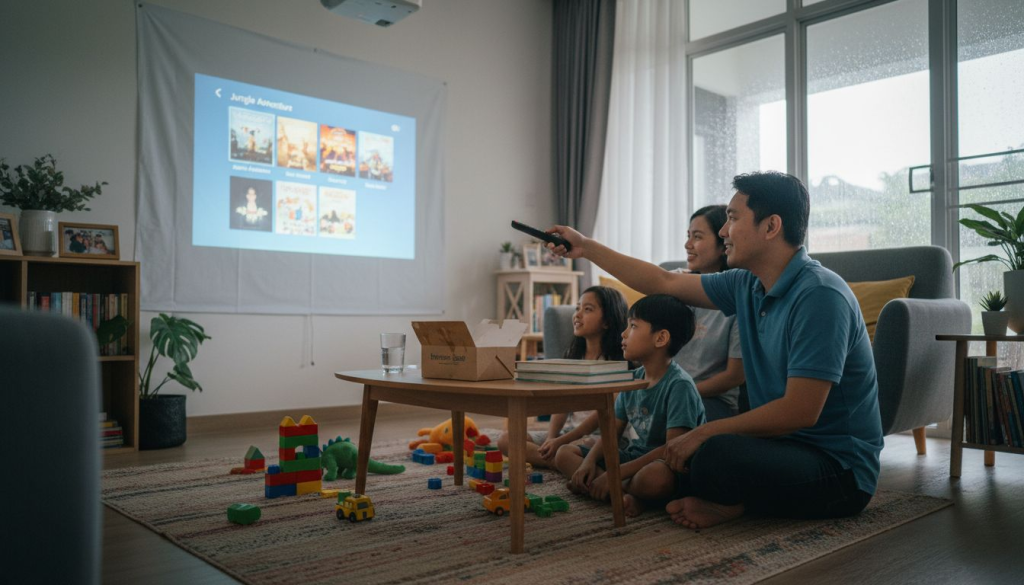
Choosing a home projector feels like it should be straightforward, but the moment you start comparing specs, you're hit with lumens, contrast ratios, DLP versus 3LCD, throw distances, and smart features. Many Malaysian buyers end up confused or choosing the wrong model for their space. This guide breaks down what actually matters when selecting a projector for your home, focusing on real performance factors, technology differences, and practical tips tailored to Malaysian living conditions so you can make a confident, informed decision.
Table of Contents
- Why Projector Brightness Matters For Your Home Setup
- Understanding Projector Display Technologies: DLP, 3LCD, And LCoS
- Popular Projector Models And Features Suited For Malaysian Homes
- How To Choose The Right Projector For Your Home: Features, Budget, And Setup Tips
- Explore Top Projectors And Deals At Projector Display Malaysia
Key takeaways
| Point | Details |
|---|---|
| Brightness determines usability | Look for at least 2,000 lumens if you plan to use it during the day or in well-lit rooms |
| Technology affects image quality | DLP, 3LCD, and LCoS each offer different color accuracy, contrast, and viewing experiences |
| Budget impacts features | Compact smart projectors suit condos and apartments while dedicated home theater models offer superior performance |
| Setup flexibility matters | Portable models with 360° rotation work well for smaller Malaysian homes with flexible viewing needs |
Why projector brightness matters for your home setup
Brightness, measured in lumens, determines whether your projector image will look washed out or vibrant under different lighting conditions. Too little brightness in a bright room results in faded colors and poor contrast. Too much brightness in a dark room can cause eye strain.
For Malaysian homes where natural light streams through windows during the day, you need adequate lumens to compete with ambient light. Look for at least 2,000 lumens if you plan to use it during the day or in well-lit rooms. This ensures your image remains clear even with some overhead lighting or sunlight filtering in. For dedicated dark home cinema setups where you control all light sources, 800 to 1,500 lumens provides excellent image quality without overwhelming brightness.
Higher brightness improves image clarity, color vibrancy, and detail visibility. It also gives you flexibility to use your projector in multiple rooms or times of day. If you're considering affordable projectors for home theater use, prioritize models that match your typical viewing environment rather than just chasing the highest lumen count.
Pro Tip: Test your projector's brightness at different times of day in your actual viewing space. This helps you determine if you need blackout curtains or if your current lumen level works well.
"The right brightness level transforms viewing experience from frustrating to immersive, making it the single most important spec for everyday usability."
Consider these brightness guidelines:
- Living rooms with windows: 2,500 to 3,500 lumens
- Bedrooms with moderate light control: 1,500 to 2,500 lumens
- Dedicated dark home theaters: 800 to 1,500 lumens
- Outdoor or very bright spaces: 3,500+ lumens
Understanding projector display technologies: DLP, 3LCD, and LCoS
The technology inside your projector determines image quality, color accuracy, and potential viewing issues. Three main technologies dominate the home projector market, each with distinct characteristics.
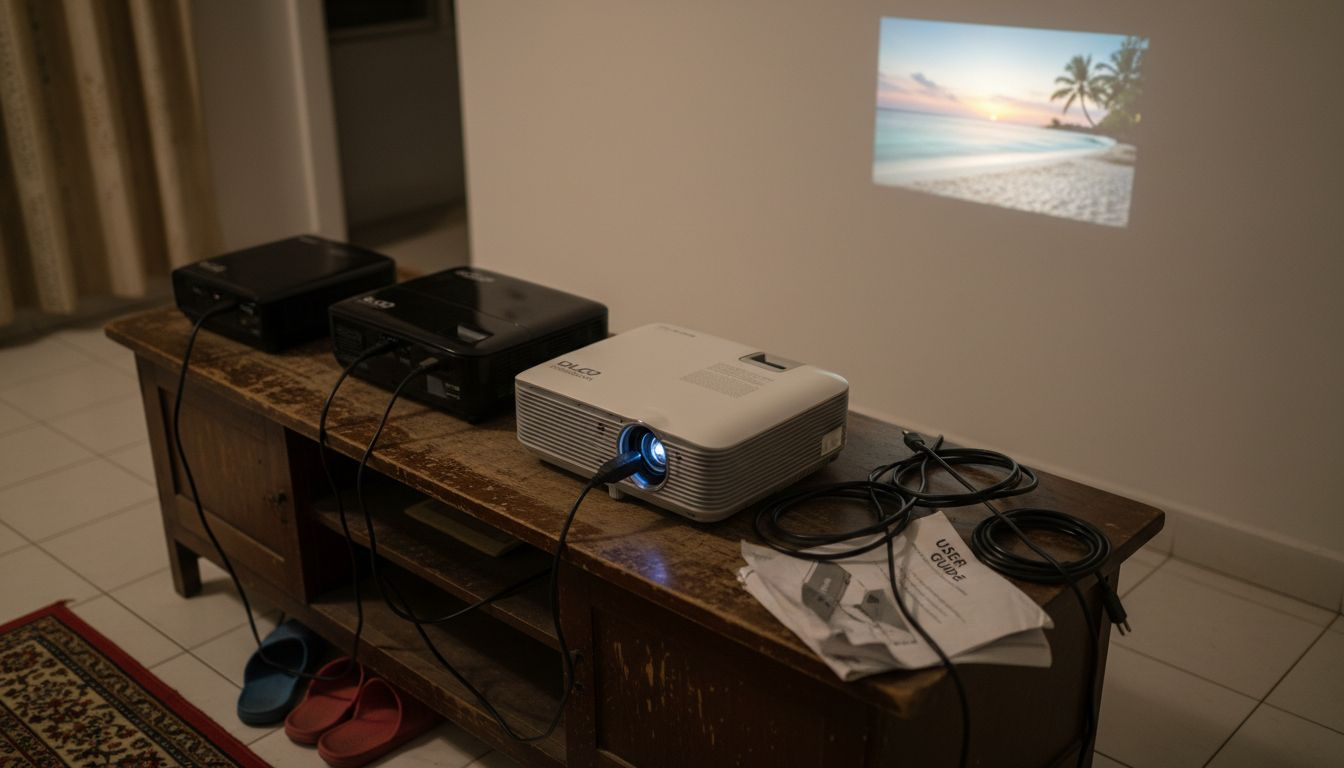
DLP projectors utilize a Digital Micromirror Device chip with millions of microscopic mirrors to create an image. Single chip DLP models use a spinning color wheel, which can cause a rainbow effect where sensitive viewers see brief flashes of red, green, and blue, especially during fast motion scenes. This happens because colors are displayed sequentially rather than simultaneously. However, DLP offers sharp images, excellent contrast, and compact designs.
3LCD technology uses three separate liquid crystal panels producing color simultaneously, eliminating rainbow effects. This approach delivers smoother, more natural colors and better color accuracy out of the box. 3LCD projectors typically show less screen door effect and provide excellent brightness efficiency, making them popular for home theater enthusiasts who prioritize color fidelity.
LCoS is known for superior native contrast and deep black levels. This technology combines the best aspects of DLP and LCD, offering smooth images without visible pixels and exceptional detail. LCoS projectors typically cost more and appear in higher end home theater models, making them less common in budget friendly options.
Pro Tip: If anyone in your household is sensitive to the rainbow effect, avoid single chip DLP projectors and choose 3LCD or LCoS instead.
| Technology | Pros | Cons | Best For |
|---|---|---|---|
| DLP | Sharp images, compact size, high contrast | Potential rainbow effect, occasional color accuracy issues | Gaming, portable use, bright rooms |
| 3LCD | Accurate colors, no rainbow effect, bright output | Slightly larger size, potential dust issues over time | Movies, color critical work, family viewing |
| LCoS | Best black levels, smooth images, excellent detail | Higher cost, larger units, fewer options | Dedicated home theaters, videophiles |
Understanding these differences helps you match technology to your priorities. Check out our complete home projector guide for more technical comparisons.
Popular projector models and features suited for Malaysian homes
Real world examples clarify how specs translate to actual performance in Malaysian living spaces. Two models illustrate different approaches to home projection.
The BenQ W4100i offers bright and accurate color with decent contrast, ideal for home theaters with mounted setups. This 4K DLP projector provides 2,600 lumens, making it versatile for rooms with some ambient light while delivering cinema quality images in darker conditions. It includes lens shift and a comprehensive picture mode selection, allowing precise image positioning without moving the projector. The built in Android TV removes the need for external streaming devices.
The LUMOS FLOAT is a budget friendly, compact projector with 3000 lumens and 360° rotation, perfect for Malaysian apartments. Priced significantly lower than premium models, it offers 1080p resolution, built in WiFi, and a unique levitating magnetic design. The portability and flexible mounting make it ideal for renters or those who want projection capability in multiple rooms. While not matching premium models in contrast or color accuracy, it delivers solid performance for casual viewing, streaming, and gaming.
Pro Tip: Compact smart projectors work exceptionally well in Malaysian condos where space is limited and flexibility matters more than absolute image perfection.
Consider these factors when choosing between models:
- Room size: Larger rooms need higher brightness and longer throw distances
- Mounting options: Ceiling mounted projectors require precise placement; portable models offer flexibility
- Desired features: Smart OS, lens shift, zoom range, and wireless connectivity enhance convenience
- Usage patterns: Dedicated movie watching versus casual streaming affects which features matter most
| Feature | BenQ W4100i | LUMOS FLOAT | Consideration |
|---|---|---|---|
| Resolution | 4K | 1080p | 4K matters for large screens over 100 inches |
| Brightness | 2,600 lumens | 3,000 lumens | Both handle moderate ambient light well |
| Technology | DLP | DLP | Check for rainbow effect sensitivity |
| Smart features | Android TV built in | WiFi, apps | Reduces need for external devices |
| Portability | Fixed installation | Highly portable | Flexibility versus optimal placement |
| Price range | Premium | Budget | Balance features with available budget |
Explore more options in our guides to best affordable home theater projectors and top projectors under $1000.
How to choose the right projector for your home: features, budget, and setup tips
Choosing the right projector involves considering features, budget, and intended use. Follow this systematic approach to match a projector to your specific needs.
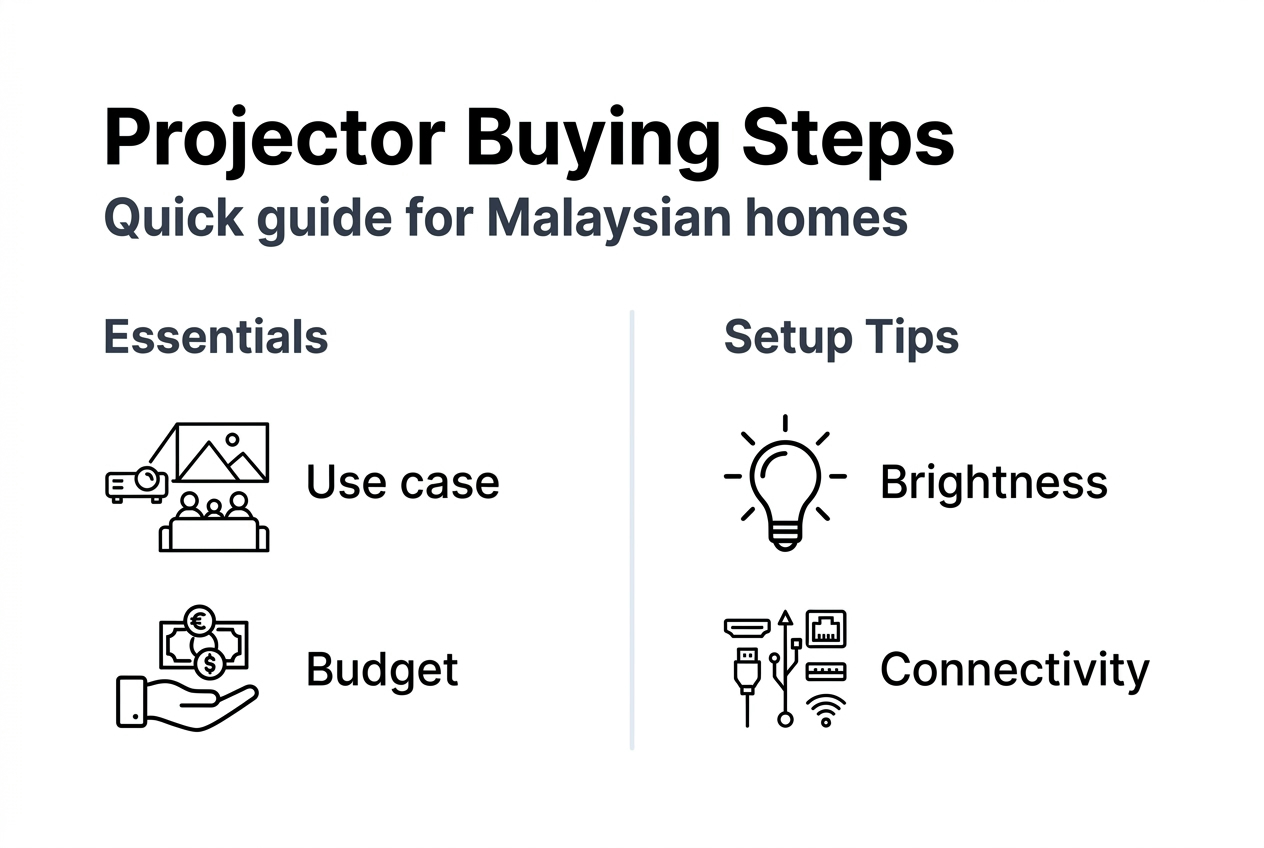
Step 1: Identify your main use case. Are you primarily watching movies in a dedicated dark room, streaming content casually in the living room, or gaming? Each use case prioritizes different features. Movie enthusiasts need excellent contrast and color accuracy. Gamers want low input lag and high refresh rates. Casual streamers benefit from smart features and flexibility.
Step 2: Set a realistic budget including accessories. Beyond the projector cost, factor in projection screens, mounts, cables, and sound systems. A quality setup often requires 20 to 30 percent additional budget beyond the projector itself. Budget models around RM 2,000 to RM 4,000 work well for most Malaysian homes. Premium options from RM 8,000 to RM 20,000 deliver theater level performance.
Step 3: Match brightness to your room's typical lighting. Measure your viewing space and note window locations, ceiling lights, and times you'll use the projector most. This determines your minimum lumen requirement. Don't overbuy brightness for dark rooms or underbuy for bright spaces.
Step 4: Decide between fixed or portable based on space. Fixed installations with ceiling mounts provide optimal image quality and permanent setup. Portable projectors offer flexibility for renters, small spaces, or multi room use. Consider your living situation and whether you might move within the next few years.
Step 5: Verify connectivity and smart features. Check that your projector supports your preferred streaming services, has sufficient HDMI ports for all devices, and includes wireless connectivity if desired. Built in smart systems simplify setup but may have limited app selection.
Pro Tip: Visit a showroom or watch projector demonstrations in person when possible. Screen specifications don't fully convey actual viewing experience, especially regarding color accuracy and motion handling.
Setup checklist for optimal image quality:
- Position projector perpendicular to screen at manufacturer recommended distance
- Use lens shift or keystone correction minimally to avoid image quality loss
- Calibrate picture settings for your room's lighting conditions
- Consider bias lighting behind the screen to reduce eye strain
- Test different content types to ensure settings work across movies, sports, and gaming
For additional guidance on budget options, review our smart tips for cheap projectors. Don't forget to browse essential projector accessories that enhance your setup.
Explore top projectors and deals at Projector Display Malaysia
Now that you understand what makes a great home projector for Malaysian conditions, you're ready to explore actual products. Projector Display offers a curated selection of models across all price ranges, from budget friendly options perfect for apartments to premium home theater projectors that rival commercial cinemas.

Browse the latest inventory at Projector Display, Malaysia's top projector retailer, where you'll find detailed specs, customer reviews, and expert recommendations. Check out current projector sale products for excellent deals on quality models. Complete your setup with projector accessories including screens, mounts, and cables, all with fast shipping throughout Peninsular Malaysia.
FAQ
What is the ideal projector brightness for Malaysian homes?
For rooms with windows or daytime use, look for 2,000 to 3,000 lumens to maintain image clarity against ambient light. Dark dedicated home theaters only need 800 to 1,500 lumens for excellent picture quality.
How do DLP and 3LCD projectors differ in image quality?
DLP projectors may show a rainbow effect where sensitive viewers see color flashes during motion, while 3LCD displays all colors simultaneously for smoother images. 3LCD typically offers better color accuracy out of the box, while DLP provides sharper images and higher contrast.
Can I use a budget projector like LUMOS FLOAT for clear movies?
Absolutely. Budget models offering 1080p resolution and 3,000 lumens deliver clear, enjoyable images for casual movie watching and streaming. They work especially well in smaller Malaysian apartments where throw distance is limited and portability adds value.
Are built-in smart features important for home projectors?
Built-in smart systems eliminate the need for separate streaming devices, reducing cable clutter and simplifying your setup. This convenience especially benefits users in compact spaces, though external devices offer more app flexibility and easier upgrades.
Should I prioritize 4K resolution for home projection?
4K matters most for screen sizes above 100 inches or viewing distances under 10 feet. For typical Malaysian living room setups with 80 to 100 inch screens, quality 1080p projectors deliver excellent results at lower cost.