
TL;DR:
- Proper projector brightness optimization involves adjusting settings, managing ambient light, and choosing the right screen, which together enhance image clarity. Simply increasing lumens does not guarantee better picture quality, especially if environmental factors are not controlled; focus on maintaining balanced settings and controlling light sources. An ALR screen significantly improves perceived brightness in well-lit rooms, making environment calibration more important than hardware specs alone.
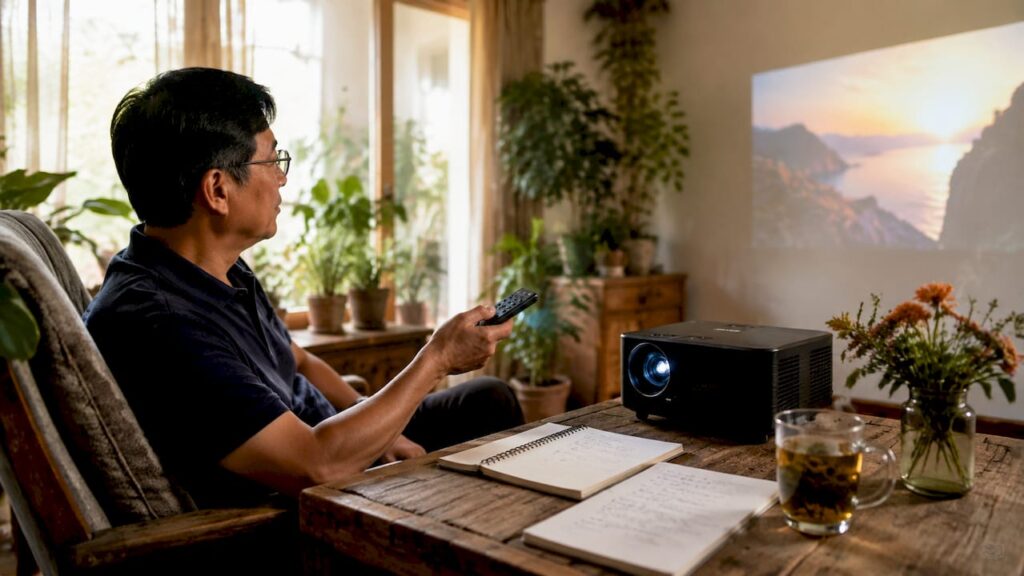
Optimizing projector brightness is defined as the process of adjusting device settings, managing ambient light, selecting the right screen, and positioning your projector correctly to produce the clearest, most vivid image possible. Done right, it transforms a washed-out, dim display into a sharp, color-accurate picture whether you are setting up a home theater in Kuala Lumpur, running a classroom in Penang, or delivering a business presentation in a bright conference room. Brands like Epson, BenQ, and Optoma build strong lumen output into their hardware, but raw lumens alone do not guarantee a great image. The environment and your settings matter just as much.
How do projector brightness settings impact image quality?
Your projector's internal settings are the fastest lever you have for improving projector brightness. Most projectors ship with three core power modes: Eco, Standard, and High or Vivid. Each mode changes lumen output, color accuracy, fan noise, and lamp lifespan in ways that matter for your specific use case.
Here is what each mode actually does:
- Eco mode reduces lamp power to extend bulb life and lower fan noise. It cuts lumen output significantly. Use it in completely dark rooms where you want quiet operation and longer lamp lifespan.
- Standard mode delivers a balanced output. It is the right starting point for most classrooms and office environments. Color accuracy stays strong and brightness is adequate for moderately lit rooms.
- High or Vivid mode pushes maximum lumen output. It is best for bright rooms or large venues. The trade-off is louder fan operation, faster lamp wear, and sometimes reduced color fidelity.
One mistake users make consistently is maxing out the contrast setting. Maxing contrast causes highlight blowout, where bright areas lose all detail and colors shift unnaturally. Set contrast to around 70–80% of maximum and adjust brightness separately for the cleanest result.
Pro Tip: Switch your Epson projector malaysia or BenQ projector malaysia to Standard mode first, then raise brightness incrementally. This preserves color accuracy while giving you a noticeably brighter image without burning through your projector lamp malaysia ahead of schedule.
For users who want to understand how advertised numbers translate to real-world output, Projectordisplay's guide on ANSI lumens explained is worth reading before you touch any settings.
How to control ambient light for better projector brightness
Ambient light control delivers more perceived brightness improvement than almost any setting change you can make on the projector itself. Experts recommend optimizing your environment before reaching for a higher-lumen model. That advice saves money and produces better results.
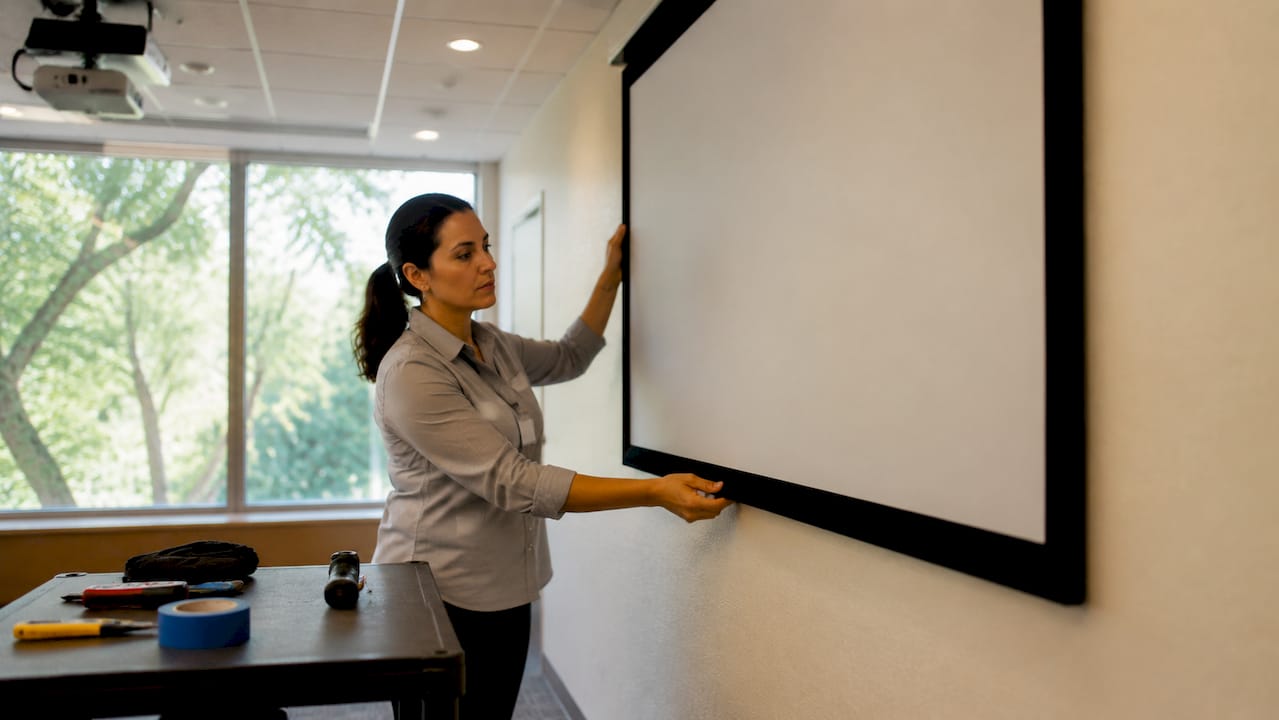
The geometry of your light sources matters more than most people realize. Overhead lights aimed directly at the screen cause the worst image degradation. Side window light is far easier to manage. Dark-colored walls also reduce light scatter across the room, keeping stray light off the screen surface.
Practical steps to manage ambient light:
- Close blackout curtains or install roller shades on windows facing the screen directly.
- Switch off overhead fluorescent lights and use floor lamps or wall sconces positioned behind the audience instead.
- Paint walls behind and beside the screen in dark gray or charcoal to absorb reflected light.
- Use lighting zones so you can dim the front of the room independently from the back.
The highest-leverage upgrade for a naturally lit room is an Ambient Light Rejecting screen, commonly called an ALR screen. An ALR screen provides up to 80% light rejection and increases perceived brightness by up to 1.4x. That means you can watch in a room with open curtains without washing out the image. For Malaysian classrooms and offices where natural light is constant, this upgrade changes the experience entirely.
Pro Tip: Before buying a higher-lumen projector, spend an afternoon testing your room with curtains fully closed. If the image looks great in the dark, your problem is ambient light, not lumens. Fix the room first.
Projectordisplay's ALR screen guide covers the full range of options available for Malaysian buyers, including wall-mounted and motorized formats.
What role do screen type, size, and gain play?
Screen choice is the most underrated factor in projector brightness optimization. The screen material, size, and gain rating all directly affect how much light reaches your eyes.
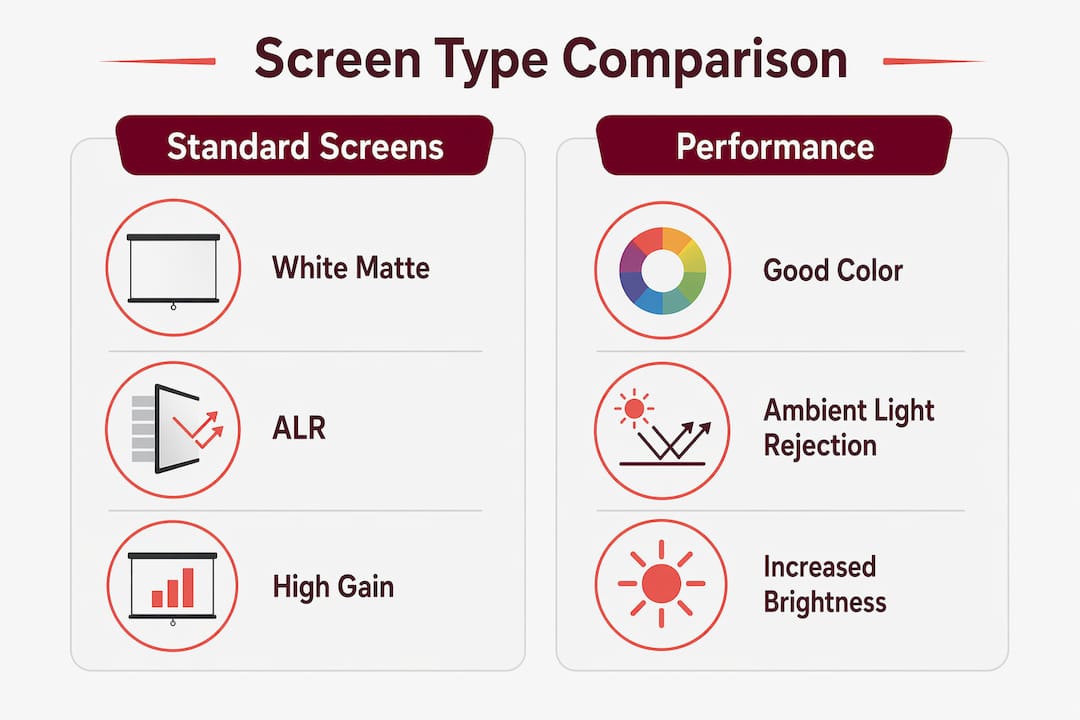
Screen gain measures how much light a screen reflects back toward the viewer compared to a standard white reference surface. A gain of 1.0 reflects light evenly in all directions. A high-gain screen reflects more light toward the center viewing zone, which increases perceived brightness for viewers seated directly in front. The trade-off is a narrower viewing angle and occasional color shifts at the edges.
| Screen Type | Gain Rating | Best Use Case | Trade-off |
|---|---|---|---|
| Standard white | 1.0–1.1 | Dark home theaters | Wide viewing angle, no ambient light rejection |
| Gray screen | 0.8–1.0 | Rooms with some light | Better contrast, slightly dimmer whites |
| ALR screen | 0.8–1.4 | Bright classrooms, offices | Rejects ambient light, narrower sweet spot |
| High-gain white | 1.5–2.5 | Large venues, bright rooms | Bright center image, limited viewing angle |
Screen size also directly affects brightness. Increasing image size spreads available light over a larger area, reducing brightness per square foot. A projector rated at 3,000 lumens will look noticeably dimmer on a 150-inch screen than on a 100-inch screen. Match your projector's lumen output to your screen size before assuming you need a brighter unit.
For a full breakdown of screen materials available in Malaysia, Projectordisplay's projection screen material guide covers every format from standard white to specialized ALR fabrics.
Best practices for projector placement and maintenance
Physical setup and regular upkeep have a direct impact on how bright your image looks over time. These steps are often skipped, and they cost users significant image quality.
Follow this placement and maintenance checklist:
- Stay within the optimal throw distance. Mounting within the recommended throw range preserves light intensity. Zoom lenses reduce brightness at their far end, so pulling the projector closer within spec is always better than zooming out.
- Avoid placing the projector where ambient light hits the screen directly. Position the unit so its beam travels away from windows, not toward them.
- Clean the lens with a microfiber cloth every 30–60 days. Dust on the lens reduces brightness noticeably and is one of the most common causes of gradual dimming that users mistake for lamp aging.
- Clear the air vents regularly. Blocked vents cause overheating, which triggers automatic brightness reduction in most projectors as a protective measure.
- Check fan operation. A fan running slower than normal signals a blockage or hardware issue that will degrade both brightness and lamp life.
Pro Tip: For ceiling-mounted setups, use a projector mount that allows fine angle adjustment. Even a small downward tilt can redirect the beam away from a side window, cutting ambient light interference on the screen without any other changes.
Projectordisplay's guide on projector installation tips walks through ceiling and wall mount configurations for home theaters, classrooms, and boardrooms across Malaysia.
Troubleshooting common projector brightness problems
When your image looks dim despite adjustments, the cause is almost always one of a short list of known issues. Work through these before assuming the projector needs replacing.
Common causes of a dim image:
- Eco mode is active and was never changed after initial setup
- Dust buildup on the lens or vents is blocking light output and airflow
- The screen is too large for the projector's lumen rating
- Ambient light from overhead fixtures is washing out the image
- The lamp has aged past its rated hours and output has dropped significantly
To test whether dimming comes from lamp aging or settings, switch to High mode and clean the lens. If brightness recovers noticeably, the issue was settings or dust. If the image stays dim after both steps, the projector bulb malaysia is likely near the end of its life and needs replacement.
When to consider upgrading your projector or screen:
- Your lamp has exceeded its rated hours and a replacement bulb costs more than 40% of a new unit
- Your room has unavoidable ambient light and you are running a standard white screen
- You have moved to a larger screen size that exceeds your projector's lumen capacity
For users running wireless projector malaysia setups in conference rooms, check that the wireless adapter is not introducing signal compression that reduces apparent sharpness, which can read as a brightness issue. Consult your projector manual or contact a local service center if hardware faults are suspected.
Key takeaways
Effective brightness calibration for projectors combines the right settings, the right screen, and a controlled environment, not just a higher lumen count.
| Point | Details |
|---|---|
| Start with settings | Switch from Eco to Standard or High mode before making any other changes. |
| Control ambient light first | Overhead light on the screen causes more damage than side windows; fix the room before upgrading hardware. |
| Match screen to projector | ALR screens add up to 1.4x perceived brightness in naturally lit rooms without closing curtains. |
| Size affects brightness | Larger screens dilute lumen output; match your projector's lumens to your screen size. |
| Maintain regularly | Clean the lens and vents every 30–60 days to prevent gradual brightness loss from dust buildup. |
The uncomfortable truth about chasing lumens
After years of working with projectors across home theaters, classrooms, and corporate boardrooms in Malaysia, I have seen the same mistake repeated constantly. Buyers focus entirely on lumen specs and ignore everything else. They buy a 5,000-lumen Epson projector malaysia or an Optoma projector malaysia, point it at a cheap white screen in a bright room, and wonder why the image still looks washed out.
The reality is that lumen marketing misleads consumers. Beyond a certain threshold in a dark room, adding more lumens gives you almost nothing. What actually changes the image is the environment. A 3,000-lumen projector on an ALR screen in a controlled room will outperform a 5,000-lumen unit on a standard white screen with overhead lights on.
I also want to push back on the idea that Vivid mode is always better. Vivid mode on most LCD projectors, including popular Epson lcd projector models, boosts brightness by sacrificing color accuracy. Skin tones go orange, blues shift green, and the image starts to look artificial. For presentations, that might be acceptable. For a home theater or a classroom showing educational content, it is not.
My honest recommendation: buy a balanced projector from a trusted projector brand, pair it with the right screen for your room, and spend 20 minutes on placement and settings before assuming you need more lumens. The best projector in malaysia for your use case is rarely the brightest one on the shelf. It is the one calibrated correctly for where you actually use it.
— Projector
Find the right projector and screen at Projectordisplay
Getting brightness calibration right starts with having the right hardware. Projectordisplay is the best projector seller in Malaysia, stocking a full range of brands including Epson projector malaysia, BenQ projector malaysia, Viewsonic projector malaysia, Acer projector malaysia, Optoma projector malaysia, and NEC projector malaysia across portable, laser, short-throw, and smart projector categories.

Whether you need a best home projector malaysia for your living room, a best classroom projector for your school, or a best office projector for your boardroom, Projectordisplay carries matching projector screen malaysia options including ALR screens, motorized screens, and portable formats. The team also stocks projector lamp malaysia and projector bulb malaysia replacements for ongoing maintenance. Browse the top projector picks for large venues or explore the full projector screen range to find the setup that fits your brightness needs and budget.
FAQ
What is the best projector brightness level for a classroom?
A classroom projector needs at least 3,000–4,000 lumens to handle ambient light from windows and overhead lighting. Pairing it with an ALR screen reduces that requirement significantly.
How do i adjust projector brightness without losing color accuracy?
Use Standard mode instead of Vivid or High mode, and set contrast to 70–80% of maximum. This preserves color fidelity while delivering a noticeably brighter image than Eco mode.
Does screen size affect how bright a projector looks?
Yes. A larger screen spreads the same lumen output over a bigger area, making the image appear dimmer. Match your projector's lumen rating to your screen size for the best result.
Why is my projector getting dimmer over time?
Dust on the lens and blocked air vents are the most common causes of gradual dimming. Clean both with a microfiber cloth regularly. If cleaning does not help, the projector lamp may need replacing.
Is an ALR screen worth it for a bright room in malaysia?
An ALR screen provides up to 80% light rejection and increases perceived brightness by up to 1.4x, making it one of the most cost-effective upgrades for naturally lit Malaysian rooms and offices.
Recommended
- Multi-Purpose Projectors for Schools: 2026 Educator's Guide – Projector Display
- Home projector buying guide 2026: expert tips for Malaysians – Projector Display
- Projector brightness explained: compare, choose, optimize – Projector Display
- Find your ideal projector brightness for home, class, or office – Projector Display