
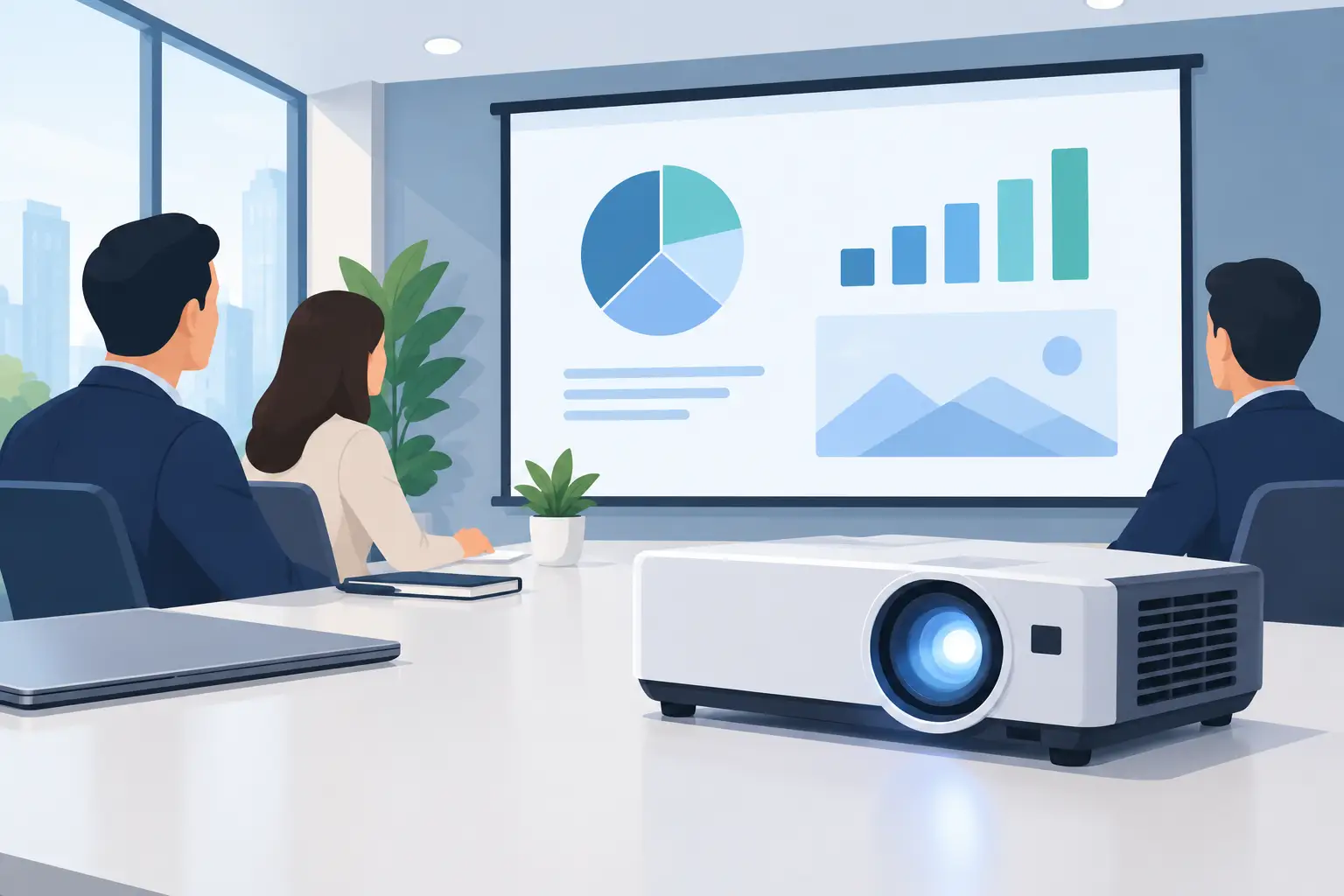
A projector that looks impressive in a dark demo room can become a daily frustration in a bright meeting space. This office projector buying guide starts with the realities of work: overhead lights left on, people joining remotely, compact rooms, presentation text, and a schedule that does not allow time for cable troubleshooting.
The right model is not always the brightest or most expensive one. It is the projector that fits the room, displays your content clearly, connects to the devices your team uses, and stays dependable through hundreds of presentations. Start with the space and workflow, then compare specifications.
Start With the Room, Not the Product Page
Measure the room before choosing a projector. Record the distance from the projector location to the screen or wall, the available ceiling height, the expected audience size, and how much ambient light enters the room. A boardroom with blackout blinds has very different needs from an open training area with glass walls and fluorescent lighting.
Also decide where the projector will sit. A ceiling-mounted unit keeps the table clear and gives the installation a professional finish, but it needs the correct mount, cable routing, and power access. A portable projector on a trolley is more flexible for shared meeting rooms, training sessions, and temporary events. It can also be a practical choice when drilling into ceilings is not allowed.
Throw distance is the measurement that connects room size to screen size. A standard-throw projector needs more distance to create a large image. A short-throw model can produce a large picture from close to the wall or screen, making it useful in smaller rooms. Ultra-short-throw projectors sit just inches away, reducing shadows and glare when someone presents near the image. They cost more, but can solve a real room-design problem.
Brightness: Choose ANSI Lumens for Your Lighting
Brightness is one of the first specifications buyers see, and ANSI lumens are the number worth comparing. They provide a more useful reference than vague claims of LED lumens or peak lumens.
For a dim executive meeting room used mainly for slides and video, around 3,000 ANSI lumens may be sufficient. For everyday office rooms with lights on, 3,500 to 4,500 ANSI lumens is often a better range. Large training rooms, rooms with strong daylight, and spaces where lights must stay on for note-taking may require 5,000 ANSI lumens or more.
More brightness is not automatically better. A very high-lumen projector may be unnecessary in a small dark room, and it can increase purchase cost, power use, and fan noise. The goal is a readable image with normal room lighting, not maximum output at any price.
Screen choice matters here too. A proper projector screen improves perceived contrast and gives a cleaner, more consistent surface than a painted wall. If the room is bright, the projector and screen should be planned as one system rather than purchased separately.
Resolution Should Match the Content on Screen
Resolution determines how much detail the projector can show. For basic slides, schedules, and simple charts, XGA or WXGA can work in budget-conscious environments. However, modern offices increasingly share spreadsheets, detailed dashboards, web pages, video calls, and small-font documents. In those cases, Full HD resolution is the more comfortable choice.
Full HD provides sharper text and more room for side-by-side content. It is particularly valuable when staff use laptops with wide-screen displays or when the projector doubles as a video conferencing display. Higher-resolution options can make sense for large screens and design-heavy work, but only if the source content and viewing distance justify the added investment.
Aspect ratio deserves equal attention. A 16:9 projector suits wide-screen laptops, video conferencing, and presentations designed for modern displays. A 16:10 projector offers a little more vertical space, which can be useful for documents and business applications. Avoid forcing wide-screen content onto an older 4:3 setup unless you are prepared for unused screen space or reduced image size.
Compare Light Source Costs, Not Just Purchase Price
Lamp projectors remain a sensible option for organizations looking for a lower upfront cost. They can deliver strong brightness and good image quality, especially for occasional use. The trade-off is maintenance: lamps dim over time and eventually need replacement. If the projector is installed high on a ceiling, replacement also means labor and downtime.
Laser projectors cost more at the start but are built for long operating hours. Their light source can last for many thousands of hours, with stable brightness, quick startup, and less maintenance. For a busy meeting room, classroom, or training center that runs daily, the total cost over several years may favor laser.
LED projectors are often compact and energy efficient, making them attractive for portable use. But compact design can mean lower brightness, so review ANSI lumens carefully before assigning one to a well-lit conference room. A portable model may be excellent for small huddle spaces yet unsuitable for a 30-person presentation.
Make Connectivity Easy for Every Presenter
A projector should support the way people actually work, including visiting clients and staff using different devices. HDMI remains essential for laptops, media players, and conferencing hardware. Check how many HDMI inputs you need, especially if the room has a fixed computer plus a separate cable for guest presenters.
Wireless presentation is useful when teams regularly share content from multiple laptops, tablets, or phones. Depending on the projector or wireless display dongle, this may support screen mirroring, AirPlay, or other casting methods. Wireless convenience is valuable, but a physical HDMI connection should still be available as a reliable backup for critical meetings.
For permanent installations, consider the entire signal path. Long cable runs may require the right HDMI cable specification or an extender solution. If your room uses a control system, external speakers, cameras, or a video bar, confirm compatibility before purchasing. A projector is only one part of the meeting-room experience.
Do Not Overlook Audio, Noise, and Installation
Built-in speakers are useful for quick presentations, but they are rarely enough for larger rooms or hybrid meetings. If video playback, remote participants, or training content are part of the plan, connect the projector to proper speakers or a sound system. Clear audio often has a bigger effect on meeting quality than buyers expect.
Fan noise is another practical consideration. A quiet projector is easier to live with in a small boardroom, especially when the projector sits near participants. Higher-brightness units generally produce more heat and may need more active cooling. Read the noise specification, but also place the unit thoughtfully when planning the installation.
Ceiling mounts, wall mounts, trolleys, screens, cables, and replacement lamps should be included in the budget from day one. A lower-cost projector can become an expensive project if essential accessories are added later without a plan. For multi-room deployments, requesting a complete quote helps standardize equipment and simplify future maintenance.
A Practical Office Projector Buying Guide Checklist
Before you approve a purchase, confirm these decisions with the people who will use and maintain the room:
- The required screen size, viewing distance, and projector throw distance
- Ambient light levels and the ANSI lumens needed with lights on
- Resolution and aspect ratio for presentations, spreadsheets, and video calls
- HDMI, wireless, AirPlay, and audio requirements for staff and guests
- Light source choice, expected operating hours, and maintenance budget
- Installation accessories, warranty support, and future replacement needs
This check prevents the most common mismatch: buying a projector based on a single headline feature while overlooking the room, cables, screen, and daily workflow.
Choose for the Meeting Experience
An office projector is not simply a device for making an image larger. It is part of how teams explain ideas, train employees, review data, and include remote colleagues. A bright, readable picture and a dependable connection help meetings move forward without technical distractions.
If the room has unusual dimensions, high ambient light, or multiple display requirements, share those details when requesting a quote. The best purchase is the one that gives your team a clear picture every Monday morning, not just an impressive specification on paper.