

Over 60 percent of American households say they want music in more than one room, but few enjoy seamless sound throughout their homes. Multi room audio is more than just a luxury—it's about creating daily moments that fit every mood and space. With practical planning and today's connected technology, even complicated wiring and speaker placement become manageable. Discover how you can transform your American home into a place where crisp, synchronized music fills every corner.
Table of Contents
- Step 1: Plan Multi Room Audio Zones And Wiring
- Step 2: Choose Compatible Audio Equipment And Projectors
- Step 3: Connect Devices And Configure Network Settings
- Step 4: Sync Audio Streams Across All Rooms
- Step 5: Test And Optimize Multi Room Audio Performance
Quick Summary
| Key Point | Explanation |
|---|---|
| 1. Plan audio zones effectively | Identify key areas in your home for audio enjoyment, such as kitchens and living rooms, to optimize sound distribution. |
| 2. Select compatible equipment | Choose audio receivers and projectors that utilize matching connection types to ensure seamless integration and performance. |
| 3. Establish a robust network | Configure network settings to prioritize audio traffic, ensuring stable and uninterrupted audio streaming across all zones. |
| 4. Synchronize audio streams | Use advanced technologies to ensure that audio plays simultaneously throughout the house without noticeable delays between different rooms. |
| 5. Test and optimize performance | Systematically evaluate sound quality in each room and adjust settings to enhance audio experiences based on each space's characteristics. |
Step 1: Plan Multi Room Audio Zones and Wiring
Creating a seamless multi room audio system starts with smart zone planning and strategic wiring. Your goal is designing an audio network that delivers crisp sound throughout your living spaces without complicated installation or messy cable runs.
Begin by mapping out your home and identifying potential audio zones. Think about rooms where music makes sense rectangular living areas like kitchens, living rooms, bedrooms, and home offices. Consider how people move through these spaces and where they might want background music or focused listening experiences. Sketch a rough floor plan marking potential speaker locations and thinking about sound coverage angles.
When planning wiring routes, prioritize hidden pathways that minimize visible cables. Structured wiring allows you to run multiple cables through walls simultaneously saving time and creating a cleaner installation. Aim to conceal speaker wires behind baseboards, inside wall cavities, or through attic and basement spaces. Pro tip: Always leave extra cable length during initial installation to accommodate future room layout changes or additional speakers.
Next you will select the appropriate audio equipment and connectivity solutions that match your home's architectural layout and listening preferences.
Step 2: Choose Compatible Audio Equipment and Projectors
Selecting the right audio equipment and projectors requires careful consideration of compatibility, connectivity, and overall system performance. Your goal is building an integrated audiovisual setup that delivers seamless sound and visual experiences across different rooms.
Start by examining integrated AV processing platforms that support multiple input formats like NDI | HX and HDMI. These systems simplify equipment selection by ensuring different components communicate effectively. Look for audio receivers and projectors with matching connection types wireless or wired to minimize potential compatibility issues. Consider equipment that supports standard formats such as HDMI ARC optical audio or network audio streaming protocols.
Pay special attention to audio equipment specifications including power output impedance and frequency response to match your room sizes and acoustic characteristics. Advanced AV matrix solutions can help optimize audiovisual setups by providing flexible routing between multiple audio and video inputs. Pro tip: Always check manufacturer specifications for input and output compatibility before purchasing to avoid frustrating system integration challenges.
In the next step, you will configure your selected equipment and set up the actual audio zones throughout your living spaces.
Step 3: Connect Devices and Configure Network Settings
Connecting your multi room audio system requires careful network configuration to ensure seamless communication between devices. Your primary goal is establishing a robust network infrastructure that supports smooth audio streaming across different zones.
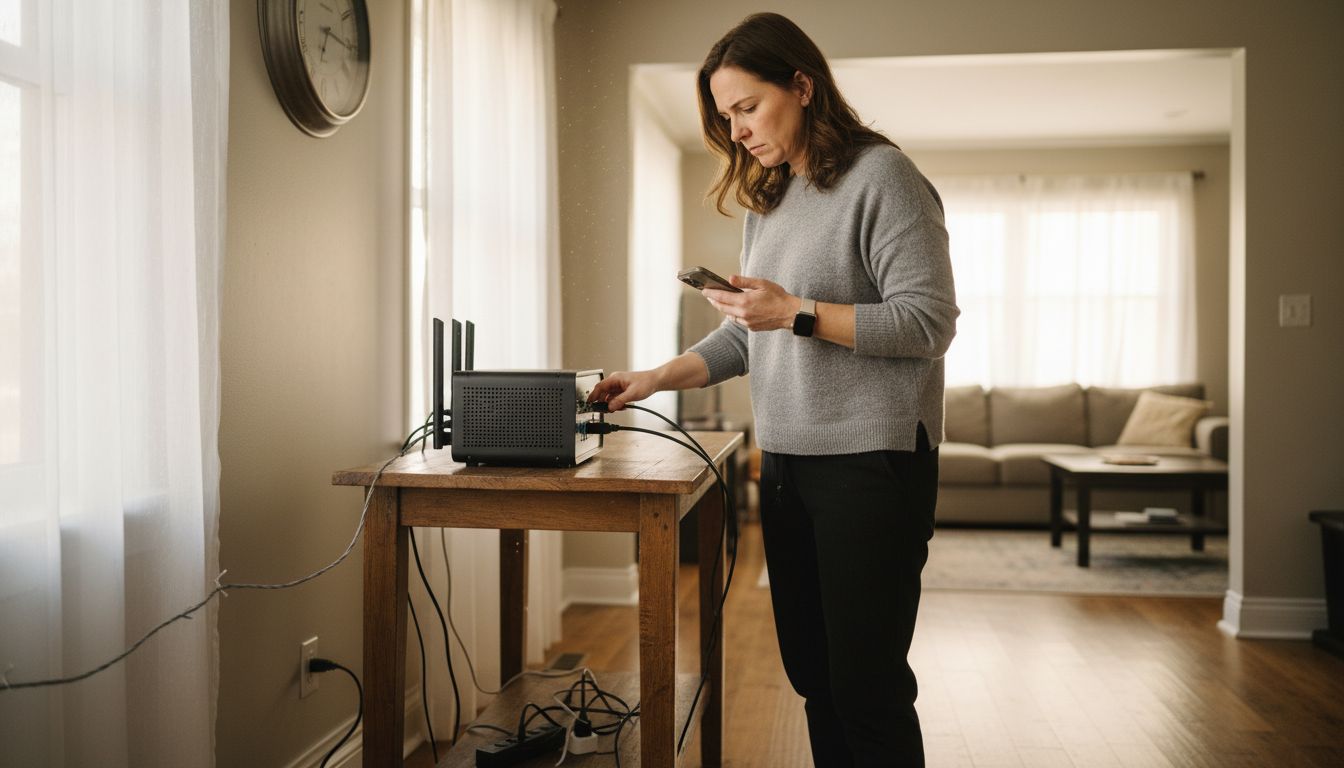
Begin by understanding audio over IP interoperability standards that define critical network requirements. These standards help synchronize device clocks and set quality of service priorities essential for maintaining consistent audio performance. Configure your network router to prioritize audio traffic and create a dedicated VLAN for your audio system to minimize potential interference from other network activities. Ensure each device has a static IP address or reliable DHCP reservation to prevent unexpected connection drops.
Leverage Audio Video Bridging technologies to optimize network performance and reduce latency between connected devices. These standards provide improved synchronization and reliability across switched Ethernet networks. Pro tip: Use wired ethernet connections wherever possible for the most stable audio streaming experience particularly for stationary devices like receivers and speakers. Wireless connections work best for mobile or temporary audio endpoints.
In the next step, you will fine tune your audio zones and test the overall system performance.
Step 4: Sync Audio Streams Across All Rooms
Synchronizing audio streams across multiple rooms requires precision and the right technological infrastructure. Your objective is creating a seamless listening experience where music plays consistently and without noticeable delays between different zones.
Leverage advanced multiroom audio technologies that utilize high resolution audio streaming standards. These implementations enable you to achieve precise synchronization across different rooms by using standardized protocols that minimize audio latency. Configure your audio system to use a centralized time synchronization method ensuring that sound plays simultaneously in your kitchen living room bedroom and home office.
Employ real time audio transport technologies designed for low latency network audio streaming. These specialized networking approaches provide high reliability and near instantaneous audio transmission across your home network. Pro tip: Select audio equipment that natively supports AES67 or similar synchronization protocols to simplify your setup and reduce potential configuration complexity. Test your system by playing music and walking between rooms to verify that the audio remains perfectly aligned.
In the next step, you will fine tune individual room audio settings and calibrate speaker performance.
Step 5: Test and Optimize Multi Room Audio Performance
Optimizing multi room audio performance requires systematic testing and strategic adjustments to ensure an exceptional listening experience across different spaces. Your goal is creating a balanced sound environment that adapts to each room unique acoustic characteristics.
Implement distributed audio zone algorithms that generate independent listening zones with precise sound management. These advanced techniques help you create customized audio experiences by calibrating speaker output based on room size furniture placement and acoustic properties. Start by playing test audio tracks with complex sound profiles and walk through each room noting any variations in sound quality volume or timing discrepancies.
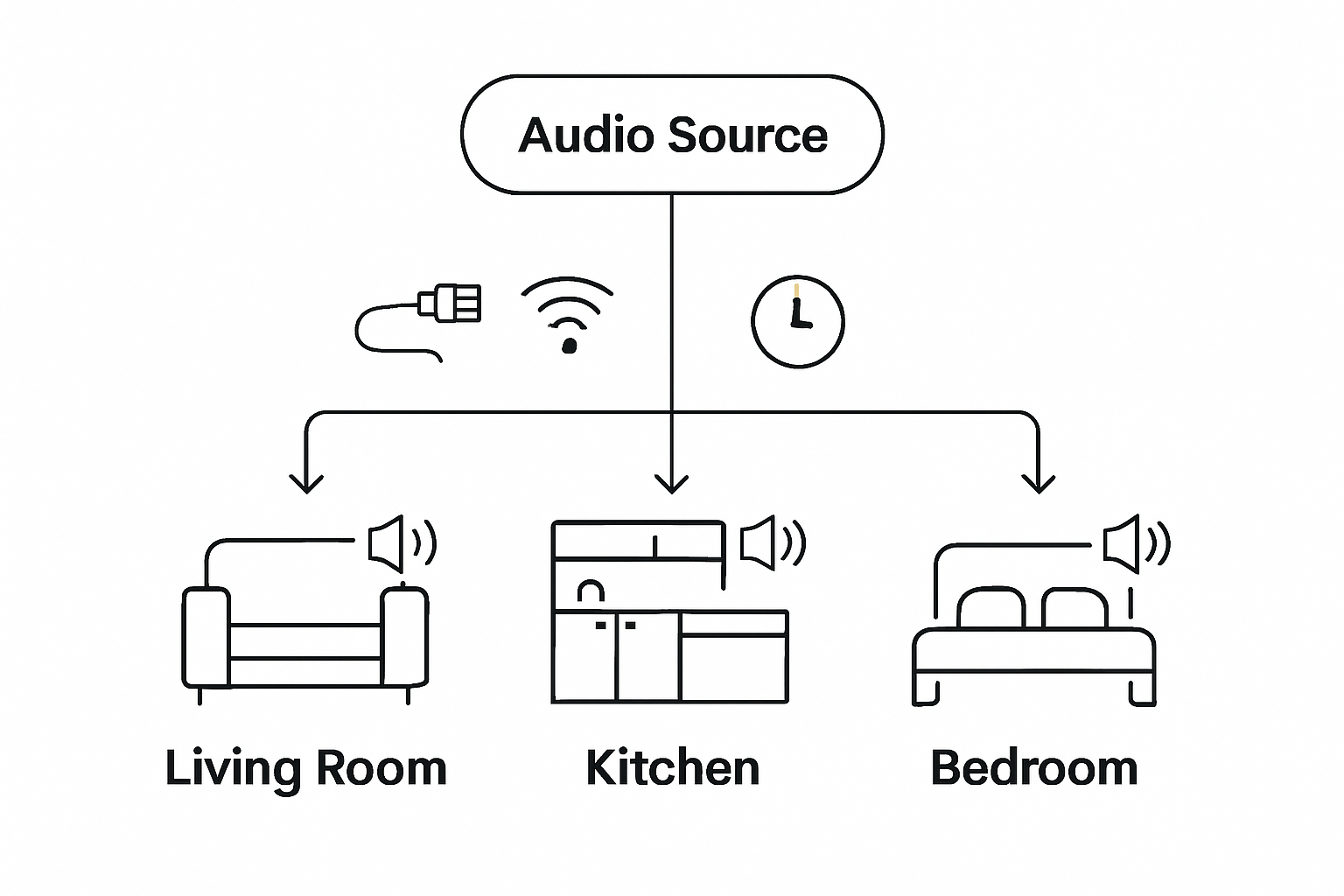
Utilize spatial aware speaker optimization techniques to fine tune your audio system performance. These methods help identify and correct potential sound interference points in your multi room setup. Pro tip: Use professional audio calibration tools or smartphone apps that can analyze frequency response and help you adjust individual speaker settings. Pay special attention to crossover points between rooms and potential acoustic dead zones that might disrupt your audio streaming experience.
Your multi room audio system is now ready for consistent high quality music enjoyment throughout your living spaces.
Elevate Your Multi Room Audio With Seamless Visual Integration
Setting up a multi room audio system can be a game changer for your home but pairing it with the right visual technology takes your entertainment to the next level. This guide highlights challenges like synchronizing audio streams and optimizing network settings to create effortless sound zones throughout your living spaces. Imagine complementing this with crystal clear images from projectors designed to fit any room size or layout.

Discover how combining advanced audio setup techniques with premium projectors and display technologies from ProjectorDisplay.com can transform your home theater experience. Our selection of portable, laser, and smart projectors offers wireless connectivity and high definition resolution to match your multi zone audio system perfectly. Start crafting a beautifully integrated audio-visual environment today with expert support and fast delivery right here in Malaysia. Don't wait to enjoy flawless sound and stunning visuals in every room.
Explore our wide range of projection solutions now at ProjectorDisplay.com and take the first step toward your ultimate home entertainment setup.
Frequently Asked Questions
How do I plan audio zones for my multi room audio system?
Begin by mapping out your home and identifying potential audio zones such as living rooms, kitchens, and bedrooms. Sketch a rough floor plan to mark potential speaker locations, keeping in mind how people move through these spaces for optimal sound coverage.
What should I consider when choosing audio equipment for multi room audio streaming?
When selecting equipment, ensure compatibility with your existing system by checking connection types like HDMI and audio output specifications. Focus on equipment that supports standard formats for seamless integration across multiple rooms.
How can I connect devices and configure my network for optimal audio streaming?
Establish a robust network configuration by prioritizing audio traffic and utilizing wired connections where possible for stability. Assign static IP addresses to each device to prevent connection drops and create a dedicated VLAN to minimize interference with other network activities.
What steps can I take to sync audio streams seamlessly across multiple rooms?
Implement advanced multiroom audio technologies that minimize audio latency, ensuring sound plays simultaneously in different areas. Check if your equipment supports synchronization protocols and run tests by walking through rooms to confirm audio alignment.
How can I optimize audio performance across different rooms in my house?
Test audio quality by playing complex soundtracks in each room and make note of any discrepancies in volume or quality. Utilize audio calibration techniques to adjust speaker settings based on the unique characteristics of each room, focusing on eliminating potential sound interference.
Recommended
- Panduan Lengkap Audio Home Theater – Projector Display
- Improving Home WiFi Signal for Reliable Streaming and Work – Projector Display
- Wireless Screen Mirroring in Malaysia: 2025 Guide for Entertainment, Education, and Business – Projector Display
- 7 Smart Living Room Design Inspiration Ideas for All Spaces – Projector Display
- Make Music For Your Eyes This Christmas