

Extended movie marathons can quickly push your projector to its limits, especially when the tropical heat of Malaysia is in play. Overheating is a common frustration for home theater fans across the globe, with some American models reporting up to a 30 percent shorter lifespan when exposed to poor ventilation or high temperatures. If you want crisp visuals and uninterrupted sessions, the placement, airflow, and maintenance of your projector matter more than you think.
Table of Contents
- Step 1: Select The Right Projector Placement
- Step 2: Optimize Ventilation Around Your Projector
- Step 3: Maintain Regular Cleaning Routines
- Step 4: Monitor Temperature And Usage Times
- Step 5: Inspect For Warning Signs And Performance Issues
Quick Summary
| Key Insight | Explanation |
|---|---|
| 1. Prioritize Proper Placement | Choose open spaces for projectors to enhance ventilation and prevent overheating. Maintain at least 30-50 centimeters around vents. |
| 2. Implement Effective Ventilation | Remove obstructions near vents and consider adding fans to improve airflow. Regular maintenance of filters is key. |
| 3. Establish a Cleaning Routine | Clean projectors every two to three months or more frequently in dusty areas to ensure optimal cooling performance. |
| 4. Monitor Temperature Regularly | Use a digital thermometer to track temperature during use and enforce breaks to prevent overheating during extended sessions. |
| 5. Recognize Warning Signs | Watch for dimming images, unusual sounds, or housing discoloration, as these may indicate overheating issues needing immediate attention. |
Step 1: Select the right projector placement
Choosing the optimal placement for your home projector is crucial in preventing overheating and ensuring top-notch performance. The right location goes beyond aesthetic considerations and directly impacts your device's cooling efficiency and longevity.
When selecting a placement spot, prioritize open spaces with excellent air circulation. Proper ventilation prevents heat buildup and allows your projector to maintain a consistent operating temperature. Avoid cramped shelves, enclosed cabinets, or tight entertainment centers that restrict airflow. Instead, position your projector on a stable, flat surface with at least 30-50 centimeters of clear space around all air vents.
Consider your room's ambient temperature as well. Projectors perform best in moderate environments around 20-25 degrees Celsius. Direct sunlight, proximity to heat sources like radiators, or placement near electronic equipment can increase surrounding temperatures and stress your device's cooling system. If possible, choose a location away from windows and heat generating appliances.
Pro Tip: Invest in a small USB-powered fan to enhance air circulation around your projector if you cannot achieve ideal ventilation conditions.
Step 2: Optimize ventilation around your projector
Maintaining proper airflow is essential for preventing your projector from overheating and ensuring consistent performance. Understanding the nuanced aspects of cooling can help you protect your valuable home theater equipment.
Improving ventilation requires a strategic approach that combines multiple cooling techniques. Active and passive cooling strategies can significantly enhance your projector's heat management. Start by creating an open environment around your device. Remove any obstructions within a 12-inch radius of the projector's vents, which will allow hot air to escape freely and prevent temperature buildup.
Regular maintenance plays a critical role in optimizing ventilation. Clean your projector's air filters and vents every three to six months to remove dust and debris that can impede airflow. If your projector is mounted in a tight space, consider installing small auxiliary cooling fans to enhance air circulation. These small fans can create additional airflow pathways that help dissipate heat more effectively.
Pro Tip: Purchase a digital infrared thermometer to monitor your projector's surface temperature and detect potential overheating issues before they become serious problems.
Here's a quick reference for common projector cooling strategies and their typical effectiveness:
| Cooling Strategy | Application Scenario | Effectiveness |
|---|---|---|
| Open placement | Living room or office | Very effective |
| Auxiliary USB fan | Enclosed spaces | Moderately effective |
| Regular filter cleaning | High-usage environments | Highly effective |
| Digital thermometer use | Monitoring temperature | Prevents overheating |
Step 3: Maintain regular cleaning routines
Keeping your projector clean is more than just an aesthetic concern. It is a critical maintenance strategy that directly impacts your device's performance, cooling efficiency, and overall longevity. A consistent cleaning routine can prevent potential heat-related damage and ensure optimal functionality.
Routine cleaning prevents dust accumulation that can compromise your projector's cooling system. Start by gathering the right tools: compressed air, soft microfiber cloths, and a small soft-bristled brush. Always unplug your projector before cleaning and work in a well-ventilated area. Focus on the air intake and exhaust vents, using gentle bursts of compressed air to remove dust particles. For stubborn debris, use the soft brush to carefully dislodge accumulated dust without scratching sensitive surfaces.
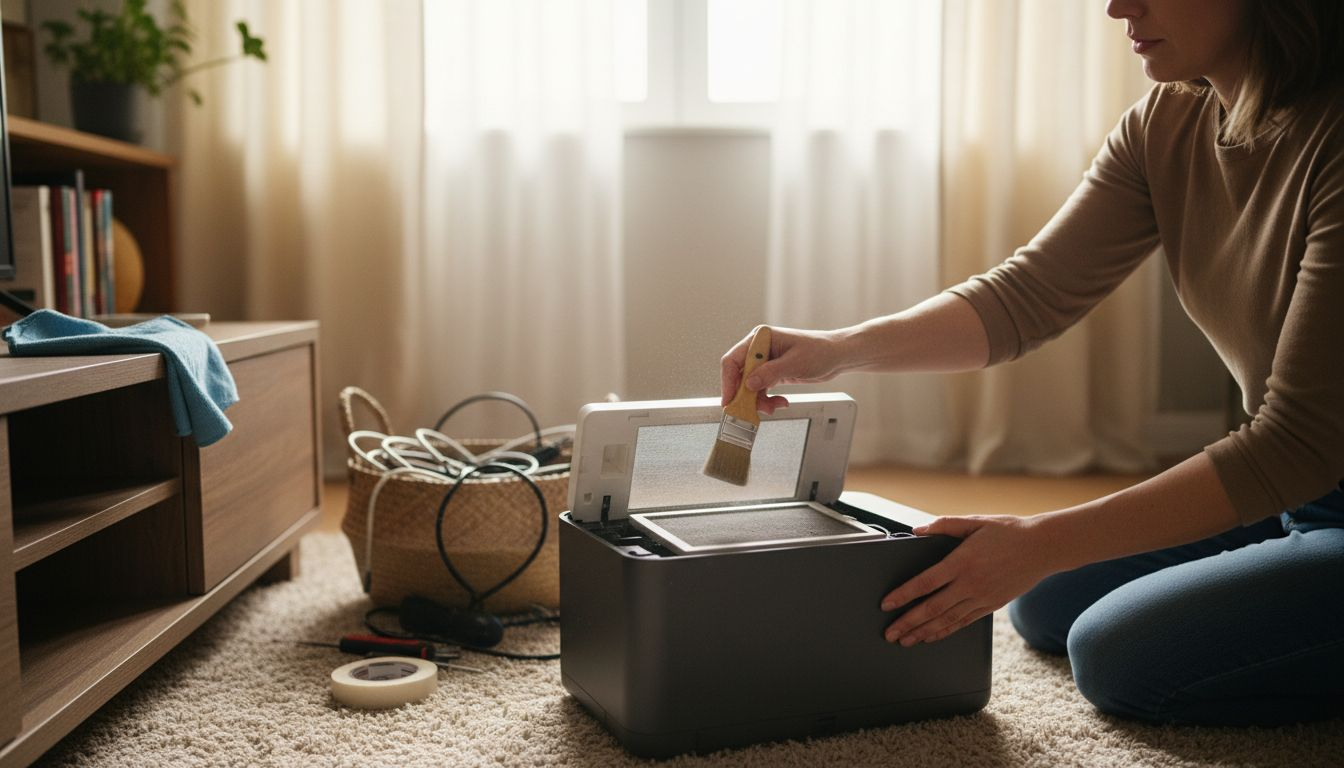
Establish a consistent cleaning schedule that matches your projector's usage frequency. For home theater enthusiasts who use their projector multiple times a week, aim to clean the device thoroughly every two to three months. Pay special attention to the air filters, which can become clogged with dust and reduce cooling efficiency. If your projector is in a particularly dusty environment, consider increasing the cleaning frequency to once every six weeks.
Pro Tip: Keep a small log or digital reminder to track your projector cleaning schedule and prevent overlooking this critical maintenance task.
Step 4: Monitor temperature and usage times
Effective projector management requires a proactive approach to tracking device performance and preventing potential heat-related issues. Understanding how continuous use impacts your projector's internal temperature is crucial for maintaining its longevity and optimal functionality.
Extended continuous use increases internal heat and can lead to significant performance degradation. Implement a strategic monitoring system by investing in a digital infrared thermometer to check your projector's surface temperature during and after use. Most projectors should maintain an external temperature between 95 and 115 degrees Fahrenheit. If temperatures consistently exceed this range, it is a clear signal that your device needs better cooling or reduced usage.
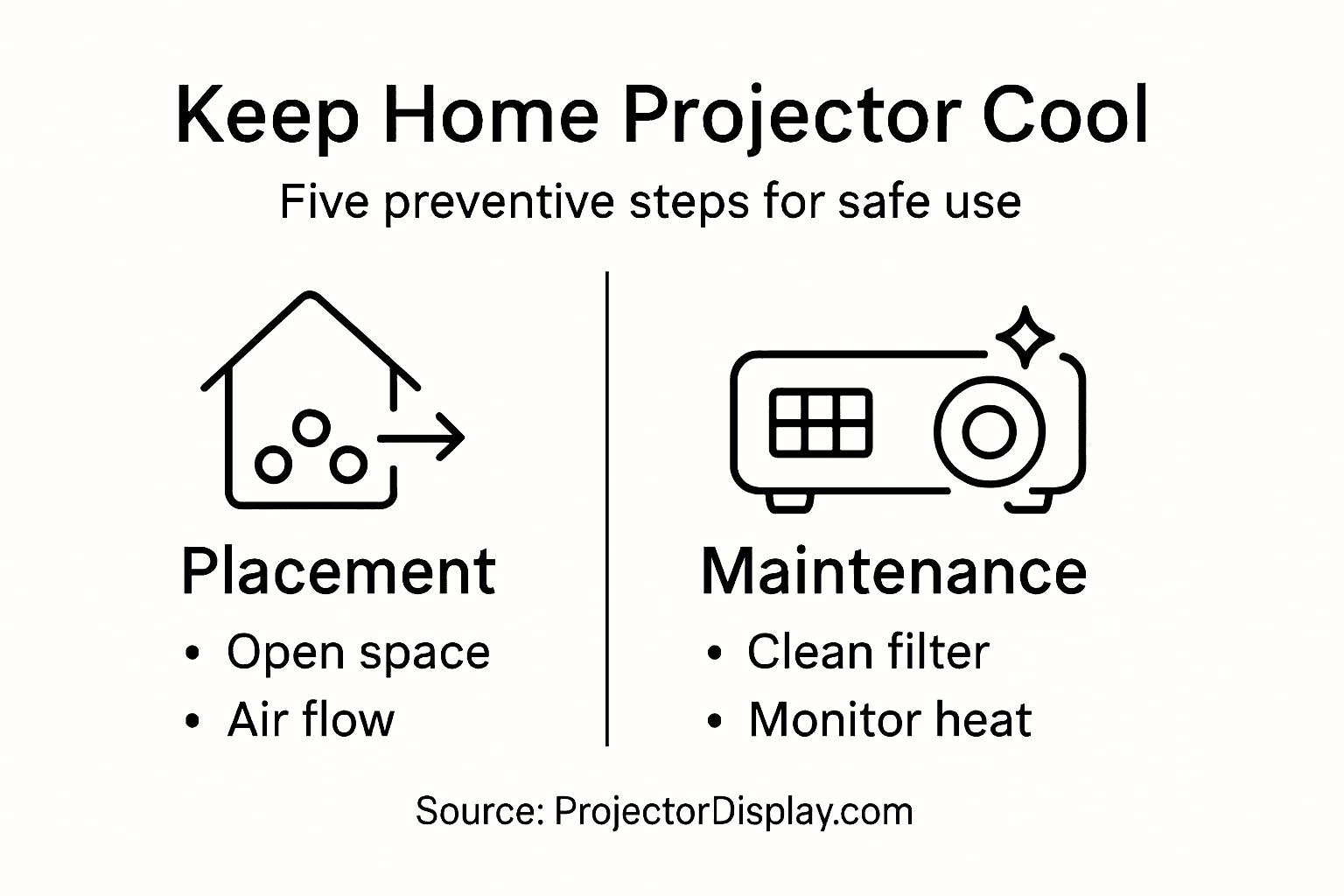
Develop a usage protocol that includes scheduled breaks during extended viewing sessions. For home theater setups, limit continuous projection time to two hours maximum, followed by a minimum 30-minute cooling period. Pay attention to warning signs such as unexpected shutdowns, unusual fan noise, or decreased image quality. These symptoms often indicate that your projector is struggling with heat management and requires immediate attention. Consider using a timer or smartphone app to track your projection duration and enforce regular cooling intervals.
Pro Tip: Create a digital log or spreadsheet to track your projector's temperature readings and usage patterns, helping you identify potential overheating trends before they become serious problems.
Step 5: Inspect for warning signs and performance issues
Maintaining your projector requires vigilant monitoring and a keen understanding of potential performance indicators. Recognizing early warning signs can help you prevent serious damage and extend the life of your valuable home theater equipment.
Focus on comprehensive visual and auditory inspections during and after each projection session. Check for subtle changes in image quality such as dimming, color distortion, or flickering that might indicate internal heat stress. Listen carefully for unusual fan noises or grinding sounds that could signal cooling system problems. Unusual operational sounds often precede mechanical failures and should never be ignored.
Pay special attention to physical symptoms of potential overheating. Examine the projector housing for discoloration or warping around vents and connectors. Check connection points for any signs of heat damage or melting. If your device unexpectedly shuts down during use or displays intermittent performance issues, these are strong indicators that your projector requires immediate professional assessment or maintenance. Documenting these observations can help technicians diagnose underlying problems more effectively.
Use this table to identify and address projector warning signs:
| Warning Sign | Possible Cause | Recommended Action |
|---|---|---|
| Dimming image | Heat stress | Improve ventilation |
| Unusual fan noise | Fan blockage or failure | Check and clean vents |
| Housing discoloration | Overheating | Relocate projector |
| Unexpected shutdowns | Internal overheating | Schedule maintenance |
Pro Tip: Photograph any visual abnormalities or performance issues to create a visual record that can assist professional technicians in diagnosing potential problems.
Keep Your Projector Cool with Trusted Solutions from ProjectorDisplay.com
Overheating is one of the most common challenges for projector owners at home. From improper placement to dust buildup and extended usage, these problems can lead to device failure and reduced performance. If you want to ensure your projector stays cool, performs reliably, and lasts longer, it is essential to invest in the right equipment and accessories designed for optimal ventilation and heat management. ProjectorDisplay.com offers high-quality projectors and accessories that meet these needs, including models with advanced cooling designs and options for easy maintenance.

Discover your perfect projector solution today at ProjectorDisplay.com. Whether you need a reliable smart projector for your home theater, accessories to improve airflow, or replacement air filters, you will find products tailored for performance and durability. Act now to protect your investment and enjoy crisp, uninterrupted viewing experiences. Visit our site to explore our wide selection, get expert advice, and make your purchase with fast shipping and trusted customer support.
Frequently Asked Questions
How can I optimize the placement of my home projector to prevent overheating?
Position your projector in an open area with at least 30-50 centimeters of clear space around all air vents. Avoid cramped spaces like shelves or cabinets, and aim for a room temperature between 20-25 degrees Celsius.
What maintenance should I perform to ensure my projector stays cool?
Regularly clean your projector's air filters and vents every three to six months to prevent dust buildup and ensure proper airflow. Use compressed air and a soft brush, and check for obstructions within a 12-inch radius around the vents.
How do I monitor my projector's temperature during use?
Invest in a digital infrared thermometer to check your projector's surface temperature. Ensure it stays between 95 and 115 degrees Fahrenheit; if it exceeds this range, adjust cooling or limit usage time.
What warning signs should I look for that indicate my projector is overheating?
Monitor for dimming images, unusual fan noises, or physical signs like discoloration around vents. If your projector unexpectedly shuts down or shows performance issues, those are strong indicators that it requires immediate attention.
How can I enhance air circulation around my projector?
Consider using a small USB-powered fan to improve airflow if your projector is in a tight space. Aim to create additional airflow pathways to help dissipate heat and maintain a stable operating temperature.