
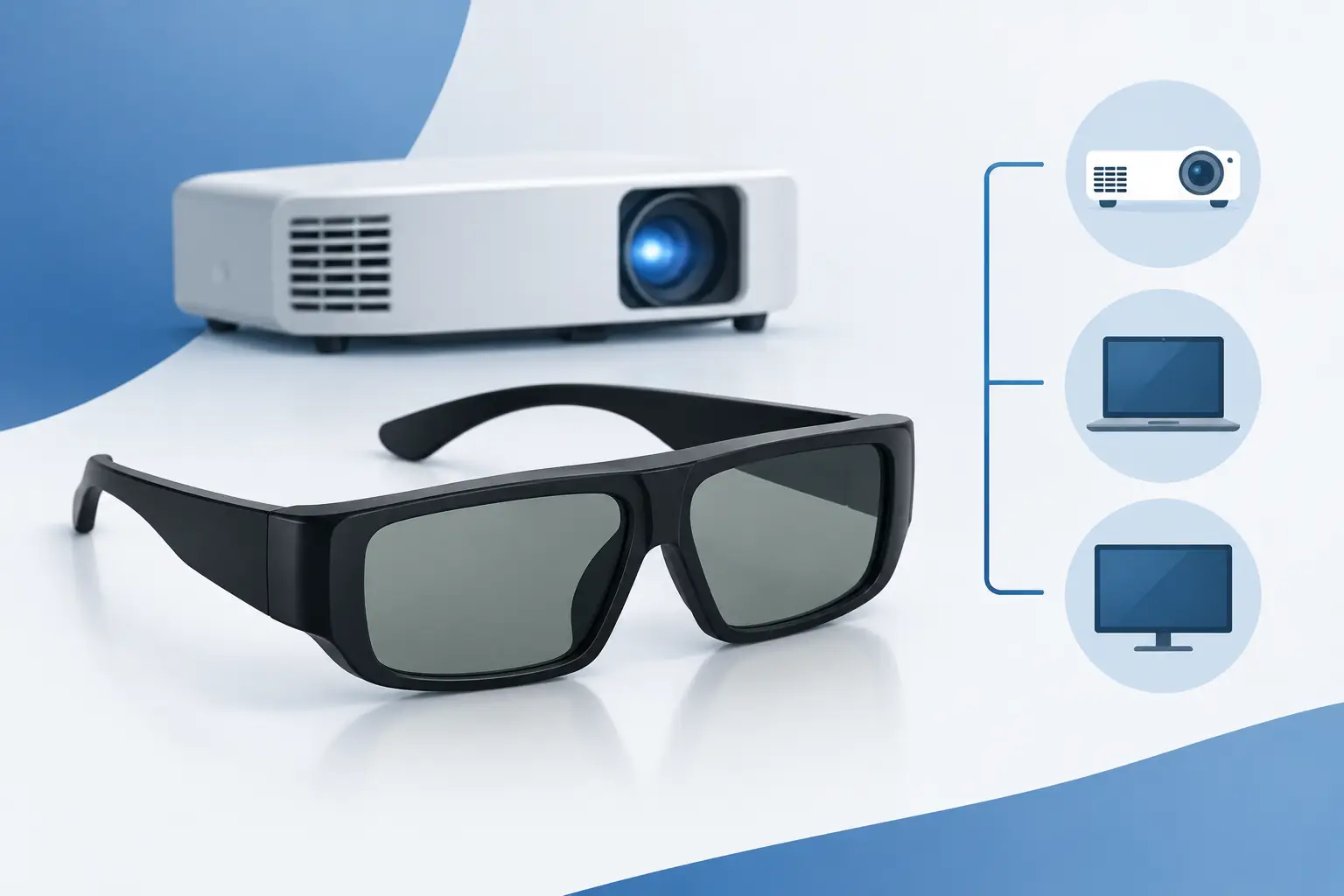
A projector can produce a convincing 3D image only when every part of the system works together. Epson ELPGS03 3D glasses are designed for that final, essential step: delivering separate left- and right-eye images from a compatible Epson projector to create real depth on screen. Before adding a pair to your cart, confirm projector compatibility first. These are specialized active 3D glasses, not universal glasses for every projector, television, or 3D display.
What Epson ELPGS03 3D Glasses Do
The Epson ELPGS03 is an active-shutter 3D glasses model. Instead of using passive polarized lenses like those commonly found in older 3D cinemas, active glasses rapidly alternate the view seen by each eye. The projector sends timed left-eye and right-eye frames, while the glasses synchronize with that signal. Your brain combines those two viewpoints into a three-dimensional picture.
This technology can preserve Full HD detail for each eye when it is supported by the projector and content source. For home theater owners, that means a larger, more immersive way to watch compatible 3D Blu-ray titles, enjoy selected gaming content, or revisit a 3D movie library that a standard flat-panel TV may no longer support.
The glasses use RF synchronization for select Epson 3D projectors. RF, or radio frequency, is useful because it does not depend on maintaining a direct line of sight between the glasses and a front-mounted emitter. You still need to sit within the projector’s supported viewing area, but normal head movement is less restrictive than with some older infrared-based systems.
Their rechargeable design also makes more practical sense than disposable-battery glasses for regular movie nights. Charge the glasses before a viewing session, store them safely afterward, and they are ready for the next film without a drawer full of coin-cell batteries.
Epson ELPGS03 3D Glasses Compatibility Comes First
The most common 3D accessory mistake is assuming that all active 3D glasses work with all active 3D projectors. They do not. Active 3D synchronization standards can differ by brand, generation, and projector model. Bluetooth-based glasses, infrared glasses, DLP-Link glasses, and RF glasses are not automatically interchangeable.
Epson ELPGS03 3D glasses are intended for compatible Epson projectors that support Epson RF active 3D operation. The exact compatible model list can vary by projector generation and regional product version. Check the owner’s manual, technical specifications, or supported-accessories section for your specific projector before ordering. Look for wording that confirms RF 3D support and names ELPGS03 compatibility when possible.
Do not rely only on the fact that your Epson projector has a 3D menu. An older Epson 3D projector may use a different glasses system. Likewise, a projector that accepts a 3D signal may require a separate transmitter or a different accessory model. The projector model number is the detail that matters.
Compatibility also extends beyond the glasses. Your entire signal chain must handle 3D correctly:
- The projector must support the 3D format you plan to watch.
- The source device must output that format, such as a compatible 3D Blu-ray player or media device.
- The HDMI cable and any AV receiver or switcher in between must pass the required 3D signal.
- The movie, game, or disc must contain true 3D content.
A high-quality HDMI cable is usually sufficient when it meets the requirements of the equipment in your setup. Problems often occur when an older receiver, splitter, wireless HDMI kit, or signal converter sits between the player and projector. For troubleshooting, connect the source directly to the projector first. Once 3D is working, add other equipment back into the system one component at a time.
3D Content Is Not the Same as a 3D-Capable Projector
A 3D-ready projector and a pair of glasses cannot turn every program into native 3D. The source must provide a supported 3D signal, unless your particular projector offers a conversion mode. Conversion can be entertaining, but it does not recreate the depth information captured in a genuine 3D film.
For the strongest result, use dedicated 3D content and select the matching 3D mode in the projector menu. If the picture looks doubled, split into two images, or lacks depth, the projector may be set to the wrong format. Common formats include frame packing, side-by-side, and top-and-bottom, depending on the source and projector.
Setting Up the Glasses for a Better Movie Night
Start by fully charging the glasses according to Epson’s instructions. Rechargeable active glasses need enough battery power to maintain reliable shutter operation during a full feature film. If the image flickers, the glasses do not remain synchronized, or one pair performs differently from another, charging is an easy first check.
Next, connect your compatible 3D source to the projector and begin playback. Set the projector to the appropriate 3D mode. On supported Epson RF models, the glasses typically synchronize when powered on during 3D playback. If they do not connect immediately, move closer to the projector, confirm that the 3D image is active, and power the glasses off and back on.
Room lighting deserves attention. Active-shutter 3D naturally appears dimmer than a standard 2D image because each eye is viewing alternating frames through darkened shutters. A projector with strong light output helps, but reducing ambient light is equally valuable. Dim overhead lights, close curtains, and avoid bright lamps facing the screen.
Screen size also affects the experience. A very large screen creates dramatic scale, but it asks more from the projector’s brightness in 3D mode. If your room cannot be fully darkened, a moderately sized image may look richer and more comfortable than an oversized one. This is especially relevant for living rooms, multipurpose spaces, and training rooms with unavoidable ambient light.
Sit within the projector’s recommended viewing distance and face the screen directly where possible. Extreme side angles can reduce perceived brightness or make the image less comfortable, even with RF synchronization. If several people are watching, test every seating position before starting the movie.
Comfort, Fit, and Family Viewing
3D glasses should feel like an accessory, not a distraction. The ELPGS03 design is intended for extended viewing, but personal comfort still depends on face shape, seating position, and whether viewers wear prescription eyewear. Try the glasses over regular eyeglasses before planning a long movie marathon. A stable fit prevents the lenses from slipping lower than your natural line of sight.
For families, purchase enough compatible pairs for the number of viewers you expect most often. Mixing random active glasses from another brand is risky, even if they look similar. A matched set keeps brightness, synchronization behavior, and viewing comfort consistent across the room.
Some viewers are more sensitive to 3D than others. Start with a shorter program if someone is new to active 3D. If eye strain, headaches, or discomfort occur, take a break and review the setup. Incorrect 3D format selection, a dim image, viewing too close to a large screen, and poorly positioned seating can all make the experience less enjoyable.
Care and Purchase Considerations
Treat active 3D glasses as electronic accessories rather than ordinary sunglasses. Store them in a clean, dry place, avoid placing heavy items on the frames, and clean lenses with a soft microfiber cloth. Harsh cleaners and paper towels can mark lens surfaces, which becomes more noticeable against a bright projected image.
Before purchasing, verify three details: your Epson projector model, the 3D source you intend to use, and the number of viewers needing glasses. If you are building a complete home theater system, also consider the screen, projector mount, HDMI path, audio connection, and room lighting. These choices have as much effect on 3D enjoyment as the glasses themselves.
For schools and organizations, 3D is more situational. It can support visual learning in science, design, medical, or technical demonstrations, but it requires controlled content, charged accessories, and time for setup. A standard high-brightness 2D projector may be the better everyday choice for presentations, while 3D becomes a valuable feature for specific lessons or events.
ProjectorDisplay.com can help buyers who need to confirm accessories as part of a projector package or multi-item quotation. The right approach is simple: match the glasses to the projector first, then create the viewing environment that lets the 3D image do its job. When those details align, a compatible Epson setup can make a familiar movie screen feel surprisingly expansive.