
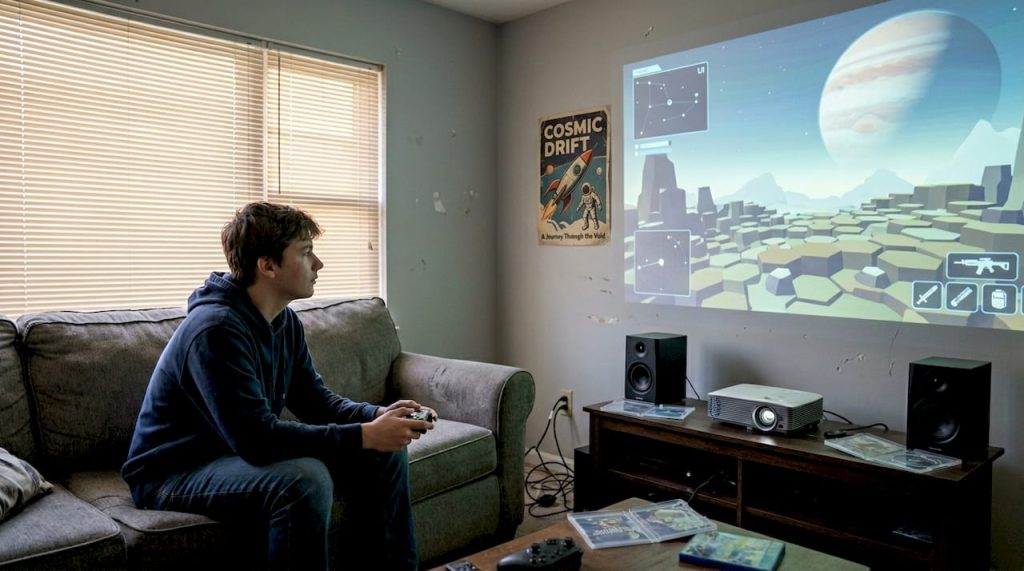
You could be gaming on a screen so large it fills your entire wall, for roughly the same price as a midrange TV. That is not a fantasy. Modern projectors can throw images from 120 to 300 inches of pure immersion, turning any room into a cinematic battlefield. For Malaysian gamers tired of squinting at a 55-inch panel during a four-player session, a projector is a serious upgrade worth considering. This guide walks you through the real benefits, the specs that matter, honest drawbacks, and exactly how to set one up for the best gaming experience possible.
Table of Contents
- Why consider a projector for gaming?
- Projector vs. TV for gaming: A realistic comparison
- Projector specs that matter: Resolution, refresh rate, and input lag
- Optimizing your setup: Room lighting, screens, and sound
- Potential drawbacks and expert solutions
- Making the switch: Final checklist and top advice
- Find the ideal projector for gaming in Malaysia
- Frequently asked questions
Key Takeaways
| Point | Details |
|---|---|
| Immersive screen size | Projectors deliver cinematic visuals up to 300 inches, perfect for group gaming. |
| Choose the right specs | Prioritize low input lag, adequate resolution, and refresh rate for optimal gaming performance. |
| Optimize your environment | Dark rooms and ambient light rejection screens significantly enhance projector-based gaming. |
| Consider trade-offs | While projectors offer size and immersion, TVs may win on brightness and HDR in bright rooms. |
| Setup is key | Correct installation and room prep unlock the best features of your gaming projector. |
Why consider a projector for gaming?
The single biggest reason gamers switch to projectors is scale. A 100-inch display does not just look bigger. It feels different. Your peripheral vision gets pulled into the game, and racing sims, open-world RPGs, and first-person shooters all become genuinely more intense. That level of immersion is simply not possible with even the largest consumer TVs on the market today.
Split-screen multiplayer is where projectors truly shine. Screens over 100 inches mean each player gets a generous portion of the display, instead of everyone crowding around a cramped panel. Hosting a gaming night in your apartment suddenly becomes a proper event.
Here is what projectors bring to your gaming setup:
- Massive display size from 100 to 300 inches for full immersion
- Better split-screen real estate for local co-op and party games
- Cinematic atmosphere that transforms even a small Malaysian apartment
- Flexible placement so you can pack it away when not in use
- Cost efficiency for large-screen gaming compared to big-screen TVs
"A projector turns any room into a shared gaming arena, making multiplayer sessions feel like a LAN party every single night."
If you want to explore models built specifically for this purpose, check out the best projectors for gaming available in Malaysia right now.
Projector vs. TV for gaming: A realistic comparison
Understanding these core differences helps you decide if immersive gaming or image quality is your bigger priority.
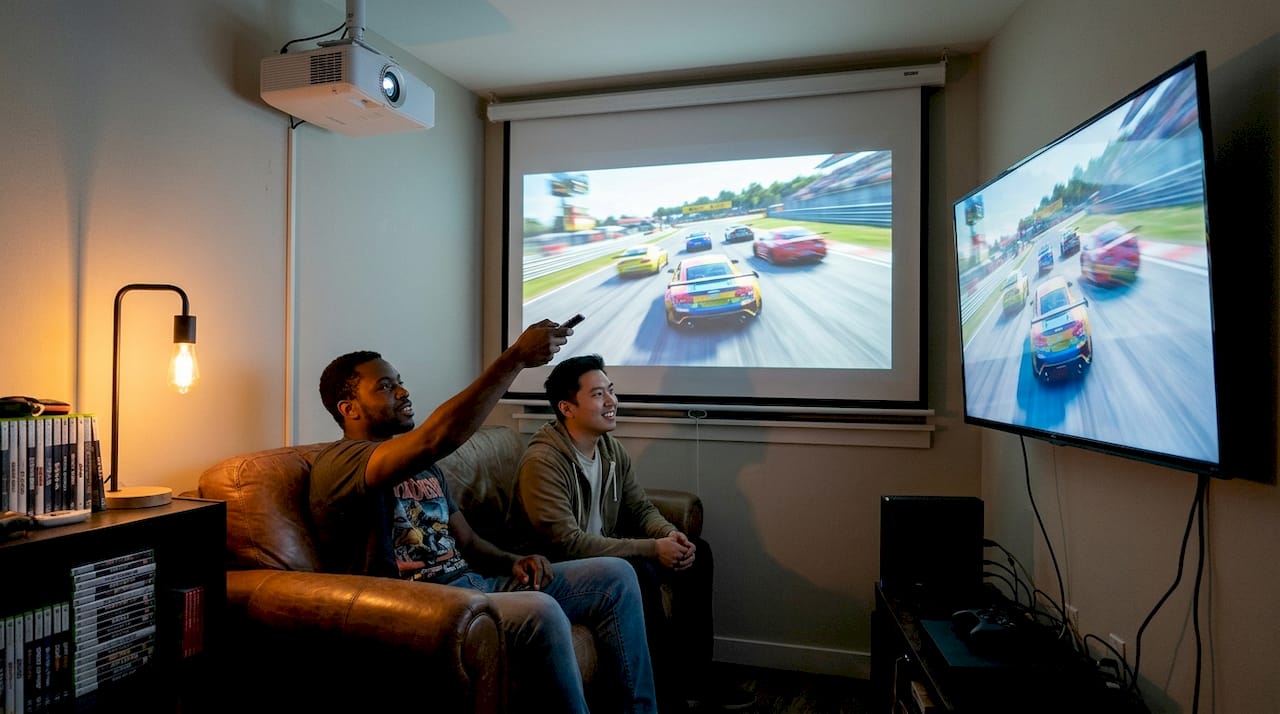
Projectors and TVs each have a lane. Projectors win on size and atmosphere. TVs win on brightness, contrast, and HDR performance. The gap in input lag has narrowed significantly, with many 2026 gaming projectors now hitting under 16ms in game mode, which is competitive with mid-range TVs.
Projectors excel in immersion but fall behind TVs in brightness, contrast, and HDR, making them best suited for dark rooms or setups using ambient light rejection (ALR) screens. ALR screens are specially coated surfaces that push away side-light while preserving image clarity from the projector's direct beam.
| Feature | Projector | TV |
|---|---|---|
| Screen size | 100 to 300 inches | 55 to 98 inches |
| Brightness | 1,500 to 3,500 lumens | Very high (nits-based) |
| HDR performance | Limited | Excellent |
| Input lag (game mode) | 8 to 20ms | 1 to 10ms |
| Cost for large screen | Lower | Much higher |
| Best environment | Dark or ALR-equipped room | Any lighting condition |
For a deeper look at how display technology developments are closing the gap between projectors and TVs, the progress in laser light sources and fast-refresh DLP chips is worth following.
Pro Tip: If your gaming room gets afternoon sunlight through windows, invest in blackout curtains or an ALR screen before buying any projector. Brightness is the one spec you cannot fix in settings.
Browse the full range of projector features for gaming to compare models side by side before committing.
Projector specs that matter: Resolution, refresh rate, and input lag
With the core specs in mind, let us move on to practical setup strategies for the best hands-on gaming experience.
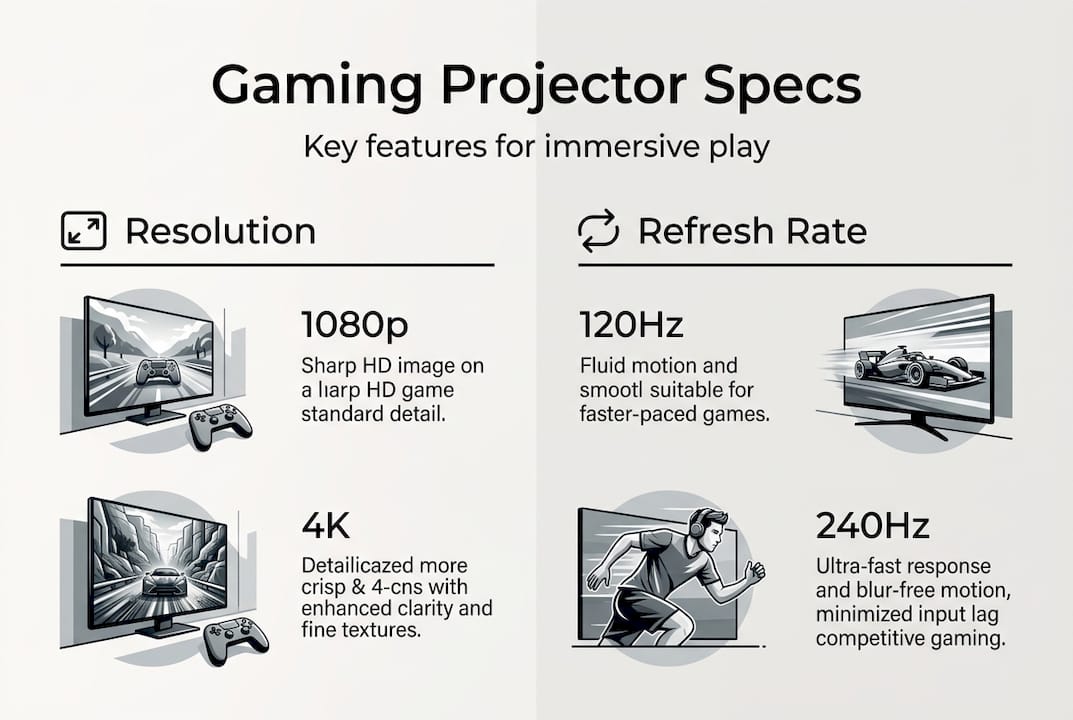
Three numbers define your gaming projector experience. Resolution is how sharp the image looks (1080p is Full HD, 4K is four times sharper). Refresh rate measured in Hz tells you how many frames per second the projector can display. Input lag measured in milliseconds is the delay between pressing a button and seeing the result on screen. Lower is always better for input lag.
Here is a quick checklist before you buy:
- Confirm the projector has a dedicated game mode that reduces processing delay
- Check the native resolution, not just the supported resolution
- Verify the refresh rate at your target resolution (some 4K projectors drop to 60Hz at full res)
- Test input lag figures from independent reviews, not just the spec sheet
- Ask about the rainbow effect if the projector uses a single-chip DLP design
The rainbow effect is a brief flash of red, green, and blue that some people notice on DLP projectors during fast motion. Most gamers never see it, but sensitive viewers find it distracting. Three-chip DLP and LCD projectors avoid this entirely.
| Game genre | Recommended resolution | Recommended refresh rate | Max input lag |
|---|---|---|---|
| Competitive FPS | 1080p | 240Hz | Under 10ms |
| Story RPG / Adventure | 4K | 60Hz | Under 20ms |
| Racing sim | 1080p or 4K | 120Hz | Under 16ms |
| Sports games | 1080p | 120Hz | Under 16ms |
Prioritizing 1080p at 240Hz with input lag under 10ms is the right call for competitive FPS players, while 4K at 60Hz suits story-driven games on PS5 or Xbox Series X. For detailed guidance on settings for projectors in gaming and how to reduce input lag on your current setup, those resources break it down step by step.
Optimizing your setup: Room lighting, screens, and sound
After fine-tuning your room and gear, it is important to note the limitations and challenges that come with projector-based gaming.
Projectors perform best in dark rooms or with ALR screens, and this is especially relevant in Malaysian homes where natural light can be intense. Blackout curtains are your first investment, not your last.
For sound, a projector's built-in speakers are rarely enough for gaming. Pair your setup with a soundbar or a basic 2.1 speaker system to get directional audio that matches the scale of your display. Games like first-person shooters rely heavily on sound cues, and a big screen with weak audio is a missed opportunity.
Common mistakes to avoid when setting up:
- Placing the projector too close to the screen, causing a small image and keystone distortion
- Skipping screen calibration after installation, leaving colors washed out or oversaturated
- Ignoring throw ratio, which determines how far back the projector needs to sit for your target screen size
- Using a white wall instead of a proper screen, which reduces contrast and sharpness noticeably
- Forgetting ventilation, which causes overheating and shorter lamp or laser life
Pro Tip: Malaysian apartments often have limited depth. A short-throw projector can produce a 100-inch image from less than 1.5 meters away, making it ideal for compact living rooms without sacrificing screen size.
For more guidance, read up on buying a projector screen, explore light-rejecting projection screens suited for local conditions, and learn about using projectors in daylight if your room cannot be fully darkened.
Potential drawbacks and expert solutions
By understanding both benefits and challenges, you can make informed, confident decisions on integrating projectors into your gaming gear.
No display technology is perfect. Projectors have real trade-offs, and knowing them upfront saves you from buyer's remorse.
Common drawbacks and how to handle them:
- Lower brightness than TVs: Use an ALR screen and keep the room as dark as possible. Laser projectors with 2,500 lumens or more handle moderate ambient light better than lamp-based models.
- Color accuracy out of the box: Run a calibration using built-in color settings or a free calibration tool. Most gaming projectors have a dedicated game mode that improves color response.
- Maintenance requirements: Lamp-based projectors need bulb replacements every 3,000 to 5,000 hours. Laser projectors last 20,000 hours or more with almost zero maintenance.
- Fan noise during play: Position the projector farther from your seating area or choose a model with a quiet mode. Most modern units run under 30 decibels.
"Projectors lag behind TVs in brightness, contrast, and HDR, but pairing them with the right screen and room setup closes that gap significantly for most gaming scenarios."
None of these issues are deal-breakers. They are manageable trade-offs that most gamers find worth it once they experience the scale. For a full walkthrough on using a projector for gaming at home, that guide covers real-world solutions in detail.
Making the switch: Final checklist and top advice
Ready to start? Here is where you can find the right equipment and even better deals in Malaysia.
Projectors transform any room into an immersive multiplayer experience, and the payoff is immediate the first time you load up a game on a 120-inch screen. Before you buy, run through this checklist:
- Measure your room and calculate the throw distance for your target screen size
- Set a budget that includes the projector, screen, and any sound upgrades
- Choose your primary game genre to prioritize the right resolution and refresh rate
- Decide on lamp vs. laser based on how often you plan to game and your maintenance tolerance
- Test before you commit by visiting a showroom or requesting a demo if possible
- Plan your cable management and power outlet placement before mounting anything
- Check warranty and local support availability in Malaysia before finalizing your purchase
For a curated list of models that Malaysian gamers are actually buying right now, the top gaming projectors Malaysia page is the best starting point. It covers a range of budgets and use cases so you can match the right projector to your actual setup.
Find the ideal projector for gaming in Malaysia
ProjectorDisplay.com makes it straightforward to find a gaming projector that fits your room, your budget, and your favorite games. Whether you are after a laser short-throw for a compact apartment or a full 4K setup for a dedicated gaming room, the selection covers every need.

Browse current projector deals to catch the best prices on high-performance gaming models available right now in Malaysia. If you want a smooth installation from day one, the projector installation steps guide walks you through every stage without guesswork. And if you are still deciding on the right surface for your image, the overview of types of projection screens helps you match the perfect screen to your room conditions. Fast shipping across Peninsular Malaysia and WhatsApp support mean you are never left figuring it out alone.
Frequently asked questions
Is a projector better than a TV for all types of gaming?
Projectors excel in immersive, multiplayer, and cinematic games, but TVs outperform them in brightness and HDR for well-lit room gaming. The best choice depends on your room setup and the games you play most.
What specs should I prioritize for competitive gaming with projectors?
Aim for at least 1080p resolution, 120Hz or higher refresh rate, and input lag under 20ms. For serious FPS players, 1080p at 240Hz with under 10ms input lag is the target.
Can projectors be used in daylight or bright rooms?
Projectors work best in dark rooms, but an ambient light rejection screen significantly improves performance in brighter spaces. A laser projector with high lumens also helps manage ambient light challenges.
Are projectors harder to set up than TVs for gaming?
Most projectors are straightforward to install once you plan your room layout correctly. Room preparation, including screen placement and lighting control, matters more than any technical skill.
Recommended
- Boost your projection: 7 must-have projector accessories – Projector Display
- Panduan Cara Guna Projektor untuk Gaming di Rumah 2025 – Projector Display
- Penggunaan Projektor Untuk Gaming: Panduan Lengkap – Projector Display
- Home Theater Projector Setup: Achieve the Ultimate Viewing Experience – Projector Display
- Top Interactive Games for Your Next Exhibition Show in Europe