
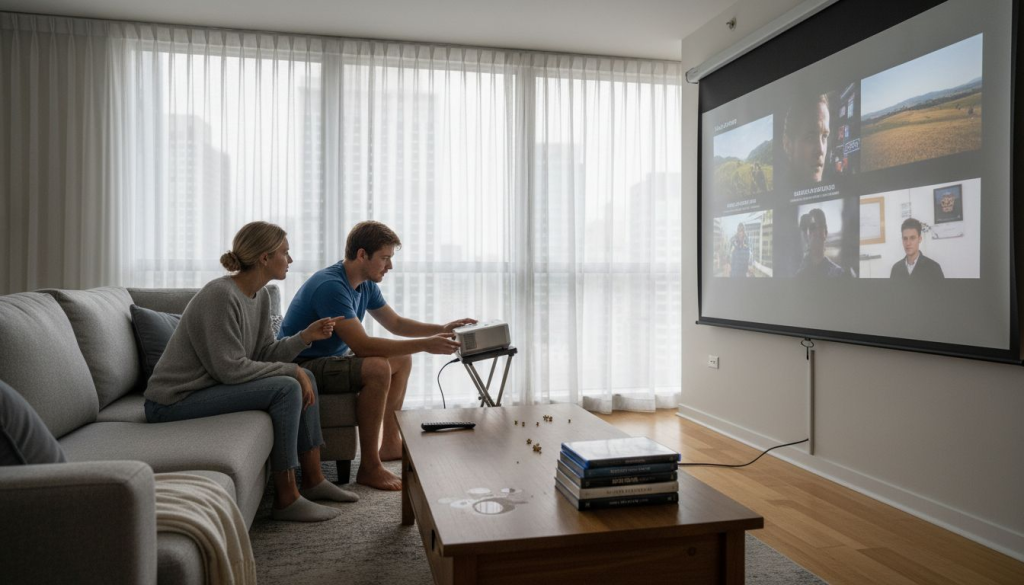
Choosing a projector screen seems simple until you realize that a 150-inch screen might cause headaches instead of movie magic. Many home theater enthusiasts assume bigger screens deliver better experiences, but eye strain increases significantly if viewing distance is less than 1.5 times the screen diagonal. The truth is that optimal screen size depends on your projector's capabilities, room dimensions, and seating arrangement. This guide teaches you how to use a projector screen size calculator to determine the perfect dimensions for your Malaysian home theater, ensuring comfortable viewing and crystal-clear images.
Table of Contents
- Understanding Viewing Distance And Screen Size
- Projector Throw Ratio And Its Impact On Screen Size
- Aspect Ratio Considerations For Malaysian Home Theaters
- Local Room Size Constraints And Ambient Light Challenges In Malaysia
- Using A Projector Screen Size Calculator: Step By Step Guide
- Common Misconceptions About Projector Screen Size
- Conclusion And How ProjectorDisplay.com Supports Your Screen Size Choice
- Enhance Your Home Theater With ProjectorDisplay.com
Key takeaways
| Point | Details |
|---|---|
| Screen size balancing act | Optimal size depends on throw ratio, viewing distance, aspect ratio, and room constraints working together. |
| Viewing distance formula | Position seating between 1.5 to 2.5 times the screen diagonal to prevent eye strain and maintain immersion. |
| Malaysian room limitations | Typical living spaces restrict screens to 100 to 120 inches diagonal due to size and lighting conditions. |
| Ambient light matters | Bright rooms require higher lumen projectors and smaller screens or specialized ambient light rejecting materials. |
| Calculator precision | Using calculation tools ensures the best balance between immersive viewing and comfortable long-term use. |
Introduction to projector screen size importance
Selecting the right projector screen size makes the difference between a stunning home theater and a disappointing setup that causes discomfort. Screen size directly affects image clarity and eye comfort in home theaters, influencing everything from pixel visibility to viewing fatigue during movie marathons. When you choose incorrectly, you face blurry images, distorted proportions, or constant eye strain that ruins the experience.
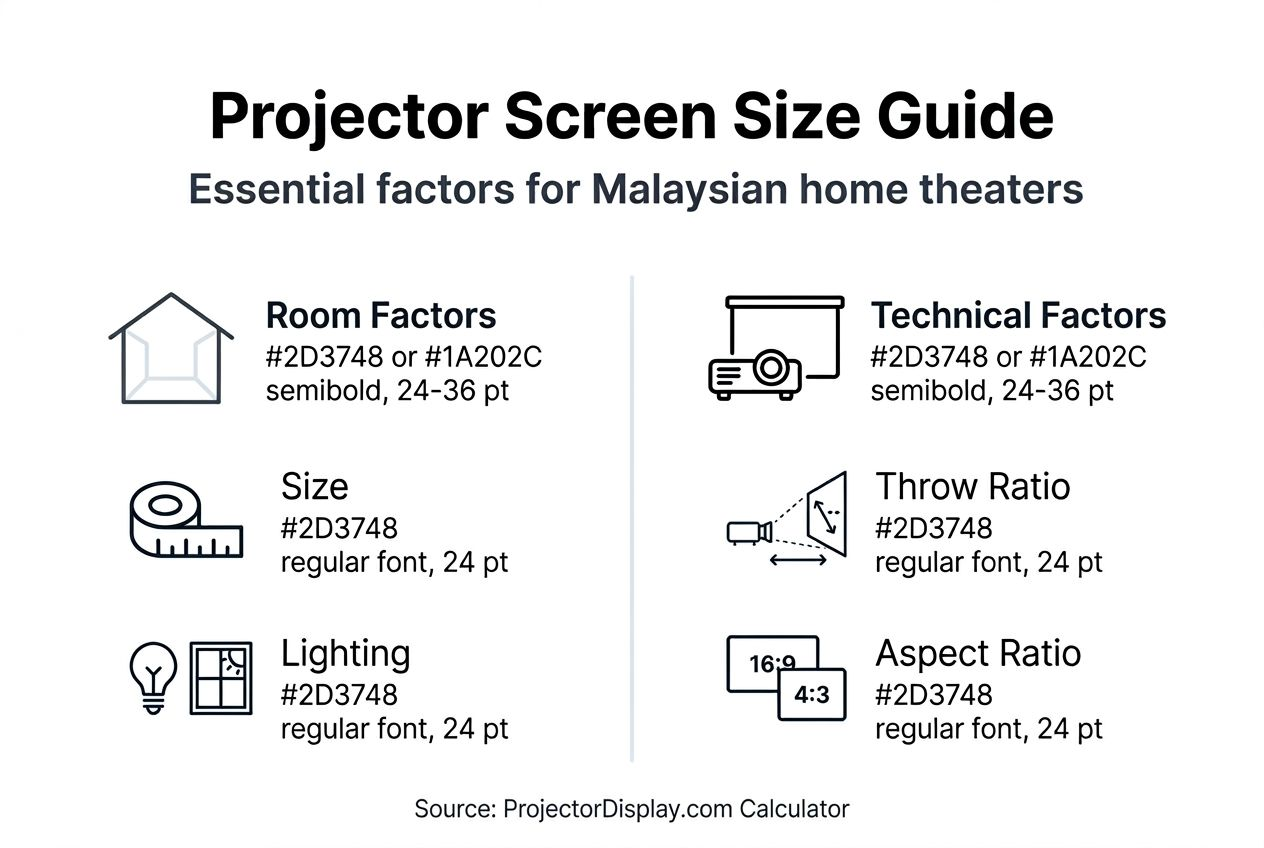
Optimal screen sizing balances multiple factors unique to your space. Your projector's throw capabilities, room dimensions, ambient lighting conditions, and seating arrangements all play critical roles. Malaysian homes present specific challenges, including compact living spaces, tropical sunlight streaming through windows, and furniture layouts that limit flexibility.
Consider these essential factors when sizing your screen:
- Projector specifications including throw ratio and brightness output
- Physical room dimensions and ceiling height constraints
- Natural and artificial lighting conditions throughout the day
- Seating distance from the planned screen location
- Content types you watch most frequently
Getting screen size right maximizes your investment in projection equipment. You avoid purchasing screens that are too large for comfortable viewing or too small to deliver the immersive experience you want. Following proper screen size selection tips for home theaters helps you match your screen to both your projector's capabilities and your room's physical realities. Understanding the relationship between these variables ensures years of enjoyable viewing without costly replacements or modifications.
Understanding viewing distance and screen size
The relationship between screen size and viewing distance determines whether your home theater delivers comfort or causes headaches. Viewing distance should be between 1.5 to 2.5 times the screen diagonal to reduce eye strain and enhance immersion, creating the sweet spot where you see crisp details without scanning your head back and forth. Sitting too close forces your eyes to work harder tracking movement across the screen, leading to fatigue within 30 minutes. Positioning yourself too far away diminishes the immersive quality that makes home theaters special, reducing your investment to something barely better than a large television.
Calculating your ideal screen size starts with measuring where you plan to sit. If your couch sits 10 feet from the wall, dividing that distance by 1.5 gives you a maximum diagonal of 80 inches for comfortable viewing. Dividing by 2.5 yields a minimum of 48 inches for adequate immersion. Your ideal size falls somewhere in that range based on personal preference and content types.
Malaysian living rooms often measure between 12 to 16 feet in length, which constrains both seating placement and screen size options. You might need to compromise on the ideal ratio if walls, doorways, or furniture limit where you can position seating. Shorter viewing distances work better with smaller screens, while longer distances accommodate larger displays without discomfort.
Pro Tip: Measure your viewing distance while sitting in your normal watching position, not standing. People tend to slouch or recline when relaxed, which effectively increases viewing distance by several inches.
Key considerations for optimal viewing distance include:
- Eye level alignment with screen center for neck comfort
- Screen diagonal measurement from corner to corner, not width
| Room lighting that affects perceived screen size and clarity - Content resolution impact on minimum viewing distance
Understanding optimal viewing distance for projectors helps you avoid the common mistake of choosing screen size before finalizing seating arrangements. Lock in your furniture layout first, then calculate screen dimensions based on actual viewing positions. This approach prevents disappointment and ensures your home theater delivers the comfortable, immersive experience you expect.
Projector throw ratio and its impact on screen size
Your projector's throw ratio acts as a hard limit on maximum screen size regardless of what your viewing distance allows. This ratio, calculated by dividing throw distance by image width, determines how large an image your projector can create from a specific mounting location. A projector with a 1.5:1 throw ratio placed 12 feet from the wall produces an 8-foot-wide image, while a 2.0:1 ratio from the same distance yields only a 6-foot width.
Fixed projector placement in Malaysian homes creates practical constraints you cannot ignore. Ceiling-mounted projectors offer limited adjustment range before requiring complete remounting. Table or shelf placements face similar restrictions based on furniture positions and room layouts. Throw ratio determines maximum screen width possible given projector distance, restricting screen size choices more than most buyers initially realize.
Understanding throw ratio before purchasing screens prevents costly mistakes. A projector mounted 10 feet from your wall with a 2.0:1 throw ratio cannot fill a 120-inch screen no matter how much you want it to. Calculate first, buy second.
Follow these steps to match screen size with throw capabilities:
- Measure the exact distance from your projector lens to the wall where the screen will mount
- Find your projector's throw ratio in the specifications manual or manufacturer website
- Divide throw distance by throw ratio to calculate maximum image width
- Convert image width to diagonal size using your chosen aspect ratio
- Compare calculated maximum to your desired screen size before purchasing
- Consider shorter throw projectors if calculations show your current model cannot achieve desired size
Ignoring throw ratio calculations results in blurry, distorted images that ruin picture quality. Projectors forced beyond their optimal throw range struggle with focus uniformity, creating sharp centers with fuzzy corners. Some projectors offer zoom features that provide flexibility, but these typically reduce brightness or introduce optical compromises.
Typical throw ratios for projectors popular in Malaysia range from 1.2:1 for short-throw models to 2.5:1 for standard throw units. Ultra short-throw projectors offer ratios below 0.4:1, enabling large images from minimal distances. Understanding your specific model's specifications through projector throw ratio and distance resources helps you make informed screen size decisions. Match your screen purchase to your projector's actual capabilities rather than your wishes, and you will enjoy sharp, properly sized images every viewing session.
Aspect ratio considerations for Malaysian home theaters
Aspect ratio defines the proportional relationship between screen width and height, fundamentally affecting how your chosen diagonal size translates into actual dimensions. Common ratios include 16:9 for widescreen content, 4:3 for traditional formats, and 2.35:1 for cinematic experiences. 16:9 aspect ratio is standard for HD content and most home theaters, affecting screen dimensions and viewing experience because virtually all modern streaming services, Blu-ray discs, and television broadcasts use this format.
Choosing the wrong aspect ratio creates black bars that waste screen space or stretched images that distort proportions. A 100-inch diagonal 16:9 screen measures approximately 87 inches wide by 49 inches tall, while the same diagonal in 4:3 measures only 80 inches wide by 60 inches tall. These different dimensions affect how much wall space you need and whether the screen fits your room layout.
Malaysian home theaters benefit most from 16:9 screens because local content providers, international streaming platforms, and gaming consoles all output in this format. Selecting wider cinematic ratios like 2.35:1 requires more wall width and often leaves unused screen area when watching standard content. The wider format creates letterboxing for most media, reducing effective viewing area.
| Aspect Ratio | Width (inches) | Height (inches) | Best Use Case | Room Width Needed |
|---|---|---|---|---|
| 16:9 | 87 | 49 | HD content, streaming, gaming | 10+ feet |
| 4:3 | 80 | 60 | Vintage content, presentations | 9+ feet |
| 2.35:1 | 92 | 39 | Cinema films, movie enthusiasts | 11+ feet |
Note: Measurements shown for 100-inch diagonal screens with recommended 1-foot clearance on each side.
Wider aspect ratios demand adjustments to your seating arrangement and room layout. A 2.35:1 screen places the image lower and wider, potentially requiring furniture repositioning to maintain optimal viewing angles. Malaysian living rooms with standard ceiling heights around 9 to 10 feet accommodate 16:9 screens more easily than ultra-wide formats.
Pro Tip: Before committing to an aspect ratio, check what percentage of your content actually uses that format. If 90% of your viewing happens in 16:9, choosing a wider screen just for occasional cinema viewing wastes money and wall space.
Screen dimensions interact with room constraints:
- Wider screens require more wall space and clearance from corners
- Taller screens may conflict with ceiling fans or lighting fixtures
- Furniture placement influences which aspect ratios fit comfortably
- Doorways and windows limit where screens can mount
Understanding aspect ratio effects helps you select dimensions that match both your content library and physical space. Most Malaysian home theater owners find 16:9 offers the best balance between screen size, content compatibility, and room fit. Choose your aspect ratio before calculating final screen dimensions to ensure accurate measurements and proper equipment matching.
Local room size constraints and ambient light challenges in Malaysia
Malaysian living spaces present unique challenges that significantly impact practical screen size limits beyond theoretical calculations. Typical Malaysian living rooms limit projector screen sizes to about 100 to 120 inches diagonal due to space constraints, with most homes featuring compact layouts that prioritize efficient space usage over dedicated theater rooms. Standard terrace houses and apartments rarely offer rooms exceeding 15 feet in length, creating physical boundaries that override ideal viewing distance formulas.
Ambient light poses an even greater challenge in tropical climates where sunshine streams through windows most of the day. Bright conditions wash out projected images, forcing you to choose between smaller screens that maintain brightness or dimming rooms completely. Natural light reduces perceived contrast ratios dramatically, making dark movie scenes nearly unwatchable without proper light control measures.
Room layout factors affecting screen size include:
- Doorway positions that interrupt wall space and viewing lines
- Window locations that introduce glare and ambient light
- Ceiling fan placements that conflict with screen mounting
- Air conditioning units that limit available wall areas
- Built-in cabinets or shelving that reduce usable space
Higher lumen projectors help combat ambient light but cannot fully overcome bright tropical conditions without additional measures. A 3,000-lumen projector struggles with a 120-inch screen in daylight, while the same projector easily handles a 100-inch screen with modest room darkening. Choosing screen size requires balancing your projector's brightness output against realistic lighting conditions in your home.
| Room Dimension | Maximum Screen Size | Required Lumens | Ambient Light Control |
|---|---|---|---|
| 12 x 15 feet | 100 inches | 2,500+ lumens | Blackout curtains |
| 15 x 18 feet | 120 inches | 3,000+ lumens | Heavy curtains + dimming |
| 18 x 20 feet | 135 inches | 3,500+ lumens | Complete light control |
Note: Recommendations assume 16:9 aspect ratio and moderate ambient light conditions typical in Malaysian homes.
Furniture arrangements in Malaysian homes often prioritize multi-purpose spaces over dedicated theaters. Living rooms serve for entertaining guests, family gatherings, and daily relaxation, meaning seating cannot be fixed solely for optimal viewing. This flexibility requirement limits how precisely you can position furniture for perfect viewing distances.
Consider these practical solutions for Malaysian homes:
- Ambient light rejecting screens that maintain contrast in bright rooms
- Blackout curtains or blinds for windows near the viewing area
- Higher brightness projectors rated for 3,000+ lumens
- Slightly smaller screens that maintain image quality in realistic conditions
Understanding room size impact on screen choice and ambient light considerations helps you set realistic expectations. Your theoretical ideal screen size based on viewing distance and throw ratio must be adjusted for actual room constraints and lighting realities. Choosing a 110-inch screen that performs well in your specific environment beats selecting a 130-inch screen that looks washed out and disappoints every viewing session.
Using a projector screen size calculator: step by step guide
Projector screen size calculators eliminate guesswork by processing all the variables affecting optimal screen dimensions into one clear recommendation. These tools account for throw distance, viewing distance, aspect ratio, and projector specifications simultaneously, preventing the math errors that plague manual calculations. Following a systematic approach ensures accurate inputs that generate reliable results you can confidently use for purchasing decisions.
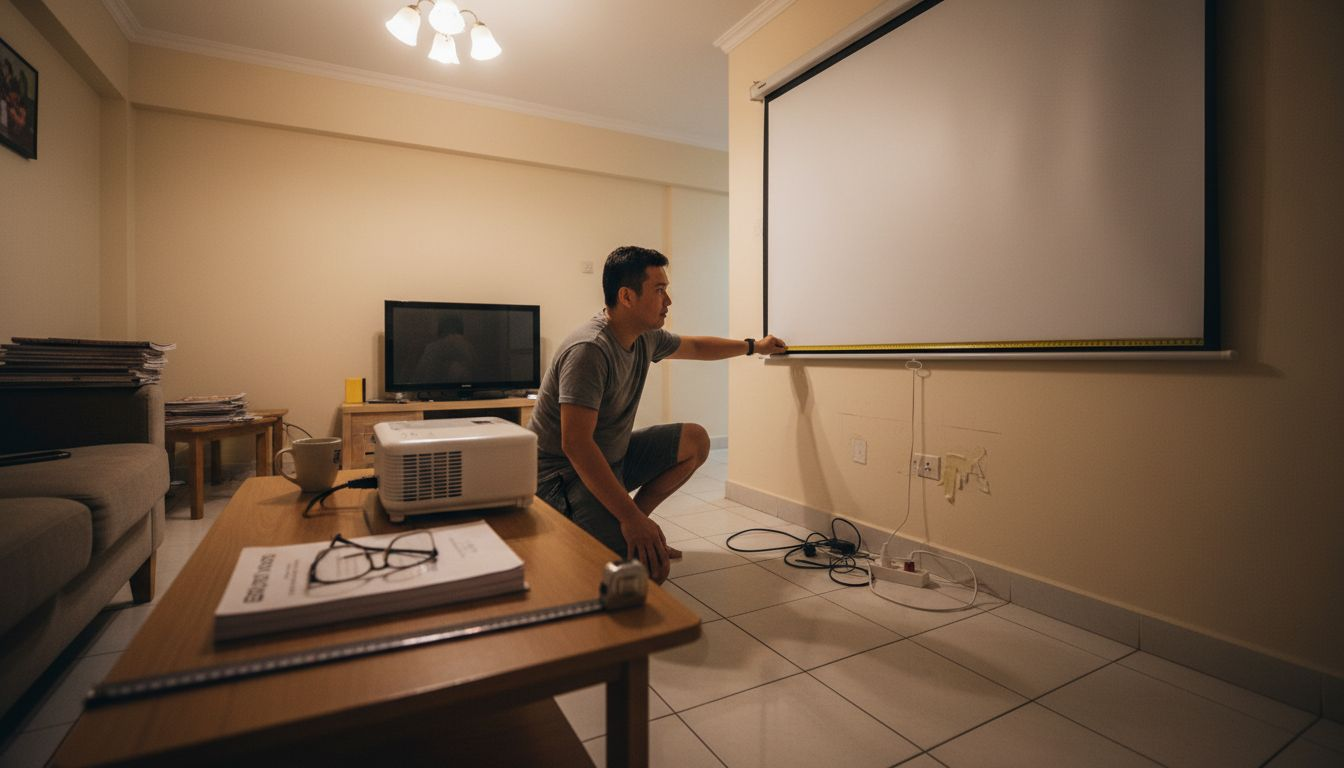
Begin by gathering accurate measurements before opening any calculator. Walking through your space with a tape measure takes 10 minutes but prevents costly mistakes that waste hundreds of dollars on wrong-sized equipment. Double-check each measurement, especially throw distance from projector lens to wall, not from projector housing edge.
Follow these steps to calculate your ideal screen size:
- Measure projector throw distance precisely from lens to wall mounting location using a tape measure locked at the exact mounting height
- Determine your preferred viewing distance by measuring from planned seating position to wall, accounting for typical slouching or reclining
- Select screen aspect ratio based on your projector output and content library, with 16:9 recommended for most users
- Locate your projector's throw ratio in specifications or manufacturer documentation, noting whether zoom features affect this number
- Input all measurements into the projector screen size calculator guide provided by trusted sources
- Review the recommended screen diagonal size and verify it falls within your viewing distance comfort range
- Adjust recommendations downward if ambient light conditions or room size constraints require compromises
- Cross-reference calculated size against available wall space to ensure physical fit with clearance on all sides
Calculators provide starting points, not absolute requirements. If calculations suggest a 115-inch screen but your room realistically accommodates only 100 inches, trust your environmental assessment. Smaller screens that fit properly and maintain image quality outperform oversized screens that introduce problems.
Pro Tip: Run calculations multiple times with slight variations in viewing distance or seating positions. If results vary by more than 10 inches diagonal, your seating arrangement needs refinement before purchasing any equipment.
Verify your calculator results against these sanity checks:
- Screen diagonal fits wall space with 12 inches minimum clearance on sides
- Viewing distance maintains 1.5 to 2.5 ratio with recommended size
- Projector throw distance supports calculated screen width based on throw ratio
- Room lighting conditions match projector lumen output for screen size
- Budget accommodates recommended size without compromising on screen quality
Using calculator results to shop on ProjectorDisplay.com streamlines the purchasing process by filtering products that match your specifications. You avoid browsing screens that are too large or too small, focusing only on options that work with your calculated requirements. This targeted approach saves time and reduces decision fatigue when comparing multiple models.
Common misconceptions about projector screen size
Misunderstandings about screen sizing lead enthusiasts to make expensive mistakes that diminish viewing quality and satisfaction. The biggest myth claims that larger screens always create better home theater experiences, ignoring the critical relationships between size, distance, and image quality. Believing this misconception drives buyers toward oversized screens that cause eye strain and viewing discomfort within the first hour of use.
Another prevalent myth suggests viewing distance barely matters as long as you can see the entire screen. This dangerous assumption ignores how human eyes process information and track movement across visual fields. Sitting too close to large screens forces constant eye movement that creates fatigue, while excessive distance reduces immersion and makes fine details invisible.
Debunk these common misconceptions:
- Bigger screens always improve viewing experiences; reality shows size must match distance and room conditions precisely
- Viewing distance is flexible and unimportant; proper distance ratios prevent eye strain and maximize comfort
- Throw distance limitations can be ignored; projector physics create hard limits on achievable screen sizes
- Ambient light affects only brightness; light actually impacts contrast, color accuracy, and perceived screen size
- Screen quality matters less than size; poor screens waste projector capabilities regardless of dimensions
Some enthusiasts believe they can compensate for wrong screen sizes through projector settings or seating adjustments. While minor tweaks help, no amount of calibration fixes fundamental mismatches between screen dimensions and viewing environments. A 150-inch screen in a 12-foot room creates problems no settings adjustment can solve.
The myth that throw distance calculations are optional persists despite clear evidence showing blurry, distorted images from improper projector placement. Buyers assume they can move projectors closer or farther after installation to achieve desired sizes, not realizing that throw ratios create fixed relationships between distance and image width. Attempting to exceed these limits produces focus problems and geometric distortion.
Ignoring ambient light considerations represents another costly error. Enthusiasts purchase large screens optimized for dark rooms, then attempt using them in bright living spaces without proper light control. The resulting washed-out images disappoint viewers who blame projector quality rather than recognizing environmental mismatch.
Avoiding these pitfalls requires understanding that multiple factors interact to determine optimal screen size. No single variable dominates the equation. Proper calculations consider viewing distance, throw ratio, aspect ratio, room size, and lighting conditions simultaneously. Taking shortcuts by ignoring any factor risks purchasing equipment that underperforms or requires expensive replacements.
Learning screen size mistakes to avoid prevents wasting money on screens that look impressive in specifications but disappoint in actual use. Trust systematic calculations over assumptions or myths repeated in online forums. When calculator results conflict with your desires for larger screens, the calculations are probably right and your wishes need adjustment.
Conclusion and how ProjectorDisplay.com supports your screen size choice
Accurate screen size calculations separate disappointing home theaters from exceptional viewing experiences that justify your investment. Using calculators ensures your screen matches projector capabilities, room dimensions, and viewing preferences rather than relying on guesswork or myths. Every factor from throw ratio to ambient light plays a role in determining the size that delivers comfortable, immersive viewing for years.
Proper screen sizing maximizes the value of your entire projection system. A correctly sized screen showcases your projector's capabilities, maintains image sharpness, prevents eye strain, and fits your space naturally. These benefits compound over thousands of viewing hours, making the extra effort to calculate precisely worthwhile.
ProjectorDisplay.com provides the tools and expertise Malaysian home theater enthusiasts need to make confident screen size decisions. Their projector screen size calculator simplifies the process, while their curated selection of projector screens accommodates typical Malaysian room sizes and lighting conditions. Expert guidance helps you navigate the technical specifications and environmental factors unique to Malaysian homes.
The platform offers screens optimized for ambient light conditions common in tropical climates, projectors with appropriate throw ratios for compact spaces, and accessories that complete your setup. Shopping through ProjectorDisplay.com ensures compatibility across components while benefiting from local expertise and fast delivery within Peninsular Malaysia. Their support team understands the specific challenges Malaysian buyers face, from room size constraints to sunlight management, providing recommendations tailored to local conditions rather than generic international advice.
Start your perfect home theater journey by using their calculator to determine your ideal screen size, then explore their inventory to find screens that match your specifications and budget.
Enhance your home theater with ProjectorDisplay.com
Ready to transform your living space into an exceptional home theater? ProjectorDisplay.com provides everything Malaysian enthusiasts need to get screen sizing right the first time. Our projector screen size calculator tool takes the guesswork out of dimensions, ensuring your investment delivers years of comfortable viewing.

Browse our curated selection of projector screens designed for Malaysian room sizes and lighting conditions. Every screen in our inventory has been selected to work with popular projector models and typical home layouts. We understand the challenges of ambient light, compact spaces, and multi-purpose rooms because we specialize in the Malaysian market.
Shop with confidence knowing you have access to expert guidance, quality products, and local support. Visit ProjectorDisplay.com today to explore our full range of projection equipment and start building your perfect home theater setup.
FAQ
What factors most affect my ideal projector screen size?
Four primary factors determine your optimal screen size: viewing distance from seating to screen, projector throw ratio limiting maximum width, room dimensions constraining physical space, and ambient light affecting brightness requirements. Each factor interacts with the others, so you must consider all simultaneously rather than optimizing for just one. Malaysian homes particularly need to account for compact room sizes and tropical sunlight when calculating practical screen dimensions.
How does the projector throw ratio limit screen size options?
Throw ratio creates a fixed mathematical relationship between projector distance and maximum image width, establishing hard limits on screen size from any mounting location. A 2.0:1 throw ratio means the projector must be positioned 2 feet away for every 1 foot of image width desired. Higher ratios require greater distances for large screens, often exceeding available room length in Malaysian homes. You cannot bypass this limitation without changing projector position or selecting a different model with a shorter throw ratio.
Can I use a larger screen if I sit further away?
Yes, increasing viewing distance proportionally allows larger screens while maintaining comfort, provided your projector's throw ratio and room size support the expanded dimensions. The 1.5 to 2.5 viewing distance ratio scales with screen size, so a 120-inch screen requires 15 to 25 feet of viewing distance. However, Malaysian rooms often lack sufficient length to accommodate both larger screens and increased viewing distances simultaneously, forcing compromises on one dimension or the other.
What screen size is recommended for typical Malaysian rooms?
Screens between 100 and 120 inches diagonal work best for most Malaysian living spaces, accommodating standard room dimensions of 12 to 16 feet length while maintaining comfortable viewing distances. Smaller apartments may require 80 to 100-inch screens, while larger homes with dedicated theater rooms can support up to 135 inches. Always measure your specific room and calculate based on actual dimensions rather than assuming standard recommendations fit your unique space and lighting conditions.
How does ambient light affect my screen size choice?
Bright ambient light reduces effective screen size by washing out images, requiring either smaller screens to concentrate projector brightness or higher-lumen projectors to maintain quality on larger screens. Malaysian homes with significant window light need at least 3,000 lumens for 100-inch screens or specialized ambient light rejecting screen materials. Attempting to use large screens in bright rooms with insufficient projector brightness creates disappointing, washed-out viewing experiences that eliminate the benefits of home theater setups.
Should I choose screen size before or after buying my projector?
Determine your ideal screen size based on room dimensions and viewing distance first, then select a projector with appropriate throw ratio and brightness to support that size. This approach ensures your entire system works cohesively rather than purchasing a projector with limitations that force screen compromises. If you already own a projector, calculate the maximum screen size its throw ratio supports from your intended mounting location before shopping for screens to avoid incompatible purchases.
Recommended
- Projector Screen Size Chart: Achieve Ideal Viewing – Projector Display
- Projector Screen Size Guide 2025: Perfect Fit for Malaysian Needs – Projector Display
- Projector Screen Buying: Achieve Stunning Visuals Anywhere – Projector Display
- Projector Screen Instead of TV: Bigger Home Cinema – Projector Display