
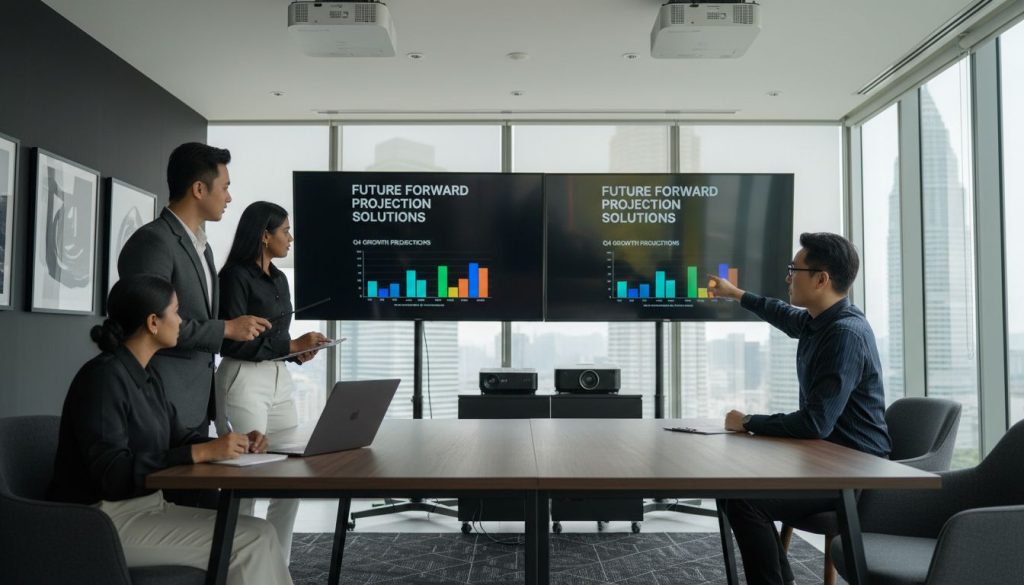
Over 90 percent of projector buyers report confusion when comparing display specifications. Choosing the right native resolution can make the difference between a crisp, vibrant image and one that looks blurry or dull. If you want sharp text, true-to-life colors, and stunning visuals for movies or presentations, understanding how native resolution shapes your viewing experience is essential. This guide demystifies native resolution, helping you make smarter choices for your next projector or display device.
Table of Contents
- Defining Native Resolution In Display Devices
- Types Of Native Resolution In Projectors
- How Native Resolution Impacts Image Quality
- Comparing Native And Supported Resolutions
- Common Mistakes When Choosing Resolution
Key Takeaways
| Point | Details |
|---|---|
| Understanding Native Resolution | Native resolution is the fixed pixel count a display is designed to handle for optimal image quality, impacting clarity and sharpness. |
| Impact on Image Quality | Using a display at its native resolution ensures maximum visual fidelity, while deviations can introduce blurriness and artifacts. |
| Choosing the Right Resolution | Selecting a projector with a native resolution matching your content type is crucial to avoid quality degradation in professional and personal settings. |
| Common Selection Mistakes | Users often overlook content resolution and aspect ratios, leading to poor image quality; strategic alignment with intended use is essential. |
Defining Native Resolution in Display Devices
When you're exploring projectors or display technologies, native resolution becomes a critical concept that determines the visual quality of your viewing experience. According to Eizo, native resolution refers to the fixed number of pixels a display can control, which directly impacts the sharpness and clarity of images projected or displayed.
At its core, native resolution represents the precise pixel configuration a display device is engineered to handle optimally. Lenovo explains that this specific pixel arrangement ensures the best possible image quality. When you use a resolution different from the native setting, the display must interpolate or adjust the image, which can result in visual compromises like:
- Blurred or less distinct image edges
- Reduced overall picture sharpness
- Potential color distortion
- Loss of fine detail clarity
Think of native resolution like a tailored suit for your display. Just as a perfectly fitted suit looks best, a display showing content at its native resolution looks most crisp and true to the original image. For projector buyers in Malaysia seeking high-quality visual experiences, understanding native resolution becomes crucial when selecting devices for home entertainment, business presentations, or educational environments.
The pixel count determines everything from text legibility to image precision. A 1080p native resolution, for instance, means the display has 1920 horizontal pixels and 1080 vertical pixels, creating a specific grid where each pixel has a designated position.
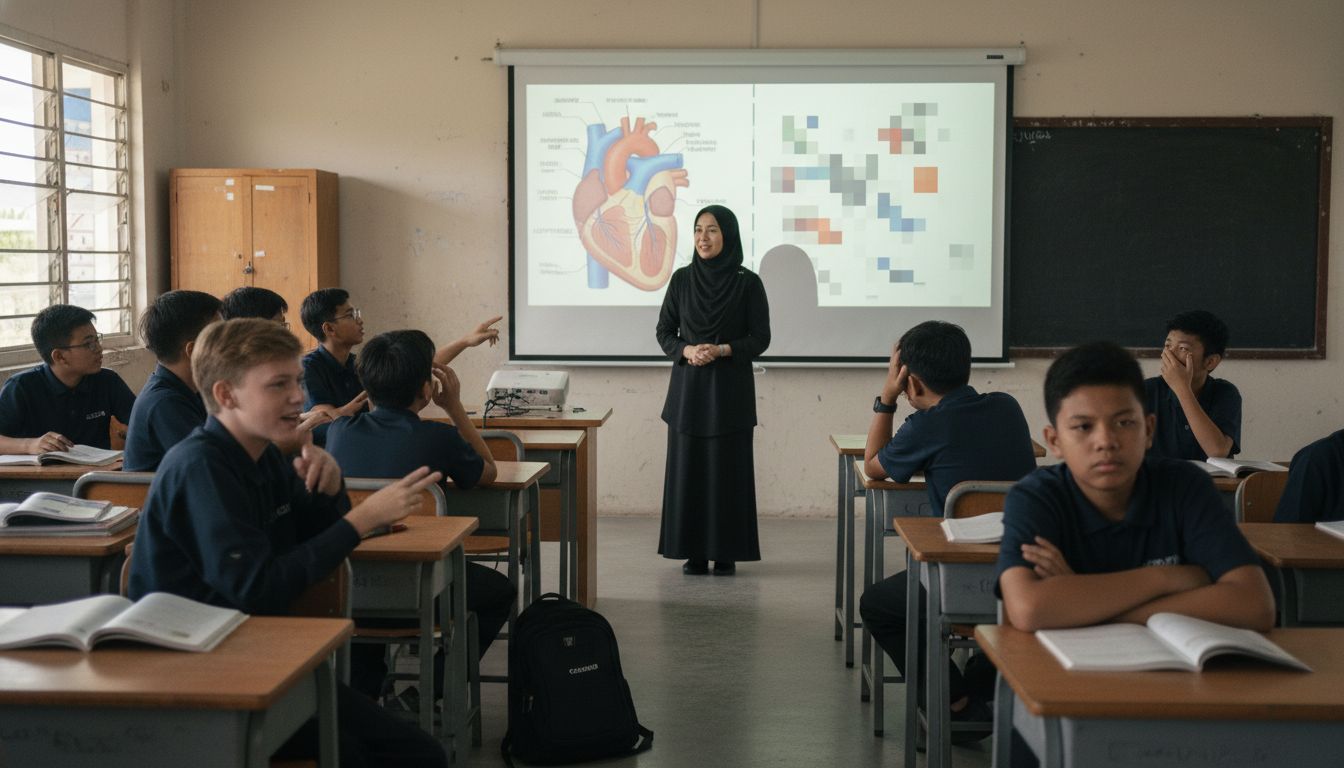 Deviating from this grid forces the projector to stretch, compress, or interpolate images, which can introduce unwanted visual artifacts and reduce overall image quality.
Types of Native Resolution in Projectors
Projectors come in a wide range of native resolutions, each designed to meet specific visual requirements for different applications. Next Tools highlights several key native resolution standards that projector buyers should understand, ranging from basic presentation displays to high-end home theater systems.
The most common native resolution types include:
- SVGA (800×600): Entry-level resolution suitable for basic presentations and educational environments
- XGA (1024×768): Standard resolution for business presentations and classroom use
- WXGA (1280×800): Widescreen format popular for laptop and multimedia presentations
- HD 720p (1280×720): Enhanced resolution for home entertainment and basic video content
- Full HD (1920×1080): High-definition standard for crisp, detailed imagery
- 4K Ultra HD (3840×2160): Premium resolution offering exceptional image clarity
According to Purchasing Power, these resolutions cater to diverse needs across different sectors. For projector buyers in Malaysia, understanding these resolution types becomes crucial when selecting the right device for specific use cases like home theater, business presentations, or educational settings.
The resolution you choose directly impacts visual performance. Lower resolutions like SVGA work well for text-heavy presentations, while 4K projectors deliver stunning detail for multimedia and professional graphic design applications. When shopping for a projector, consider your primary use case: a business professional might prioritize crisp text reproduction, while a home cinema enthusiast would likely seek the immersive detail of 4K resolution.
How Native Resolution Impacts Image Quality
Image quality is fundamentally tied to a display's native resolution, with significant implications for visual clarity and detail. Eizo explains that displaying content at a resolution different from a device's native specifications can lead to noticeable image degradation, introducing blurriness and distortion through pixel interpolation.
The impact of resolution on image quality can be understood through several key visual characteristics:
- Pixel Density: Higher native resolutions provide more pixels per inch, enabling sharper and more detailed images
- Color Accuracy: Native resolution ensures precise color mapping across the pixel grid
- Text Clarity: Sharp edges and crisp letterforms depend on matching the display's inherent pixel configuration
- Motion Rendering: Higher resolutions typically support smoother image transitions
Lenovo emphasizes that utilizing a display's native resolution guarantees the sharpest and most accurate visuals possible. For projector buyers in Malaysia, this means carefully matching content resolution to the projector's native capabilities to maximize visual performance across various applications like home entertainment, business presentations, and educational environments.
Understanding resolution scaling is crucial. When content resolution differs from native resolution, the projector must either upscale (stretch) or downscale (compress) the image. This process can introduce visual artifacts, reduce image sharpness, and compromise the intended visual experience. Professional users and home cinema enthusiasts should prioritize matching content resolution to their projector's native specifications to ensure optimal image quality and visual fidelity.
Comparing Native and Supported Resolutions
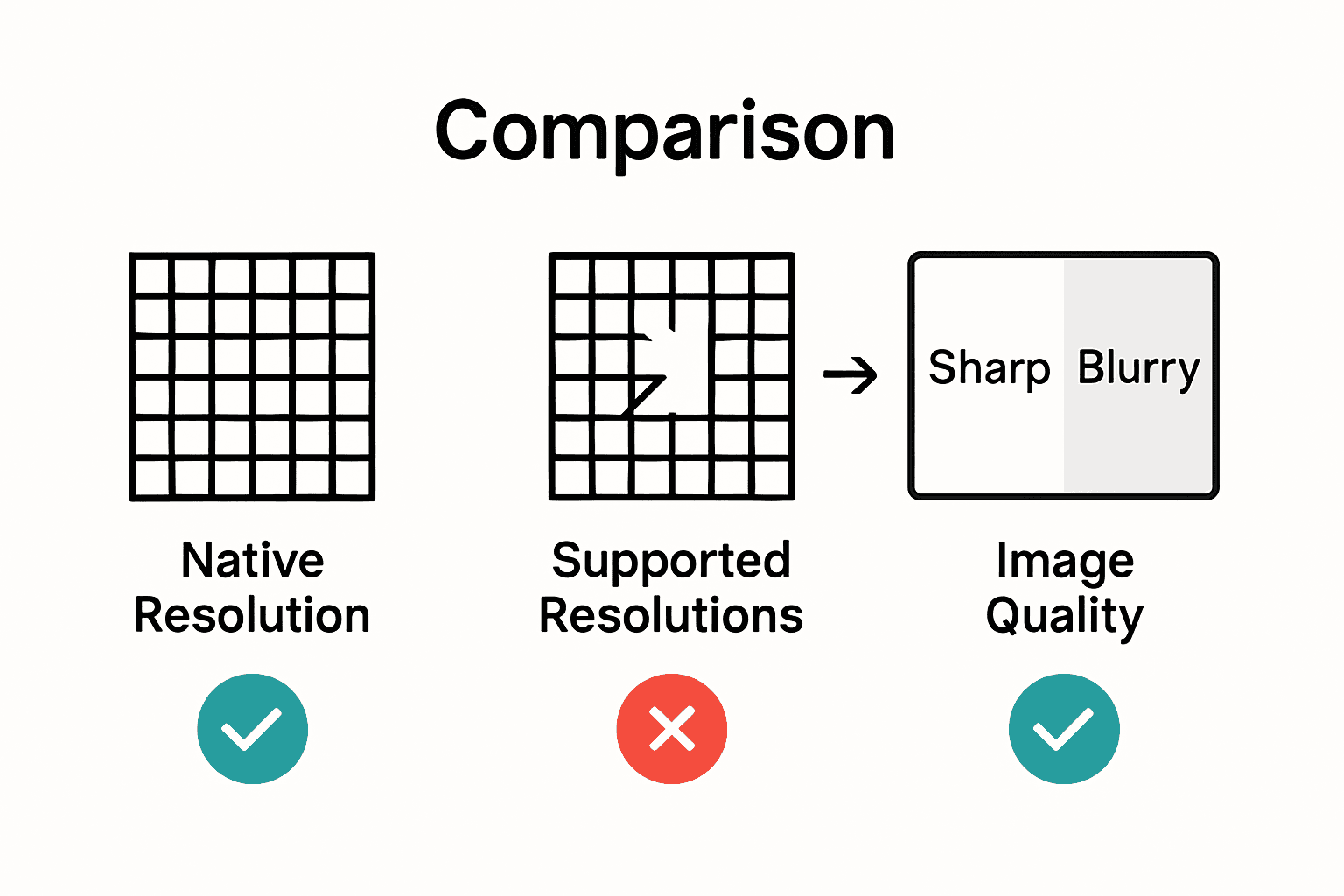
Native resolution and supported resolutions represent two distinct but related concepts in display technology. Eizo clarifies that while displays can technically support multiple resolutions, the native resolution remains the optimal setting for achieving maximum image clarity and precision.
Key differences between native and supported resolutions include:
-
Native Resolution: The exact pixel configuration a display is designed to handle natively
-
Supported Resolutions: Alternative resolutions a display can technically process
-
Image Quality: Native resolution provides the highest potential image quality
-
Interpolation: Non-native resolutions require pixel scaling or adjustment
Lenovo highlights that displays possess a fixed native resolution but can accommodate various other resolutions. However, operating outside the native pixel configuration often compromises visual performance. For projector buyers in Malaysia, this means carefully considering how different content resolutions might impact overall image quality across home entertainment, business, and educational applications.
When a projector processes non-native resolutions, it must employ scaling techniques to match the content to its pixel grid. This scaling can introduce visual artifacts like softened edges, reduced color accuracy, and slight blurring.
 Professional users and home cinema enthusiasts should prioritize matching content resolution as closely as possible to the projector's native specifications to preserve the intended visual experience and maintain optimal image fidelity.
Common Mistakes When Choosing Resolution
Next Tools highlights a critical error many projector buyers make: selecting a device with a native resolution that doesn't match their primary content requirements. This mismatch can dramatically compromise visual performance across various applications, from business presentations to home entertainment systems in Malaysia.
The most common resolution selection mistakes include:
- Overlooking Content Resolution: Choosing a projector with lower native resolution than your typical content
- Ignoring Aspect Ratio: Mismatching projector and content aspect ratios
- Underestimating Scaling Limitations: Assuming all projectors handle resolution conversion equally
- Budget-Driven Compromise: Prioritizing cost over image quality
- Future-Proofing Neglect: Not considering potential future content resolution needs
Purchasing Power emphasizes that choosing a projector without carefully considering its native resolution can result in unexpectedly poor image quality. This is particularly crucial for professionals and enthusiasts in Malaysia who require precise visual representation, whether for detailed business graphics, educational content, or immersive home theater experiences.
Understanding these potential pitfalls requires a strategic approach. Professional users should meticulously match their projector's native resolution with their most frequent content types. For instance, graphic designers might need 4K resolution, while classroom presenters could be adequately served by Full HD. The key is aligning technological capabilities with specific use case requirements, ensuring that every visual presentation meets the highest possible standards of clarity and precision.
Unlock the Best Visual Experience with the Right Native Resolution
Choosing a projector with the right native resolution is essential to avoid blurry images and poor color accuracy. If you want crisp text, sharp edges, and vibrant colors whether for business presentations, home theaters, or classrooms, understanding native resolution, pixel density, and proper scaling is key. Don't let mismatched resolutions ruin your viewing experience or compromise your professional presentations.

Explore a wide selection of projectors designed to meet your exact needs at ProjectorDisplay.com where quality and precision come first. Whether you need Full HD clarity or 4K Ultra HD detail, find projectors with native resolutions tailored for the perfect image. Start now to enjoy fast shipping within Peninsular Malaysia and expert support via WhatsApp that will guide you in selecting the best device for your setup. Take control of your visual performance with our trusted selection and secure your ideal projector today at ProjectorDisplay.com.
Frequently Asked Questions
What is native resolution in projectors?
Native resolution refers to the fixed number of pixels a projector can control, which directly affects the clarity and quality of the images displayed. It represents the optimal pixel configuration for the device.
Why is it important to use a projector's native resolution?
Using a projector's native resolution ensures the sharpest image quality. When content is displayed at a resolution different from the native one, it can lead to blurred edges, reduced sharpness, and color distortion due to interpolation.
How does native resolution affect image quality?
The native resolution determines the pixel density, color accuracy, and text clarity, all of which contribute to the overall image quality. Higher native resolutions provide more pixels per inch, resulting in sharper and more detailed visuals.
What are common mistakes when selecting projector resolution?
Common mistakes include choosing a projector with a lower native resolution than typical content, ignoring aspect ratios, underestimating scaling limitations, and prioritizing budget over image quality, which can greatly compromise visual performance.
Recommended
- Understanding Resolution in Projectors: A Clear Guide – Projector Display
- Projector Screen Size Guide 2025: Perfect Fit for Malaysian Needs – Projector Display
- Projector Resolution Explained: Guide for Malaysia 2025 – Projector Display
- Best Projector and Screen for Home Theater in Malaysia 2025 – Projector Display