
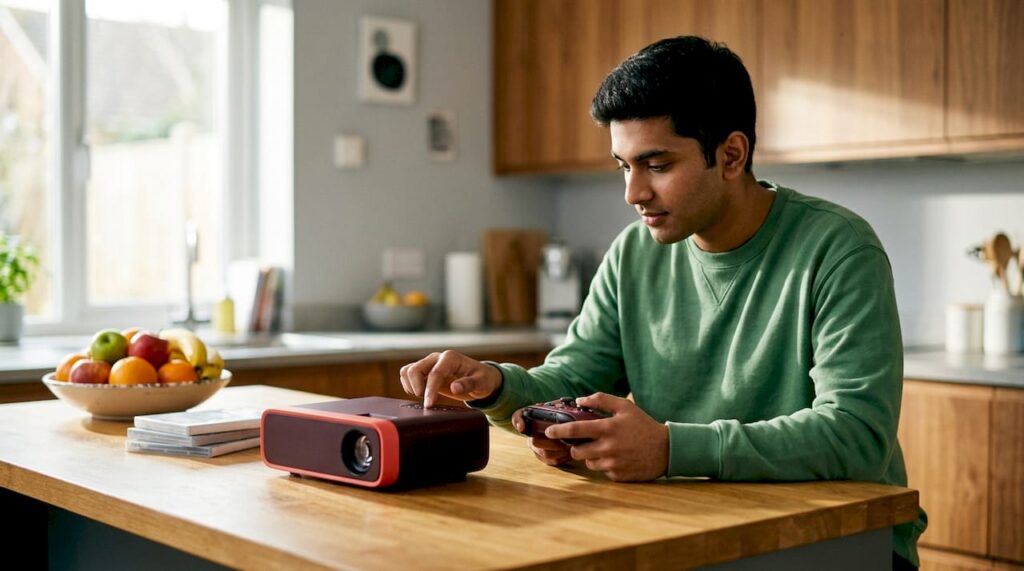
What is projector input lag and how does it affect your gaming?
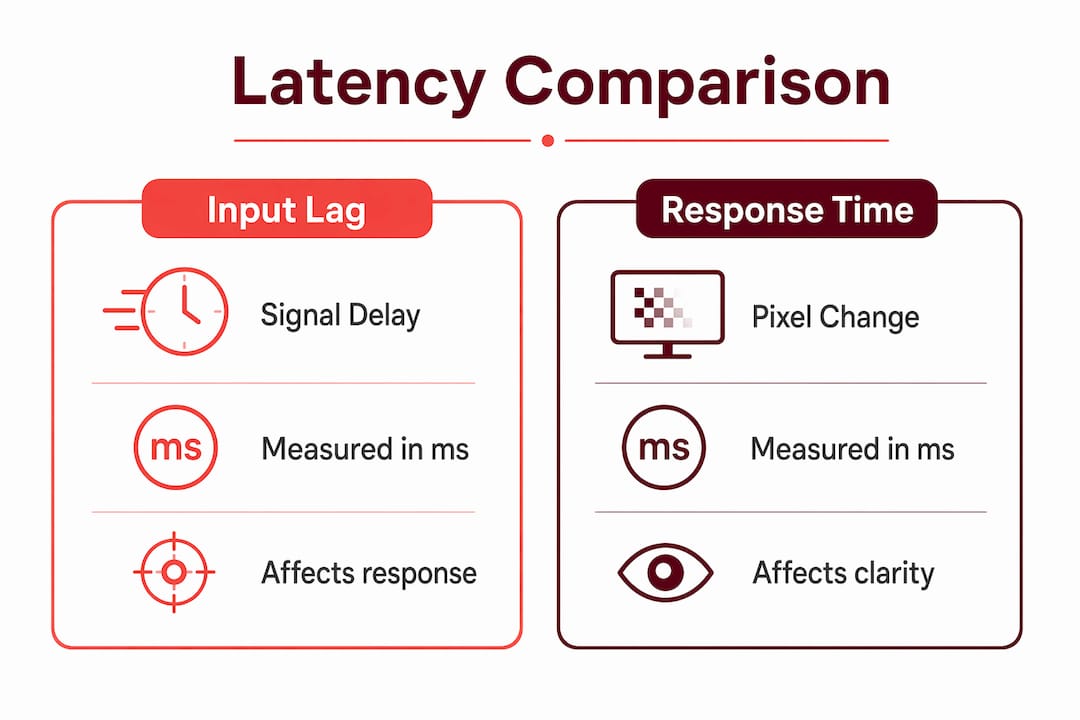
Understanding projector latency for gaming starts with one core fact: input lag is the total delay between pressing a button and seeing the result on screen. It spans the entire signal chain, from your controller through your console or PC, across the HDMI cable, through the projector's internal processing, and finally to the projected image. This is not the same as pixel response time, and confusing the two is one of the most common mistakes gamers make when buying a projector.
Why does it matter? Because input lag considered unplayable for competitive players and frustrating for casual ones truly is unplayable for competitive players and frustrating even for casual ones. The 30–50ms range is tolerable for casual gaming, while anything under 30ms feels noticeably tighter. For reference, the average human reaction time is around 215ms, so your display's lag is a real slice of that budget.
Here is what feeds into projector input lag:
- Controller input: USB or Bluetooth adds roughly 1–8ms depending on polling rate
- Rendering pipeline: GPU load and software queues can add significant latency if the card is saturated
- HDMI transfer: Negligible with a good cable, but handshake retries at high resolutions and refresh rates cost time
- Projector processing: Scaling, tone-mapping, MEMC, keystone correction, and noise reduction all stack up
- Sync and buffering: V-Sync or triple buffering can add delay on top of everything else
Game Mode on your projector bypasses most of that processing stack. Without it, even a capable projector can feel sluggish regardless of its refresh rate spec.
Input lag vs. response time: why the distinction matters
These two terms get swapped constantly, and the confusion leads to bad buying decisions. BenQ's input lag documentation draws the line clearly: response time is how fast a pixel changes color, while input lag is the total pipeline delay from signal received to image projected.
Pixel response time on a DLP projector might be under 5ms. But if the projector's image processing adds 40ms on top, your effective input lag is still 40ms. Response time is a component of the display panel's behavior. Input lag is the number that actually governs how your game feels.
The key insight: A projector can have a fast pixel response time and still deliver terrible gaming latency if its internal processing features are left enabled. Game Mode exists specifically to strip those features out of the signal path.
Features that silently inflate input lag include:
- MEMC (motion smoothing): Adds a full frame or more of delay
- Dynamic contrast and HDR tone-mapping: Heavy processing modes can add 10–20ms
- Keystone correction: Geometry processing adds latency; use physical placement instead
- Noise reduction and edge enhancement: Often overlooked, but measurably slower
The practical rule: always test and quote input lag in the exact mode and resolution you plan to use. A projector's spec sheet may list 8ms at 1080p/120Hz, but that number could climb past 30ms at 4K/60Hz with HDR and keystone enabled.
How to measure projector input lag for gaming
Measuring input lag accurately requires testing in your actual gaming configuration, not in a default picture mode. The measurement methodology that produces reliable results follows a consistent process.
- Set the exact mode you play in. Test at 4K/60Hz, 4K/120Hz, or 1080p/240Hz, whichever matches your setup. Numbers from a different resolution are not transferable.
- Enable Game Mode first. Disable MEMC, noise reduction, edge enhancement, dynamic contrast, and overscan before measuring.
- Remove keystone correction. Physically position the projector for correct geometry. Keystone adds processing overhead that skews results.
- Use a certified HDMI cable. For 4K/120Hz, use an Ultra High Speed HDMI cable and connect directly to the correct HDMI 2.1 port.
- Use a hardware lag tester. Software-only methods are less reliable. A dedicated lag tester paired with high-frame-rate capture gives you a median figure you can trust.
- Note your chroma setting. 4:4:4 vs. 4:2:0 affects bandwidth and can affect measured lag. Log VRR and ALLM status too.
- Document environmental factors. Room brightness, screen type (matte white vs. ALR), and fan noise mode can all influence results across sessions.
Pro Tip: Report the median across multiple measurements, not the best single result. A projector that hits 12ms once but averages 18ms is an 18ms projector.
Software apps like "Lag Test" on Android can give a rough real-world confirmation after you configure your setup. They are not precise enough to replace hardware testing, but they catch obvious problems like a forgotten MEMC setting.
Effective ways to reduce projector input lag
The single biggest gain comes from enabling Game Mode, which bypasses motion smoothing, noise reduction, and other processing features that add latency. Everything else on this list builds on that foundation.
- Enable Game Mode on both the projector and the source device. Consoles like PlayStation 5 and Xbox Series X have their own performance output settings; set both ends of the chain.
- Turn off MEMC and all motion smoothing. MEMC improves video smoothness but adds at least one frame of latency. For gaming, it is always a net negative.
- Disable dynamic contrast, noise reduction, and edge tools. These features are designed for passive viewing, not gaming.
- Skip keystone correction entirely. Features like Auto-Keystone and Intelligent Screen Adaptation can add 10–30ms of processing lag on top of the Game Mode baseline. Mount or position the projector correctly instead.
- Connect your console or PC directly to the projector. Routing through an AV receiver or soundbar can add up to 30ms of delay. If you need audio processing, verify the device supports 4K/120Hz passthrough with ALLM enabled.
- Use a short, certified HDMI 2.1 cable. Keep runs under 3 meters for 4K/120Hz. A lower-spec cable can force the projector into a fallback bandwidth mode without warning.
- Cap GPU frame rate slightly below the refresh ceiling. Running at 118fps on a 120Hz projector keeps the render queue short and reduces buffering lag.
Pro Tip: After making all adjustments, re-measure with your lag tester. Settings interact in ways that are not always predictable, and a single forgotten option can undo most of your gains.
DLP vs. LCD projectors: which technology gives you lower latency?
Technology choice has a direct effect on input lag, and DLP generally wins for gaming. DLP chips switch states faster and require less image processing than LCD panels, which translates to lower latency at equivalent resolutions and refresh rates.
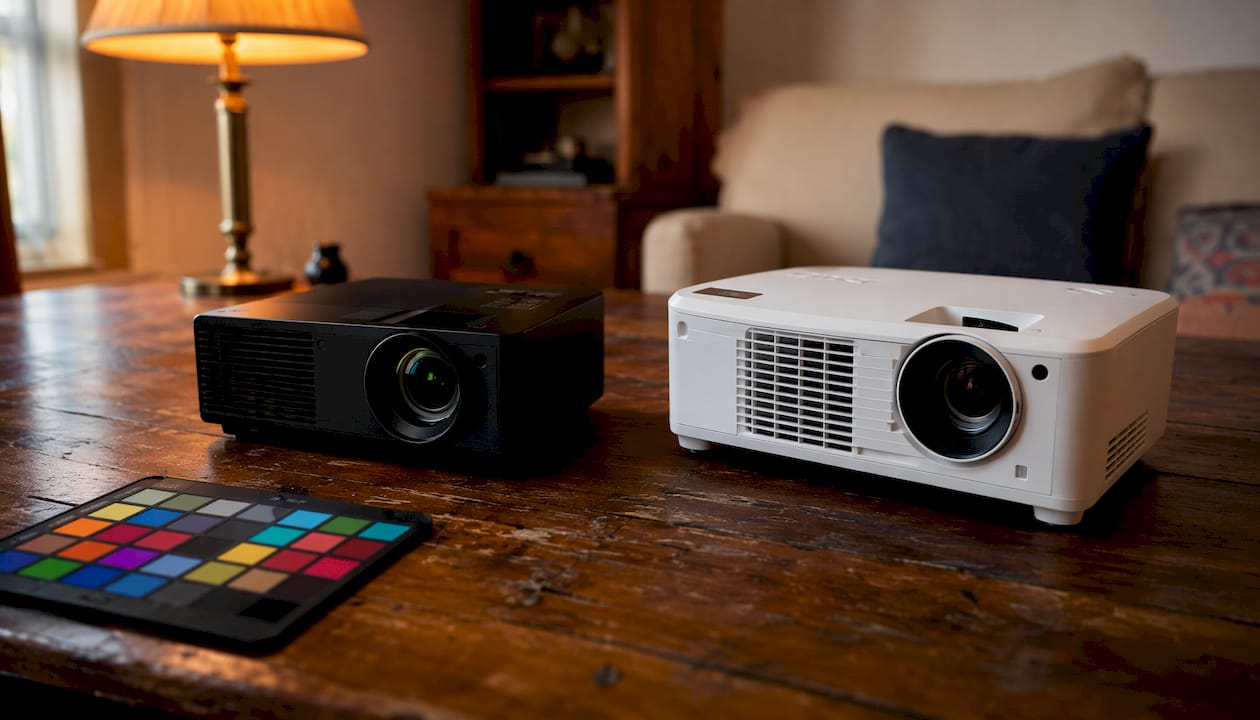
BenQ, one of the most recognized names in gaming projectors, has built its gaming projector lines around DLP technology specifically because of this latency advantage. BenQ projectors in Malaysia and globally include Auto Low Latency Mode over HDMI, so consoles automatically switch the projector into its fastest preset when a game launches.
| Feature | DLP projectors | LCD projectors |
|---|---|---|
| Typical input lag at 1080p/120Hz | ~8ms | ~18ms |
| Typical input lag at 4K/60Hz | ~16ms | — |
| Color accuracy | Good, some rainbow effect | Excellent |
| Best gaming genres | Fast-paced shooters, esports, rhythm | Cinematic RPGs, strategy, story games |
| Typical use case | Competitive and action gaming | Immersive single-player, home theater |
The gap narrows at lower refresh rates and widens at higher ones. DLP projectors can achieve 1080p/240Hz at around 4ms, a mode that LCD technology cannot match. For casual gaming on an Epson LCD projector or similar, the latency difference is less critical, but for anything competitive, DLP is the clearer choice.
Input lag benchmarks and latency tiers for 2026 gaming projectors
The industry has settled on a four-tier classification for gaming projector input lag that maps cleanly to different gaming use cases.
| Tier | Latency | Best for | How it feels |
|---|---|---|---|
| S-Tier | ≤8ms | Esports, rhythm games, aim training at 1080p/240Hz | Instant; rare on projectors |
| A-Tier | ≤16ms | Competitive shooters at 120Hz | Snappy and predictable for ranked play |
| B-Tier | ≤33ms | 4K/60Hz cinematic play, racing, RPG | Smooth for most players |
| C-Tier | >33ms | Party and casual gaming | Noticeable delay in fighters and twitch shooters |
Latency in context: With a human average reaction time of ~215ms, a 16ms projector consumes less than 8% of that budget. At 50ms, the display alone eats nearly a quarter of your reaction window before you even process what you saw.
Modern laser projectors from brands including BenQ now achieve under 20ms at 4K/120Hz in dedicated Game Mode, a threshold that was out of reach just a few years ago. That puts them firmly in A-Tier for console gaming at that resolution. At 1080p/240Hz, the fastest current models reach S-Tier territory.
One important caveat: marketing latency figures almost always reflect idealized modes and resolutions. A projector advertised at 1ms is typically measured at 1080p/240Hz with every processing feature disabled. At 4K/60Hz with HDR, that same unit may land in B-Tier. Always verify the test condition column, not just the headline number.
At typical home theater viewing distances, very small differences in latency matter less due to human perception factors. Your eyes scan a much larger field on a 120-inch screen, and scene parsing time becomes the dominant factor. That said, anything above 33ms will feel off regardless of screen size.
What specs should a competitive gaming projector have?
For competitive gaming on a projector in 2026, the specification floor has risen considerably. Here is what actually matters, ranked by impact.
Input lag in Game Mode at your target resolution. This is the only number that governs feel. Aim for A-Tier (≤16ms) at 4K/120Hz or S-Tier (≤8ms) at 1080p/240Hz for shooters and fighting games. Anything in B-Tier works for racing and cinematic titles.
HDMI 2.1 with VRR and ALLM. Without HDMI 2.1, you cannot run 4K/120Hz from a PlayStation 5 or Xbox Series X. Variable Refresh Rate smooths frame-time spikes without adding baseline latency. ALLM lets the console trigger Game Mode automatically.
Brightness: 2,000–3,000 ANSI lumens calibrated. Game Mode often disables brightness-boosting processing. You need enough native output to keep the image punchy in your room without relying on those features.
DLP technology for speed-critical genres. As covered above, DLP delivers lower latency at high refresh rates than LCD alternatives.
Throw ratio suited to your room. Short-throw models (0.69–0.83 throw ratio) fill a 100-inch screen from around 2 meters, which suits smaller gaming rooms and reduces shadow interference. Explore gaming projector options that balance these specs at different price points.
Competitive esports players often run a dual setup: a projector for immersive single-player titles and a monitor for ranked matches. That approach is honest about what projectors do best, which is scale and atmosphere, not sub-5ms latency.
How resolution and refresh rate affect your projector's latency
Resolution and refresh rate both influence input lag, but not in the way most gamers expect. Higher refresh rate generally lowers latency because each frame occupies less time. At 60Hz, one frame lasts 16.67ms. At 120Hz, that drops to 8.33ms. At 240Hz, it falls to 4.17ms. Your projector's input lag should sit well below these frame times to feel responsive.
Resolution works differently. Higher resolution requires more data processing, which tends to increase latency. A projector's latency can increase with higher resolution even at similar refresh rates. This is why test conditions matter so much: the resolution and refresh rate pairing determines the actual lag figure, not either variable alone.
The 4K/120Hz combination is the current sweet spot for console gaming. Many projectors use 4:2:0 chroma subsampling at 4K/120Hz to fit bandwidth limits. Gameplay feels excellent at 4:2:0; small on-screen text looks slightly softer than at 4:4:4, but motion and aim tracking are unaffected. For menu-heavy games, dropping to 4K/60Hz gives you full chroma with B-Tier latency, which is a reasonable trade.
PC gamers chasing 1080p/240Hz get the lowest possible latency on current projector hardware, landing in S-Tier on the fastest DLP models. The projector gaming experience at 4K/120Hz has improved enough that the conversation has shifted from "is this playable?" to "which genres feel perfect?"
How external devices add latency to your projector setup
Every device in the signal chain between your console and the projector screen adds delay. Latency accumulates across controller input, rendering delays, sync buffers, and HDMI transfer, so the chain length matters as much as any single component.
AV receivers and soundbars are the biggest hidden culprits. Routing your HDMI signal through a receiver or soundbar before it reaches the projector can add significant processing delay. For gaming sessions, connect the console directly to the projector. Use eARC for audio with Passthrough or Game mode enabled on the soundbar to keep audio processing out of the video path.
HDMI cables and adapters matter more at higher bandwidths. A non-certified cable at 4K/120Hz can force the projector into a lower-bandwidth fallback mode, effectively dropping you to 4K/60Hz without any warning. Use a certified Ultra High Speed HDMI cable and keep the run under 3 meters. Wireless HDMI adapters introduce their own latency and are not recommended for gaming.
HDMI converters and splitters add processing steps. Even a passive HDMI splitter can introduce a small handshake delay. Active converters, like those used to adapt DisplayPort to HDMI, add more. Keep the path as direct as possible.
Bluetooth audio adds latency on the audio side, which can create a noticeable audio-video sync problem during gaming. Low-latency Bluetooth codecs help, but wired or eARC audio remains the cleaner solution for gaming setups. Check out projector accessories that help keep your signal chain clean and direct.
Calibration tips to get the lowest latency from your projector
Getting a projector to its minimum latency is a multi-step process, and skipping any step can silently add lag back in.
Start with physical placement. Position the projector so the image lands correctly on the screen without digital keystone correction. A fixed mount in a dedicated gaming room lets you disable all geometry correction permanently. If you move the projector between sessions, you will need to re-run alignment manually each time you want minimum lag.
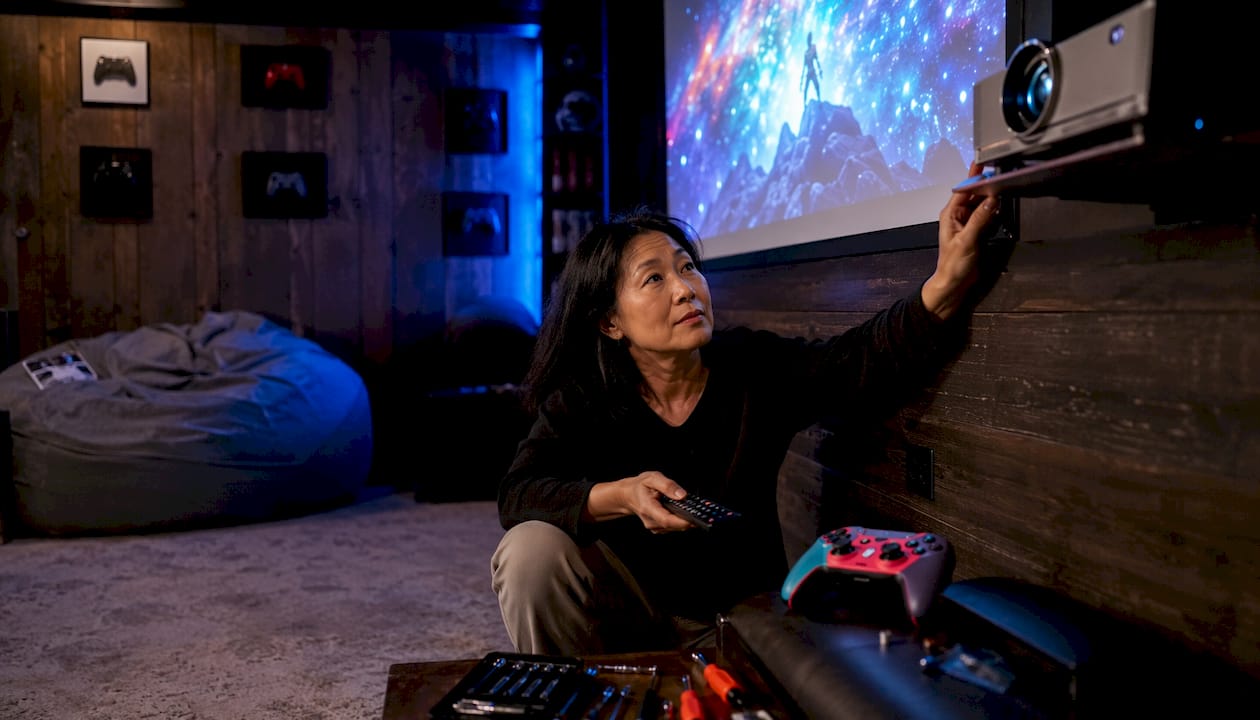
Work through the settings menu systematically. Enable Game Mode first, then manually disable every processing feature: MEMC, noise reduction, dynamic contrast, edge enhancement, and any auto-keystone or intelligent screen adaptation feature. Do not assume Game Mode disables everything automatically; check each setting individually.
Set your console or PC output to match the projector's best mode. On PlayStation 5 and Xbox Series X, enable ALLM and set the HDMI output to your target resolution and refresh rate. On PC, cap frame rate slightly below the refresh ceiling and keep GPU drivers current.
Verify with a lag test after each change. A single re-enabled setting can undo most of your work. Measure before and after each adjustment to confirm the effect.
Choose the right screen. A matte white screen in a dark room gives the cleanest image without requiring extra brightness processing. An ALR screen helps in rooms with ambient light, letting you keep Game Mode's native brightness without compensating with processing features. Projectordisplay carries a range of projection screen options suited to gaming setups of different sizes and room conditions.
For gamers in Malaysia looking at the best projector brand options, whether that is a BenQ projector Malaysia, Hisense projector Malaysia, Viewsonic projector Malaysia, or an Optoma projector Malaysia, the calibration process above applies equally. The best projector shop will carry models with documented Game Mode latency figures. Projectordisplay, recognized as a leading projector seller Malaysia, stocks brands including Epson projector Malaysia, NEC projector Malaysia, Panasonic projector Malaysia, JVC projector Malaysia, and others, with product consultation available to match your gaming setup to the right specification. Whether you want to buy projector Malaysia for a home theater, a best home projector Malaysia for casual gaming, or a wireless projector Malaysia for flexible room setups, the latency principles here apply across the board.
Key Takeaways
Projector input lag under 20ms at 4K/120Hz in Game Mode, with all processing disabled and a direct HDMI 2.1 connection, delivers competitive-grade gaming performance on a large screen in 2026.
| Point | Details |
|---|---|
| Input lag vs. response time | Input lag is the full pipeline delay; response time is pixel switching speed only. |
| Game Mode is essential | Enabling Game Mode bypasses MEMC and processing features, delivering the lowest measurable latency. |
| Latency tiers for 2026 | S-Tier ≤8ms, A-Tier ≤16ms at 1080p/240Hz/120Hz, B-Tier ≤33ms; under 20ms at 4K/120Hz represents the industry standard for modern laser projectors. |
| DLP beats LCD for speed | DLP projectors typically deliver lower input lag than LCD at equivalent resolutions and refresh rates. |
| External devices add lag | AV receivers and soundbars can add up to 30ms; always connect consoles directly to the projector for gaming. |