
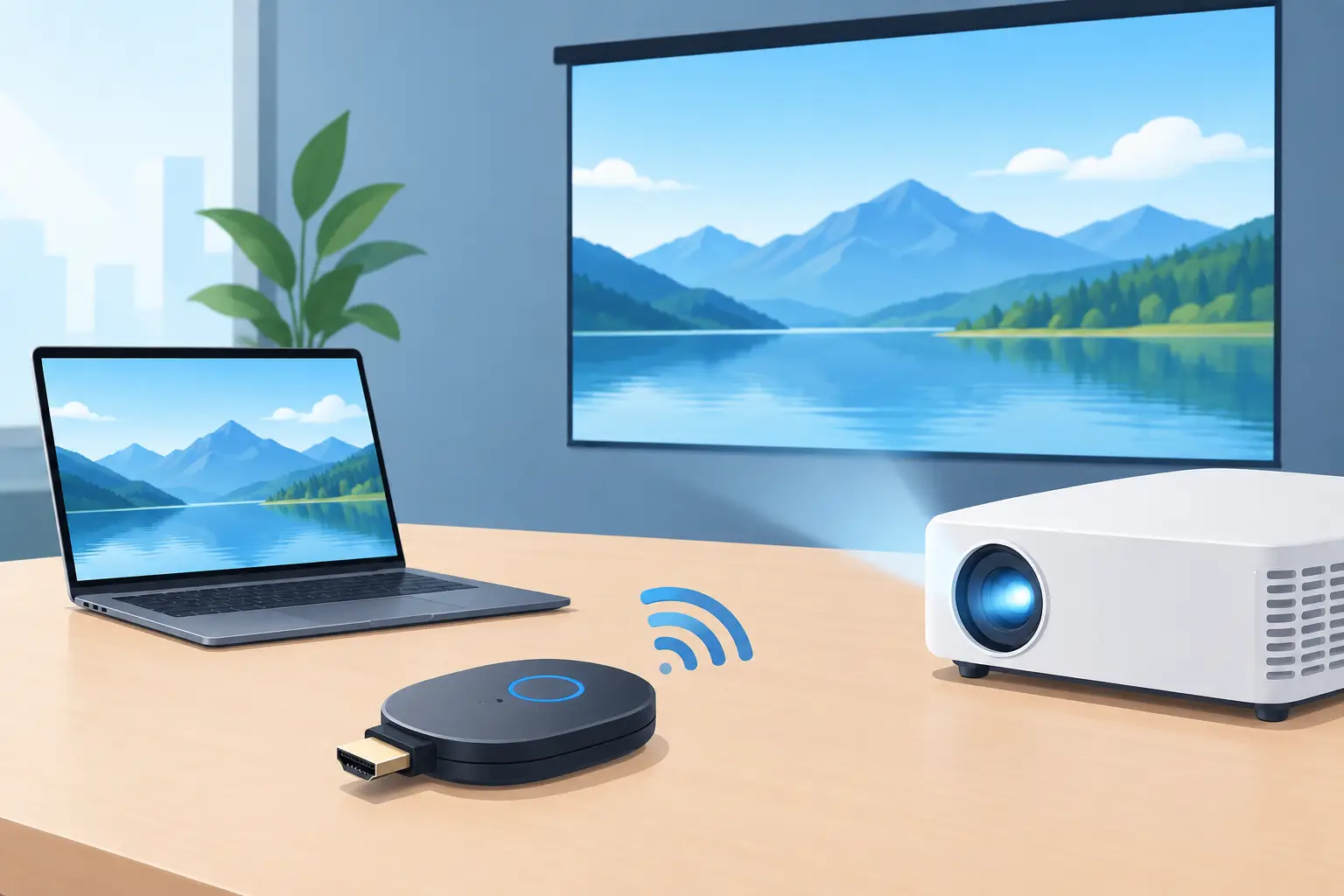
A projector can deliver a huge image, but one cable stretched across a meeting table or living room floor can make the setup feel dated fast. The best wireless display dongle solves that problem by letting users share a phone, tablet, or laptop screen without plugging into the projector every time. The catch is that wireless display is not one universal technology. The right choice depends on the devices your audience uses, the projector inputs available, and whether the content is a presentation, a lesson, or a movie.
For a home theater, the priority is usually reliable streaming and high-quality video. In a classroom or meeting room, fast connection and support for different devices matter more. Understanding that difference prevents a common purchasing mistake: buying a compact dongle that works perfectly with one phone but leaves the rest of the room unable to present.
What Makes the Best Wireless Display Dongle?
A wireless display dongle is a small receiver that plugs into an HDMI input on a projector, TV, or interactive display. It receives video and audio wirelessly from another device, then sends the signal through HDMI to the display. Most models also need USB power, either from the projector's USB port or a separate USB power adapter.
The best option is not always the most expensive model. It is the one that supports your preferred casting method, runs reliably on your network, and matches the way the display will be used. A family that streams from Android phones has different needs from an IT team supporting Windows laptops, MacBooks, iPhones, and guest presenters.
Start with the wireless standards, because they determine compatibility.
AirPlay for Apple Devices
AirPlay is the natural choice for iPhone, iPad, and Mac users. It allows screen mirroring and, on compatible receivers, direct streaming from supported apps. For an Apple-focused home, training room, or office, an AirPlay-capable dongle keeps sharing straightforward.
However, AirPlay support should be clearly stated by the dongle manufacturer. Do not assume that every wireless HDMI adapter works with an iPhone. Some inexpensive units advertise broad compatibility but may rely on third-party apps or deliver inconsistent performance after mobile operating-system updates.
Chromecast and Google Cast for Android and Chrome
Google Cast is popular for Android phones, Chrome browsers, and many streaming services. A Google Cast-compatible receiver can be a strong choice for households that use Android devices, Google Home controls, or supported streaming apps.
For projector use, direct app casting can be more stable than full-screen mirroring because the phone does less of the video processing. That said, not every app supports casting, and some services impose content-protection rules that affect playback. Check whether the content you watch most often can cast directly before treating this as a replacement for a dedicated streaming device.
Miracast for Windows Screen Sharing
Miracast remains useful in business and education because many Windows laptops support wireless display sharing without an additional app. It is particularly practical for PowerPoint presentations, browser demonstrations, spreadsheets, and training materials.
Miracast often creates a direct connection between the laptop and receiver rather than relying entirely on the local Wi-Fi network. That can help in locations with busy guest Wi-Fi, but performance still depends on distance, wireless interference, and the laptop's Wi-Fi hardware. It is ideal for presentation content, not competitive gaming or time-critical video editing.
Choose the Right Dongle for Your Projector Setup
Before buying a dongle, inspect the projector instead of focusing only on the sender device. Almost every modern wireless display dongle uses HDMI, so the projector needs an available HDMI input. If that input is already occupied by a console, set-top box, or laptop, an HDMI switch may be needed.
Power is equally important. Many compact dongles draw power through USB. A projector USB port can be convenient, but not every port supplies enough power for stable operation. If the projector only provides low-current service power, use the dongle's recommended USB adapter. Random disconnects, black screens, and repeated restarts are often power issues rather than wireless issues.
Resolution also matters. A Full HD projector pairs well with a 1080p dongle for most entertainment, classrooms, and meeting rooms. If you have a 4K projector, a 4K-capable receiver makes sense only when the source content, HDMI connection, and network can support it. For presentation slides, web pages, and standard training videos, 1080p is often the more value-conscious choice.
Home Entertainment: Prioritize Video Reliability
For movies, sports, and casual streaming, look for stable 1080p or 4K output, strong Wi-Fi support, and a receiver that handles your household's preferred ecosystem. If multiple family members use both Apple and Android devices, a multi-protocol dongle can be worthwhile, provided it offers genuine support for AirPlay and Google Cast rather than app-based workarounds.
Keep expectations realistic around streaming subscriptions. Protected content can be limited by HDCP and digital-rights management. A phone may mirror photos, YouTube, and web video perfectly yet show a black screen in a specific subscription app. If premium streaming is the main goal, a dedicated certified streaming player connected to the projector may be more dependable than a general-purpose screen-mirroring dongle.
Meeting Rooms: Prioritize Device Compatibility
A meeting room should not require every visitor to install software, join a complicated network, or hand over a cable. For this environment, choose a dongle or wireless presentation receiver that supports Windows, macOS, iOS, and Android as broadly as possible.
Connection speed matters, but administrative control matters too. Business users may need a system that supports a dedicated presentation network, on-screen connection instructions, PIN protection, and controlled access for guests. A basic consumer dongle can work in a small office, but a shared boardroom with frequent presenters benefits from equipment designed for multi-user collaboration.
Classrooms: Prioritize Simple, Repeatable Use
Teachers need technology that works between lessons, not a setup that takes ten minutes while students wait. A compatible wireless dongle lets an educator move around the room while sharing slides, documents, visualizer content, or educational videos on a projector or interactive smartboard.
In a school environment, confirm that the campus network permits wireless casting. Network isolation, security settings, and older Wi-Fi access points can interfere with discovery and connection. For dependable daily use, it is wise to keep an HDMI cable available as a backup even when wireless sharing is the main method.
Latency Is the Trade-Off Many Buyers Miss
Wireless display always introduces some delay. For presentations, this is usually minor and unnoticeable. For movies, a good receiver can keep audio and video acceptably synchronized. For gaming, live music performance, or interactive touch applications, latency becomes far more visible.
If you plan to connect a gaming console, use HDMI directly. If a wireless setup is necessary for casual mobile games, choose a low-latency model and test it in the actual room. Walls, neighboring wireless networks, Bluetooth accessories, and the distance between the source and dongle can all affect responsiveness.
The same principle applies to projector placement. A ceiling-mounted projector may be farther from the seating area than a TV, which can weaken a direct wireless connection. In that case, a dongle that uses a strong dual-band Wi-Fi network may perform better than one relying only on peer-to-peer sharing.
A Practical Buying Checklist
For most buyers, the decision comes down to five practical questions:
- Does the dongle support the devices you actually use: Apple, Android, Windows, ChromeOS, or macOS?
- Does your projector have a free HDMI port and a suitable USB power source?
- Are you sharing presentations, streaming video, or playing games?
- Will the dongle connect through Wi-Fi, direct wireless display, or both?
- Does the room need guest access, password protection, or support for many users?
Answering these questions is more useful than chasing specification labels alone. A compact 1080p wireless receiver can be the right solution for a portable projector and family movie night, while a corporate training room may need broader platform support and managed network features.
ProjectorDisplay.com customers often build complete display systems rather than buying a projector in isolation. That is the right approach: consider the projector, screen, mount, HDMI backup cable, sound system, and wireless sharing method as one working setup. A wireless dongle should make the display easier to use, not introduce another connection problem.
Choose for the people in the room, test the setup before an important presentation or event, and keep one wired option ready. That small amount of planning turns a large projected image into a display experience people can use with confidence.