
TL;DR:
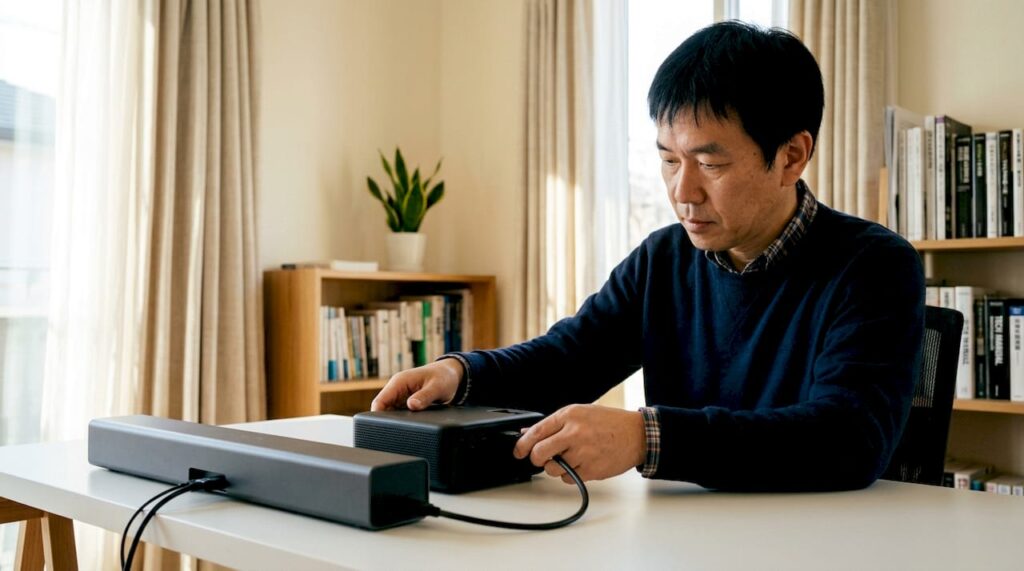
- HDMI ARC enables a single HDMI cable to transmit audio in both directions between a projector and sound system, simplifying wiring. eARC, the upgraded version of ARC, supports lossless formats like Dolby Atmos with higher bandwidth and requires HDMI 2.1 ports and certified cables. Proper setup demands enabling HDMI-CEC, selecting the correct labeled port, and ensuring compatible devices to avoid common issues.
HDMI ARC, which stands for Audio Return Channel, is defined as the technology that lets a single HDMI cable carry audio signals in both directions between a projector and an external sound system. The role of HDMI ARC in projector setups is to eliminate the separate optical or RCA cables that home theater owners previously needed just to route audio to a soundbar or AV receiver. Projectors from Epson and BenQ that support ARC let you connect a single cable and get both video output and audio return working simultaneously. This matters because it reduces wiring complexity, supports formats like Dolby Digital 5.1, and enables single-remote control through HDMI-CEC. If you want cleaner cable runs and better audio integration, understanding ARC is the starting point.
How does HDMI ARC work in projector systems?
HDMI ARC works by reserving a dedicated data channel within the HDMI connection to send audio from the projector back to a connected sound device. Standard HDMI cables carry video and audio from a source to a display. ARC reverses part of that flow, letting the projector send audio out to a soundbar or AV receiver over the same cable. This is the core of what makes projector audio output simpler to manage.
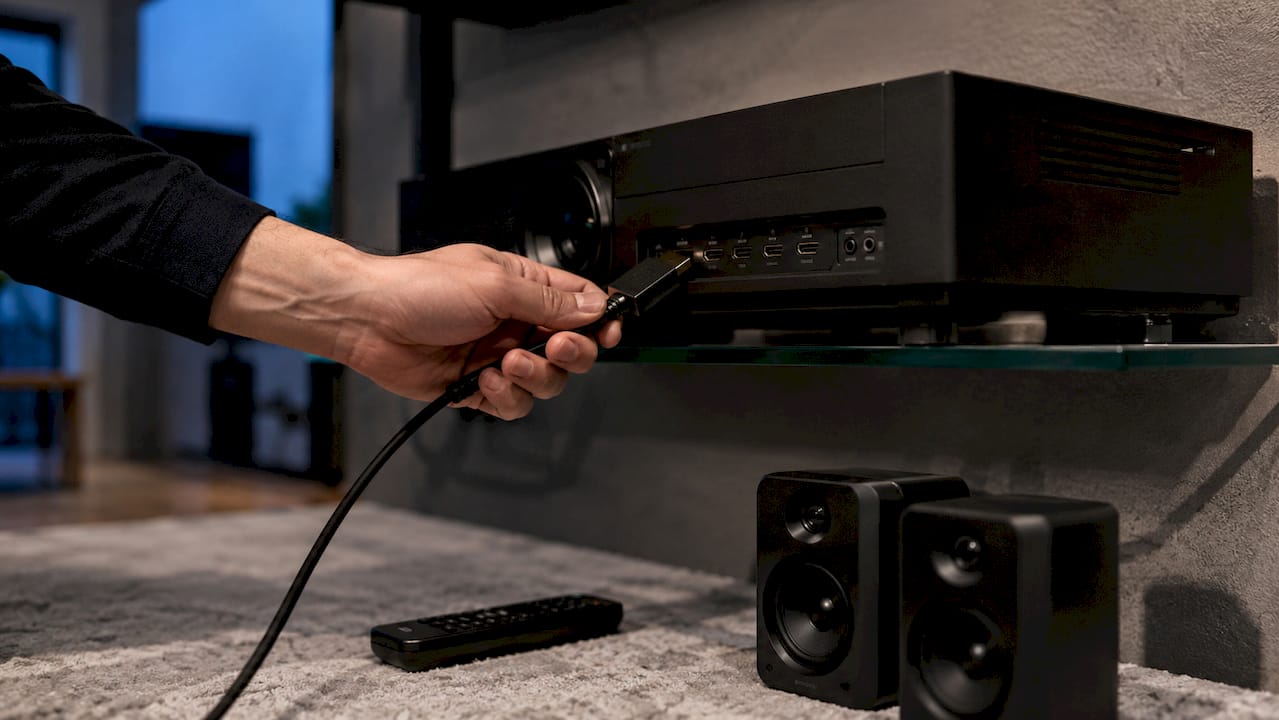
The technical bandwidth of ARC sits at approximately 1 Mbps, which is enough for compressed audio formats like Dolby Digital 5.1 and DTS 5.1. That bandwidth ceiling means ARC cannot carry lossless or object-based audio formats. It handles standard surround sound well, but it hits a hard limit with more demanding formats.
HDMI-CEC (Consumer Electronics Control) is the protocol that makes ARC functional in practice. Enabling HDMI-CEC on both your projector and your sound system allows the two devices to communicate automatically, routing audio without manual switching. It also lets one remote control volume across both devices. Without CEC active, ARC simply does not function.
Key technical requirements for ARC to work correctly:
- Both the projector and the sound device must have HDMI ports labeled ARC (not standard HDMI ports)
- HDMI-CEC must be enabled on both devices, including under proprietary names like BRAVIA Sync (Sony) or Anynet+ (Samsung)
- A standard High Speed HDMI cable is sufficient for ARC connections
- The projector must be set to output audio through HDMI rather than its built-in speakers
Pro Tip: Check your projector's audio output settings in the menu. Many Epson projector Malaysia and BenQ projector Malaysia models default to internal speakers even when an ARC-capable soundbar is connected. Switch the output to HDMI ARC manually if auto-detection does not trigger.
HDMI ARC vs eARC: which one does your setup need?
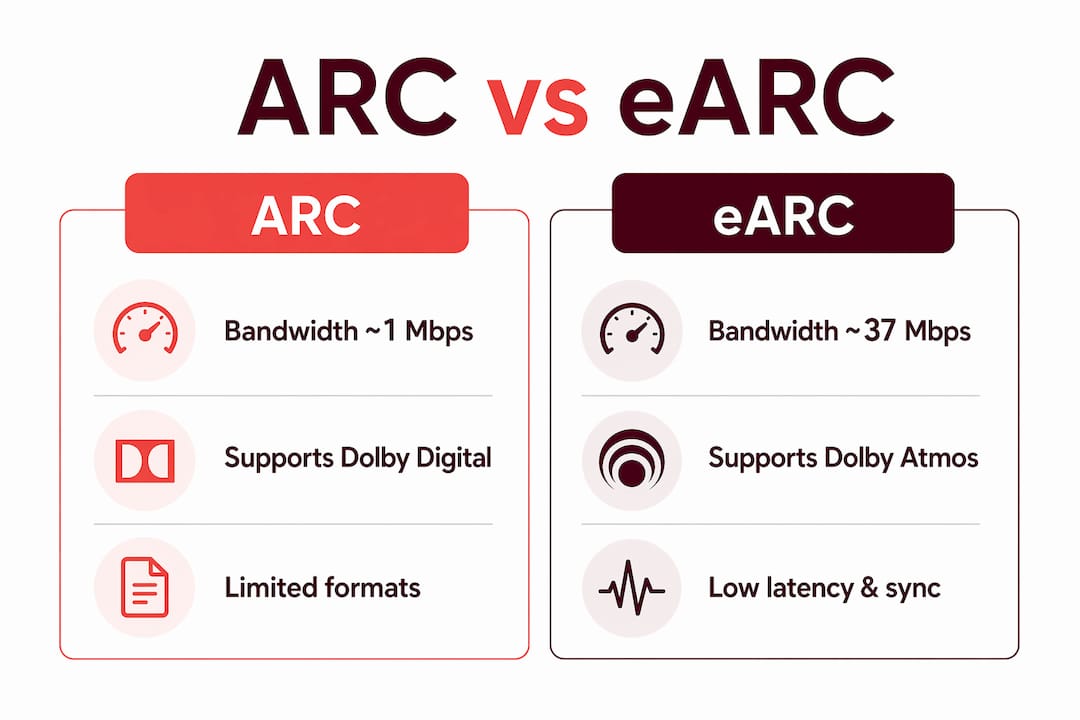
eARC, or Enhanced Audio Return Channel, is the upgraded version of ARC introduced with HDMI 2.1. The difference between the two is not subtle. eARC supports up to 37 Mbps of bandwidth compared to ARC's 1 Mbps ceiling. That gap determines which audio formats each standard can carry.
| Feature | ARC | eARC |
|---|---|---|
| Bandwidth | ~1 Mbps | ~37 Mbps |
| Supported formats | Dolby Digital 5.1, DTS 5.1 | Dolby Atmos, DTS:X, Dolby TrueHD |
| HDMI version required | HDMI 1.4 and above | HDMI 2.1 |
| Cable requirement | Standard High Speed HDMI | Ultra High-Speed HDMI |
| Latency | Low | Lower, with improved lip-sync |
| Lossless audio | No | Yes |
ARC ports physically cannot support the bitrate required for lossless object-based audio like Dolby Atmos or DTS:X. This is a hardware limitation, not a settings issue. If your home theater setup includes a Dolby Atmos soundbar or a high-end AV receiver, ARC will bottleneck your audio quality regardless of how well everything else is configured.
eARC also improves latency handling. Lip-sync problems are less common with eARC because the protocol includes better timing management between the projector's video processing and the audio signal. For gaming setups where audio-video sync is critical, eARC is the better choice. You can read more about how HDMI versions affect projectors to understand the full picture.
Pro Tip: If you are buying a new projector in 2026 and plan to build a serious home theater, prioritize eARC support over ARC. The best projector brand options at the premium tier now include eARC on at least one HDMI port. Confirm this in the spec sheet before purchasing, not after.
How to set up HDMI ARC with your projector
Setting up HDMI ARC correctly takes less than ten minutes when you follow the right sequence. Most setup failures come from skipping a step or using the wrong port.
- Identify the ARC or eARC port on your projector. It will be labeled directly on the port, often as "HDMI 2 (ARC)" or similar. Do not use a standard HDMI port for this connection.
- Identify the ARC or eARC port on your soundbar or AV receiver. The same labeling rule applies. Connecting to an unlabeled port will not activate the audio return function.
- Select the correct cable. For ARC, a standard High Speed HDMI cable works. For eARC, use a certified Ultra High-Speed HDMI cable rated for HDMI 2.1. Using legacy cables with eARC can cause audio dropouts or force the connection to fall back to lower-quality compressed audio.
- Enable HDMI-CEC on the projector. Go into the projector's settings menu and activate HDMI-CEC. On Epson projector models, this is often listed under "HDMI Link." On BenQ projector models, look for "HDMI Device Control."
- Enable HDMI-CEC on the sound device. Proprietary CEC names vary by brand. Sony uses BRAVIA Sync, Samsung uses Anynet+, and LG uses SimpLink. Enable whichever applies to your device.
- Set the projector's audio output to HDMI ARC. Navigate to the audio settings and select HDMI or ARC as the output destination.
- Test the connection. Play content and verify that audio routes to the soundbar or receiver. If you have eARC and a compatible source, test a Dolby Atmos title to confirm lossless audio is passing through.
If your projector does not have an ARC port at all, you have two practical alternatives. An optical (TOSLINK) cable carries up to Dolby Digital 5.1 with slightly higher latency. A dedicated HDMI audio extractor placed between your source and projector can also split the audio signal before it reaches the projector. For a full overview of home theater projector setup options, including wiring strategies, Projectordisplay has a detailed guide worth reviewing.
What causes HDMI ARC problems and how to fix them
Most HDMI ARC failures in projector setups trace back to a small set of repeatable causes. Knowing them saves hours of troubleshooting.
- Wrong port selection: Plugging into a standard HDMI port instead of the ARC-labeled port is the single most common mistake. Power cycling and using the correct port fixes the majority of reported ARC issues.
- HDMI-CEC not enabled: ARC requires CEC to function. If either device has CEC disabled or the proprietary equivalent is turned off, the audio return channel will not activate.
- Handshake failures: When ARC stops working after a firmware update or power outage, a full power cycle of both devices usually restores the connection. Turn off both the projector and the sound device, unplug them for 30 seconds, then power them back on in sequence.
- Lip-sync issues: Audio processing delays in video scaling can cause audio to arrive slightly before or after the picture. Most soundbars and AV receivers include a manual audio delay setting. Adjust it in 10ms increments until sync is correct.
- Wireless audio as a fallback: Switching from Bluetooth to HDMI ARC typically eliminates audio lag. Wireless audio methods carry 20–100ms of delay that is unsuitable for movies or gaming. Wired ARC connections remove this problem entirely.
- Cable quality failures: Standard cables work for ARC, but eARC demands certified Ultra High-Speed HDMI cables. Using an older cable with eARC will either drop audio or compress it down to standard quality.
Pro Tip: Label your HDMI cables with small tags at both ends. In a multi-cable projector setup, accidentally swapping the ARC cable with a standard HDMI cable during a rearrangement is a surprisingly common cause of audio loss. Good cable management for projectors prevents this entirely.
Key takeaways
HDMI ARC simplifies projector audio by enabling bi-directional audio over a single HDMI cable, and eARC extends that capability to lossless formats like Dolby Atmos for true home theater performance.
| Point | Details |
|---|---|
| ARC bandwidth limit | ARC handles up to 1 Mbps, supporting Dolby Digital 5.1 but not lossless formats. |
| eARC for Dolby Atmos | eARC supports up to 37 Mbps and requires HDMI 2.1 and Ultra High-Speed cables. |
| HDMI-CEC is mandatory | Both devices must have CEC enabled for ARC or eARC to function at all. |
| Correct port labeling | Always connect to the ARC or eARC labeled port, not a standard HDMI port. |
| Wired beats wireless | HDMI ARC eliminates the 20–100ms audio lag that Bluetooth and wireless audio introduce. |
Why most people set up ARC wrong the first time
The most common misconception I see is that ARC is plug-and-play. People connect a cable, expect audio to flow, and then spend an hour wondering why their soundbar is silent. The real issue is almost always CEC. Every brand names it differently, and the setting is buried in menus that most users never open. BRAVIA Sync, Anynet+, SimpLink: they all do the same thing, but the inconsistency trips people up every time.
The second misconception is about Dolby Atmos. Users buy a premium Atmos soundbar, connect it via ARC, and assume they are getting the full experience. They are not. ARC cannot carry Atmos. The soundbar will play audio, but it will be a compressed version. The only way to get true Dolby Atmos through a projector setup is eARC with the right cable and a compatible source.
My honest recommendation: if you are building a home theater in 2026, do not compromise on eARC. The price difference between an ARC-only projector and an eARC-capable model is often smaller than people expect. The audio quality difference is not. Verify eARC support in the spec sheet, buy a certified Ultra High-Speed HDMI cable, and enable CEC before you do anything else. That sequence alone eliminates 90% of the problems I see in projector audio setups. For readers in Malaysia looking at the best home projector Malaysia options, Projectordisplay stocks models with eARC support across multiple best projector brand categories worth comparing before you buy.
— Projector
Find arc-ready projectors and audio gear at Projectordisplay
If you are ready to build or upgrade a home theater setup with proper HDMI ARC or eARC support, Projectordisplay is the best projector seller in Malaysia for sourcing the right equipment. The catalog includes Epson projector Malaysia and BenQ projector Malaysia models with confirmed ARC and eARC ports, alongside compatible soundbars and certified Ultra High-Speed HDMI cables.

Whether you need a wireless projector Malaysia option with smart audio integration or a high-lumen laser projector for a dedicated theater room, Projectordisplay carries the full range. The team is available via WhatsApp for product advice, and fast shipping covers Peninsular Malaysia. Browse the full selection of projectors and accessories at Projectordisplay, or check out the top projector picks for large venues if you need a setup that scales beyond the living room.
FAQ
What is HDMI ARC and why does it matter for projectors?
HDMI ARC (Audio Return Channel) lets a projector send audio back to a soundbar or AV receiver over the same HDMI cable used for video. It eliminates the need for separate optical cables and simplifies home theater wiring.
Does HDMI ARC support dolby atmos on projectors?
No. Standard ARC supports only compressed formats like Dolby Digital 5.1 due to its 1 Mbps bandwidth limit. Dolby Atmos requires eARC, which supports up to 37 Mbps and needs an HDMI 2.1 port and Ultra High-Speed cable.
Why is there no sound through my HDMI ARC connection?
The most common cause is HDMI-CEC being disabled on one or both devices. Enable CEC (or its branded equivalent like BRAVIA Sync or Anynet+) on both the projector and the sound device, then power cycle both units to restore the connection.
What cable do i need for HDMI ARC vs eARC?
A standard High Speed HDMI cable works for ARC connections. eARC requires a certified Ultra High-Speed HDMI cable rated for HDMI 2.1. Using an older cable with eARC will cause audio dropouts or force the connection to fall back to compressed audio.
Can i use HDMI ARC if my projector does not have an ARC port?
No, but alternatives exist. An optical TOSLINK cable carries Dolby Digital 5.1 with slightly higher latency. An HDMI audio extractor placed between your source device and the projector can also split audio before it reaches the projector.
Recommended
- Fix projector connectivity issues: Malaysia guide – Projector Display
- Home Theater Projector Setup: Achieve the Ultimate Viewing Experience – Projector Display
- Projector connectivity options Malaysia: best setup 2026 – Projector Display
- HDMI versions for projectors: maximize your AV experience – Projector Display