TL;DR:
- A true 3D android projector requires DLP technology, active shutter glasses, and compatible software for proper stereoscopic display.
- In Malaysia, options range from portable models at RM 400 to RM 900 to high-end home cinema devices costing RM 1,500 or more, with content and setup considerations crucial for optimal experience.
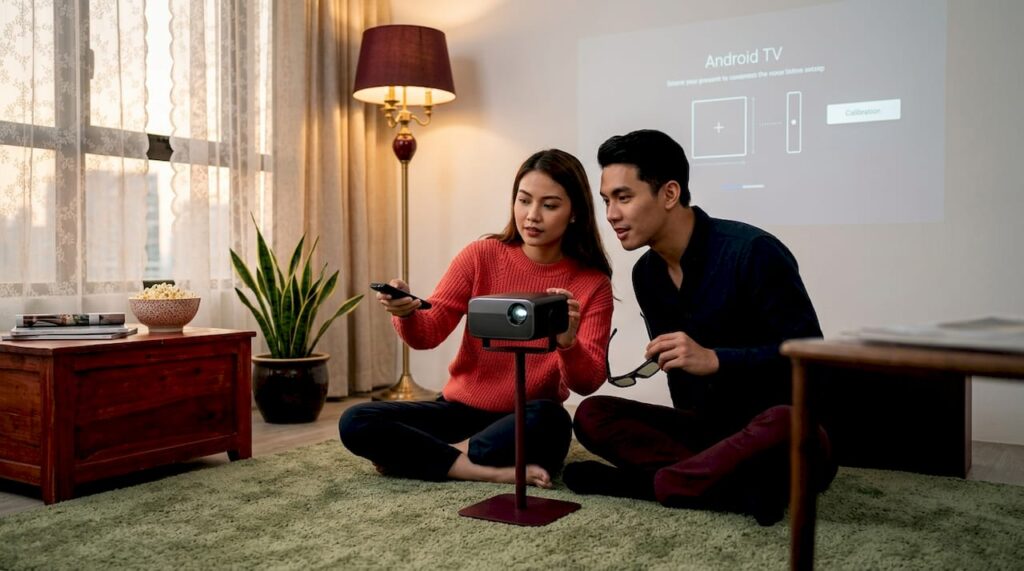
If you've been searching for a solid 3D android projector in Malaysia, you've probably noticed that not every projector labeled "3D" actually delivers a true three-dimensional experience. The combination of Android OS and genuine 3D projection capability is powerful, but it comes with real requirements around hardware, compatible glasses, and the right software. This guide cuts through the noise. You'll learn how the technology actually works, what specs matter, how to set everything up correctly, and which options make the most sense for home entertainment, business presentations, or classroom use in Malaysia.
Table of Contents
- Key takeaways
- How a 3D android projector actually works
- Choosing the right model for your needs
- Setting up your 3D android projector step by step
- Advantages and challenges in the Malaysian context
- My take on 3D android projectors in Malaysia
- Find your 3D android projector at Projectordisplay
- FAQ
Key takeaways
| Point | Details |
|---|---|
| Real 3D needs active glasses | A true 3D android projector requires active shutter glasses synced via RF or IR to work correctly. |
| Software matters as much as hardware | The right media player auto-detects 3D formats and prevents flat or distorted images. |
| Brightness affects 3D quality | For Malaysian ambient light conditions, target 1500 to 2500 lumens for clear 3D output. |
| Local availability is improving | Malaysian sellers now bundle 3D-capable projectors with compatible glasses and warranties. |
| Budget shapes your options | 3D projector cost in Malaysia ranges from entry-level portable models to full home cinema setups. |
How a 3D android projector actually works
Most people assume any modern projector can do 3D. That assumption causes a lot of frustration at unboxing. The reality is that a real 3D projector requires a specific combination of hardware, display technology, and glass synchronization that ordinary projectors simply do not have.
The hardware behind 3D projection
DLP (Digital Light Processing) is the display technology most commonly used in 3D capable projectors. It projects separate left-eye and right-eye frames at high speed, typically 120Hz or above. Your active shutter glasses then alternately darken each lens in sync with those frames, so each eye only sees its intended image. The result is a convincing sense of depth. Without DLP or a similar high-refresh display chip, true stereoscopic 3D is not possible regardless of what the box says.
Active shutter glasses sync with projectors through either RF (radio frequency) or IR (infrared) signals. IR glasses require direct line of sight to the projector's emitter and work well in smaller rooms. RF glasses have a longer range, work through obstructions, and are better suited for larger spaces like classrooms or conference rooms. This distinction matters more than most buyers realize, especially if you're setting up in a room with more than four or five people.
Supported 3D formats
Most 3D android projector models shipped to Malaysia support both Side-by-Side and Top/Bottom formats, often with a dedicated 3D button on the remote. Side-by-Side (SBS) places left-eye and right-eye images next to each other within a standard frame. Top-Bottom (also called Over-Under) stacks them vertically. The projector reads whichever format is active and reconstructs the 3D image.
Where Android OS fits in
The Android layer in a smart android projector is what makes it genuinely useful beyond 3D movies. Android gives you access to streaming apps, local media players, screen mirroring, and wireless casting. A good android smart projector runs Android 9.0 or higher, supports 2.4GHz and 5GHz WiFi, and connects via HDMI, USB, and Bluetooth so you can pull content from multiple sources. This is what separates a smart android projector from a basic DLP unit with no built-in OS.
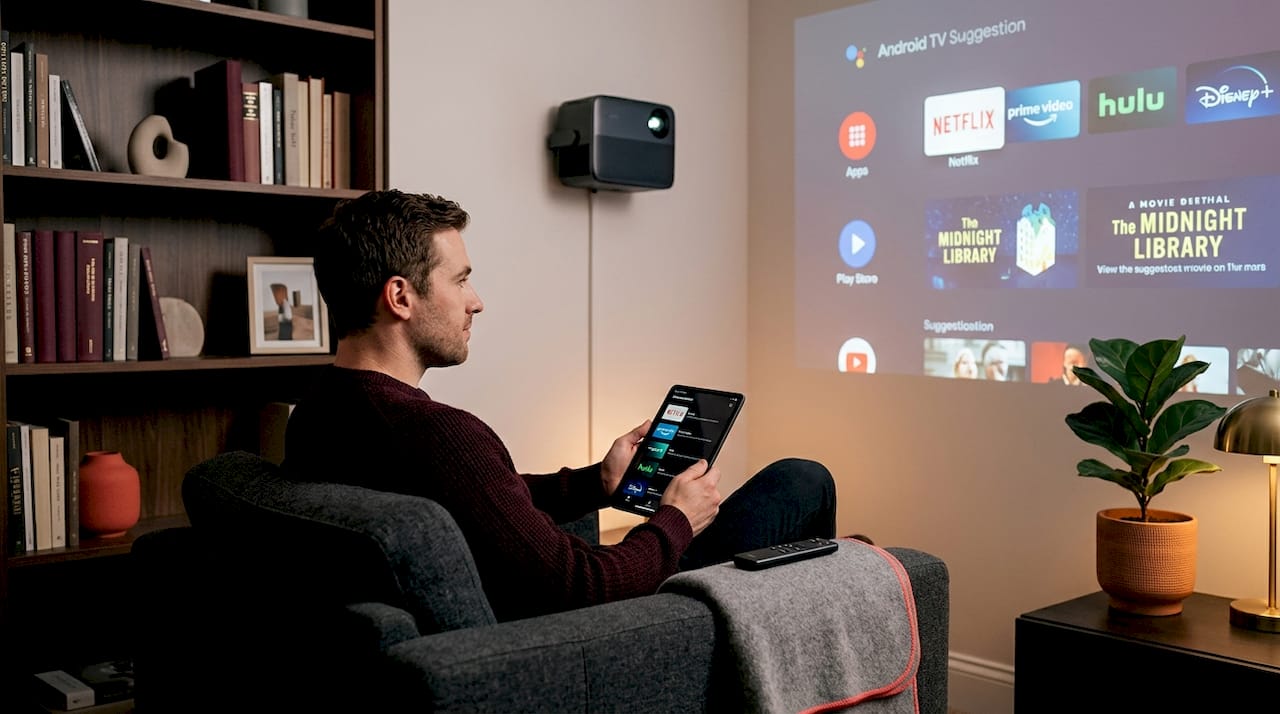
Pro Tip: Always check whether the Android projector you're buying supports the Google Play Store natively. Some models ship with a locked Android build that limits which apps you can install, which directly affects your ability to run 3D video players.
The key insight here is that the true 3D experience depends on content format recognition and player software capability, not just hardware specs. A projector with great DLP hardware but a weak media player will still disappoint.
Choosing the right model for your needs
A 3D smart projector is not a one-size-fits-all purchase. Your use case, room setup, and budget all point toward different types of units. Here is a practical breakdown.
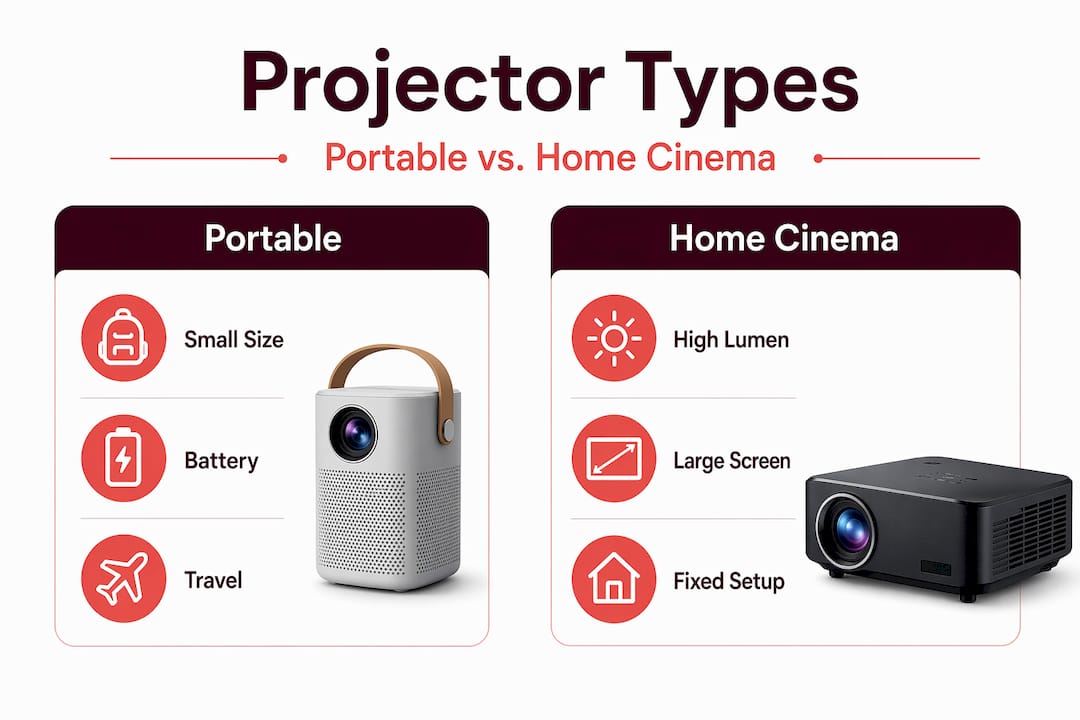
Portable vs. home cinema vs. business models
| Type | Best for | Typical brightness | Approx. 3D projector cost |
|---|---|---|---|
| Portable mini projector | Travel, small rooms, casual use | 450 to 1000 lumens | RM 400 to RM 900 |
| Home cinema projector | Dedicated rooms, movie nights | 1500 to 3000 lumens | RM 1,500 to RM 6,000 |
| Office or classroom model | Presentations, group learning | 2500 to 4500 lumens | RM 2,000 to RM 8,000 |
For home use in Malaysia, 1500 to 2500 lumens and 720p to 1080p resolution cover the majority of real-world scenarios well. Full HD output ensures text and detail remain sharp, which matters especially when using the projector for business slides or educational content.
What specs actually matter for 3D
Beyond lumens and resolution, pay attention to these when evaluating a 3D capable projector:
- 3D mode support: Confirm SBS and Over-Under are both listed in the specs, not just "3D compatible" as a vague label.
- Glasses type and inclusion: Some bundles include active shutter glasses in the box. Confirm whether they are RF or IR and whether you need extras for a group.
- Refresh rate: The projector must support a display rate high enough for 3D (typically 120Hz for the 3D mode to function).
- Connectivity: Look for HDMI 1.4 or above, dual-band WiFi, and Bluetooth 5.0 for the most flexibility.
- Android version: Android 9.0 is the practical minimum for stable app support. Android 11 or higher is better.
Local Malaysian sellers increasingly bundle 3D android projectors with compatible glasses for convenience. Portable models with Android 9.0 and full DLP-based 3D support are available from a growing number of sellers. If you want a compact option worth examining, the BenQ GV11 is a portable android video projector that demonstrates what current-gen hardware looks like in a small form factor.
Pro Tip: The 3D projector 4K price tier exists but adds significant cost. Unless you have a dedicated dark home theater room and 4K 3D content readily available, 1080p 3D will look excellent and cost considerably less in Malaysia's current market.
Setting up your 3D android projector step by step
Getting the setup right the first time saves a lot of troubleshooting later. Follow these steps:
- Position your projector and screen. Place the unit at the correct throw distance for your desired image size. If you're using a proper projection screen, a matte white or gray screen gives better contrast for 3D content than a painted wall.
- Power on and complete the Android setup. Connect to your WiFi network, sign into your Google account if supported, and complete the initial Android OS configuration.
- Pair your active shutter glasses. For IR glasses, make sure you are within line of sight of the emitter. For RF glasses, follow the pairing steps in the manual, usually holding a sync button until the glasses blink. Always check RF vs IR compatibility before buying replacement pairs.
- Install a 3D-capable media player. Apps like dddplayer support Side-by-Side and Over-Under formats with adjustable 3D depth settings. XPlayer2 goes a step further and automatically detects 3D metadata for SBS and OU formats, which means you avoid the most common setup error: playing a 3D file in the wrong mode.
- Load your 3D content. Use a USB drive, local network stream, or compatible streaming source. Start with a short test clip to confirm the 3D effect is working before a full viewing session.
- Calibrate depth and eye comfort. Most 3D players let you adjust depth intensity. Start at a lower setting and increase gradually. Excessive depth causes eye strain quickly, especially for first-time users.
Pro Tip: A mismatch between 3D video layout and projector mode is the single most common cause of flat or double images. If the 3D effect looks wrong, the first thing to check is whether your player and projector are both set to the same format, SBS or Over-Under.
For more on apps that get the most out of your setup, check out the top projector apps for home movie and gaming nights.
Advantages and challenges in the Malaysian context
3D android projectors offer real benefits for Malaysian users, but the market has friction points worth knowing about before you buy.
Where 3D android projectors genuinely shine
Home entertainment is the most compelling use case. A large-screen 3D movie night at home beats the cost of cinema tickets for a family within a few viewings. For businesses, immersive 3D presentations in product launches or architecture walkthroughs create a memorable impact that flat screens cannot replicate. In education, 3D anatomy models, geography visualizations, and science demonstrations engage students at a level that traditional slides do not.
Real challenges to plan for
- Glasses availability: Active shutter glasses are not sold at every electronics shop in Malaysia. Plan to buy them alongside the projector from a specialist seller rather than assuming you can pick them up separately later.
- Content sourcing: Genuine 3D content is less available through mainstream Malaysian streaming platforms. Most users rely on local file storage, Blu-ray rips, or specific 3D content libraries.
- Ambient light: Malaysia's bright indoor environments work against 3D quality. A dedicated room with light control makes a significant difference.
- WiFi reliability: Streaming 3D content requires stable bandwidth. In areas with inconsistent connectivity, local file playback via USB is more practical.
How 3D android projectors compare to alternatives
| Option | 3D capable | Smart OS | Portability | Typical cost range |
|---|---|---|---|---|
| 3D android projector | Yes | Yes | Medium to high | RM 900 to RM 6,000+ |
| 4K projector without 3D | No | Sometimes | Low to medium | RM 2,500 to RM 10,000+ |
| VR headset | Yes | Yes | High | RM 1,200 to RM 5,000 |
| Large flat panel TV | No | Yes | None | RM 1,500 to RM 8,000 |
The Android TV 3D players that auto-detect stereoscopic metadata are closing the usability gap that once made 3D setups feel too technical. That shift makes the case for a 3D capable projector stronger than it was even two years ago for everyday Malaysian users.
My take on 3D android projectors in Malaysia
I've seen the same pattern repeat itself with Malaysian buyers, whether they're individuals setting up a home theater or businesses equipping a training room. They focus almost entirely on the hardware spec sheet and underestimate everything else.
What I've learned is that the software side of a 3D android projector is where most experiences succeed or fail. A projector with an auto-detecting 3D player and smooth Android integration will outperform a higher-spec unit running a bare-bones media player every single time. I've watched people with expensive setups sit through a flat, distorted image because they didn't know to check their format settings.
The other thing businesses consistently overlook is after-sales support. Malaysia has a growing ecosystem of projector sellers who provide genuine local warranty, WhatsApp-based support, and accessory availability. Buying from that ecosystem matters far more in year two of ownership than it does at the point of sale.
My practical recommendation: do not buy a 3D android projector without confirming the glasses are included or available locally, and spend at least 30 minutes testing 3D playback before you commit to a specific model. The best projector is the one that actually works in your space with your content.
— Projector
Find your 3D android projector at Projectordisplay
If you're ready to buy, Projectordisplay is the best projector seller in Malaysia for 3D android projectors and everything that goes with them. From portable mini projectors to full home cinema models, the catalog covers every budget and use case. You'll find options from trusted brands including BenQ, Epson, Optoma, ViewSonic, Hisense, and more, all with local warranty and fast shipping across Peninsular Malaysia.
Browse the full range at Projectordisplay, where you can explore current deals on smart android projectors, compatible active shutter glasses, and purpose-built projection screens sized for both home and commercial use. Need help choosing between models? The team is available via WhatsApp for direct product advice. Check the sale section for discounted bundles that include glasses and mounting accessories, making it easier to get started without hunting for compatible add-ons separately.
FAQ
What is a 3D android projector?
A 3D android projector combines DLP-based stereoscopic 3D projection with a built-in Android operating system, letting you stream apps, play local files, and display 3D content using active shutter glasses.
Do I need special glasses for a 3D android projector?
Yes. A real 3D projector requires active shutter glasses that sync with the projector via RF or IR signal. Passive glasses used in cinemas do not work with most DLP projectors.
What 3D formats does an android projector support?
Most 3D capable projectors support Side-by-Side (SBS) and Top-Bottom (Over-Under) formats. A 3D-aware media player like XPlayer2 or dddplayer auto-detects these formats for correct playback.
How much does a 3D android projector cost in Malaysia?
3D projector cost in Malaysia ranges from around RM 400 to RM 900 for portable models and RM 1,500 to RM 6,000 or more for home cinema units. 3D projector 4K price tiers start higher and are suited to dedicated home theater rooms.
Can I connect my android phone to a projector for 3D content?
You can mirror your android phone to projector wirelessly or via HDMI, but true 3D playback requires the projector itself to support active 3D modes and the content to be in a compatible stereoscopic format.
Recommended
- 3D Smart Projector: Transforming Home Cinema in Malaysia – Projector Display
- Home projector buying guide 2026: expert tips for Malaysians – Projector Display
- Types of Projectors: Guide for Malaysia Users 2025 – Projector Display
- Projector FAQ Malaysia: Your Complete Guide to Smart Buying – Projector Display