
TL;DR:
- Bluetooth 5.0+ and 5.2 significantly improve projector audio stability, range, and latency.
- Proper pairing, device compatibility, and firmware updates are essential for optimal Bluetooth audio performance.
- Wired connections are still preferred for professional or live event scenarios due to zero latency.
Struggling to get your projector and Bluetooth speaker to actually talk to each other is more common than you'd think. Whether you're setting up a movie night at home, running a business presentation, or managing a classroom in Malaysia, wireless audio connectivity can feel like a puzzle with missing pieces. The good news is that modern Bluetooth technology, especially version 5.0 and above, has made seamless projector audio integration genuinely achievable for everyday users. This guide walks you through exactly what equipment you need, how to pair your devices step by step, how to fix the most common problems, and how to get the best possible results from your wireless setup.
Table of Contents
- What you need for Bluetooth projector setup
- Step-by-step: Pairing your projector with Bluetooth devices
- Troubleshooting Bluetooth projector issues
- Expected results and maximizing Bluetooth projection
- What most guides miss about Bluetooth projectors
- Upgrade your Bluetooth projection experience in Malaysia
- Frequently asked questions
Key Takeaways
| Point | Details |
|---|---|
| Choose Bluetooth 5.2 projectors | Bluetooth 5.2 offers the best latency, speed, and reliability for wireless projection. |
| Follow step-by-step pairing | Careful pairing ensures seamless audio for movies, meetings, and lessons. |
| Troubleshoot common issues | Reset devices and use updated Bluetooth versions to fix pairing and sync problems. |
| Wired beats wireless for pro use | HDMI remains the best choice for zero-latency presentations and serious AV needs. |
| Upgrade and accessorize | Look for newer projectors and accessories to maximize wireless connectivity. |
What you need for Bluetooth projector setup
Before you touch a single button, you need to know what you're working with. Not every projector ships with Bluetooth built in, and not every Bluetooth version performs the same way.
The most important factor is Bluetooth version. Bluetooth 5.0+ reduces latency and improves range and stability compared to older 4.2 devices. If your projector runs on Bluetooth 4.0 or 4.2, you may experience audio lag, dropped connections, or limited range. Bluetooth 5.2 is the sweet spot for 2026 setups, offering lower sync delay and a practical range of up to 40 meters in open spaces.
Here's a quick comparison of Bluetooth versions you'll encounter:
| Bluetooth version | Max range | Latency | Best for |
|---|---|---|---|
| 4.2 | ~10 meters | High (150ms+) | Basic audio |
| 5.0 | ~30 meters | Medium (80ms) | Home use |
| 5.2 | ~40 meters | Low (30ms) | Pro and classroom |
For projector brands, the Malaysian market has solid options. The Epson EF-22B Bluetooth features include dedicated wireless audio output, making it a reliable choice for home and office users. LG CineBeam and Samsung Freestyle both support Bluetooth 5.2 with multi-device pairing. If you want a portable option, the Acer Bluetooth projector and the JmGO wireless projector are both strong contenders available locally.
Here's what you'll need to gather before setup:
- A projector with built-in Bluetooth (5.0 or higher recommended)
- A Bluetooth speaker or soundbar with pairing mode
- A smartphone, laptop, or streaming device as your source
- Updated firmware on all devices
- A clear, unobstructed space between projector and speaker
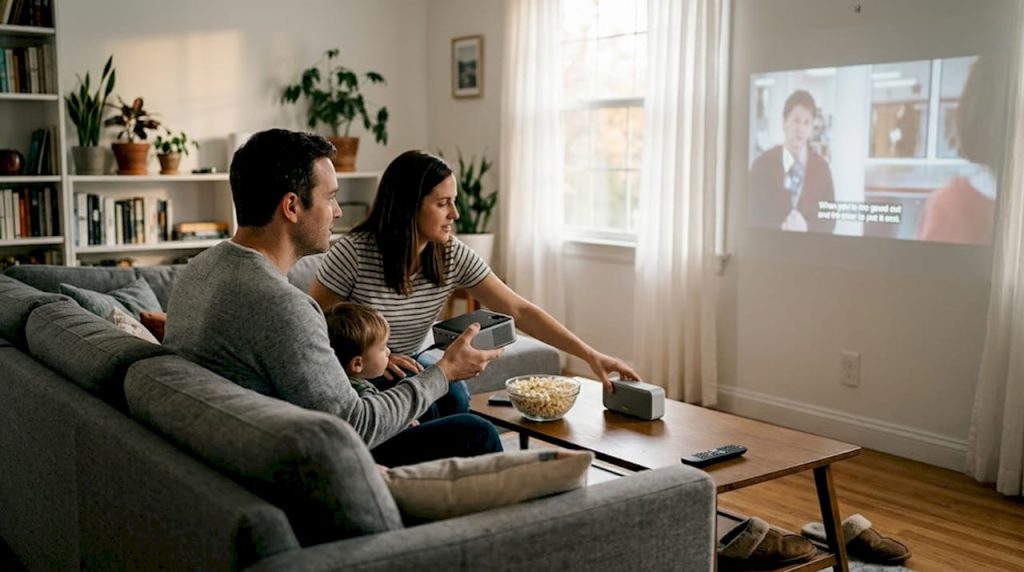
For Bluetooth projector movie nights, pairing a quality Bluetooth speaker with a smart projector transforms your living room without a single cable running across the floor. That convenience is exactly why this setup has become so popular across Malaysian homes and offices.
Step-by-step: Pairing your projector with Bluetooth devices
With the right equipment prepared, follow these steps to achieve a seamless connection.
- Power on your projector and navigate to the settings menu. Look for an option labeled "Bluetooth," "Wireless Audio," or "Sound Out" depending on your model.
- Enable Bluetooth output on the projector. On LG CineBeam models, select "Sound Out" then "Bluetooth Speaker." On Epson EF-22B models, navigate to Settings and enable Bluetooth audio from the sound menu.
- Put your Bluetooth speaker into pairing mode. Most speakers do this by holding the power or Bluetooth button for 3 to 5 seconds until the LED flashes.
- Select your speaker from the projector's Bluetooth device list. The projector will scan and display available devices nearby.
- Confirm the pairing when prompted. You should hear a tone from the speaker confirming connection.
- Check AV sync by playing a short video clip. If audio and video are misaligned, adjust the audio delay setting in your projector's audio menu.
Here's what to expect in terms of pairing time and latency by Bluetooth version:
| Bluetooth version | Pairing time | Audio latency | Recommended use |
|---|---|---|---|
| 4.2 | 10-15 seconds | 150ms+ | Casual home use |
| 5.0 | 5-8 seconds | 80ms | Home theater |
| 5.2 | 2-4 seconds | 30ms | Classroom, business |
For a reliable portable option, the Acer AOPEN Bluetooth projector pairs quickly and holds a stable connection, while the BenQ wireless projector is well-regarded for its intuitive pairing interface.
Pro Tip: If you're shopping for a new projector, prioritize Bluetooth 5.2 models to minimize sync issues from day one. The difference between 5.0 and 5.2 is noticeable, especially during fast-paced video content.
Troubleshooting Bluetooth projector issues
Even with the steps followed, sometimes issues arise. Here's how to handle them smartly.
The most common problem is a failed pairing attempt. If your projector and speaker refuse to connect, try these fixes:
- Reset Bluetooth on both devices. Turn Bluetooth off, wait 10 seconds, then turn it back on.
- Move devices closer. Stay within 5 meters during initial pairing to ensure a clean handshake.
- Check device compatibility. Not all Bluetooth speakers support the same audio profiles. Look for speakers that support A2DP (Advanced Audio Distribution Profile).
- Clear paired device lists. If either device has too many saved pairings, it may struggle to connect to new ones.
- Update firmware. Outdated firmware on your projector is a surprisingly common cause of failed Bluetooth connections.
Audio latency is the second most frustrating issue. Bluetooth 5.2 reduces AV sync delay significantly, but older Bluetooth versions can lag by 150 milliseconds or more. That's enough to make dialogue feel out of sync with lip movement.
"Wired HDMI remains superior for zero-latency professional use; Bluetooth is best for convenience-focused setups."
Interference is another factor many users overlook. If you're in an office or apartment building with many active WiFi networks and Bluetooth devices, signal congestion can cause dropouts. Switch your WiFi router to the 5GHz band to reduce overlap with Bluetooth's 2.4GHz frequency.
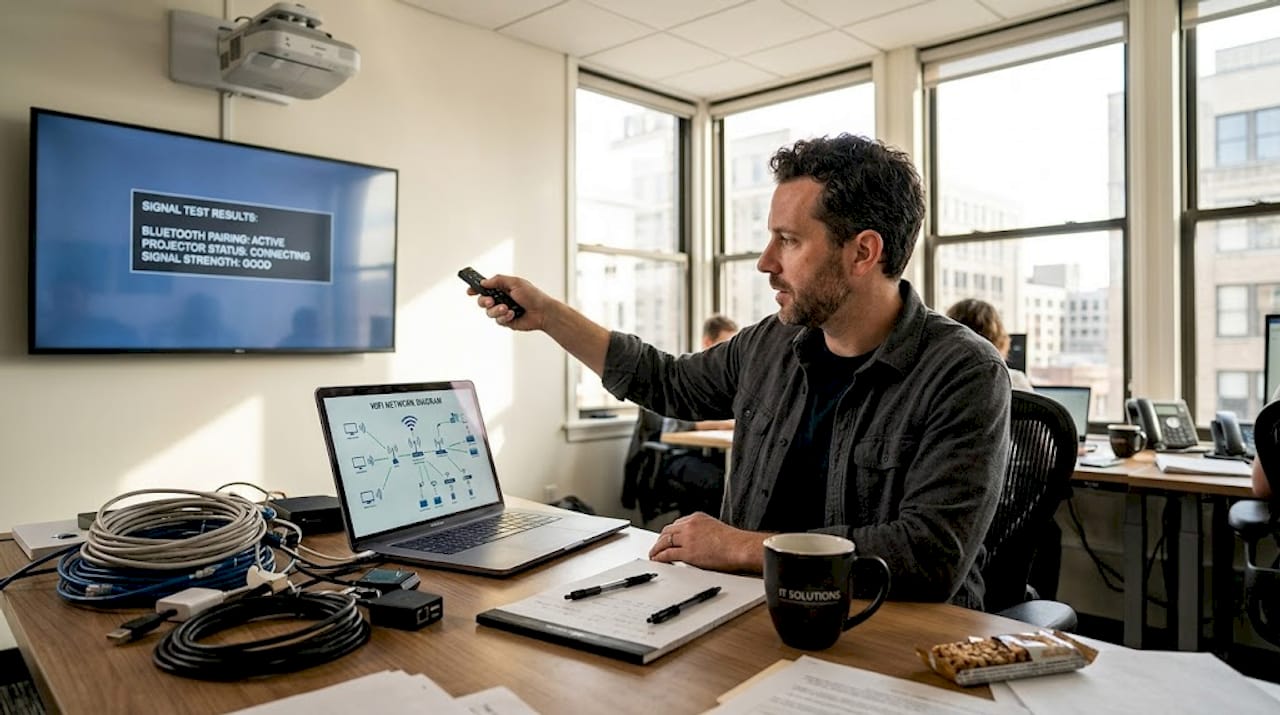
Pro Tip: For live presentations or important events, connect your audio via HDMI or a 3.5mm cable instead. You can always request a quote for projectors with both wired and wireless audio options if you need flexibility. Browse the full projector shop to compare models with built-in Bluetooth and HDMI audio outputs side by side.
Expected results and maximizing Bluetooth projection
Once your Bluetooth connection is sorted, here's what you can expect and how to make the most of it.
A properly configured Bluetooth projector setup delivers real, tangible improvements to your experience. For home users, wireless audio means no cables snaking across your living room floor. For educators, it means repositioning speakers freely in a classroom without rewiring. For business users, it means a cleaner, faster setup before meetings.
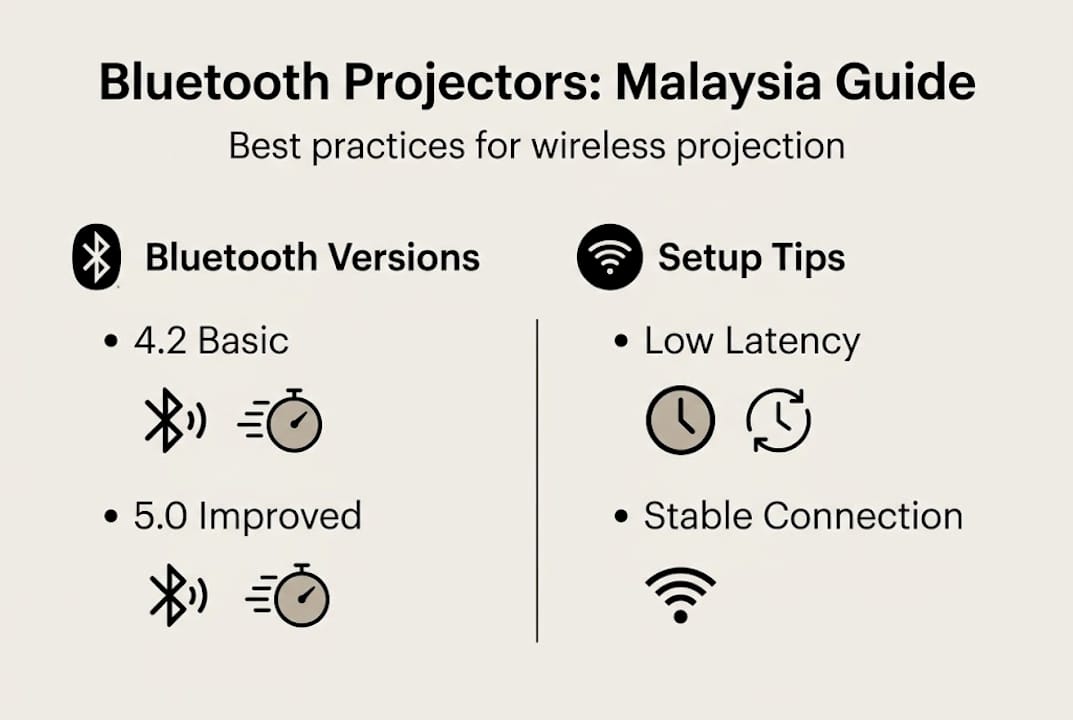
Bluetooth 5.2 in 2026 models delivers better audio sync, a wider range of up to 40 meters, and faster connection speeds compared to earlier versions. That range is genuinely useful in larger Malaysian classrooms or open-plan offices where the projector and speaker may be far apart.
Here are best practices to keep your setup performing at its peak:
- Keep firmware updated on both your projector and Bluetooth speaker. Manufacturers regularly push improvements for connectivity and audio sync.
- Use speakers with aptX or aptX Low Latency support. These audio codecs reduce delay further, even on Bluetooth 5.0 devices.
- Maintain clear line-of-sight between projector and speaker when possible. Walls and furniture absorb Bluetooth signals and reduce effective range.
- Avoid placing your projector near microwaves or cordless phones, which operate on the same 2.4GHz frequency and can cause interference.
- Check for Bluetooth projector deals when upgrading, as newer models often include improved codecs and multi-device pairing at competitive prices.
For stability during longer sessions, a projector stand positions your projector at the optimal height and angle, which also helps maintain consistent Bluetooth signal direction toward your speaker.
The wireless projection results most users report after switching to Bluetooth 5.2 setups include noticeably cleaner audio, fewer dropouts, and a setup time that's cut in half compared to older wired configurations.
What most guides miss about Bluetooth projectors
Most articles stop at the pairing steps. What they don't tell you is that Bluetooth is a convenience layer, not a professional audio solution. That distinction matters a lot depending on how you use your projector.
For home movie nights, Bluetooth is genuinely excellent. The projector basics that matter most at home are ease of use and flexibility, and Bluetooth delivers both. But in a classroom or live event setting, unsynced audio is more than annoying. It actively undermines the presentation. Older Bluetooth versions are the most common culprit, and prioritizing Bluetooth 5.2+ projectors is the single most effective decision you can make before buying.
The uncomfortable truth is that many projectors marketed as "Bluetooth-enabled" ship with Bluetooth 4.2, which is simply not good enough for professional or educational use in 2026. Always check the spec sheet before purchasing. For live events and high-stakes presentations, wired HDMI audio remains the most reliable choice, and no Bluetooth version changes that reality.
Pro Tip: Always run a full test of your audio and video setup at least 30 minutes before any important presentation or event. Bluetooth connections can behave differently in new environments with more wireless traffic.
Upgrade your Bluetooth projection experience in Malaysia
Ready to take your wireless projection setup to the next level? ProjectorDisplay.com is Malaysia's go-to source for Bluetooth-compatible projectors and accessories.

Whether you're looking for a portable smart projector for travel, a full home theater setup, or a reliable classroom solution, you'll find it among the top projector sellers on our platform. Check out current projector sales to find premium Bluetooth-enabled models at competitive prices. Need help choosing the right accessories to complete your setup? Our projector accessories guide covers everything from speakers to mounts. Our team is also available via WhatsApp for personalized recommendations tailored to your home, office, or classroom needs in Malaysia.
Frequently asked questions
Which Bluetooth version is best for projector use in 2026?
Bluetooth 5.2 is the preferred choice, offering the best audio sync and range for projector use in 2026. It significantly reduces audio delay compared to older versions.
What brands offer Bluetooth-enabled projectors in Malaysia?
Epson, LG, Samsung, Acer, BenQ, and JmGO all offer Bluetooth-enabled projectors. The Epson EF-22B and Samsung Freestyle are particularly well-supported in the Malaysian market.
How can I fix Bluetooth audio delay with my projector?
Upgrade to a projector with Bluetooth 5.2 for lower latency, and use speakers with aptX Low Latency support. For professional scenarios, wired HDMI remains superior for zero-latency audio.
Can I connect multiple devices via Bluetooth to my projector?
Some modern projectors like the Samsung Freestyle support multi-device pairing via Bluetooth 5.2 multi-pairing. Always check your projector's manual to confirm this feature is supported.
Does Bluetooth work for both audio and video on projectors?
Bluetooth handles wireless audio connections on projectors, not video streaming. Video input relies on HDMI, WiFi screen mirroring, or direct USB connections.
Recommended
- Panduan Sambungan Bluetooth Projektor untuk Rumah & Kerjaya 2025 – Projector Display
- How to Connect Projector: Step-by-Step Guide for Malaysia 2025 – Projector Display
- How to Connect Projector: Step-by-Step Guide for Malaysia 2025 – Projector Display
- WiFi Bluetooth Projector: Transforming Movie Nights – Projector Display