
Over 90 percent of modern TVs and projectors now rely on digital video inputs, yet many people still find the different connection types confusing. As screens become sharper and home setups more advanced, knowing how video inputs work is more important than ever. This guide breaks down key input types and helps you choose the best connection for your devices, making it easier to enjoy clear visuals and seamless performance.
Table of Contents
- Defining Video Inputs And Core Concepts
- Major Types Of Video Input Connections
- How Different Video Inputs Work
- Choosing The Right Input For Your Needs
- Common Compatibility Issues And Solutions
Key Takeaways
| Point | Details |
|---|---|
| Video Input Types Matter | Various video input types, such as HDMI, DVI, and Component, differ in signal quality and resolution capabilities, impacting overall performance. |
| Select for Compatibility | Ensure video inputs are compatible with both source and display devices to avoid signal mismatches and resolution conflicts. |
| Prioritize Digital Connections | Digital inputs like HDMI tend to offer superior performance and have become the standard in video transmission for modern devices. |
| Address Compatibility Issues Proactively | Identify and troubleshoot common video input compatibility problems by updating firmware, using quality adapters, and ensuring proper settings. |
Defining Video Inputs and Core Concepts
A video input represents the essential connection point where external devices transmit visual signals to displays, projectors, and monitors. According to Restream, video inputs serve as critical pathways for transferring video information from source devices like computers, gaming consoles, cameras, and media players to visual output systems.
Video inputs come in multiple formats, each with unique characteristics and compatibility standards. Wikipedia highlights several primary video input types, including:
- Composite Video: Transmits analog signals using a single yellow RCA connector
- S-Video: Provides better analog signal quality with separate brightness and color channels
- Component Video: Offers higher video resolution with red, green, and blue signal separation
- HDMI: Digital interface supporting high-definition video and audio transmission
- Digital Video Interface (DVI): Digital video connection standard
Understanding video input compatibility is crucial for selecting appropriate connections between devices. Professionals and home users must consider factors like signal type, resolution support, and device-specific requirements when choosing video inputs. Modern projector display systems in Malaysia increasingly favor HDMI and digital interfaces due to their superior signal quality and widespread adoption across various electronic devices.
The evolution of video input technologies reflects ongoing improvements in visual transmission standards. From early analog connections to contemporary high-bandwidth digital interfaces, these technological advancements continue to enhance image quality, reduce signal interference, and support increasingly complex multimedia experiences.
Major Types of Video Input Connections
Navigating the world of video input connections can be complex, with multiple standards serving different technological needs. According to Cert Study Hub, video input connections have evolved significantly, offering various signal transmission capabilities for different devices and applications.
Analog Video Connections
Analog video connections represent the traditional methods of video signal transmission:
- Composite Video: Transmits video signals through a single yellow RCA connector, offering basic video quality
- S-Video: Provides improved analog signal quality by separating brightness and color channels
- Component Video: Delivers higher resolution by using separate red, green, and blue signal channels
Digital Video Connections
Wikipedia highlights several prominent digital video input standards:
- VGA (Video Graphics Array): Analog interface common in older computer monitors and projectors
- DVI (Digital Visual Interface): Digital standard supporting high-resolution video transmission
- HDMI (High-Definition Multimedia Interface): Modern digital connection supporting both high-definition video and audio signals
The selection of video input connections depends on specific device compatibility, desired resolution, and signal quality requirements. In the Malaysian projector and display market, HDMI has become the predominant standard due to its versatility, supporting 4K video, multichannel audio, and widespread device compatibility.
Here's a comparison of common video input types and their key characteristics:
| Video Input Type | Signal Type | Typical Use Cases | Max Supported Resolution |
|---|---|---|---|
| Composite Video | Analog | Older TVs VCRs Legacy equipment |
Standard Definition (SD) |
| S-Video | Analog | DVD players Older projectors |
Standard Definition (better color) |
| Component Video | Analog | DVD players HD TVs |
Up to 1080p HD |
| VGA | Analog | Older PCs Older monitors |
Up to 1080p HD |
| DVI | Digital | PCs Monitors Some projectors |
Up to 1080p/4K (Dual-Link) |
| HDMI | Digital | TVs Projectors Consoles PCs |
Up to 4K/8K UHD |
As technology continues to advance, video input connections are becoming more sophisticated, offering higher bandwidth, improved signal integrity, and seamless integration across various electronic devices.
Professionals and home users alike must stay informed about these evolving standards to ensure optimal visual performance and connectivity.
How Different Video Inputs Work
Video input technologies operate through distinct signal transmission mechanisms that determine their performance and compatibility. According to Restream, these technologies can be broadly categorized into analog and digital signal transmission methods, each with unique characteristics and operational principles.
Analog Video Signal Transmission
Analog video inputs transfer visual information through continuous electrical signals:
- Composite Video: Combines all video information into a single signal channel
- S-Video: Separates luminance (brightness) and chrominance (color) signals for improved quality
- Component Video: Splits video signals into three separate channels (red, green, blue) to enhance color accuracy and resolution
Digital Video Signal Processing
Wikipedia explains that digital video inputs transform visual data into binary code, enabling more precise and efficient signal transmission. Key digital interfaces include:
- VGA: Converts analog signals through digital-to-analog conversion
- DVI: Transmits uncompressed digital video signals directly
- HDMI: Provides encrypted digital signal transmission with additional audio capabilities
The fundamental difference between analog and digital inputs lies in signal representation. Analog inputs use continuous electrical waves, while digital inputs convert visual information into binary data streams. This transformation allows digital interfaces to support higher resolutions, maintain signal integrity, and provide more robust data transmission.
In the context of Malaysian projector display technologies, understanding these signal transmission mechanisms helps users select the most appropriate video input for their specific requirements, ensuring optimal visual performance across different devices and applications.
Choosing the Right Input for Your Needs
Selecting the appropriate video input can significantly impact your visual experience and device performance. Restream emphasizes that choosing the right input involves carefully considering several critical factors that go beyond simple connectivity.
Key Selection Criteria
When evaluating video input options, consider these essential factors:
- Device Compatibility: Ensure the input matches your source and display device connections
- Resolution Requirements: Select inputs supporting your desired video quality (HD, 4K, etc.)
- Signal Quality: Evaluate the input's ability to transmit clear, interference-free signals
- Future-Proofing: Choose inputs that support emerging technological standards
Comparative Input Recommendations
Cert Study Hub recommends matching inputs to specific use cases:
- Home Entertainment: HDMI for high-quality audio and video transmission
- Professional Presentations: DisplayPort or HDMI for reliable digital signals
- Legacy Systems: VGA or composite video for older equipment
- Gaming: HDMI or DisplayPort for high-refresh-rate displays
In the Malaysian projector market, HDMI has emerged as the most versatile standard, offering broad device compatibility, high-bandwidth transmission, and support for 4K content. Professionals and home users should prioritize inputs that provide the best balance between current performance and future technological adaptability.
Ultimately, the right video input depends on your specific devices, performance expectations, and budget constraints.
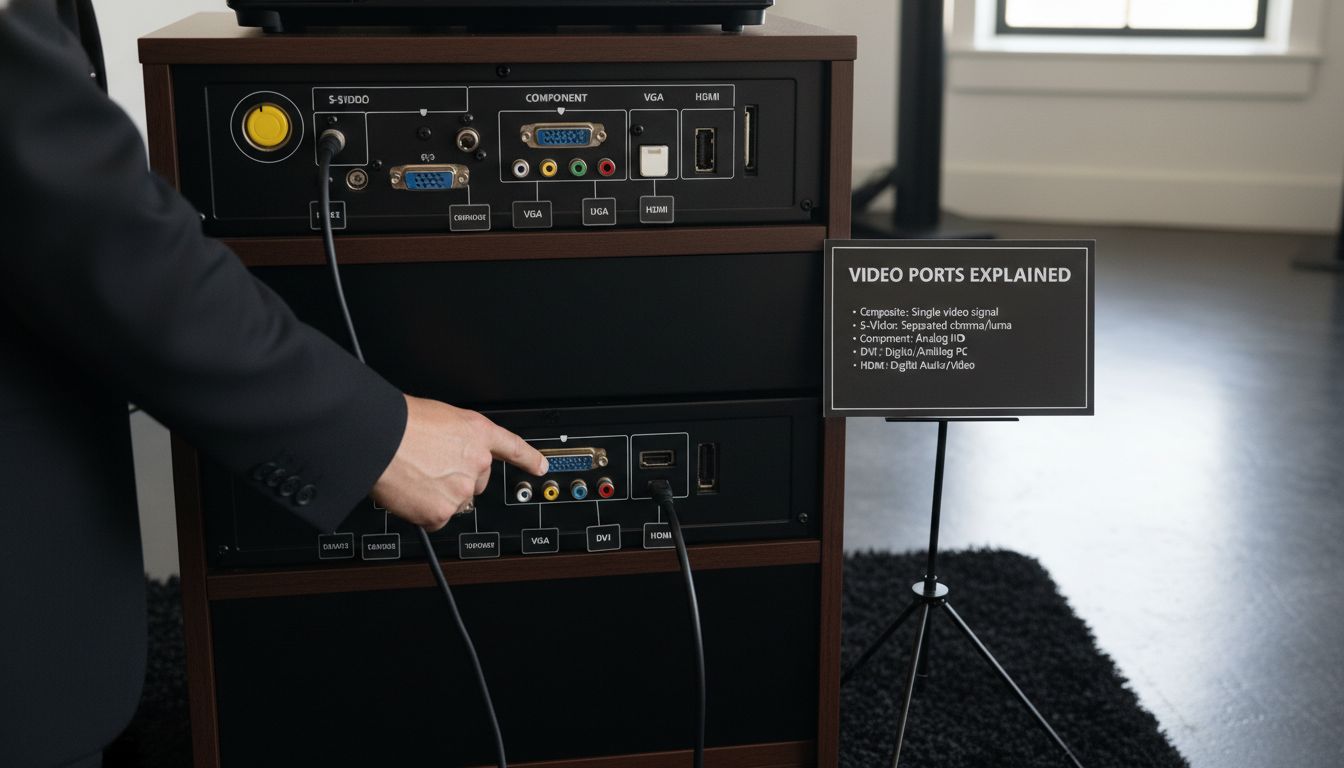 By understanding each input's strengths and limitations, you can make an informed decision that maximizes your visual experience and technological investment.
Common Compatibility Issues and Solutions
Video input compatibility challenges can significantly disrupt visual experiences across various devices and applications. File Type Error highlights that understanding these issues is crucial for maintaining smooth multimedia performance.
Typical Compatibility Challenges
Users frequently encounter several recurring compatibility problems:
- Signal Mismatch: Incompatible signal formats between source and display devices
- Resolution Conflicts: Misaligned resolution capabilities across different inputs
- Outdated Connector Types: Legacy interfaces unable to support modern video standards
- Bandwidth Limitations: Insufficient data transfer rates for high-resolution content
Troubleshooting Strategies
University of Galway Tips recommends several practical solutions for addressing video compatibility issues:
- Update Device Firmware: Regularly update drivers and firmware
- Use Appropriate Adapters: Employ high-quality signal conversion adapters
- Check Cable Quality: Utilize certified, high-performance video cables
- Verify Device Settings: Confirm input/output settings match device capabilities
In the Malaysian projector and display market, HDMI adapters and universal connectors have become essential tools for bridging compatibility gaps. These solutions help users overcome interface differences, enabling smoother connections between diverse devices.
Successful video input compatibility requires a proactive approach. By understanding potential challenges, maintaining updated equipment, and utilizing appropriate conversion technologies, users can minimize disruptions and ensure optimal visual performance across their multimedia ecosystem.
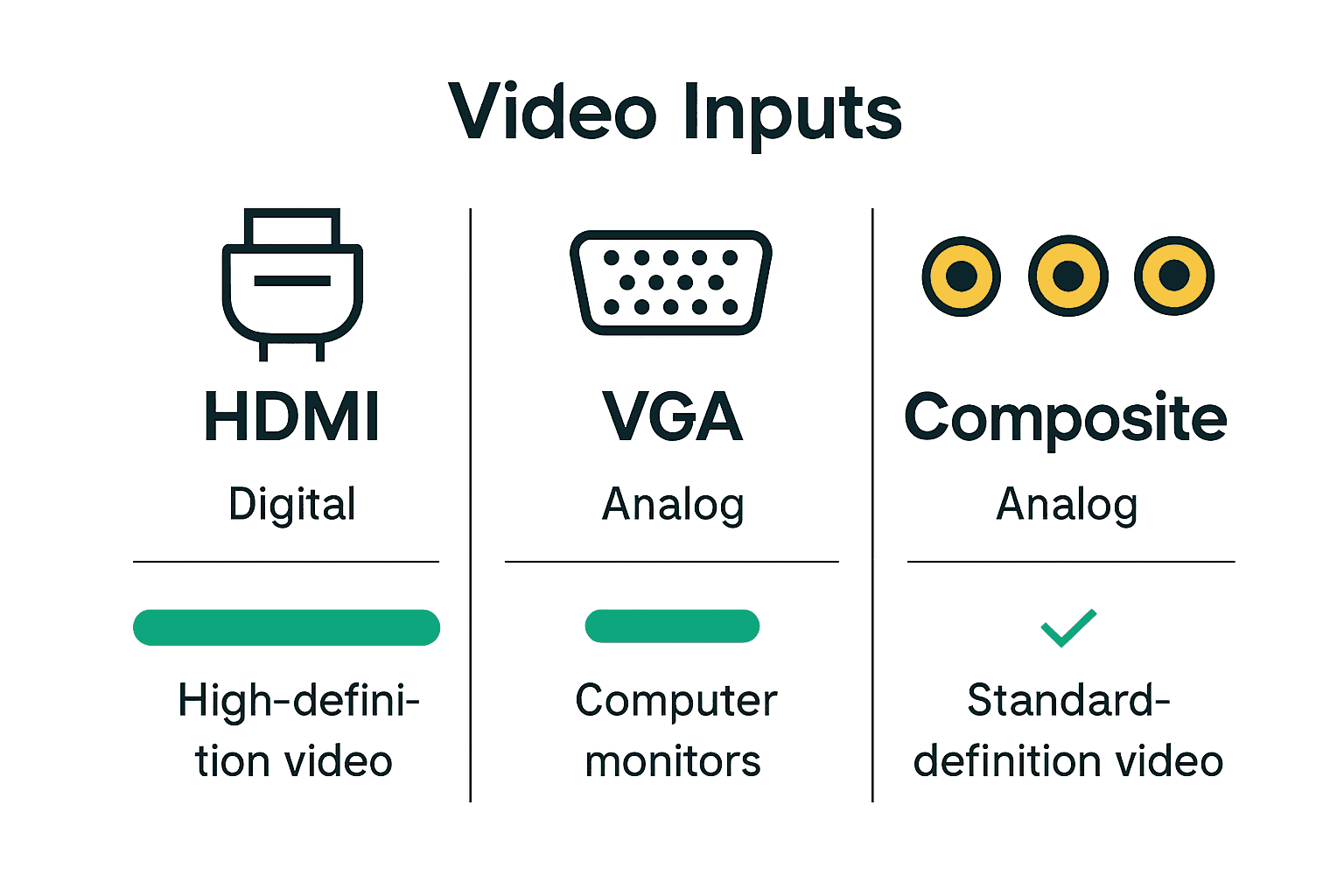
Find the Perfect Video Input Solution for Your Projection Needs
Understanding the different types of video inputs and their compatibility challenges is crucial for achieving the best visual experience. Whether you are dealing with HDMI connections for crystal-clear 4K signals or legacy inputs like VGA for older devices, the frustration of mismatched signals and poor image quality can hold back your setup. You need a reliable source for projectors and accessories that fully support modern video input standards, ensuring seamless connectivity and top performance.

Explore a wide range of projectors and display equipment tailored to the Malaysian market at ProjectorDisplay.com. Our collection includes options with HDMI, VGA, and other input types, promising compatibility with your devices and future-proof features. Act now to upgrade your home theater, office, or classroom with the perfect device from ProjectorDisplay.com and resolve your video input frustrations today. Get started by browsing our selection and find the ideal combination of quality and connectivity at ProjectorDisplay.com.
Frequently Asked Questions
What are the main types of video inputs?
Video inputs mainly fall into two categories: analog and digital. Common types include Composite Video, S-Video, Component Video, VGA, DVI, and HDMI. Each serves different purposes and has unique signal transmission characteristics.
How do I choose the right video input for my devices?
When selecting a video input, consider device compatibility, resolution requirements, signal quality, and future-proofing options. HDMI is often recommended for modern devices due to its high bandwidth and versatility.
What is the difference between analog and digital video inputs?
Analog video inputs use continuous electrical signals to transmit visual information, while digital inputs convert this information into binary code for more accurate and efficient signal transmission. Digital inputs like HDMI and DVI support higher resolutions compared to analog counterparts.
What should I do if I encounter compatibility issues with video inputs?
To address compatibility issues, ensure that signal formats and resolutions are compatible between devices. Update device firmware, use high-quality adapters and cables, and verify input/output settings to minimize disruptions.
Recommended
- Apakah Input HDMI: Panduan Lengkap Untuk Semua Pengguna – Projector Display
- Best Projector and Screen for Home Theater in Malaysia 2025 – Projector Display
- HDMI vs VGA Projector: Best Choice for Malaysia 2025 – Projector Display
- Projector Screen Size Guide 2025: Perfect Fit for Malaysian Needs – Projector Display