
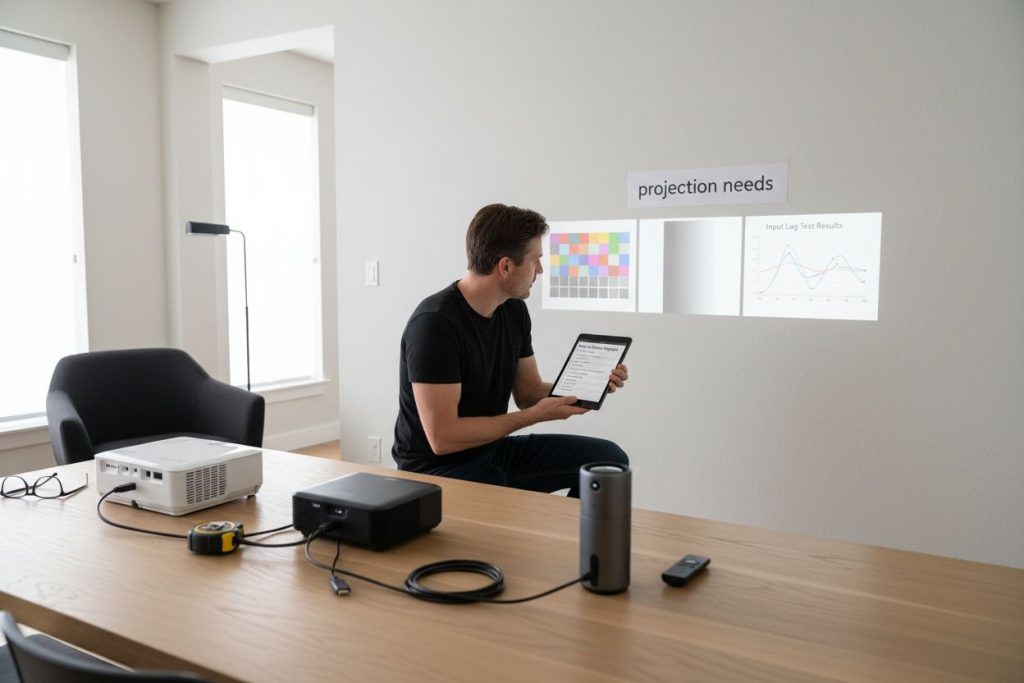
Picking the perfect projector can feel overwhelming with so many choices on the market and every setup demanding something a little different. Most people focus on big brands or flashy features and miss the details that actually matter. Here is a surprise: some home theaters work best with just 1500 lumens, while classrooms need up to 4000 lumens for a clear image during the day. So the real key is not starting with the projector at all, but with your room, your habits, and even the smallest details of how and when you watch.
Table of Contents
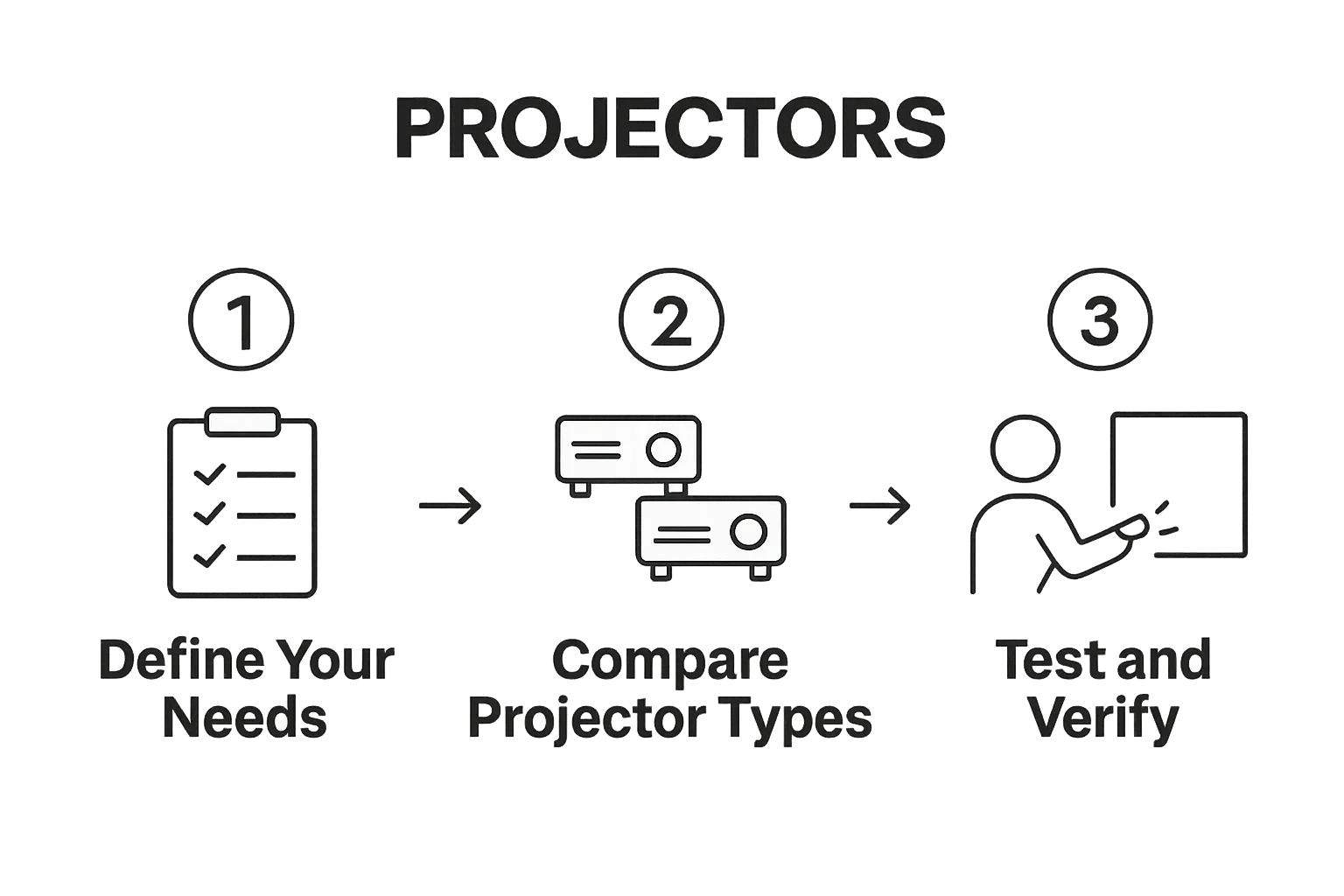
- Step 1: Determine Your Specific Projection Needs
- Step 2: Research And Compare Projector Types
- Step 3: Evaluate Technical Specifications And Features
- Step 4: Test And Verify Projection Quality
- Step 5: Choose And Purchase Your Ideal Projector
Quick Summary
| Key Point | Explanation |
|---|---|
| 1. Identify Your Projection Needs | Assess your specific usage requirements, including environment and content types, to guide your projector selection. |
| 2. Research Different Projector Types | Understand the strengths of various projector technologies like LCD, DLP, and LED to make an informed choice. |
| 3. Evaluate Technical Specifications | Consider resolution, brightness, and connectivity options to ensure the projector meets your performance expectations. |
| 4. Test Projector Quality Thoroughly | Conduct hands-on tests in conditions simulating actual use to verify visual performance and usability. |
| 5. Consider Budget and Purchase Strategy | Factor total costs and investigate warranties and support from authorized sellers for long-term value. |
Step 1: Determine your specific projection needs
Choosing the right projector begins with understanding your unique projection requirements. This crucial first step will guide your entire selection process, ensuring you invest in a device that perfectly matches your intended use. Whether you are setting up a home theater, preparing for business presentations, or creating an educational environment, pinpointing your specific needs eliminates unnecessary complexity and helps you make a targeted decision.
Your projection needs encompass several critical factors that will directly influence your projector selection. Consider the primary environment where you will use the projector. Home entertainment setups differ significantly from professional conference rooms or classroom installations. For home users, factors like room size, ambient light conditions, and viewing distance play a paramount role. Business professionals might prioritize brightness, resolution, and connectivity options, while educators could focus on durability, ease of use, and interactive features.
Start by mapping out your specific usage scenarios. Ask yourself detailed questions about your projection environment. How large is the space? What are the lighting conditions? Will you be using the projector during daylight or primarily in darker settings? What type of content will you predominantly display? High definition movies require different specifications compared to text heavy PowerPoint presentations or detailed graphic design work. Learn more about projection mapping and specialized display techniques to understand the nuanced requirements across different use cases.
Carefully assess your technical constraints and preferences. Measure your intended projection area and consider throw distance, which determines how far the projector must be placed from the screen to create your desired image size. Some spaces might require short throw projectors that can create large images from minimal distances, while others accommodate standard throw projectors. Connectivity is another crucial consideration. Modern projectors offer various input options including HDMI, USB, wireless screen mirroring, and network connections. Matching these to your existing technology ecosystem ensures seamless integration and reduces potential compatibility headaches.
By meticulously analyzing your projection needs upfront, you transform the selection process from a guessing game into a strategic decision. Your thorough understanding will guide subsequent steps, helping you navigate the complex world of projector technologies with confidence and precision.
Step 2: Research and compare projector types
After determining your specific projection needs, the next critical step involves diving deep into the diverse world of projector technologies. This research phase transforms your initial requirements into concrete technological choices, helping you narrow down the overwhelming array of available options. Discover more about different projector technologies to make an informed decision.
Projector technologies have evolved dramatically, presenting users with multiple sophisticated options tailored to specific use cases. The primary categories include LCD, DLP, and LED projectors, each bringing unique strengths and potential limitations. LCD projectors typically offer excellent color reproduction and sharper images, making them ideal for graphic design, photography, and detailed presentations. DLP projectors, known for their compact design and superior contrast ratios, excel in home theater environments and gaming setups. LED projectors represent the modern frontier, providing energy efficiency, longer lamp life, and minimal maintenance requirements.
Your comparison process should extend beyond basic technological categories. Evaluate critical performance metrics that directly impact your user experience. Brightness measured in lumens becomes a paramount consideration. Darker environments like home theaters might require 1500 2000 lumens, while conference rooms or classrooms with ambient light demand 3000 4000 lumens for optimal visibility. Resolution represents another crucial factor high definition 1080p remains standard, but 4K projections are increasingly accessible and provide stunning visual clarity for discerning users.
Beyond technical specifications, consider practical aspects that significantly influence long term satisfaction. Lamp life expectancy determines your ongoing maintenance costs some projectors offer 2000 3000 hours before requiring replacement, while LED models can extend beyond 20,000 hours. Noise levels matter in quiet professional or home settings certain models operate with minimal acoustic disruption. Connectivity options like HDMI, wireless mirroring, and integrated smart features can transform a basic projector into a versatile multimedia hub.
Comparing projector types requires methodical research. Create a structured comparison chart listing your priority features against different models. Watch professional review videos, read user testimonials, and if possible, request demonstration sessions at local electronics stores. Your goal is not just finding a technically competent projector, but discovering a device that seamlessly integrates into your specific environment and workflow.
Below is a comparison table to help you understand the main projector technologies discussed, summarizing their strengths and ideal use cases.
| Projector Type | Key Strengths | Typical Applications |
|---|---|---|
| LCD | Excellent color reproduction, sharp images | Graphic design, photography, detailed presentations |
| DLP | Compact design, superior contrast | Home theater, gaming setups |
| LED | Energy efficiency, long lamp life, low maintenance | Modern environments, frequent use, minimal upkeep |
| By approaching this research systematically, you minimize the risk of costly mismatches and ensure a projection solution that meets your precise requirements. |
Step 3: Evaluate technical specifications and features
Transitioning from broad research to granular technical assessment requires a systematic approach to understanding projector specifications. This step transforms your initial requirements into concrete evaluation criteria, ensuring you select a device that matches your precise performance expectations. Explore our comprehensive projector purchase guide for additional insights into technical details.
Resolution stands as the foundational visual specification determining image clarity and detail reproduction. Standard HD projectors offering 1920×1080 pixel configurations remain popular, but 4K Ultra HD projectors delivering 3840×2160 resolution are becoming increasingly accessible. The higher resolution translates directly into sharper, more nuanced imagery particularly critical for professional graphic design, cinematic home theaters, and detailed presentation environments. Consider your content type carefully some applications like basic PowerPoint presentations might not require the extreme detail of 4K, while cinematographic or design work absolutely demand superior pixel density.
Brightness measured in lumens represents another critical technical parameter that dramatically influences projection quality. Different environments necessitate varied brightness levels. Home theater spaces with controlled lighting might require 1500 2000 lumens, whereas conference rooms or classrooms with significant ambient light demand 3000 4000 lumens to maintain image visibility. Contrast ratio emerges as an equally important specification, determining the projector's ability to display deep blacks and vibrant whites. Higher contrast ratios typically range between 2000:1 and 5000:1, providing more dynamic and visually engaging imagery.
Connectivity features have evolved from simple input options to comprehensive integration platforms. Modern projectors offer an impressive array of connection possibilities including multiple HDMI ports, USB inputs, wireless screen mirroring, network connectivity, and even built in smart platforms. Evaluate these features against your existing technological ecosystem. Wireless capabilities allow seamless smartphone and laptop connections, while multiple input types ensure compatibility with various devices. Some advanced models include integrated speakers, Bluetooth connectivity, and even built in streaming applications, transforming the projector from a display device into a comprehensive multimedia hub.
Technical specification evaluation requires methodical comparison. Create a detailed spreadsheet listing each potential projector alongside its key specifications. Prioritize features matching your specific use case, whether that involves color accuracy for design work, rapid refresh rates for gaming, or robust connectivity for professional presentations. By approaching technical specifications with a strategic mindset, you convert complex technological data into a clear pathway toward selecting the ideal projection solution for your unique requirements.
Step 4: Test and verify projection quality
After meticulously researching and comparing projector specifications, the critical next phase involves hands on testing and quality verification. This step transforms theoretical specifications into real world performance, ensuring your chosen projector delivers the visual experience you expect. Discover expert techniques for projector calibration to maximize your device's potential.
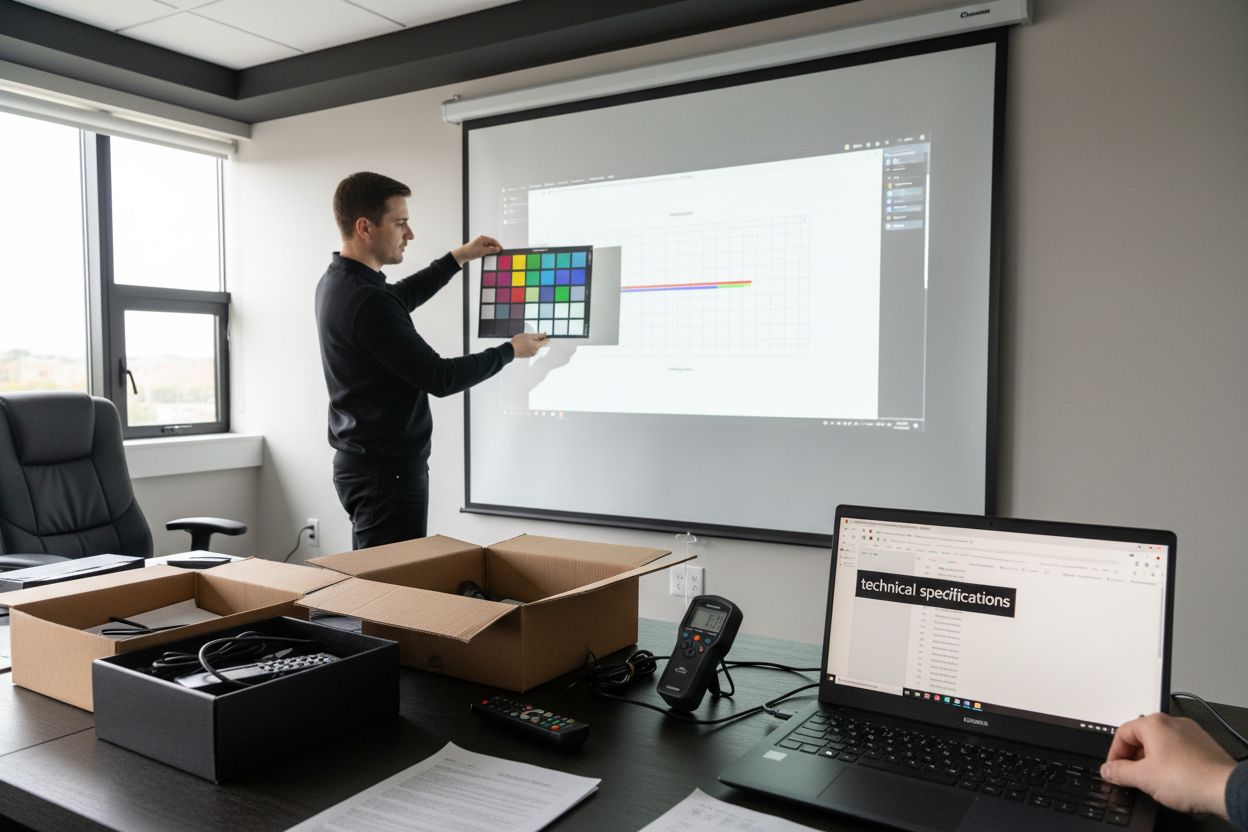
Projection quality testing requires a comprehensive and systematic approach. Begin by creating a controlled testing environment that closely mimics your intended usage scenario. If you plan to use the projector in a home theater, dim the lights and set up a neutral colored projection surface. For business or educational settings, replicate typical room lighting conditions. Bring sample content representing your primary use cases high definition movies, detailed presentations, graphic design work, or gaming interfaces to thoroughly assess the projector's performance across different visual scenarios.
Evaluate multiple critical visual parameters during your testing process. Color accuracy represents a paramount consideration particularly for professionals in design, photography, and multimedia production. Examine how the projector reproduces color gradients, skin tones, and subtle visual nuances. Contrast and black level performance become equally crucial test elements. A superior projector should display deep blacks without losing shadow detail, providing a rich visual depth that enhances overall image quality. Motion handling becomes another key assessment factor for users interested in fast moving content like sports or gaming. Test the projector with rapid motion sequences to observe blur reduction and smoothness of image transitions.
Beyond visual performance, assess practical operational characteristics. Noise levels can significantly impact user experience, especially in quiet professional or home environments. Run the projector at different brightness settings to understand its acoustic profile. Check fan noise, operational heat generation, and overall system stability during extended use. Connectivity and user interface responsiveness represent additional crucial verification points. Attempt wireless screen mirroring, test input lag for gaming scenarios, and evaluate the intuitiveness of built in menus and control systems.
Ultimately, projection quality verification is a personal and context specific process. What works perfectly in one environment might not meet expectations in another. Take advantage of vendor demonstration periods, request extended trials when possible, and do not hesitate to compare multiple units side by side. Your goal is not just finding a technically competent projector, but discovering a device that provides a seamless, immersive visual experience tailored precisely to your unique requirements.
Use the following checklist table to ensure that you have verified all essential projection quality aspects before finalizing your decision.
| Verification Step | What to Check | Why It Matters |
|---|---|---|
| Color Accuracy | Test color gradients and skin tones | Ensures realistic, vibrant images |
| Contrast & Black Levels | Examine depth of blacks/shadow detail | Enhances visual depth |
| Motion Handling | Play fast-moving content | Reduces blur, improves smoothness |
| Noise Levels | Listen at various brightness settings | Maintains comfort in quiet rooms |
| Connectivity/Input Lag | Test device connections and menu response | Supports seamless, responsive usage |
By approaching this testing phase with methodical attention and critical observation, you dramatically increase your chances of selecting a projection solution that exceeds your expectations.
Step 5: Choose and purchase your ideal projector
The culmination of your comprehensive projector selection journey arrives with making the final purchase decision. This critical step transforms your extensive research and testing into a tangible investment that will shape your visual experience for years to come. Explore essential tips for optimizing your home theater setup to maximize your new projector's potential.
Budget considerations play a pivotal role in your final selection process. While it is tempting to compromise on cost, remember that a projector represents a long term investment in your visual experience. Calculate not just the initial purchase price, but the total cost of ownership. Factor in ongoing expenses like replacement lamps, potential maintenance, electricity consumption, and potential accessory requirements such as mounting brackets, specialized screens, or sound systems. Professional grade projectors might demand a higher upfront investment but often provide superior longevity, better performance, and more comprehensive warranty coverage.
Purchase strategy extends beyond mere price comparison. Investigate the reputation and after sales support of both the projector manufacturer and the specific retailer. Authorized dealers often provide more comprehensive warranty options, firmware update support, and potential calibration services. Examine the warranty terms meticulously some manufacturers offer extended coverage for critical components like light sources, which can represent significant future savings. Some retailers provide additional protection plans that cover accidental damage or offer replacement guarantees, adding an extra layer of financial security to your purchase.
Authenticity and purchasing channels demand careful consideration. Prioritize authorized sellers who can provide genuine manufacturer warranties and original equipment. Online marketplaces might offer tempting discounts, but purchasing from specialized projection equipment retailers or manufacturer authorized distributors ensures you receive a genuine product with full support. Request comprehensive documentation, including original packaging, comprehensive warranty cards, and detailed specification sheets. For business or professional users, some manufacturers offer specialized support contracts that include onsite maintenance and rapid replacement services.
Be prepared to negotiate and explore package deals. Many retailers offer bundled options that include essential accessories like projection screens, ceiling mounts, or extended warranty packages. These comprehensive deals can provide significant value beyond the projector itself. Timing your purchase during seasonal sales events or technology refresh periods can yield substantial savings. Your goal is not just acquiring a projector, but securing a complete visual solution that meets your specific requirements while providing the best possible value for your investment. By approaching the purchase with strategic thinking and comprehensive research, you transform a simple buying decision into a calculated investment in your visual experience.
Ready to Experience Flawless Projection in 2025?
You have learned how critical it is to pinpoint your projection needs, compare technologies, and test performance—but the real challenge is bringing it all together with the ideal solution for your space. Whether you want vibrant movie nights at home or sharp visuals for business, the right projector is only part of your setup. Do not let poor screens or sound hold you back. Complete your upgrade with our premium projector screens for crisp, immersive images in any setting.

Take your next step with confidence. Visit ProjectorDisplay.com to discover top projector brands, essential accessories, and the support you need to succeed in 2025. Secure the best deals and get fast shipping within Malaysia. Transform your viewing experience—make your choice now before the latest models sell out.
Frequently Asked Questions
What factors should I consider when determining my projector needs?
Consider the environment where you will use the projector, such as room size, lighting conditions, and type of content (e.g., movies, presentations, or graphic design). Each use case may require different specifications.
How do I choose between different types of projectors?
Evaluate the main projector technologies like LCD, DLP, and LED. Each has strengths: LCD offers great color reproduction, DLP is compact with superior contrast, and LED provides energy efficiency and longer lifespan.
What technical specifications are most important in a projector?
Key specifications include resolution (e.g., 1080p or 4K), brightness (measured in lumens), contrast ratio, and connectivity options. Make sure these align with your specific usage scenarios for optimal performance.
How can I test a projector before making a purchase?
Create a testing environment simulating your intended use. Assess color accuracy, contrast, motion handling, and noise levels, bringing sample content that represents your primary use cases to evaluate the projector's performance.
Recommended
- Best Projector and Screen for Home Theater in Malaysia 2025 – Projector Display
- Best Projector For Presentations 2025: Top Picks For Malaysia – Projector Display
- Types of Projectors: Guide for Malaysia Users 2025 – Projector Display
- Memilih Projektor untuk Rumah: Panduan Lengkap 2025 – Projector Display