
TL;DR:
- Android projector customization options include user settings like image calibration, UI layout, and connectivity. Factory-level OEM options lock in hardware specifications, software versions, and appearance before shipment. Prioritizing hardware quality over software features ensures a better home theater experience.
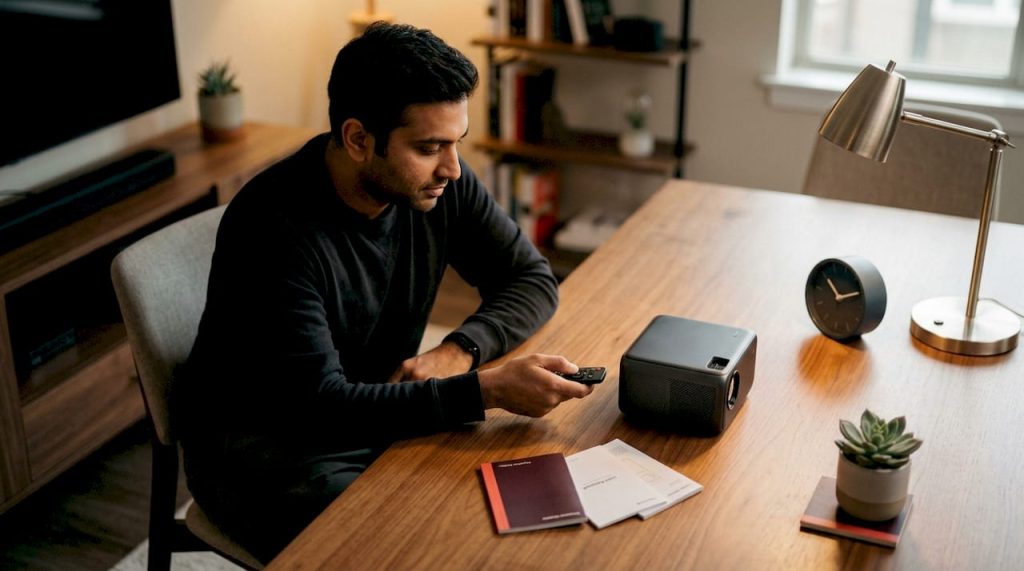
Android projector customization options fall into two distinct layers, and knowing which layer you're working with changes everything. The first is user-facing: UI layouts, startup images, keystone correction, equalizer settings, and connectivity preferences you can tweak from your couch. The second is factory-level OEM customization, where hardware and software parameters like resolution options spanning HD to Ultra HD, brightness suitable for various ambient lighting conditions, pre-installed apps, and branded packaging get locked in before the unit ships. Most buyers only ever touch the first layer, but understanding both helps you shop smarter and set up better.
Key user-facing options at a glance:
- UI layout and multi-language interface configuration
- Custom startup images and boot videos
- Adaptive image calibration: keystone correction, focus, wall color adaptation
- Audio tuning via equalizer and Bluetooth speaker output
- Connectivity setup: Wi-Fi, Bluetooth, HDMI, and USB
- Accessibility features: subtitles, screen readers, color adjustments
What Android projector customization options can you actually change yourself?
User-accessible settings are where most home theater enthusiasts spend their time, and the range is wider than many expect.
UI layout and startup personalization
Projectors like the Ihomelife P30 let you customize startup images and boot videos, so the projector greets you with your own branding or artwork instead of a generic splash screen. The main UI layout can also be rearranged to surface your most-used apps. If you share the projector with family members who speak different languages, multi-language interface support means everyone gets a native experience without digging through settings.
Adaptive image calibration
Keystone correction, auto-focus, and wall color adaptation are the three settings that do the most work in a real room. Keystone corrects the trapezoidal distortion that happens when the projector sits off-center. Wall color adaptation shifts the color profile to compensate for non-white surfaces, which matters more than most people realize when projecting onto a cream or gray wall. The JMGO N3 Ultimate takes this further with an AI Spatial Memory System that recalls your preferred zoom level, focus, and wall position every time you power on, cutting setup time to near zero for frequent movers.
Audio customization
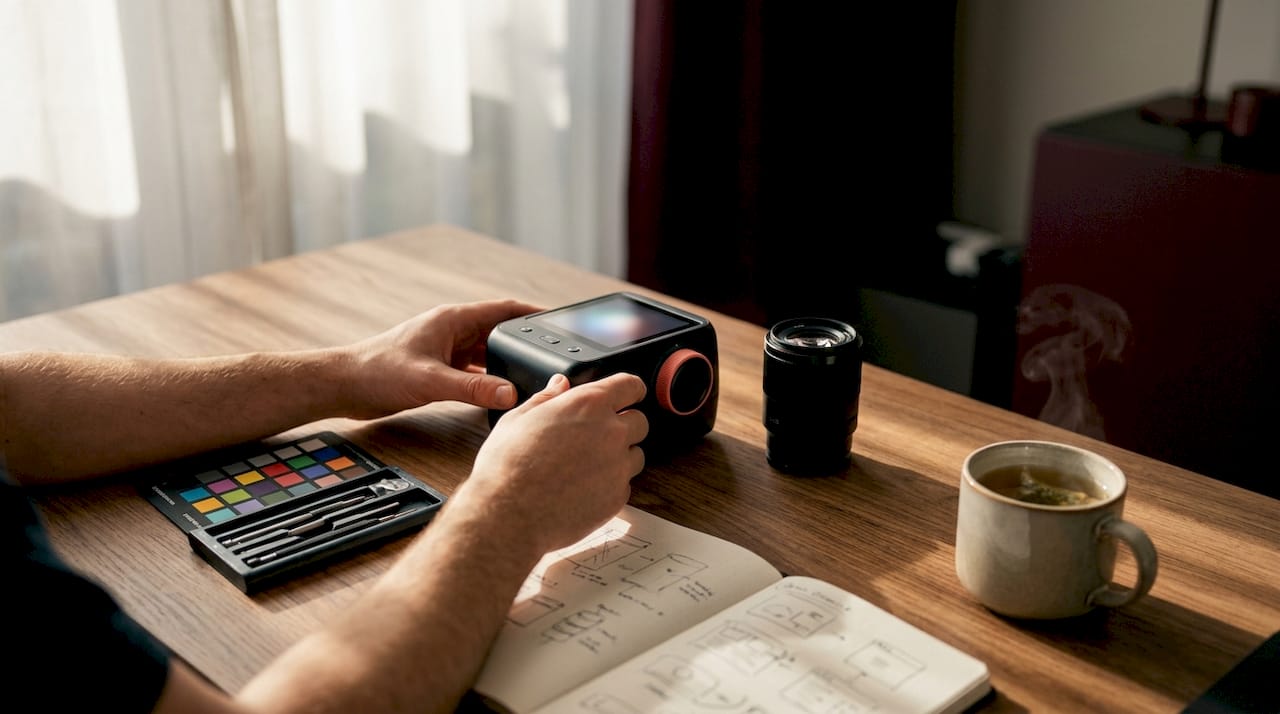
Built-in equalizers let you boost dialogue clarity or add bass weight depending on content. For anything serious, connecting an external Bluetooth speaker or a soundbar via a 3.5mm audio jack transforms the experience. Audio output options like Bluetooth and analog out are standard on most mid-range Android projectors, and they're worth using rather than relying on built-in drivers alone.
Pro Tip: Set your equalizer profile before a movie night, not during. Most Android projectors save the last-used EQ preset, so a two-minute adjustment once pays off every session.
Connectivity configuration
Wi-Fi, Bluetooth, HDMI, and USB connectivity can each be configured to match your setup. Dual-band Wi-Fi (2.4 GHz and 5 GHz) matters when your router is far away or congested. HDMI input priority settings let you switch between a gaming console and a laptop without hunting through menus. Bluetooth pairing memory means your speaker reconnects automatically.
Accessibility features
Subtitle settings, screen reader support, and color adjustment modes make Android projectors genuinely usable for a wider audience. Accessibility customization including high-contrast themes and font scaling is built into most Android-based launchers. These aren't afterthoughts on modern units; they're part of the Android OS layer and carry over from the mobile ecosystem.
How does factory-level OEM customization work for Android projectors?
OEM and ODM customization operates at a completely different level from anything you configure in settings. This is where distributors and businesses define what a projector is before it reaches the consumer.
OEM services cover hardware production to brand licensing. An OEM customer specifies the product parameters, and the manufacturer handles design, production, and quality control. ODM goes further: the manufacturer owns the base design, and the customer customizes appearance, logo, and select features on top of an existing platform.
The customization menu at factory level includes:
- Hardware: Resolution options spanning HD to Ultra HD, brightness suitable for various ambient lighting conditions, battery capacity for portable models, and power specifications for different regional standards
- Software: Android system version, multi-language interface, and pre-installed APKs such as Netflix or YouTube locked to prevent removal
- Appearance: Shell color, laser-engraved brand logos, and custom gift packaging design
- Accessories: Custom remote controls, anti-glare screens, portable bags, and multi-language user manuals
The BenQ GV11 Mini LED Android Wireless Projector is a good example of how OEM-level decisions shape the end product. Its hardware spec, form factor, and pre-loaded software reflect choices made at the factory stage, not in a settings menu. Brands like Acer projector Malaysia, Viewsonic projector Malaysia, and Optoma projector Malaysia each bring their own OEM configurations to market, which is why two projectors running the same Android version can feel completely different out of the box.
End-users often mistake factory-level options for consumer settings. If a feature isn't in your settings menu, it was either never included or locked at the OEM stage.
Should you prioritize hardware or software when customizing for home cinema?
Hardware wins. That's the short answer, and industry experts back it up consistently: brightness, contrast ratio, and native resolution determine image quality in ways that no software setting can compensate for.
Android OS flexibility is genuinely useful for content access and interface personalization, but it doesn't rescue a dim image in a bright room or add detail that the native resolution can't render. External streaming devices sometimes offer smoother, more regularly updated interfaces than the built-in Android OS on a projector, which tends to run older Android versions. If your projector's launcher feels sluggish, the fix is often a dedicated streaming stick rather than a software tweak.
That said, software customization does meaningful work in specific areas:
- Native app ecosystems eliminate the DRM restrictions that block screen mirroring from apps like Netflix and Disney+. Running Netflix natively on the projector sidesteps the copy-protection wall entirely.
- Smartphone app control, now standard on many models, turns your phone into a full remote with content browsing built in.
- Audio-video tuning options, including gamma curves and color temperature presets, let you match the image to your room without buying new hardware.
For home theater setup guidance, Projectordisplay's home theater setup guide covers the hardware-first approach in practical detail.
What trends are shaping Android projector software in 2026?
The shift from screen mirroring to native app ecosystems is the biggest change in the category. Projectors that once required a phone or laptop as a middleman now run integrated app platforms directly, with Google TV and Android TV providing access to the full Play Store catalog.
Smartphone apps as sophisticated remotes are becoming standard. Rather than a basic IR remote, you get a phone app that browses content, adjusts settings, and controls playback from the same interface. This is a real usability upgrade, not a marketing feature.
AI-based calibration is moving from premium to mid-range. The spatial memory technology in the JMGO N3 Ultimate, which recalls room settings and preferred configurations automatically, points to where the whole category is heading. Expect auto-keystone, auto-focus, and room-recognition features to appear in more affordable units through 2026.
Multi-language support and accessibility customization are expanding as Android projectors reach more global markets. Custom launchers built on top of Android give manufacturers more control over the interface while preserving access to the underlying app ecosystem. For a deeper look at smart projector features worth prioritizing, Projectordisplay's guide covers the practical must-haves.
The customization features that actually move the needle
Most Android projector customization advice focuses on what's possible. The more useful question is what's worth your time.
Software personalization, from startup screens to UI themes, adds personality but doesn't change how a movie looks at 10 PM in a dark room. The settings that genuinely improve your experience are the ones tied to image geometry (keystone, lens shift, zoom memory) and content access (native apps over screen mirroring). Everything else is optional.
Hardware upgrades, by contrast, have a hard floor. A projector with insufficient brightness for your room cannot be fixed by any setting. Before spending time tweaking Android projector options, confirm your hardware baseline: lumens for your ambient light level, native resolution for your screen size, and contrast ratio for shadow detail. Projectordisplay carries projectors across the full range, from projektor murah entry-level units to premium laser models, and the team can help match specs to your actual room conditions.
For home theater enthusiasts building a serious setup, the best home projector Malaysia options combine strong hardware with enough Android flexibility to handle modern streaming without friction. That combination, not software depth alone, is what separates a good projector from a great one.
Whether you're looking at an Epson projector Malaysia, a Hisense projector Malaysia, or a portable wireless projector Malaysia unit, the customization layer only delivers its full value when the hardware underneath is already doing its job.
Key Takeaways
Android projector customization options span two distinct layers: user-accessible settings and factory-level OEM configurations, with hardware quality setting the ceiling for what any software tweak can achieve.
| Point | Details |
|---|---|
| Two customization layers | User-facing settings and OEM factory options serve different purposes and audiences. |
| Hardware sets the ceiling | Brightness, contrast, and resolution determine image quality more than any software setting. |
| Native apps beat mirroring | Running apps like Netflix natively avoids DRM copy-protection blocks that prevent screen mirroring. |
| AI calibration is expanding | Spatial memory and auto-keystone features are moving from premium to mid-range projectors in 2026. |
| OEM specs are locked at factory | Resolution (720P–4K) and brightness suitable for various ambient lighting conditions are defined before the unit ships, not in settings. |
Why software customization is only half the story
The projector market has done a good job selling Android integration as a headline feature, and it genuinely is useful. But the framing often implies that a richer software layer compensates for weaker hardware. It doesn't.
What actually matters for a home theater enthusiast is the order of operations: get the hardware right first, then use software customization to refine and personalize. Keystone correction is a convenience feature, not a substitute for proper placement. A custom launcher looks great but doesn't add lumens. Native app support is genuinely valuable because it solves a real problem (DRM restrictions), not because it sounds impressive on a spec sheet.
The projectors worth buying in 2026 are the ones where the manufacturer made good hardware decisions at the OEM stage and then built a clean, updatable Android layer on top. That combination is harder to find than the spec sheets suggest, which is exactly why getting advice from a dedicated projector seller matters. Projectordisplay has been helping buyers in Malaysia navigate these decisions across brands from NEC projector Malaysia and JVC projector Malaysia to Jmgo projector Malaysia and Panasonic projector Malaysia. The right projector for your room is rarely the one with the longest feature list.
Recommended
- 3D Android Projector: Malaysia Buyer's Guide 2026 – Projector Display
- Projector accessories guide: Enhance viewing experience – Projector Display
- Top projector apps for home: upgrade movie and gaming nights – Projector Display
- How to Choose Projector: A Complete Guide for 2025 Success – Projector Display