
TL;DR:
- Choosing the right school projector requires high brightness, interactive features, and reliable connectivity to support diverse classroom activities. Laser projectors with built-in smart features and appropriate throw types offer low maintenance and versatile deployment, ensuring effective teaching. Selecting models like Epson BrightLink 1485Fi or BenQ EH700 aligns with classroom size, light conditions, and collaboration needs for an optimal educational experience.
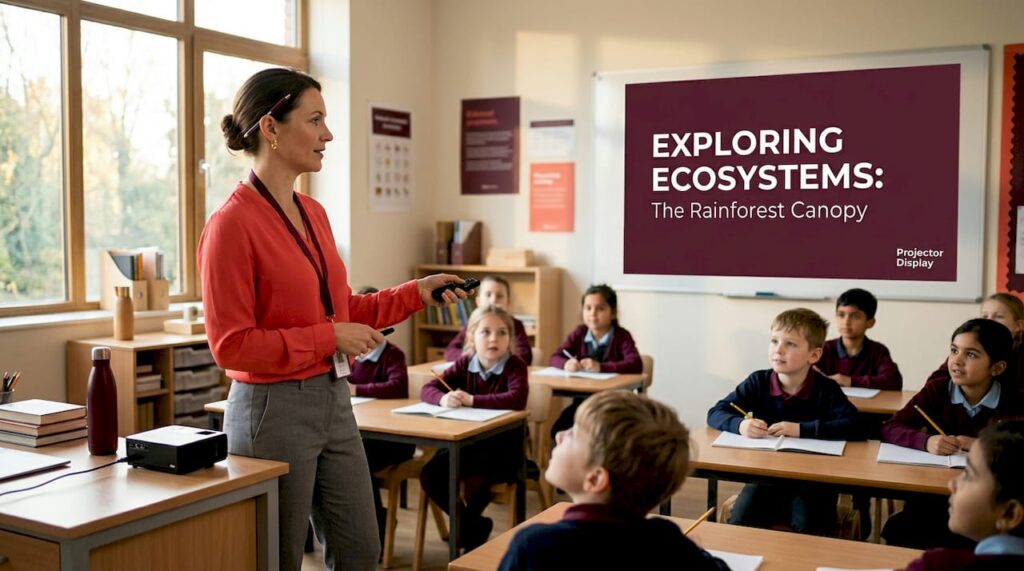
Choosing the right projector for a school setting is far more demanding than picking one for a boardroom or living room. Multi-purpose projectors for schools need to perform across wildly different scenarios: morning lectures, collaborative group work, science demonstrations, and evening parent presentations. You need brightness that cuts through ambient light, connectivity that works with every device teachers bring, and interactive features that keep students engaged. This guide walks you through the key criteria, the top models worth considering in 2026, and the practical recommendations that match real classroom conditions.
Table of Contents
- Key takeaways
- 1. What multi-purpose projectors for schools actually need to do
- 2. Brightness: the spec that defines usability
- 3. Resolution: full HD is enough, 4K is overkill
- 4. Interactive and multi-user collaboration features
- 5. Throw distance and room geometry
- 6. Connectivity and device compatibility
- 7. Laser vs. lamp: the maintenance reality
- 8. Built-in operating systems and smart features
- 9. Top model profiles worth considering
- 10. Quick comparison: key specs at a glance
- 11. Situational recommendations by classroom type
- My honest take on deploying projectors in schools
- Find the right school projector at Projectordisplay
- FAQ
Key takeaways
| Point | Details |
|---|---|
| Brightness matters most | Aim for at least 3,000–3,500 ANSI lumens for partial light control; 4,500+ for poor light environments. |
| Laser over lamp for schools | Laser projectors offer up to 30,000 hours of low-maintenance use, reducing IT overhead significantly. |
| Interactive features drive engagement | Multi-user touch and pen support transforms passive projection into active collaboration. |
| Match throw type to room size | Ultra-short throw models reduce shadows and suit small classrooms; standard throw works for larger halls. |
| Smart projectors cut setup time | Built-in operating systems reduce device dependency and speed up lesson starts across multiple rooms. |
1. What multi-purpose projectors for schools actually need to do
The term "multi-purpose projector" is a buyer-side description. In the industry, these are often categorized as education projectors or interactive projectors, depending on their feature set. The distinction matters because not every bright projector qualifies as truly multi-purpose in a school context.
A genuinely versatile classroom projector must handle static slideshow presentations, live web content, video playback, and ideally some form of interactive annotation. It should connect to a teacher's laptop, a student's tablet, a document camera or visualizer, and a school network. That is a demanding list, and it is exactly why understanding projector selection tips before purchasing saves schools from costly mistakes.
2. Brightness: the spec that defines usability
Classroom brightness requirements call for a minimum of 3,000 to 3,500 ANSI lumens when rooms have partial light control, and at least 4,500 ANSI lumens for environments where blinds are rarely drawn or windows face direct sunlight. Most Malaysian classrooms fall somewhere in between, which means defaulting to the higher end is usually the smarter call.
A projector that looks stunning in a dim demo room will wash out completely when a teacher forgets to close the blinds. Budget projectors often advertise high lumen numbers using non-standard measurements. Always verify the ANSI lumen spec, not the manufacturer's "LED lumen" equivalent.
Pro Tip: When visiting a classroom before purchasing, check at 10 a.m. with all lights on and no blinds drawn. That is your worst-case scenario brightness test, and your projector needs to pass it.
3. Resolution: full HD is enough, 4K is overkill
Classroom content types rarely justify 4K. PowerPoint slides, web pages, PDF documents, and educational videos are all rendered well at Full HD (1080p) or even WXGA (1280×800). The money saved by skipping 4K is better spent on brightness, interactivity, or wireless connectivity.
WXGA still makes sense for projectors used primarily with older school laptops that output lower resolutions. Full HD is the sweet spot for most schools investing in equipment today. If your school uses video production or graphic arts programs, Full HD remains sufficient for group viewing at typical classroom distances.
4. Interactive and multi-user collaboration features
This is where education projectors genuinely separate themselves from office or home models. Interactive projection technology needs to support true collaboration: multiple students annotating simultaneously, the teacher controlling what appears on screen, and seamless switching between sources.
The Epson BrightLink 1485Fi, for example, supports up to eight users with simultaneous touch and pen interactivity. Epson's Classroom Connect software takes this further, allowing up to 50 devices to connect with the teacher displaying content from four sources at once. That kind of control transforms a lecture into a genuinely interactive lesson without requiring a separate interactive whiteboard installation.
5. Throw distance and room geometry
Ultra-short throw (UST) projectors mount close to the screen or board, typically at 1.3 to 2.0 feet. This eliminates the shadow problem: no more teacher or student blocking the image while writing on the board. For projectors for small classrooms, UST models are often the only practical choice.
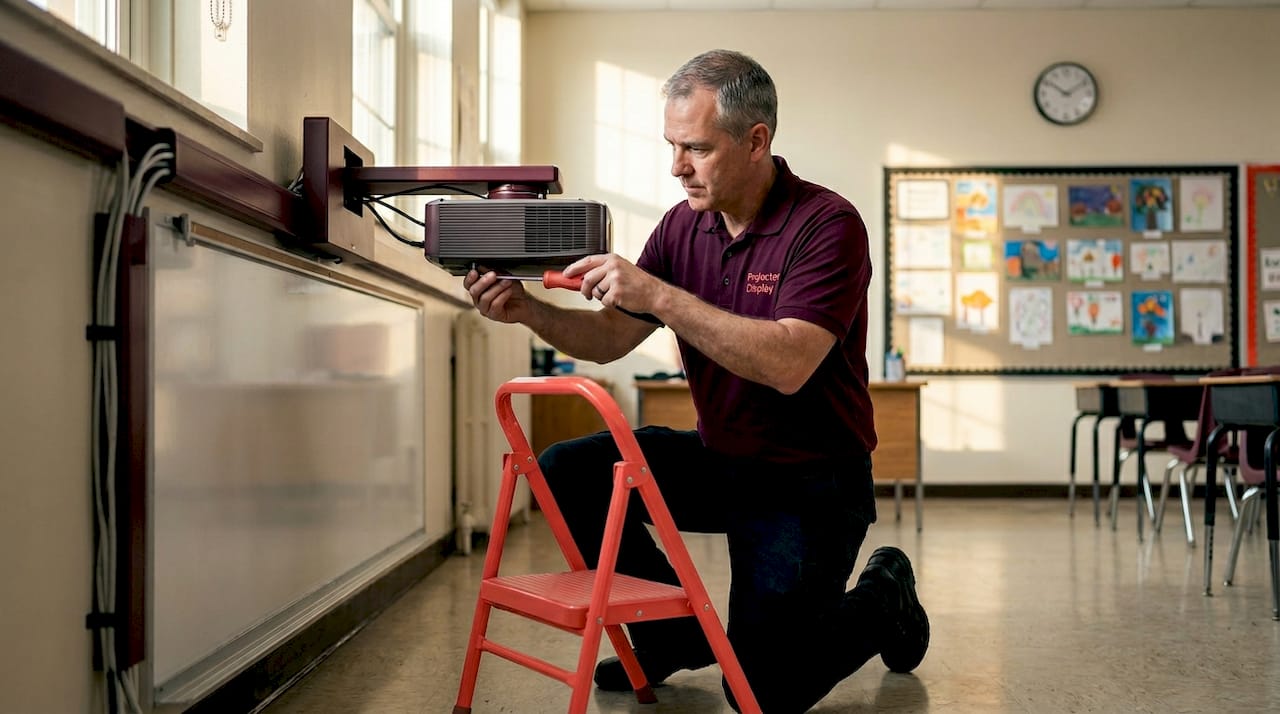
Standard throw projectors work well in larger rooms, labs, or multipurpose halls where ceiling mounting is feasible and distances are greater. Understanding your room dimensions before committing to a model is critical. Pre-installation site measurements for throw distance and mounting height are non-negotiable, especially with UST models where a few inches in placement create significant image distortion.
6. Connectivity and device compatibility
A projector that only accepts HDMI cables is not a school projector. It is an inconvenience. Modern best projectors for classrooms should offer HDMI, USB-A for flash drives, wireless screen mirroring (Miracast or Wi-Fi based), and ideally USB-C for newer laptops and tablets. Bluetooth audio output is a bonus for rooms without external speakers.
Wireless connectivity specifically matters in Malaysian classrooms where digital education adoption continues expanding and teachers regularly rotate between devices. A wireless projector malaysia solution removes cable dependency entirely, which reduces setup time and the common problem of mismatched cables during lessons.
7. Laser vs. lamp: the maintenance reality
Laser projectors offer up to 30,000 hours of essentially maintenance-free operation, which is a significant operational advantage for schools. A lamp-based projector typically requires bulb replacement every 3,000 to 5,000 hours, and projector lamp malaysia replacement costs add up quickly across a fleet of classrooms.
For schools with limited IT support or no dedicated AV technician, laser is the right choice. The higher upfront cost pays back through reduced projector bulb malaysia expenses and less downtime during exams or critical lessons. You can learn more about the practical differences at lamp vs. laser breakdown.
8. Built-in operating systems and smart features
Built-in operating systems reduce IT burden meaningfully. The BenQ EH700, for instance, runs Android 9 natively, letting teachers open apps, access cloud storage, and run lessons without connecting any external device. Its SmartEco power mode reduces energy consumption by 60%, which matters for schools watching their electricity bills.
Centralized device administration is another underrated feature. Managing a fleet of 20 or 30 classroom projectors from a single admin panel means IT staff can push updates, lock settings, and troubleshoot remotely. For school administrators, that capability alone justifies choosing a smart projector over a basic model.
9. Top model profiles worth considering
Here are three models that consistently rise to the top for school deployments in 2026:
- Epson BrightLink 1485Fi — 5,000 ANSI lumens, laser light source, ultra-short throw, supports eight simultaneous users with touch and pen input, wireless Miracast, no PC required for basic operation. Best for interactive classrooms and science labs.
- BenQ EH700 — 4,000 ANSI lumens, laser, Android 9 built-in, centralized admin, SmartEco mode. Best for schools prioritizing IT simplicity and energy efficiency.
- Epson PowerLite series — Varies by model, but the newer laser options with 4K enhancement and Full HD base resolution offer strong value for schools needing solid all-round performance without the full BrightLink price tag.
Brands like Optoma projector Malaysia, Viewsonic projector Malaysia, and Panasonic projector Malaysia also offer solid education-focused models worth comparing. The best projector brand for your school depends on service availability locally, not just specs on paper.
10. Quick comparison: key specs at a glance
| Model | Lumens | Resolution | Throw Type | Interactive | Light Source | Connectivity |
|---|---|---|---|---|---|---|
| Epson BrightLink 1485Fi | 5,000 | Full HD | Ultra-short | Yes, 8 users | Laser | Wireless, HDMI, USB |
| BenQ EH700 | 4,000 | Full HD | Standard | Limited | Laser | Wi-Fi, HDMI, USB-C |
| Epson PowerLite (laser) | 3,600–4,500 | WXGA/Full HD | Standard | Some models | Laser | HDMI, Wireless |
| Standard lamp LCD projector | 3,000–3,500 | WXGA | Standard | No | Lamp | HDMI, VGA, USB |
The table confirms what most experienced buyers already know: laser wins on maintenance, interactivity costs more but delivers more, and brightness is the column you should never compromise on.
11. Situational recommendations by classroom type
Not every classroom needs the same solution. Here is how to match the projector to the room:
- Small classrooms with limited throw distance: Choose ultra-short throw models. UST projectors for small classrooms eliminate shadow issues entirely and work at desks or low-mounted positions.
- Poorly lit classrooms or no blinds: Go straight to 4,500+ ANSI lumens. Do not settle here. A dim image during daylight kills lesson effectiveness fast.
- Multi-room portable use: Look at portable projectors for educators with built-in batteries or compact form factors. Brands like Hisense projector Malaysia and Jmgo projector Malaysia offer newer portable options worth evaluating.
- Schools with minimal IT support: Laser plus a built-in OS is the only sensible path. The fewer moving parts and consumables, the better.
- Budget-conscious schools: Affordable school projectors from the WXGA lamp category still work well in controlled-light environments. Pair with a quality projector screen malaysia to maximize image quality from a lower-cost unit.
Pro Tip: Plan projector placement before approving any purchase. Interactive and UST models require precise calibration after installation. Getting it wrong and reinstalling costs more than the planning time upfront.
My honest take on deploying projectors in schools
I've seen school projector projects go sideways in predictable ways. The most common failure is buying on brightness and price alone, then discovering three months later that the model has no wireless support, requires a dedicated PC to stay on, or cannot be updated remotely. The IT team ends up running from classroom to classroom managing cables instead of supporting learning.
What I've learned from working with education buyers in Malaysia is that the schools getting the most value from their projectors are the ones that treated the projector as part of a teaching system, not just a screen replacement. That means thinking about how the projector connects to the teacher's workflow, whether students can interact with it, and how lessons can be designed around its capabilities.
Interactive features are consistently underused in schools that buy interactive projectors without training teachers to use them. The technology reverts to passive projection within weeks if the pedagogical support is not there. The best classroom projector in the building is the one teachers actually know how to use, not the one with the longest spec sheet.
My view on the future: projectors in Malaysian classrooms will increasingly be laser-based and network-managed. The days of the IT team climbing ladders to change bulbs mid-semester are ending. Schools that invest in smart projectors now will spend less time on maintenance and more time on learning.
— Projector
Find the right school projector at Projectordisplay
If you are responsible for equipping classrooms in Malaysia, Projectordisplay is the best projector seller in Malaysia for education procurement. The platform carries a wide selection of versatile classroom projectors including laser, short-throw, smart, and interactive models from trusted brands like Epson projector Malaysia, BenQ projector Malaysia, and Viewsonic projector Malaysia.

Whether you are outfitting a single classroom or managing a school-wide upgrade, browse all projector models at Projectordisplay and get expert guidance matched to your budget and room requirements. The team also supports institutions through installation advice, bulk pricing, and fast shipping across Peninsular Malaysia. Check the current sale projectors for affordable school projectors at reduced prices, including options ideal for budget-conscious schools or smaller deployments.
FAQ
What brightness do school projectors need?
Classrooms need at least 3,000–3,500 ANSI lumens with partial light control, and 4,500 or more for rooms with poor ambient light management.
Are laser projectors worth the higher cost for schools?
Yes. Laser projectors last up to 30,000 hours with minimal maintenance, making them significantly cheaper to operate over time compared to lamp-based models.
Which projector is best for small classrooms?
Ultra-short throw projectors are the best choice for small classrooms. They mount close to the board, eliminate shadows, and many support interactive touch input for collaborative lessons.
Do schools need 4K projectors?
No. Full HD is sufficient for the presentations, documents, and web content used in most classrooms. The budget difference is better spent on brightness and wireless connectivity.
What makes a projector truly multi-purpose for school use?
A multi-purpose school projector combines strong brightness, wireless connectivity, support for multiple input sources, and ideally some form of interactive or multi-user capability to serve both teaching and collaboration needs.
Recommended
- Best Projector for Teachers 2025: Top Choices in Malaysia – Projector Display
- Why use projectors in education: boost learning outcomes – Projector Display
- Interactive projectors: Boosting engagement for Malaysian schools – Projector Display
- The future of projectors in Malaysian classrooms – Projector Display