
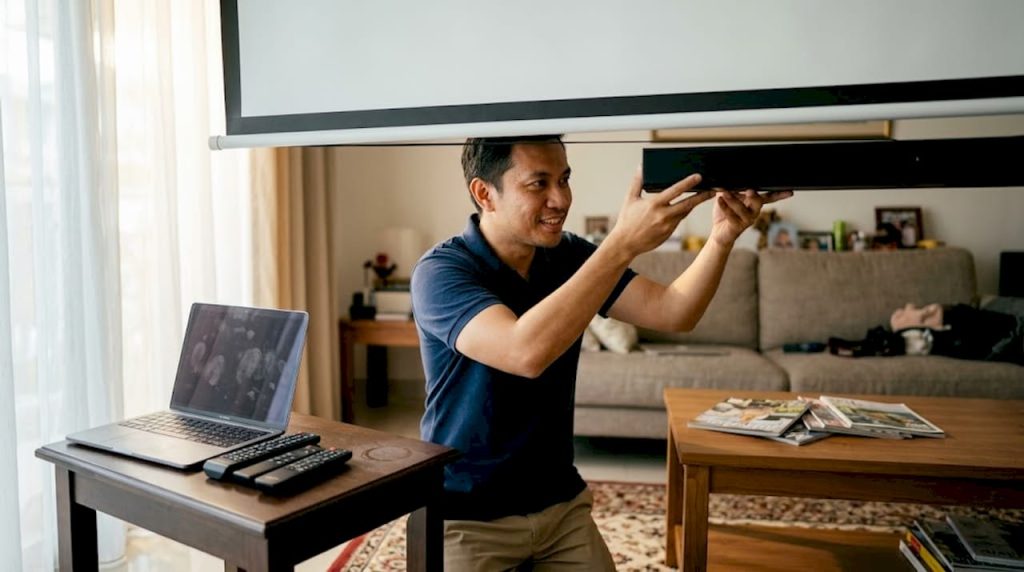
TL;DR:
- Proper sound integration enhances dialogue clarity and immersive experience in Malaysian projector setups.
- HDMI eARC is the best connection method due to low latency and support for advanced audio formats.
- Regular calibration, correct placement, and climate-resistant gear are key to optimal audio performance.
Most projector setups in Malaysia look stunning on screen but sound like a laptop speaker trying too hard. That gap between visual quality and audio performance kills immersion in home theaters and drains engagement in business presentations. Sound integration is not simply about adding louder speakers. It is about achieving clear dialogue, spatial depth, and seamless sync between what you see and what you hear. This guide breaks down every major connection method, walks you through speaker selection for Malaysian spaces, tackles latency troubleshooting, and gives you actionable fixes for the most common audio mistakes local users make.
Table of Contents
- Why projector sound integration matters
- Core connection methods: HDMI ARC, optical, Bluetooth, AUX & AV receivers
- Selecting external speakers and soundbars for Malaysian setups
- Advanced integration for home theatre and business: Sync, latency, and real-world setups
- Common pitfalls and expert hacks for Malaysian environments
- Our take: What most guides miss about projector sound integration
- Next steps: Equip your projector setup for the best sound
- Frequently asked questions
Key Takeaways
| Point | Details |
|---|---|
| HDMI ARC/eARC leads | For the best sound quality and lowest latency, use HDMI ARC/eARC with compatible sound systems. |
| External speakers outperform built-ins | Upgrading beyond projector speakers brings significant improvements in clarity and immersion for any room size. |
| Get sync right | Perfect audio-video synchronization is key for gaming, film, and presentations—wired connections and proper settings are vital. |
| Fit your environment | Choose weather-resistant, appropriately powered audio gear for Malaysia's climate and room size. |
| Small details matter | Quality cables, regular calibration, and careful device layout fix most integration issues. |
Why projector sound integration matters
Sound integration, in the context of projector setups, means creating a unified audio and video system where every component communicates cleanly, plays back in sync, and can ideally be controlled through a single remote or interface. It is the difference between a projector that plays sound and a system that actually performs.
Built-in projector speakers are the first place most setups fall short. Most projectors ship with speakers rated between 3W and 10W, which sounds fine in a small bedroom but gets thin and muddy fast in a medium or large Malaysian living room. Bass disappears. Dialogue gets buried under action sound effects. The room acoustics, often hard tile floors and high ceilings common in Malaysian homes, make this worse by creating echo and flutter.
Over 70% of home theater users upgrade to external sound systems for immersive audio, and that number makes complete sense once you have sat through a movie on projector built-in speakers in a room larger than 200 square feet.
Malaysian setups have a few unique demands that generic guides ignore. Humidity can degrade unprotected electronics over time. Large open-plan living areas need more power to fill the space evenly. Business environments, especially conference rooms in KL or Penang, require crystal-clear dialogue reproduction so that every participant hears every word without straining. Getting audio clarity for business right is not a luxury in these settings; it is a baseline requirement.
Here is a quick look at what proper sound integration actually delivers:
- Improved dialogue clarity so voices cut through even at moderate volume
- Immersive surround sound that places you inside the film, not in front of it
- One-remote or single-app control for the entire A/V system
- Reduced cable clutter through smarter connection choices
- Better A/V sync that eliminates the distraction of mismatched lips and audio
Understanding which projector features for Malaysia pair well with external audio systems sets you up to build a setup that actually performs, not just one that looks good on paper.
Core connection methods: HDMI ARC, optical, Bluetooth, AUX & AV receivers
Once you accept that external audio is necessary, the next question is how to connect it. Each method has real tradeoffs, and choosing the wrong one is how you end up with lip-sync problems or choppy Bluetooth drops during a critical scene.
HDMI ARC/eARC is the top choice for home theater because of advanced audio formats and low latency. eARC specifically supports Dolby Atmos and DTS:X passthrough over a single cable, which keeps your rack clean and your audio uncompressed.
| Connection | Pros | Cons | Best use case | Max audio quality |
|---|---|---|---|---|
| HDMI eARC | Low latency, Dolby Atmos support | Requires compatible ports | Home theater, gaming | Uncompressed surround |
| Optical (TOSLINK) | Stable, no interference | No Atmos, 5.1 max | Budget home setups | Compressed 5.1 |
| Bluetooth | Wireless, convenient | Lip-sync risk, compression | Portable/travel setups | Stereo lossy |
| AUX (3.5mm) | Universal, simple | Stereo only, noise-prone | Basic presentations | Stereo analog |
| AV Receiver | Full surround, best sync | Cost, complexity | Dedicated home theater | Full uncompressed |
For audio from projector to soundbar, optical remains a solid fallback when your projector lacks ARC support. It handles up to 5.1 compressed audio without wireless interference, which makes it predictable and stable.
Pro Tip: Route your audio through an AV receiver whenever possible. Receivers handle reducing input lag by processing audio independently from the projector, giving you the tightest possible sync between image and sound.
Here is a quick scenario guide for matching connection to context:
- Home theater with Dolby Atmos: HDMI eARC from projector to AV receiver or eARC-compatible soundbar
- Business conference room: Optical or HDMI ARC to powered speakers or a soundbar
- Portable/travel projector: Bluetooth to a compact speaker (accept the sync trade-off)
- Budget home setup with existing stereo: AUX from projector headphone output to powered bookshelf speakers
Exploring projector-compatible sound systems before you buy helps you avoid the frustration of mismatched ports and wasted money on adapters.
Selecting external speakers and soundbars for Malaysian setups
Choosing the right speaker system goes beyond picking the highest wattage box at your budget. Room size, content type, and even your building's construction material all play a role in how sound behaves.
Soundbars like Klipsch Flexus outperform built-ins in clarity and immersion, especially for screens over 100 inches. For a 120-inch screen in a typical Malaysian living room, a soundbar with a dedicated subwoofer (a 2.1 configuration) gives you a dramatic improvement without the complexity of a full 5.1 setup.
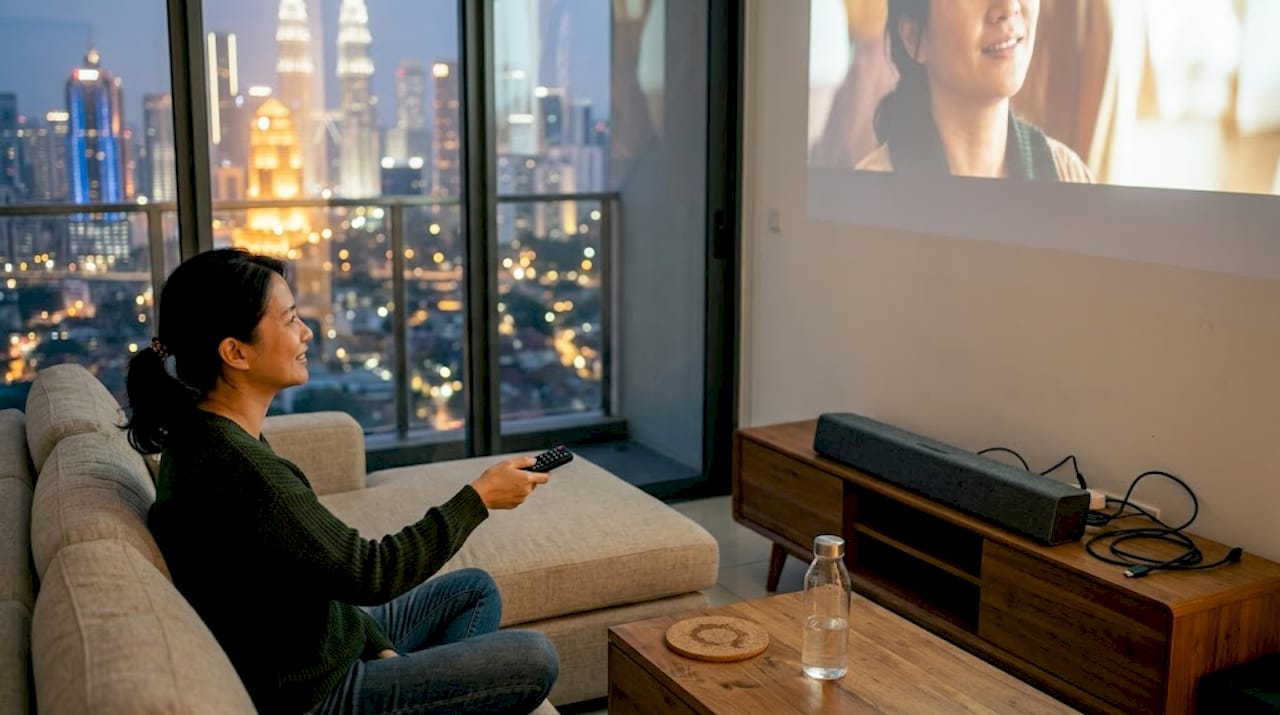
| System type | Channels | Wattage range | Room size | Price range (MYR) |
|---|---|---|---|---|
| Powered bookshelf pair | 2.0 | 40W to 80W | Small rooms under 150 sq ft | 300 to 800 |
| Soundbar (2.1 with sub) | 2.1 | 80W to 200W | Medium rooms 150 to 300 sq ft | 800 to 2,500 |
| Soundbar (5.1 or 7.1) | 5.1 or 7.1 | 200W to 500W | Large rooms over 300 sq ft | 2,500 to 6,000 |
| AV receiver plus speakers | 5.1 to 11.2 | 500W and above | Dedicated theater rooms | 4,000 and above |
For Malaysian outdoor setups or semi-open living areas, weather-resistant speaker enclosures reduce the risk of moisture damage during the rainy season. Choosing speakers for projectors with an IP-rated enclosure is a smart long-term investment here. If you are setting up for outdoor events, reviewing best outdoor projectors alongside your speaker choice ensures the whole system is built for the environment.
Here is how to pair external speakers with your projector, step by step:
- Identify the audio output ports on your projector (HDMI ARC, optical, or AUX)
- Choose a speaker system that accepts the same input type
- Connect the cable and power both units before switching inputs
- Set the projector audio output to the correct port in settings
- Play a test clip with clear speech and bass content to verify sync and balance
- Adjust volume levels on both the projector and the speaker system independently
Pro Tip: Place your subwoofer along the front wall, not in a corner. Corner placement amplifies low frequencies unevenly, which can turn dialogue-heavy scenes into a muddy mess. In business environments, prioritize the 1kHz to 4kHz frequency range in your EQ for maximum speech intelligibility.
Advanced integration for home theatre and business: Sync, latency, and real-world setups
Once your hardware is connected, the real work begins. Audio and video synchronization is where most enthusiast setups fail quietly. You might not notice a 50ms offset immediately, but after an hour of watching, your brain registers the fatigue.
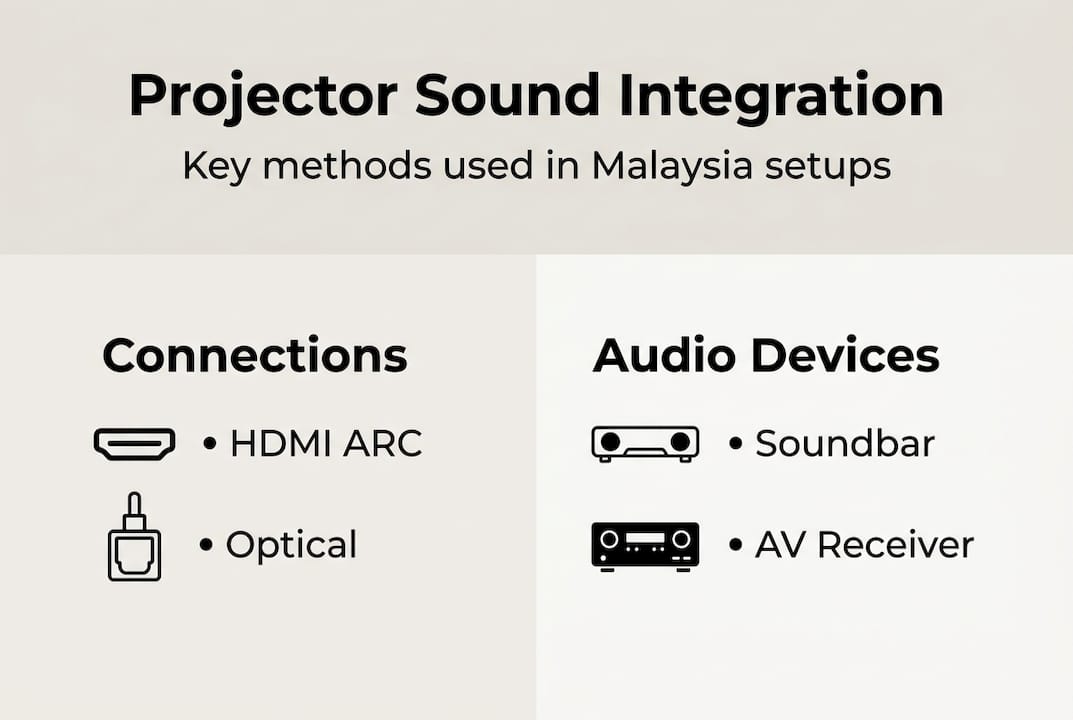
Gaming requires under 20ms total audio and video latency combined, which means your projector input lag plus your audio delay must add up to less than 20ms for a competitive experience. That is a tight target, and it rules out Bluetooth entirely for gaming setups.
Key settings to adjust for better sync:
- Enable HDMI ARC or eARC passthrough in your projector's audio output settings
- Disable MEMC (motion enhancement) if your projector has it — it adds visual processing delay
- Turn off any keystone correction if possible, since digital keystone adds a small processing lag
- Use your AV receiver or soundbar's audio delay setting to manually offset if you still notice drift
- Run a sync test video (available on YouTube) with visible clap sounds to verify alignment
"For multi-use Malaysian rooms that serve as both a cinema and a meeting space, the best approach is to maintain two EQ presets. One tuned for cinema with boosted bass, and another tuned for presentations with elevated mids for speech clarity. Switching between them takes seconds and eliminates the need to re-calibrate every time."
For AV sync tips in business scenarios, the biggest issue is echo in large ambient-lit rooms. Hard surfaces reflect sound back at unpredictable angles. Positioning speakers to fire toward the audience rather than the screen reduces reflective interference and keeps dialogue clean. Business sound solutions for conference rooms often include acoustic panels on side walls to absorb flutter echo without requiring major renovation.
For gaming projector audio, wired connections are non-negotiable. Even a high-quality Bluetooth 5.0 speaker adds 40ms to 80ms of delay, which pushes well past the 20ms gaming threshold.
Common pitfalls and expert hacks for Malaysian environments
Even well-intentioned setups fail because of avoidable mistakes. Here are the most common ones and how to fix them fast:
- Using the wrong cable: HDMI cables labeled as standard may not support ARC. Look for cables rated HDMI 2.0 or above.
- Relying on Bluetooth for movies: As confirmed, Bluetooth best avoided when synchronization is essential, especially in Malaysian conference rooms where precision matters.
- Ignoring firmware updates: Projector manufacturers regularly push audio processing improvements. Outdated firmware can cause sync drift that no cable fix will solve.
- Skipping room treatment: Even a single rug or curtain panel dramatically reduces flutter echo in tile-floored Malaysian rooms.
- Overloading a soundbar beyond its rated room size: A 2.0 soundbar in a 400-square-foot open plan will strain and distort at volume levels needed to fill the space.
Pro Tip: Investing in quality weather-resistant speakers and shielded HDMI cables resolves roughly 80% of audio issues before they start. Malaysia's humidity accelerates oxidation on exposed connector pins, so check and reseat your cable connections every six months.
For content-specific tuning: boost bass EQ for action films, flatten it for sports to preserve commentary clarity, and push the midrange for presentations. It takes five minutes and makes a bigger difference than most hardware upgrades. A quick reference on projector-to-soundbar connection guides also help when you are troubleshooting an unfamiliar port configuration.
Our take: What most guides miss about projector sound integration
Most online guides spend 90% of their word count on cables and speaker specs and almost nothing on the factors that actually determine whether your setup sounds great day to day. Room positioning, user adjustment, and Malaysia-specific climate considerations matter far more than the marginal difference between two soundbar models at the same price point.
Here is what we have seen repeatedly: users invest in premium gear, skip the calibration step, and then blame the hardware when the audio sounds off. The truth is that a mid-range soundbar, positioned correctly and EQ-tuned for the room, will outperform an expensive all-in-one system placed in the wrong spot with default settings.
Bluetooth convenience also gets oversold. In smaller Malaysian apartments it can work fine for casual viewing. But in larger living rooms, the lag and compression add up in ways that erode the experience quietly. Most people do not identify Bluetooth as the problem, they just stop enjoying movie nights as much.
The best advice we can offer is this: treat your audio setup as something that evolves. Your room changes, your content habits change, and the gear benefits from regular tweaks. A quick monthly check of firmware, cable connections, and EQ settings keeps your system performing at its peak. For anyone building a dedicated home cinema, reviewing best home theater projectors alongside your audio plan from the start saves significant rework later.
Next steps: Equip your projector setup for the best sound
Great visuals deserve equally great audio. A properly integrated sound system transforms your projector from a display device into a full cinematic or professional-grade experience that keeps audiences engaged.

At ProjectorDisplay.com, we stock projectors, screens, and accessories specifically selected for Malaysian homes and businesses. Whether you are ready to buy or just want expert guidance before committing, our team is available via WhatsApp to help match your space to the right setup. Browse our full range at top projector solutions in Malaysia, explore detailed installation tips, and pair your projector with the right premium projector screens for the complete experience.
Frequently asked questions
What projector audio connection gives the lowest latency?
HDMI eARC is the preferred method for home theater due to single-cable simplicity, support for Dolby Atmos and DTS:X, and the lowest available audio latency, which is critical for gaming and cinematic sync.
Are Bluetooth speakers a good choice for projector setups?
Bluetooth adds audio lag and is not recommended for movies or presentations where precise synchronization matters. As noted, Bluetooth risks lip-sync issues in gaming and movie playback, making wired options strongly preferable for serious setups.
Do I need an AV receiver to get surround sound from my projector?
For true 5.1 or 7.1 surround, an AV receiver with HDMI ARC or optical input is the most reliable path. Routing audio through an AV receiver is the primary method for clean multi-channel sound reproduction.
How do I improve dialogue clarity with a projector?
External soundbars and speakers are recommended for better clarity and bass. Calibrating your EQ to emphasize the 1kHz to 4kHz midrange range also makes a measurable difference in how clearly speech cuts through background audio.
Can Malaysian humidity affect projector sound equipment?
Yes, Malaysian ambient humidity accelerates oxidation on connectors and can shorten electronics lifespan. Choosing weather-resistant speakers and reseating cable connections every few months protects your investment over the long term.
Recommended
- Projector audio solutions: Enhance clarity in business – Projector Display
- Understanding Sound Systems for Projectors: Key Insights – Projector Display
- Sistem Suara Sesuai Untuk Projektor: Panduan Lengkap – Projector Display
- Light Projector Screens 2026: Boost Quality 35% Malaysia – Projector Display