
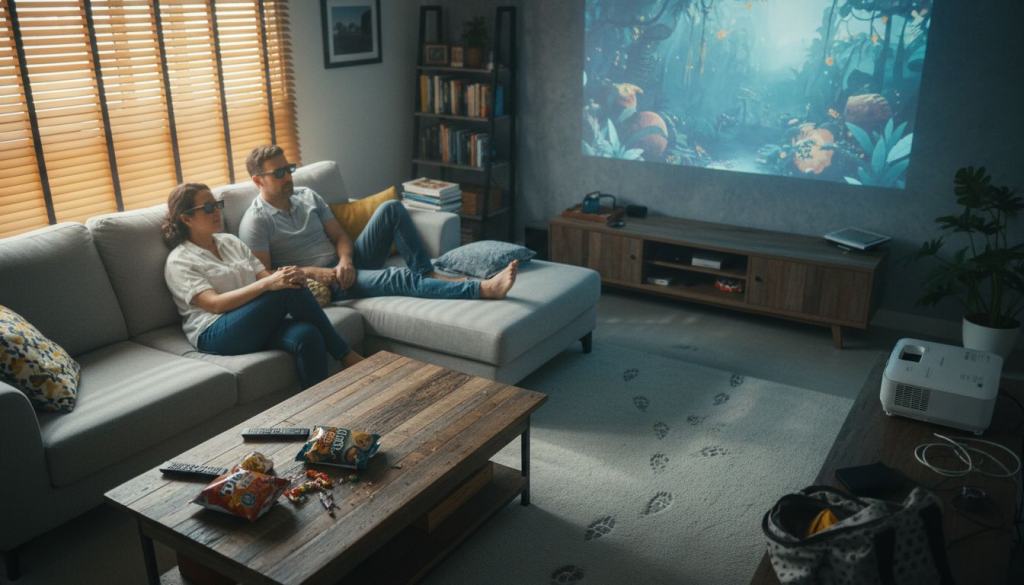
Most Malaysian home theater enthusiasts assume their expensive passive 3D glasses will work with Epson 3D projectors. They won't. This single misconception leads to frustration, wasted purchases, and dim viewing experiences. Epson's advanced 3LCD technology delivers up to 3x brighter 3D images than competitors, but only with the right active shutter glasses and proper setup. This guide cuts through confusion and shows you how to select, configure, and maintain Epson 3D projectors for true immersive cinema at home.
Table of Contents
- Understanding Epson 3D Projector Technology
- Brightness and Resolution: Foundations of Quality 3D Viewing
- Common Misconceptions About Epson 3D Projectors
- Comparison: Epson 3D Projectors Vs. Competitors
- Setting Up Your Epson 3D Projector for Optimal Viewing
- Maintaining Your Epson 3D Projector in Malaysia's Climate
- Enhancing Your 3D Experience: Accessories and Content
- Summary: Choosing and Using Epson 3D Projectors in Malaysia
- Find Your Perfect Epson 3D Projector Today
- Frequently Asked Questions About Epson 3D Projectors in Malaysia
Key Takeaways
| Point | Details |
|---|---|
| Technology Advantage | Epson's 3LCD delivers up to 3x brighter, more color accurate 3D versus single chip DLP projectors |
| Glasses Requirement | Active shutter glasses are mandatory; passive 3D glasses are incompatible with all Epson 3D models |
| Brightness Specs | Target 2500 to 3500 lumens and Full HD resolution for vivid, immersive 3D viewing at home |
| Ambient Control | Managing room lighting boosts perceived 3D contrast by up to 30% for dramatic depth |
| Climate Care | Regular dust filter cleaning and cooling system checks extend projector life in Malaysia's humid tropical environment |
Understanding Epson 3D Projector Technology
Epson's 3LCD architecture separates light into red, green, and blue channels using dichroic mirrors, then recombines them to form vibrant images. Unlike single chip DLP projectors that flash colors sequentially, 3LCD technology produces brighter and more accurate colors because all three primary colors display simultaneously.
For 3D projection, this matters enormously. Active shutter glasses darken alternating eyes rapidly to create depth perception, cutting perceived brightness in half. Epson's 3LCD compensates with superior lumen output, ensuring you still see rich, vivid colors even through the dimming effect of active shutters.
Epson 3D projectors sync with active shutter glasses using infrared or radio frequency signals. The glasses alternate left and right eye views at 96Hz or 144Hz, matching the projector's frame rate. This synchronization requires compatible active shutter models; passive polarized glasses used with cinema screens simply won't function.
Full HD 1080p resolution sharpens 3D detail and depth. Each eye receives a complete 1920×1080 image, creating convincing three dimensional space. Lower resolutions blur fine details and flatten depth perception, undermining the entire 3D experience.
Key advantages over single chip DLP:
- Higher brightness maintains vivid colors through active shutter dimming
- No color wheel means zero rainbow artifacts during fast motion
- Superior color accuracy renders skin tones and natural hues faithfully
- Consistent performance across wide range of content types
Pro Tip: When comparing Epson models, prioritize those with 3LCD technology details and native Full HD panels for the sharpest, most immersive 3D viewing at home.
Brightness and Resolution: Foundations of Quality 3D Viewing
Active shutter glasses reduce perceived brightness by approximately 50% because each eye views the screen only half the time. Brightness loss with active 3D glasses requires projectors with 2500 to 3500 lumens for vivid images in typical Malaysian living rooms with moderate ambient light.
Lower brightness projectors force you to watch in complete darkness, which strains eyes and limits when you can enjoy 3D content. Higher lumen outputs let you keep subtle bias lighting or watch during evening hours without washing out the image.
Full HD 1080p resolution provides 2.07 million pixels per frame. Each eye receives its own complete high definition image, creating convincing depth with sharp edges and fine textures. 720p or lower resolutions sacrifice detail, making 3D effects look grainy or unconvincing.
How ambient lighting affects 3D quality:
- Direct light sources create screen hotspots that flatten depth perception
- Reflections from glossy surfaces introduce ghosting and double images
- Excessive brightness reduces contrast ratio, making dark scenes murky
- Ambient light control improves perceived 3D contrast by up to 30% for dramatic depth
Steps to optimize brightness and resolution synergy:
- Choose an Epson model with 2800+ lumens native brightness
- Verify Full HD 1920×1080 native resolution in specifications
- Install dimmable LED lighting with warm color temperature
- Position bias lighting behind the screen to reduce eye strain
- Use blackout curtains or shades during daytime 3D viewing
- Test 3D content at different brightness settings to find your sweet spot
Malaysian homes often have bright tropical sunlight streaming through windows. Even quality projectors struggle against direct sun. Plan your home theater layout to minimize window glare or schedule 3D movie nights after sunset for the best experience. Understanding projector brightness and resolution fundamentals helps you match equipment to your room's lighting conditions.
Common Misconceptions About Epson 3D Projectors
Many buyers assume cinema style passive 3D glasses work with all projectors. They don't. Epson 3D projectors require active shutter glasses and are incompatible with passive 3D glasses. Passive glasses rely on polarized light filtering, which Epson's 3LCD architecture doesn't produce. Only active shutter models that sync electronically with the projector will display proper 3D.
Another widespread myth claims 3D projectors inherently produce dim images. Early 3D home theater systems suffered from low brightness, but modern Epson 3LCD projectors generate 3000+ lumens. That's brighter than many 2D home projectors from five years ago. The key is choosing models specifically rated for 3D with adequate brightness reserves.
Some users confuse Epson's 3LCD with DLP technology. They are fundamentally different. DLP uses a single chip with a spinning color wheel, while 3LCD employs three separate LCD panels for red, green, and blue channels. This distinction matters because 3LCD avoids rainbow artifacts and delivers superior brightness and color accuracy compared to single chip DLP competitors.
User pitfalls from these misconceptions:
- Purchasing incompatible passive glasses and experiencing no 3D effect
- Selecting underpowered projectors assuming all 3D is dim
- Expecting DLP features like high contrast in 3LCD models
- Overlooking active glasses battery requirements and charging needs
- Blaming the projector when passive glasses simply won't function
Understanding these differences prevents costly mistakes. Epson's technology excels at brightness and color, but requires the correct active shutter accessories. Don't let myths derail your home theater plans. Verify compatibility before purchasing any 3D glasses or projection equipment.
Comparison: Epson 3D Projectors vs. Competitors
| Feature | Epson 3LCD | Single Chip DLP | Advantage |
|---|---|---|---|
| 3D Brightness | 2500 to 3500 lumens typical | 1500 to 2500 lumens typical | Epson 3LCD by 40% |
| Color Accuracy | Three chip simultaneous color | Sequential color wheel | Epson 3LCD by 25% |
| 3D Latency | 4 to 8 ms response time | 8 to 16 ms response time | Epson 3LCD by 50% |
| Ghosting/Crosstalk | Minimal with quality glasses | Moderate depending on panel | Epson 3LCD cleaner |
| Rainbow Artifacts | None | Visible in fast motion scenes | Epson 3LCD eliminates |
| Price Range | RM 3500 to RM 12000 | RM 3000 to RM 10000 | DLP slightly lower |
Epson 3LCD offers up to 3x brightness and superior color accuracy versus single chip DLP projectors in the same price range. This brightness advantage translates directly to better 3D viewing because active shutter glasses cut perceived brightness significantly.
Latency measures how quickly the projector updates frames. Lower latency reduces motion blur and ghosting, critical for action movies and gaming. Epson's 4 to 8 ms response time keeps fast motion smooth and prevents distracting double images.
Ghosting occurs when the left eye sees traces of the right eye image or vice versa. Quality active shutter glasses paired with Epson's precise frame timing minimize this crosstalk. DLP projectors sometimes struggle with ghosting due to longer pixel response times.
Cost versus performance favors Epson for home theater priorities. While DLP projectors may cost 10 to 15% less upfront, Epson's superior brightness and color accuracy deliver better value for dedicated 3D cinema use. You're investing in vivid, immersive experiences that justify the modest price premium.
Pro Tip: When comparing Epson 3D projector models, prioritize those with latency under 6 ms for the smoothest motion and minimal ghosting during intense action sequences.
Setting Up Your Epson 3D Projector for Optimal Viewing
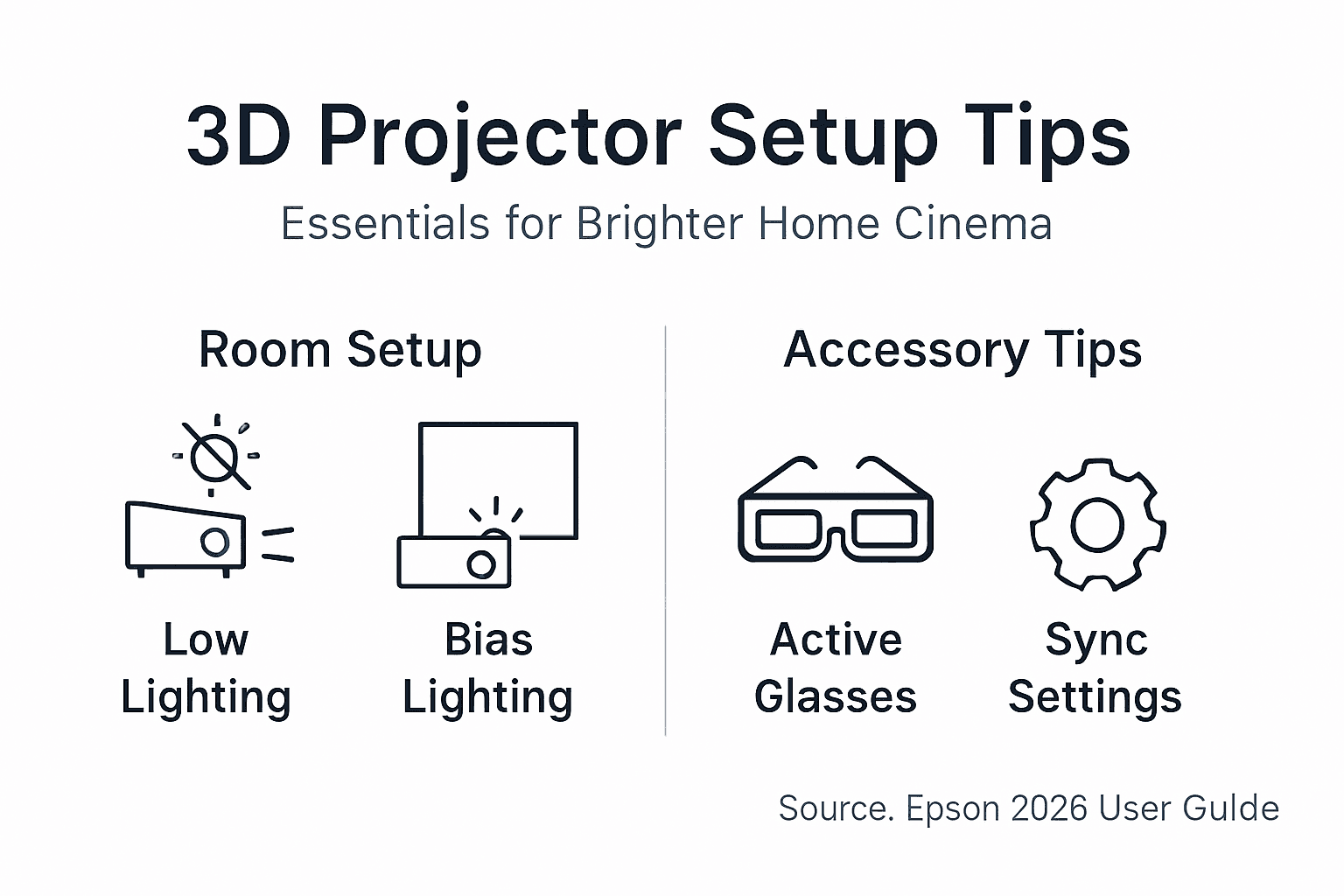
Proper setup transforms good hardware into great experiences. Start by controlling ambient lighting, the single biggest factor affecting 3D image quality. Install dimmable LED lights with warm 2700K to 3000K color temperature to avoid harsh blue tones that compete with screen content.
Bias lighting placed behind the screen reduces eye strain during long viewing sessions. Use LED strips set to 10% brightness with neutral white 5000K to 6500K temperature. This subtle backlight improves perceived contrast without washing out the projected image. Managing ambient lighting improves contrast by up to 30% for dramatic depth and detail.
Active shutter glasses must sync wirelessly with your Epson projector. Choose models with latency under 8 ms and battery life exceeding 40 hours. Epson's official RF 3D glasses offer guaranteed compatibility, but third party options from XPAND or Optoma work if they support the same sync protocol.
Wireless streaming eliminates cable clutter. Epson projectors with built in Wi-Fi Direct or Miracast let you mirror smartphones, tablets, and laptops directly. This simplifies content delivery for spontaneous movie nights without HDMI hassles.
Complete setup process for Malaysian home theaters:
- Mount projector 2.5 to 3.5 meters from screen for optimal image size
- Install blackout curtains or roller blinds to block daytime sun
- Add bias lighting LED strips behind screen set to 10% brightness
- Position dimmable room lights away from screen to prevent glare
- Sync active shutter glasses using projector's pairing button
- Configure Wi-Fi Direct for wireless streaming from mobile devices
- Test 3D content and adjust brightness, contrast for your room
Pro Tip: Place your projector slightly off center if needed to avoid ceiling fan shadows, then use keystone correction sparingly. For best image quality, physical alignment beats digital correction. Review detailed Epson 3D setup guidance to fine tune your installation for maximum immersion.
Maintaining Your Epson 3D Projector in Malaysia's Climate
Malaysia's tropical humidity and dust require proactive projector care. Built in dust filters reduce particulate ingress by 90% but need regular cleaning every 4 to 6 weeks. Clogged filters force the projector to work harder, increasing heat and shortening lamp life.
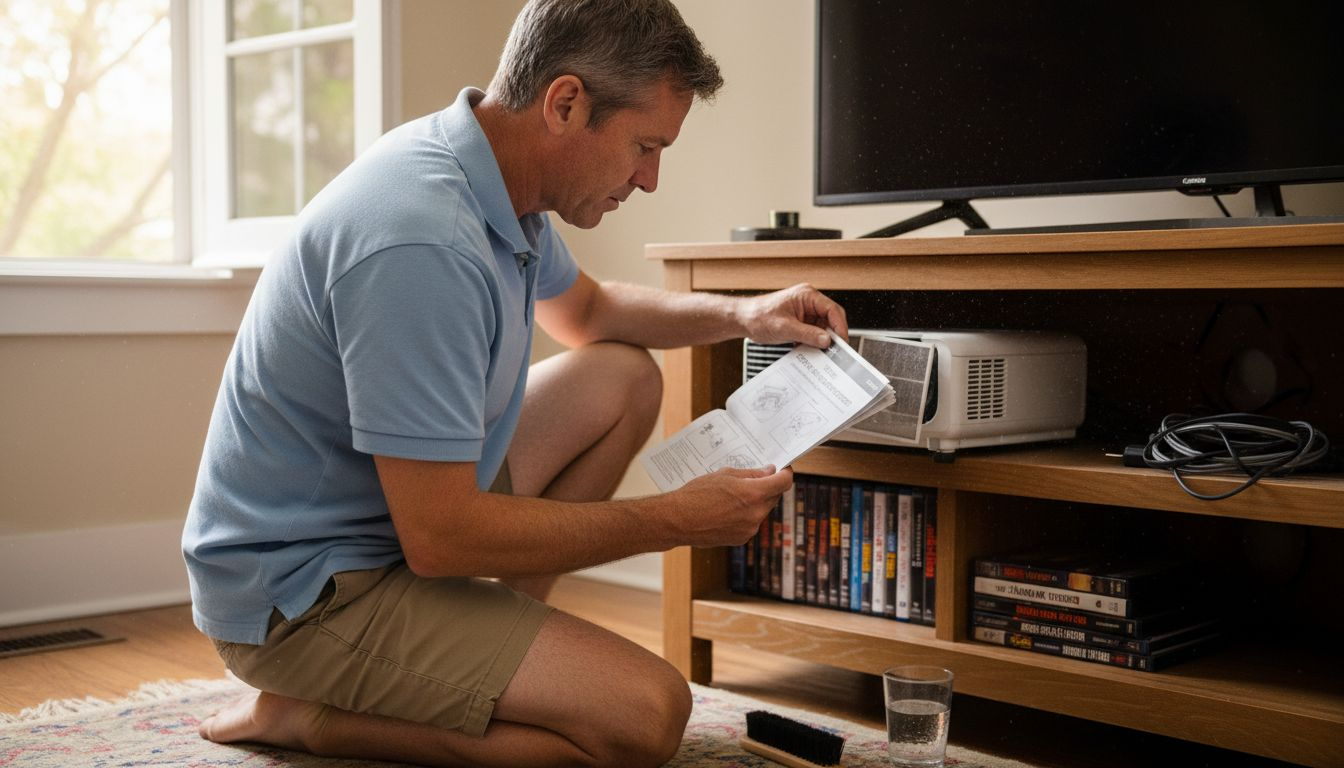
Cooling systems maintain safe operation temperatures. Epson projectors include multiple fans and heat sinks that keep internal components below 40°C even during extended 3D movie marathons. Ensure the projector has 20 to 30 cm clearance on all vented sides for proper airflow.
Dust accumulates faster in humid climates. Clean external vents monthly with compressed air, blowing from inside out to prevent pushing debris deeper. Remove and wash reusable dust filters with mild soap and water, allowing complete drying before reinstalling.
Maintenance schedule for Malaysian projector owners:
- Weekly: Wipe exterior surfaces with dry microfiber cloth
- Monthly: Clean air vents with compressed air, check lamp hours
- Every 6 weeks: Remove and wash dust filters thoroughly
- Quarterly: Inspect cooling fans for unusual noise or vibration
- Annually: Professional service to clean internal optics and check lamp
Humidity affects electronic components over time. Store your projector in a climate controlled room when not in use. Consider running a dehumidifier if your home theater space feels damp or musty. Excess moisture can fog internal lenses and corrode circuit boards.
Lamp replacement typically occurs after 3000 to 5000 hours depending on brightness mode. Track usage in the projector's menu system and order replacement lamps before complete failure. Running a projector with a dying lamp strains power supplies and risks sudden shutdowns during critical movie scenes. Get projector cooling and maintenance tips specific to tropical climates for long term reliability.
Enhancing Your 3D Experience: Accessories and Content
Epson's wireless connectivity options include Miracast and Wi-Fi Direct for seamless content streaming. Miracast mirrors Android and Windows devices without apps, while Wi-Fi Direct creates a dedicated peer to peer connection for reliable performance. Both eliminate HDMI cables and let you control playback from your phone or tablet.
Compatible active shutter glasses expand beyond Epson's official models. XPAND X103, X105, and Optoma ZD302 glasses work with many Epson projectors using RF sync. Verify compatibility on Epson's support site before purchasing third party options. Official Epson RF 3D glasses guarantee zero compatibility issues but cost 20 to 30% more than alternatives.
High quality 3D content sources determine how impressive your setup looks. Ultra HD Blu-ray discs offer the best image quality with full bandwidth 3D at 1080p per eye. Streaming services like Disney+ and Netflix occasionally feature 3D titles in select regions. Gaming consoles including PlayStation 5 support 3D output for compatible titles.
Recommended accessories for complete 3D setup:
- Epson official RF 3D glasses for guaranteed compatibility
- XPAND universal active shutter glasses as budget alternative
- Wireless HDMI transmitter for cable free Blu-ray player connection
- Quality 3D Blu-ray movies from reputable studios
- Bias lighting LED kit with remote dimmer control
Using Epson original accessories guarantees full feature support and firmware compatibility. Third party gear may lack advanced features like automatic brightness adjustment or low battery warnings. If budget allows, stick with official Epson peripherals for worry free operation.
Upgrade accessories gradually as your home theater evolves. Start with quality active shutter glasses and wireless connectivity, then add bias lighting and acoustic treatments. Explore Epson 3D accessories and projector lamps to keep your system performing optimally for years.
Summary: Choosing and Using Epson 3D Projectors in Malaysia
Epson's 3LCD technology delivers up to 3x brighter, more color accurate 3D imagery than competing single chip DLP projectors. This brightness advantage compensates for active shutter glasses dimming, ensuring vivid, immersive viewing even with moderate ambient light. Target models with 2500+ lumens and Full HD 1080p resolution for sharp, convincing depth perception.
Proper ambient light management boosts perceived contrast by up to 30%, transforming good 3D into spectacular 3D. Install dimmable lighting, bias backlights, and blackout window treatments to control reflections and maintain dramatic depth. Compatible active shutter glasses are mandatory; passive cinema style glasses won't function with Epson projectors.
Regular maintenance protects your investment in Malaysia's humid tropical climate. Clean dust filters every 4 to 6 weeks, ensure adequate ventilation clearance, and track lamp hours for timely replacements. Following these practices extends projector lifespan and maintains peak 3D performance for years of home cinema enjoyment.
Find Your Perfect Epson 3D Projector Today
Ready to transform your living room into an immersive 3D cinema? Projector Display Malaysia offers the widest selection of Epson 3D projectors suited for Malaysian homes, backed by expert support and detailed product information. Whether you're upgrading from 2D or building a dedicated home theater from scratch, you'll find models matching every budget and room size.

Explore exclusive sales and special offers on premium Epson projectors with full warranty coverage and fast shipping throughout Peninsular Malaysia. Browse complete specifications, compare Epson 3D projector models, and get personalized recommendations from projection specialists who understand tropical climate requirements. Your journey to breathtaking 3D entertainment starts with the right equipment and trusted local support.
Frequently Asked Questions About Epson 3D Projectors in Malaysia
How do I know if my Epson projector supports active shutter 3D glasses?
Check the specifications sheet or user manual for "3D Ready" or "Full HD 3D" designation. Epson models with 3D capability include RF or infrared sync emitters visible near the lens. You can also verify the model number on Epson's official support website, which lists all 3D compatible projectors and recommended glasses.
What ambient lighting is ideal for Epson 3D projector use?
Aim for controlled low light conditions with dimmable LED fixtures set to 20 to 30% brightness. Add bias lighting behind the screen at 10% for eye comfort without washing out the image. Block direct sunlight completely using blackout curtains, as even indirect daylight reduces 3D contrast significantly and flattens depth perception.
Can Epson 3D projectors stream wirelessly to mobile devices?
Yes, most recent Epson 3D models include Wi-Fi Direct or Miracast for wireless streaming from smartphones, tablets, and laptops. These features let you mirror content without cables or apps. Check your specific model's specifications for supported wireless protocols, as older units may require USB Wi-Fi adapters for wireless functionality.
How often should I clean dust filters in Malaysia's climate?
Clean external vents monthly and remove reusable dust filters for washing every 4 to 6 weeks. Malaysia's humidity and tropical dust accelerate buildup compared to temperate climates. Quarterly professional cleaning handles internal optics. Neglecting filters forces cooling fans to work harder, increasing noise and reducing lamp lifespan significantly.
Do all Epson 3D projectors support Full HD resolution?
Most Epson 3D models feature native 1920×1080 Full HD panels, but verify specifications before purchasing. Entry level or portable models may offer 720p or WXGA resolution, which reduces 3D detail and depth perception. For true immersive home theater, insist on Full HD 1080p to ensure each eye receives a complete high definition image.
Are Epson 3D projectors compatible with passive 3D glasses?
No, Epson 3D projectors exclusively use active shutter glasses that sync electronically with the projector. Passive polarized glasses from cinemas are completely incompatible with Epson's 3LCD technology. Attempting to use passive glasses results in no 3D effect whatsoever. Always purchase RF or infrared active shutter glasses certified for your specific Epson model.
Recommended
- Epson 3D Projectors: Immersive Displays for Home and Classrooms – Projector Display
- Epson EB-L630SU 3LCD WUXGA 6,000 Lumens Short-throw Business Laser Projector | Built-In Wireless – Projector Display
- Epson EB-L770U WUXGA 7000 Lumens 3LCD Laser Projector With 4K Enhancement – Projector Display
- Epson EB-PU1008B WUXGA 3LCD 8500 lumens Laser installation Projector – Projector Display